The internet is full of convincing-looking websites designed to deceive, defraud, and manipulate unsuspecting visitors. Knowing how to spot a fraudulent site before entering personal information or making a purchase can save you from financial loss and serious security risks. These are the most important red flags to watch for when evaluating whether a website can be trusted.
Padlock Icon

Many people assume a padlock in the browser bar means a website is safe and legitimate. The padlock simply indicates an encrypted connection and says nothing about the honesty or authenticity of the site owner. Scammers routinely obtain SSL certificates for fake websites to appear more credible. Always look beyond the padlock and evaluate the site holistically before trusting it with any information.
Misspelled URL

Fraudulent websites often use domain names that closely mimic well-known brands with small spelling changes or added characters. A legitimate company will always own and use its exact official domain without variations or substitutions. These copycat URLs are designed to catch users who type quickly or click without reading carefully. Double-checking the full web address before interacting with any site is a basic but powerful protective habit.
No Contact Page

Trustworthy businesses make it easy for customers to reach them with questions or concerns. A website that offers no physical address, no working phone number, and no verifiable email is operating with deliberate anonymity. Fake sites often include a generic contact form that leads nowhere or goes completely unanswered. The absence of real contact details is one of the clearest signals that a website has something to hide.
Grammar Errors

Professional websites invest in quality writing because their reputation depends on it. Frequent spelling mistakes, awkward phrasing, and grammatically broken sentences throughout a site point strongly toward an unprofessional or fraudulent operation. Many scam sites are built quickly and without editorial oversight, which leaves obvious linguistic errors throughout the content. Reading a few pages carefully before trusting a site can reveal these telltale signs of illegitimacy.
Missing About Page
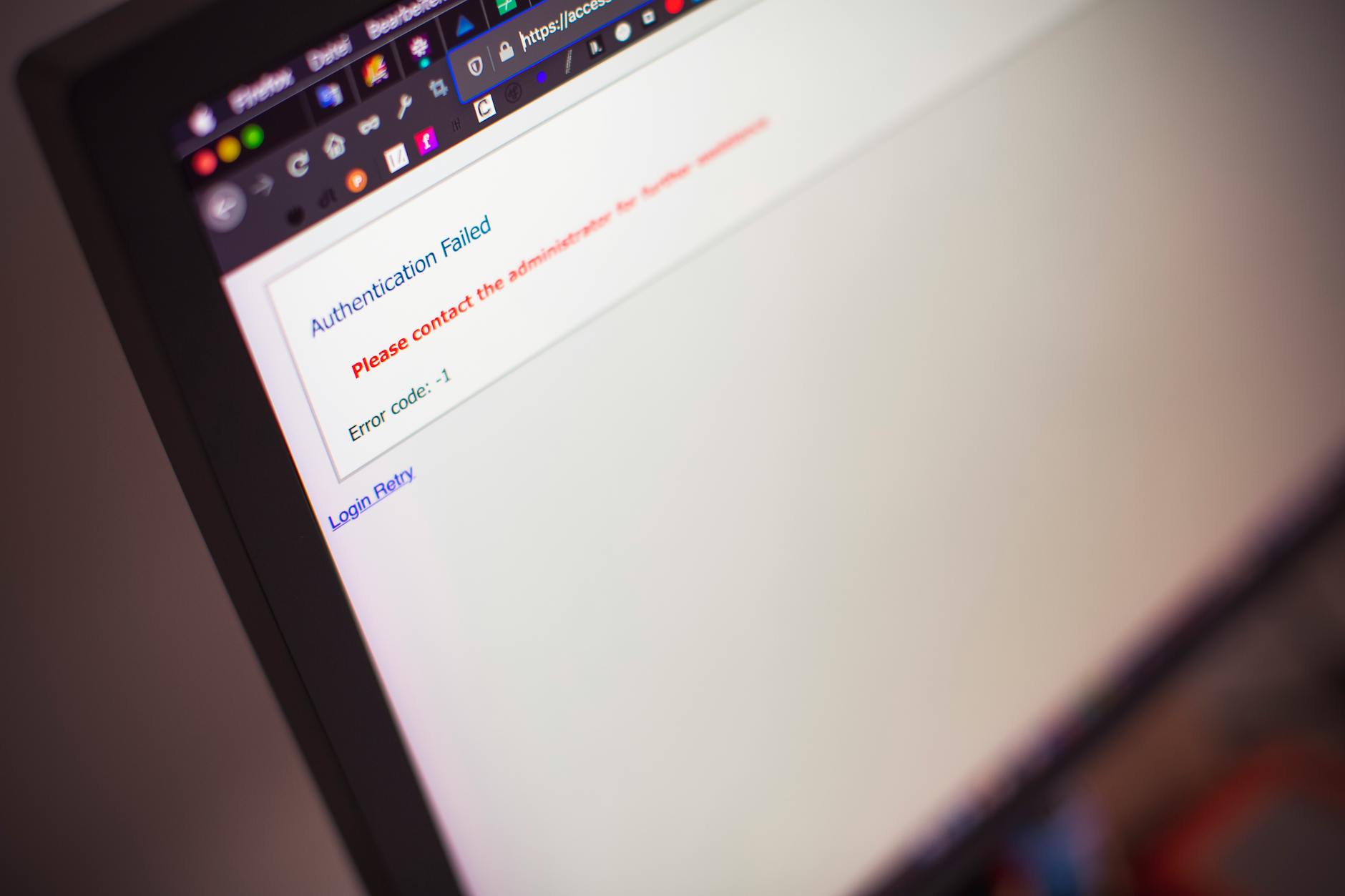
Established companies and credible creators are proud to explain who they are, what they do, and why they exist. A website with no About page or one that offers only vague, generic language about its mission is avoiding transparency intentionally. Fake sites rarely provide verifiable information about founders, team members, or company history. A thorough and specific About page is a meaningful indicator of authenticity and accountability.
Too-Good Prices

If a website is offering luxury goods, electronics, or name-brand products at prices far below market value, that discrepancy is a serious warning sign. Counterfeit and scam operations often lure buyers with deals that appear irresistible because they are too good to be real. Stolen goods, knockoff products, or simply taking payment without delivering anything are common outcomes of such offers. Comparing prices across multiple reputable retailers before purchasing is always a sound practice.
No Return Policy
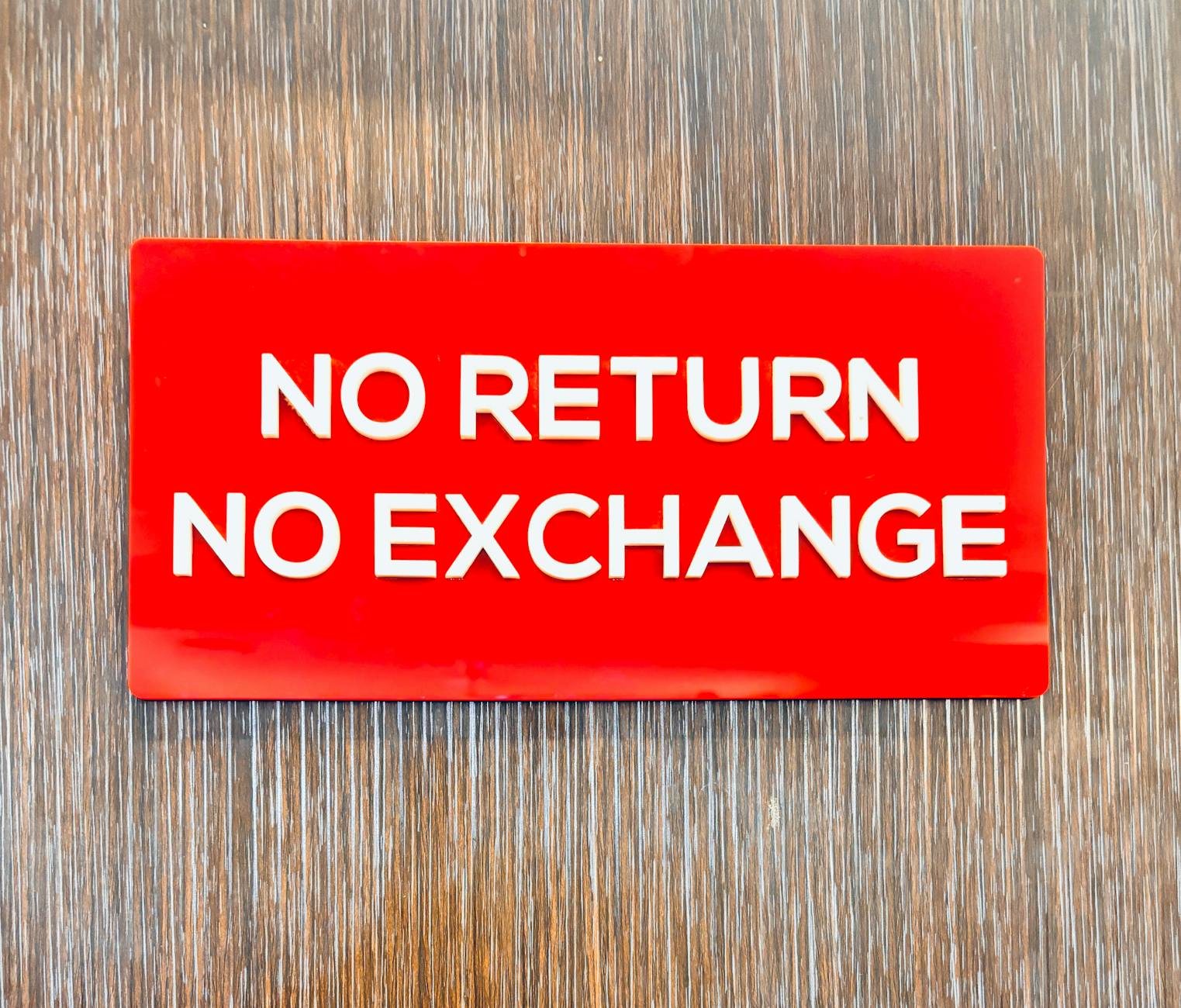
Legitimate retailers publish clear and accessible return and refund policies because consumer protection is a legal and ethical standard. A website that hides its return policy in difficult-to-find locations or provides only vague one-line statements is a warning sign. Fake shops know that most buyers who are defrauded will seek a refund, so they deliberately make that process confusing or impossible. Before buying anything online, locating and reading the full returns policy is a non-negotiable step.
Stock Photos Only

Every business has real people behind it, and authentic websites typically feature original photographs of their team, products, and workspace. A website populated entirely with generic stock imagery has likely not invested in establishing a real visual identity. Reverse image searching any photos on a suspicious website can quickly reveal whether they are stock images used across hundreds of unrelated sites. Original photography is one of the most reliable signs that a business actually exists in the physical world.
Unsecured Payment Page
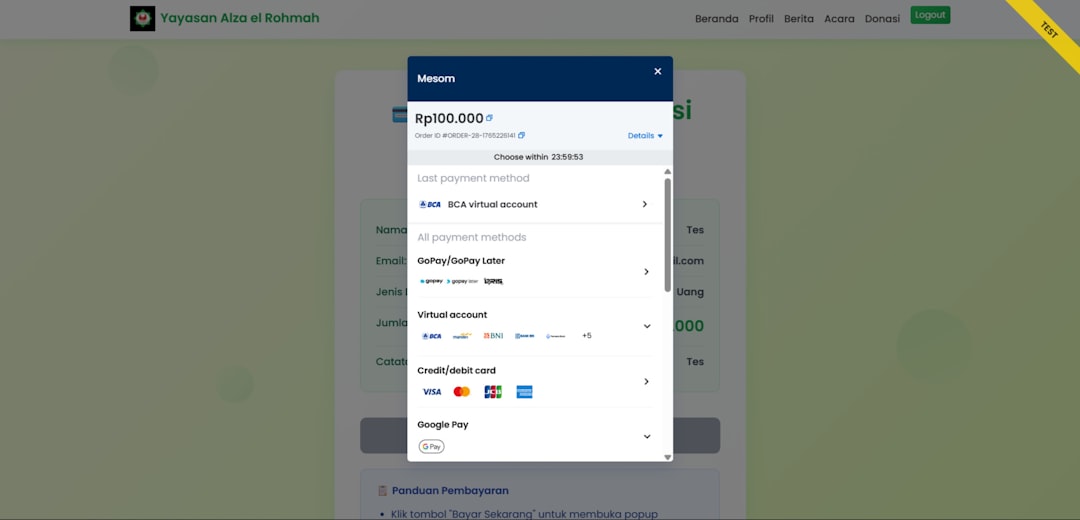
Any page where payment information is entered must use secure, encrypted connections and recognized payment processors. Websites that ask for card details without standard security protocols or that direct users to unusual third-party payment portals should be treated with extreme caution. Reputable sites use well-known payment gateways that offer buyer protection and fraud dispute options. Never entering financial information on a site that lacks these protections is a fundamental rule of safe online shopping.
Recently Registered Domain
Scam websites are frequently built and abandoned within months to avoid legal consequences and chargebacks. Checking a website’s domain registration date through a WHOIS lookup tool can reveal whether the site was created very recently. A domain registered only weeks or days before a major promotional event is a red flag worth taking seriously. Long-established domains with years of history are generally a more reliable sign of an ongoing and legitimate operation.
No Social Media
Most real businesses maintain some presence on social media platforms as part of connecting with their audience. A website that links to no social media accounts or links to empty profiles with no followers or engagement is suspicious. Scam sites rarely invest the time required to build authentic social media histories and communities. Searching for a company name across major platforms and evaluating what you find is a quick and effective verification step.
Forced Urgency

Countdown timers, flashing banners, and warnings that a deal expires in minutes are manipulation tactics designed to rush decision-making. Legitimate retailers do use sales and promotions, but they do not typically engineer extreme artificial urgency to override rational thinking. Fake sites rely on pressure because a customer who pauses to research is more likely to discover the deception. Taking time to verify a site before acting on any time-sensitive offer is always the right choice regardless of how convincing the pressure feels.
Broken Links
A professional website undergoes regular maintenance to ensure all internal and external links function correctly. Clicking through a suspicious site and finding multiple broken links or buttons that lead nowhere points to a hastily assembled and poorly maintained operation. Fake websites are often built using templates with placeholder content that was never properly updated or tested. A pattern of non-functional links throughout a site is a reliable indicator of low investment and low legitimacy.
Vague Product Descriptions

Authentic product listings include specific details about materials, dimensions, specifications, and origin because honest sellers want buyers to know exactly what they are purchasing. Fake websites often copy product names and images but write descriptions so vague and generic that they contain almost no real information. This lack of specificity exists because the seller either does not have the product or is concealing its poor quality. Reading product descriptions critically and looking for concrete factual detail is a useful habit when evaluating unfamiliar online stores.
Pop-Up Overload

A reasonable website may use a single pop-up to collect email addresses or present a welcome offer. Sites that assault visitors with multiple overlapping pop-ups, especially those warning of viruses or demanding personal information, are exhibiting manipulative behavior. Aggressive pop-up design is frequently used by scam sites to confuse users and extract clicks or data before visitors can properly evaluate what they are looking at. Closing and leaving any website that feels overwhelming and pushy from the first moment is a completely appropriate response.
No HTTPS
The presence of HTTPS in a web address indicates that communication between the browser and the site is encrypted at a basic level. Sites still operating on plain HTTP in the current era have not implemented even the most basic security standard. While HTTPS alone does not guarantee legitimacy, its complete absence on a commercial or data-collecting website is a concrete red flag. Browsers today often warn users before accessing non-HTTPS sites, and those warnings should be taken seriously.
Fake Reviews
Many fraudulent websites feature glowing testimonials that include suspiciously similar language, no verifiable reviewer details, and generic profile photos. Real customer reviews tend to vary in tone, mention specific product details, and occasionally include criticism or balanced feedback. Tools and browser extensions exist that can analyze review authenticity across various e-commerce platforms. Cross-referencing reviews on independent third-party platforms is one of the most effective ways to verify that a business has a genuine customer history.
Unusual File Downloads

Any website that prompts unexpected file downloads when you visit a page or click a link is exhibiting dangerous behavior. Legitimate sites do not require users to download software simply to browse their content or access product information. These unsolicited downloads are frequently malware designed to steal credentials, install tracking software, or compromise device security. Leaving any website immediately that triggers an uninvited download and running a security scan afterward are both strongly advisable responses.
Suspicious Privacy Policy

A credible website provides a full privacy policy that clearly explains how user data is collected, stored, and used. Fake sites either omit this document entirely or publish a policy so vague and generic that it contains no meaningful information. Some fraudulent sites copy privacy policies from other companies without modifying the content, which can be detected by searching for unique phrases from the text. A privacy policy that names the correct company, contains specific data practices, and is written in coherent legal language is a basic marker of an honest operation.
No Trust Seals
Recognized security and business trust badges from established verification organizations add a meaningful layer of credibility to a website. Fake sites sometimes display copied or fabricated trust seal images that are not clickable and do not link to any verified certification page. Clicking on any trust badge displayed on a website and confirming that it links to an active verified listing is a simple but effective authentication check. Real trust seals are always verifiable through the issuing organization and represent an active relationship between the certifier and the business.
Have you spotted any of these red flags on a suspicious website? Share your experience in the comments.