Transitioning to a home office environment offers freedom but requires discipline to maintain high levels of output without traditional supervision. Professionals often find that curating their environment and habits yields significant improvements in focus and efficiency. This comprehensive guide outlines practical adjustments and strategic methods designed to optimize your remote working experience. Implementing even a few of these changes can transform a chaotic day into a streamlined workflow.
Dedicated Workspace
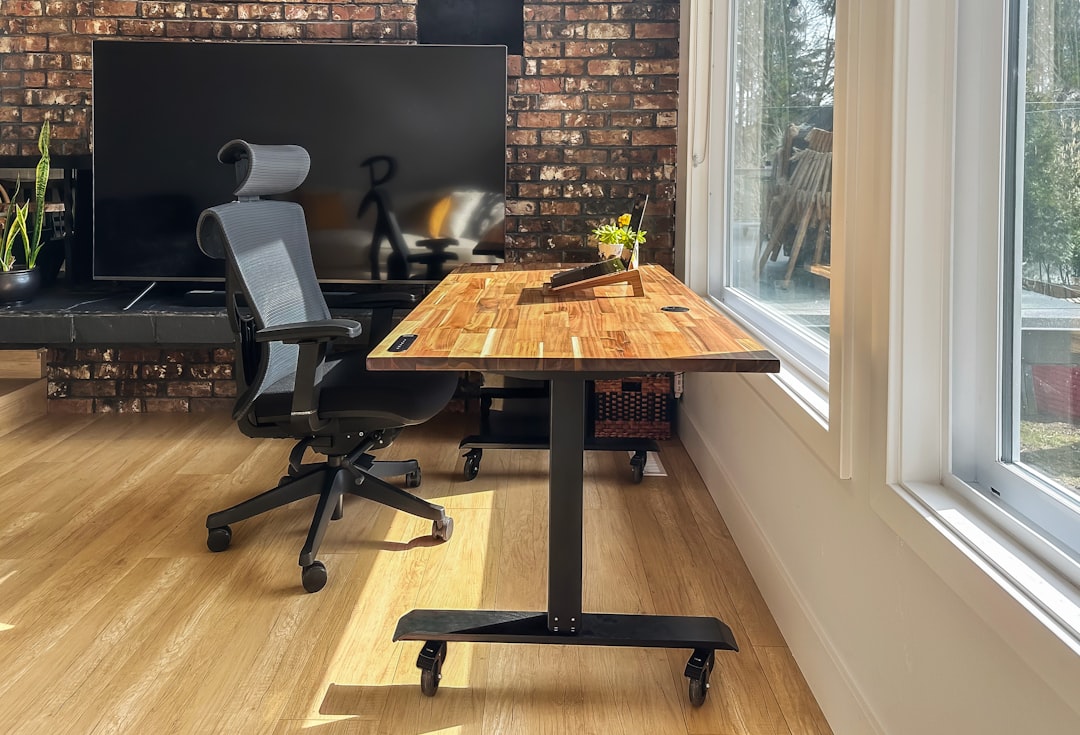
Establishing a specific area in your home solely for professional tasks helps create a mental boundary between rest and work. This physical separation signals to your brain that it is time to focus and helps prevent domestic distractions from interrupting your flow. You should choose a quiet corner or a separate room where you can set up all necessary equipment without needing to move it daily. Consistency in your working location builds a habit of immediate concentration as soon as you sit down.
Ergonomic Chair

Investing in high-quality seating is essential for maintaining physical health during long hours at a desk. A chair with proper lumbar support prevents back pain and fatigue that can otherwise derail your focus by mid-afternoon. Adjusting the height so your feet rest flat on the floor ensures optimal circulation throughout your legs. Comfort is a prerequisite for sustained productivity because physical discomfort inevitably leads to mental distraction.
Natural Lighting
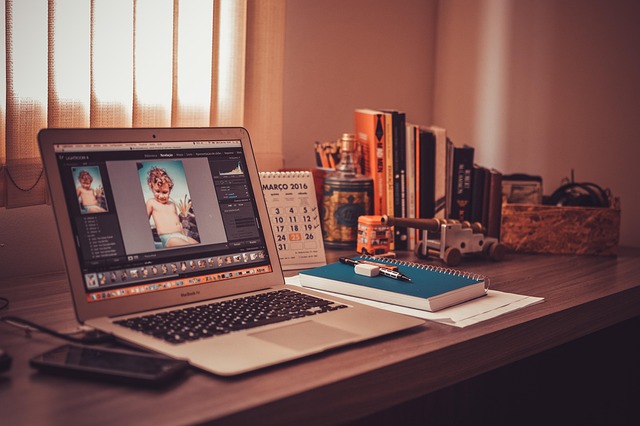
Positioning your desk near a window can significantly boost your mood and energy levels throughout the day. Exposure to daylight regulates your circadian rhythm and helps you stay alert without relying heavily on caffeine. Natural light reduces eye strain compared to harsh artificial fluorescent bulbs found in many offices. A well-lit space creates a vibrant atmosphere that encourages creativity and wakefulness.
Morning Routine

Starting the day with a predictable sequence of actions prepares your mind for the cognitive load ahead. This might include reading or meditation to center your thoughts before opening your email inbox. Completing these personal rituals provides a sense of accomplishment before the official workday begins. A structured morning replaces the chaotic rush of commuting with a period of intentional calm.
Formal Dressing

Changing out of sleepwear into presentable clothing shifts your mindset from relaxation to professionalism. You do not need to wear a full suit but simple casual wear can make you feel more capable and ready for business. This habit also ensures you are always prepared for unexpected video calls with colleagues or clients. Dressing the part acts as a psychological trigger that differentiates the workday from leisure time.
Time Blocking
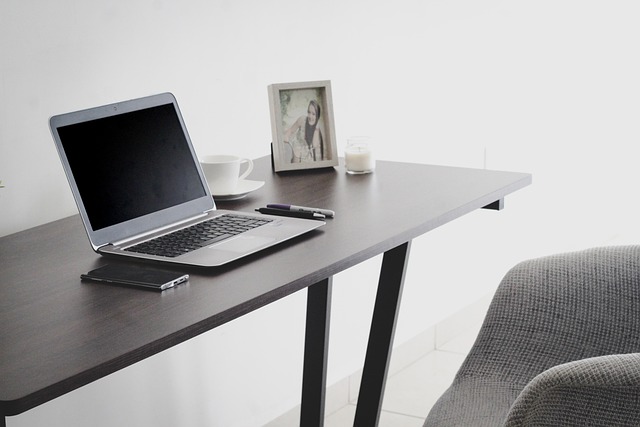
Allocating specific chunks of time for distinct activities prevents multitasking and reduces mental fatigue. You assign a rigid window for deep work followed by lighter administrative tasks to maintain a steady rhythm. This method ensures that high-priority projects receive your best energy while routine chores do not encroach on creative time. Adhering to a schedule provides a clear roadmap for the day and eliminates decision paralysis.
Pomodoro Technique
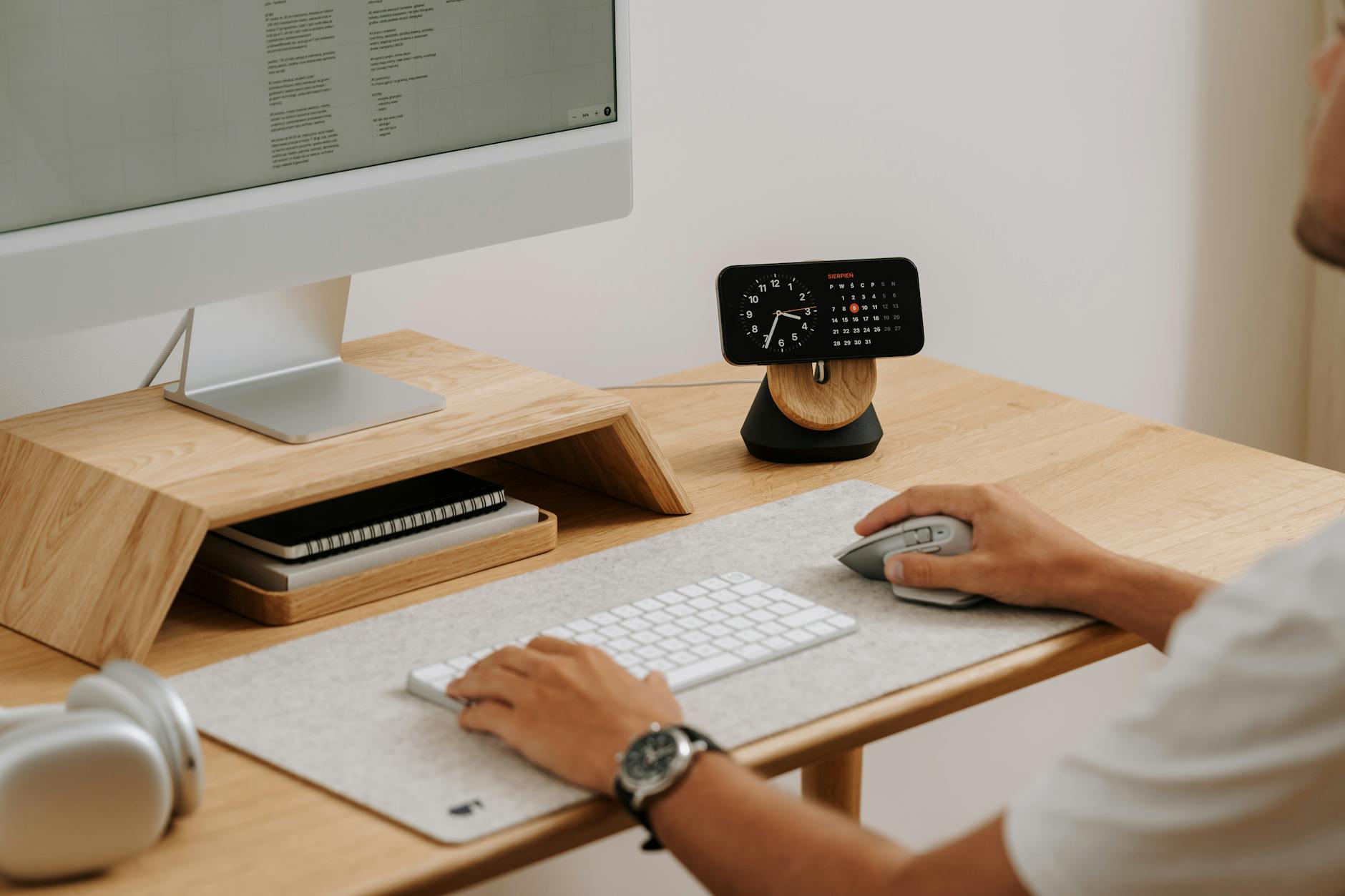
Working in twenty-five minute intervals separated by short breaks keeps the mind fresh and urgent. You set a timer to dedicate complete focus to a single task until the alarm sounds. The brief pause that follows allows your brain to reset and prevents burnout over the course of the day. This cycle creates a sustainable pace that makes large projects feel more manageable.
Noise-Canceling Headphones
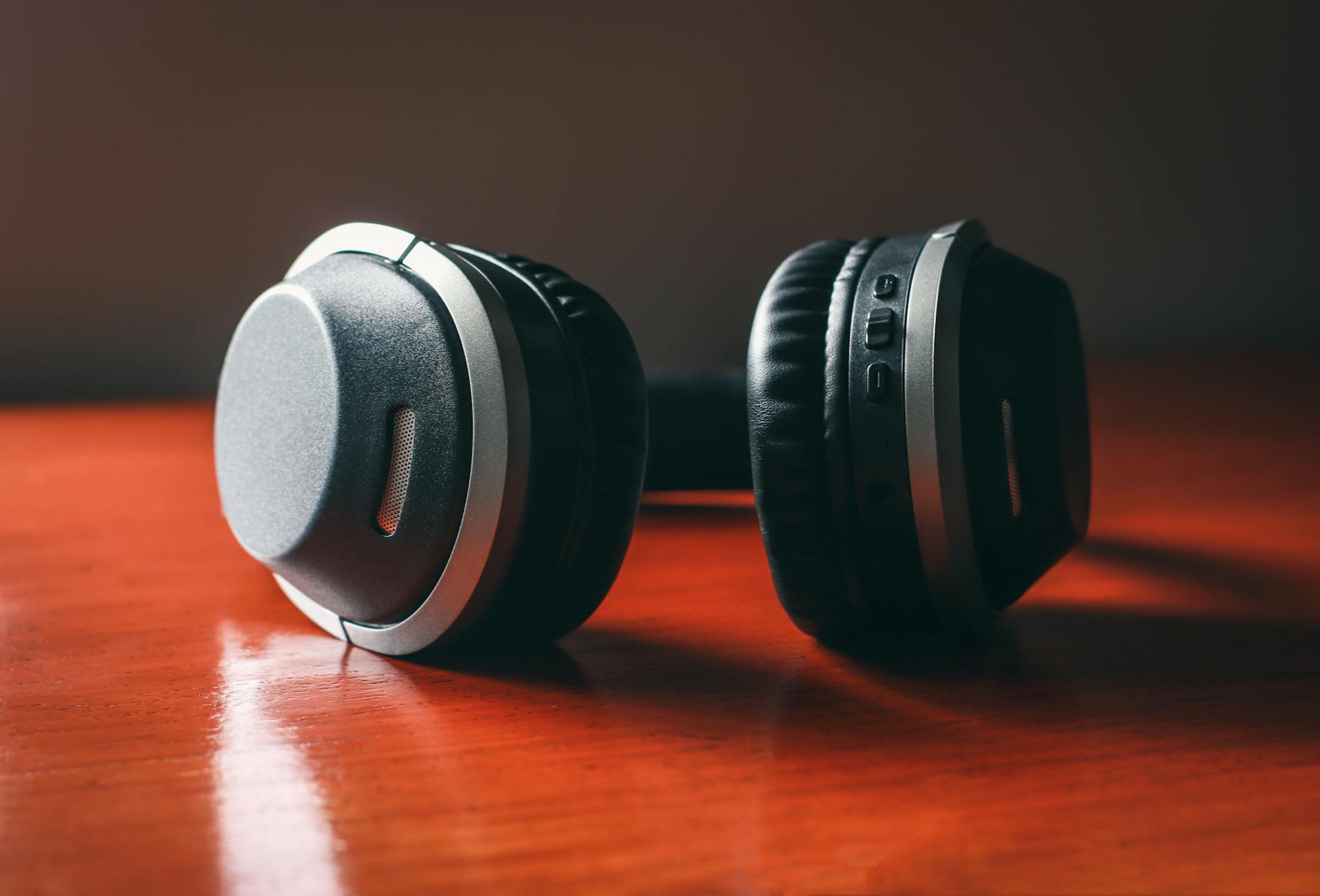
Blocking out background sounds is crucial for maintaining deep concentration in a busy household. These devices use technology to silence ambient noise like traffic or household appliances that often break focus. Wearing them can also serve as a visual signal to family members that you are currently unavailable. Creating an auditory bubble allows you to immerse yourself fully in complex problem solving.
Meal Prepping

Preparing lunches in advance eliminates the daily time drain of cooking during your break. You ensure access to nutritious food that fuels your brain rather than relying on processed snacks that cause energy crashes. Having a meal ready allows you to spend your break actually resting rather than cleaning the kitchen. This foresight preserves your decision-making energy for work-related challenges.
Smart Hydration
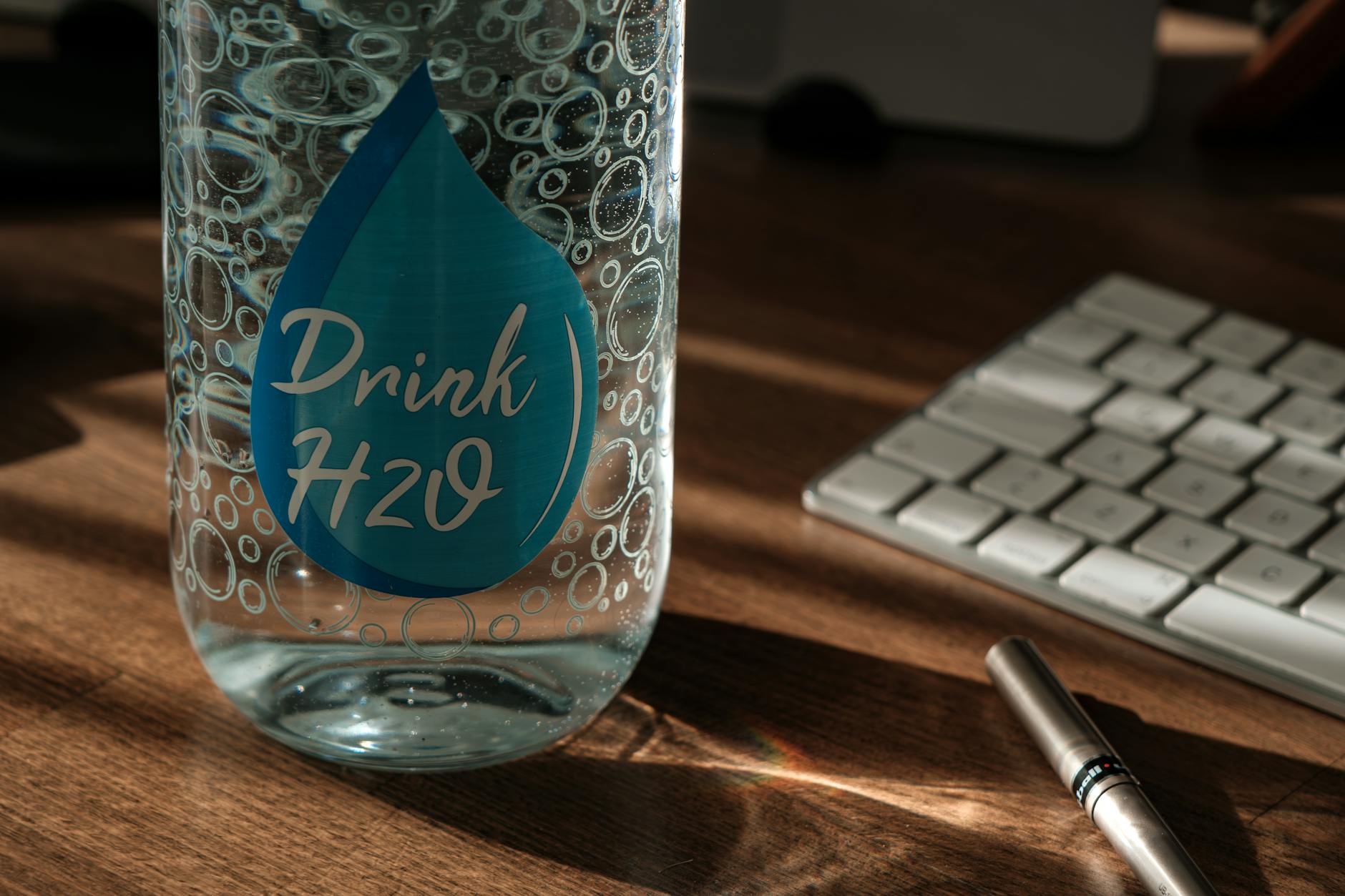
Keeping a large bottle of water at your desk encourages consistent fluid intake throughout the day. Dehydration often manifests as fatigue or headaches which can severely impact your cognitive performance. Sipping water regularly keeps you alert and aids in physical digestion. You should aim to finish and refill your bottle at set intervals to track your consumption.
Standing Desk
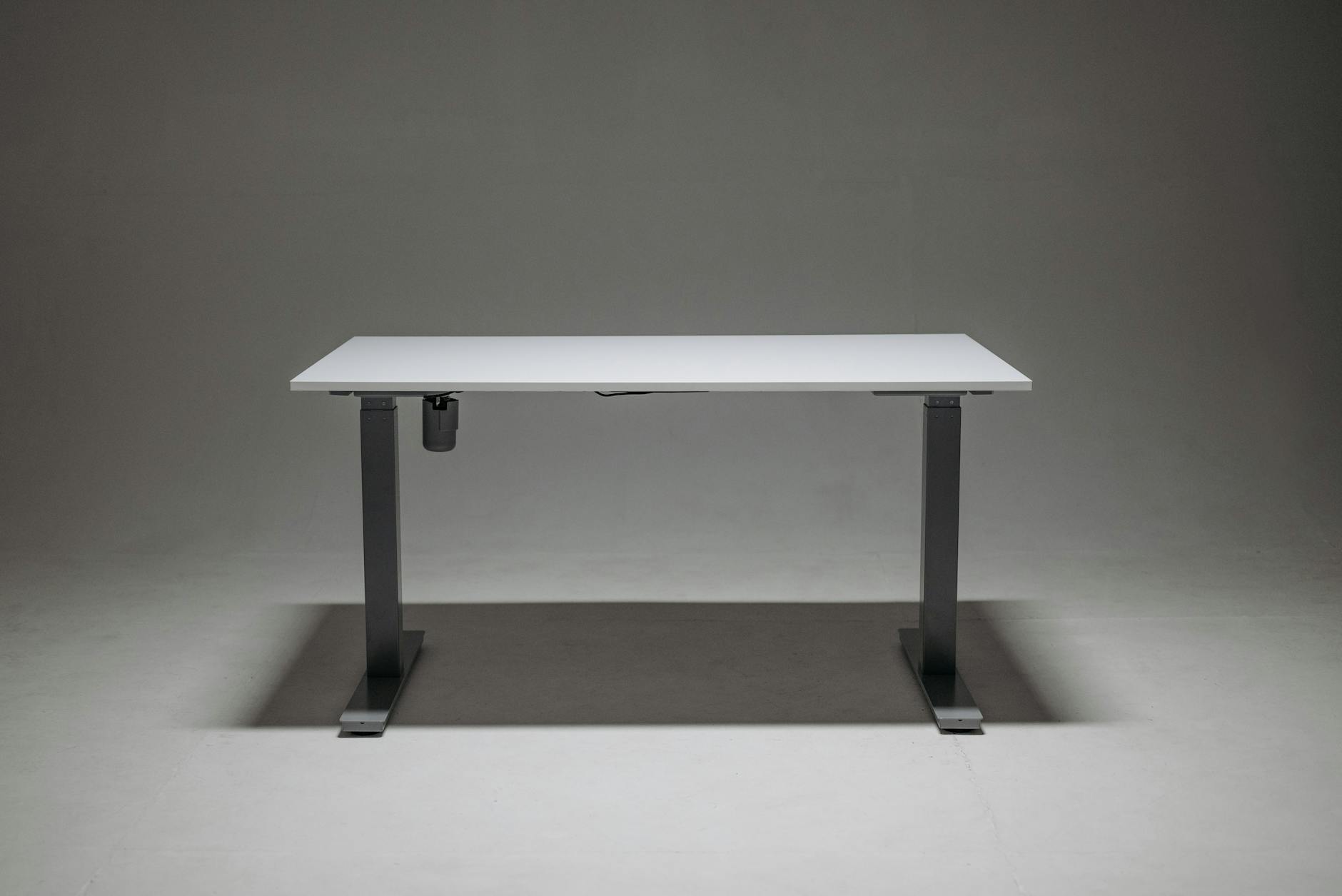
Alternating between sitting and standing keeps your energy levels high and reduces the risks of a sedentary lifestyle. A height-adjustable desk allows you to change your posture whenever you feel lethargic or stiff. Standing while taking phone calls or reading emails can inject a burst of activity into a stagnant afternoon. This physical flexibility promotes better blood flow and keeps you engaged with your work.
Blue Light Glasses

Wearing specialized eyewear filters out the harsh light emitted by digital screens to protect your eyes. Extended exposure to blue light can lead to digital eye strain and disrupt your sleep patterns later in the evening. These glasses reduce glare and make viewing monitors for long periods much more comfortable. Protecting your vision is vital for long-term productivity and avoiding headaches.
Indoor Plants
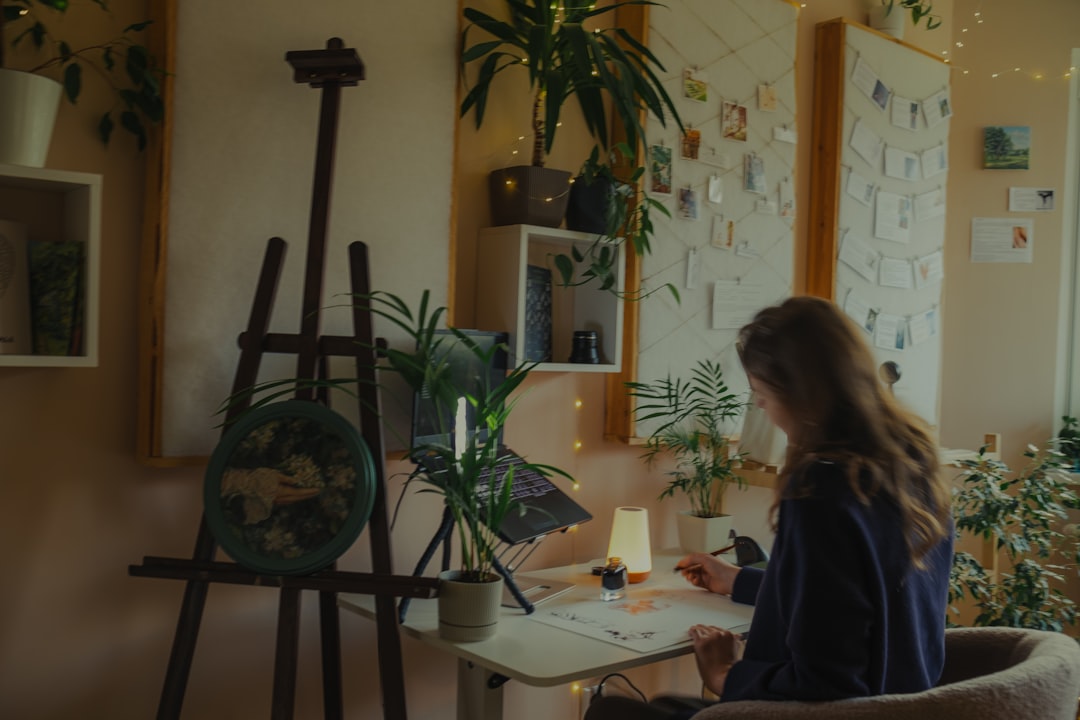
Adding greenery to your workspace improves air quality and adds a calming natural element to your view. Studies suggest that the presence of plants can reduce stress levels and increase productivity in office environments. Caring for a plant provides a brief and restorative break from staring at a screen. Even a small succulent can make a sterile desk feel more inviting and alive.
Task Batching

Grouping similar low-energy tasks together allows you to clear them quickly without constant context switching. You might process all emails and phone calls in one hour rather than letting them interrupt you throughout the day. This approach preserves your mental momentum for more demanding projects that require sustained attention. Efficiency increases when your brain does not have to constantly adjust to different types of work.
Digital Declutter
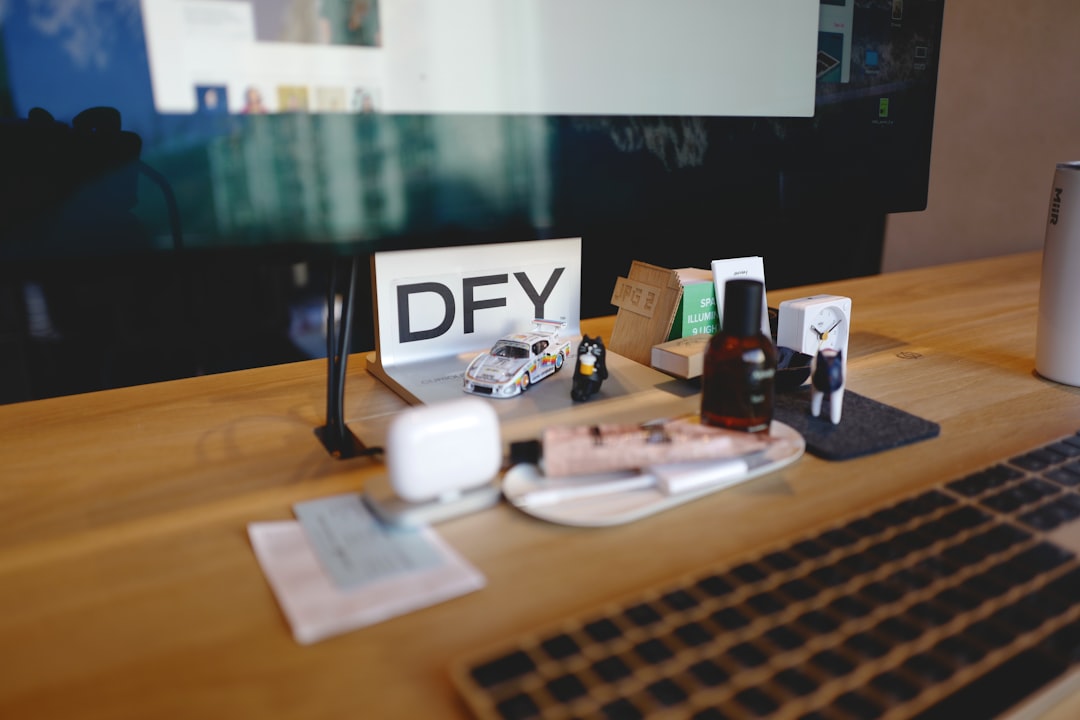
Organizing your computer desktop and file folders reduces the time spent searching for important documents. A chaotic digital environment can cause subconscious stress and slow down your workflow. You should archive old files regularly to keep your current workspace clean and relevant. A streamlined digital filing system ensures you can access necessary information instantly.
Dual Monitors
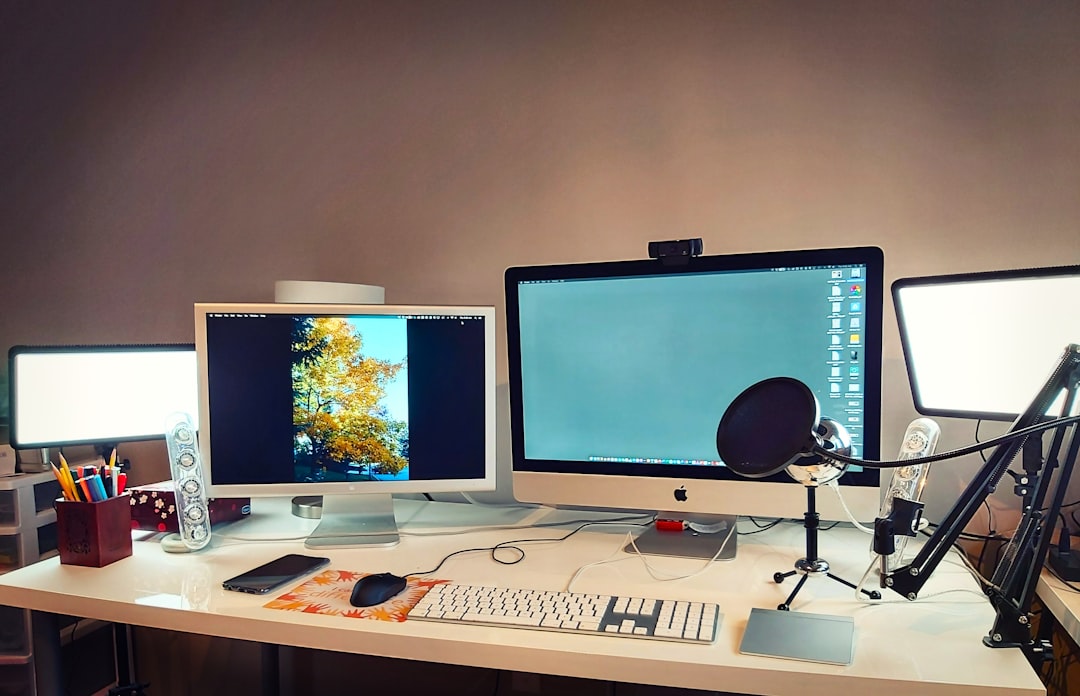
Using two screens expands your digital real estate and significantly improves multitasking capabilities. You can keep reference material open on one screen while drafting documents on the other without constantly minimizing windows. This setup reduces the cognitive load of remembering information as you switch between applications. Visualizing more of your work at once streamlines complex processes and data entry.
The Two-Minute Rule
Completing any task that takes less than two minutes immediately prevents small chores from piling up. This principle applies to answering quick emails or filing a document right after you finish using it. Addressing these minor items instantly keeps your to-do list clear for substantial projects. It fosters a sense of continuous progress and keeps your mental workspace uncluttered.
Ambient Music

Playing instrumental music or nature sounds can drown out distractions and improve cognitive performance. Lyrics often compete with language processing in the brain so instrumental tracks are usually superior for focus. You can curate playlists specifically designed to induce a state of flow and concentration. Consistently listening to the same music while working can trigger a conditioned response of focus.
Distraction Blockers
Installing software that restricts access to social media sites during work hours prevents mindless scrolling. These tools force you to remain on task by removing the temptation of instant gratification. You can customize the settings to allow access only during scheduled breaks. eliminating digital diversions is one of the most effective ways to reclaim lost time.
Exercise Breaks
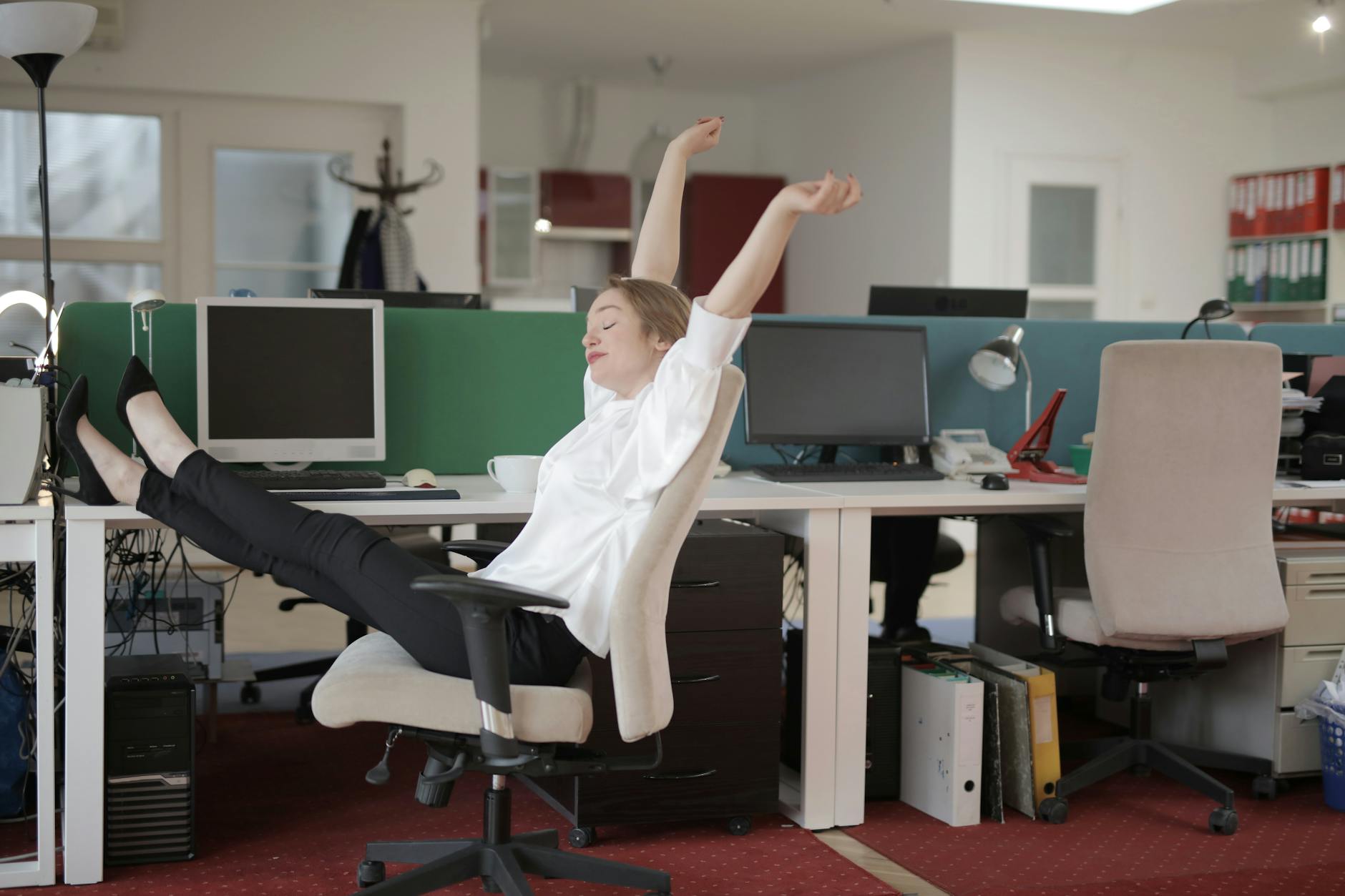
Short bursts of physical activity oxygenate the brain and combat the stiffness of sitting all day. You might do a quick set of stretching or jumping jacks to reset your energy levels between meetings. Regular movement releases endorphins that improve mood and sharpen mental clarity. Integrating movement into your day ensures you finish work feeling physically capable rather than exhausted.
Healthy Snacking
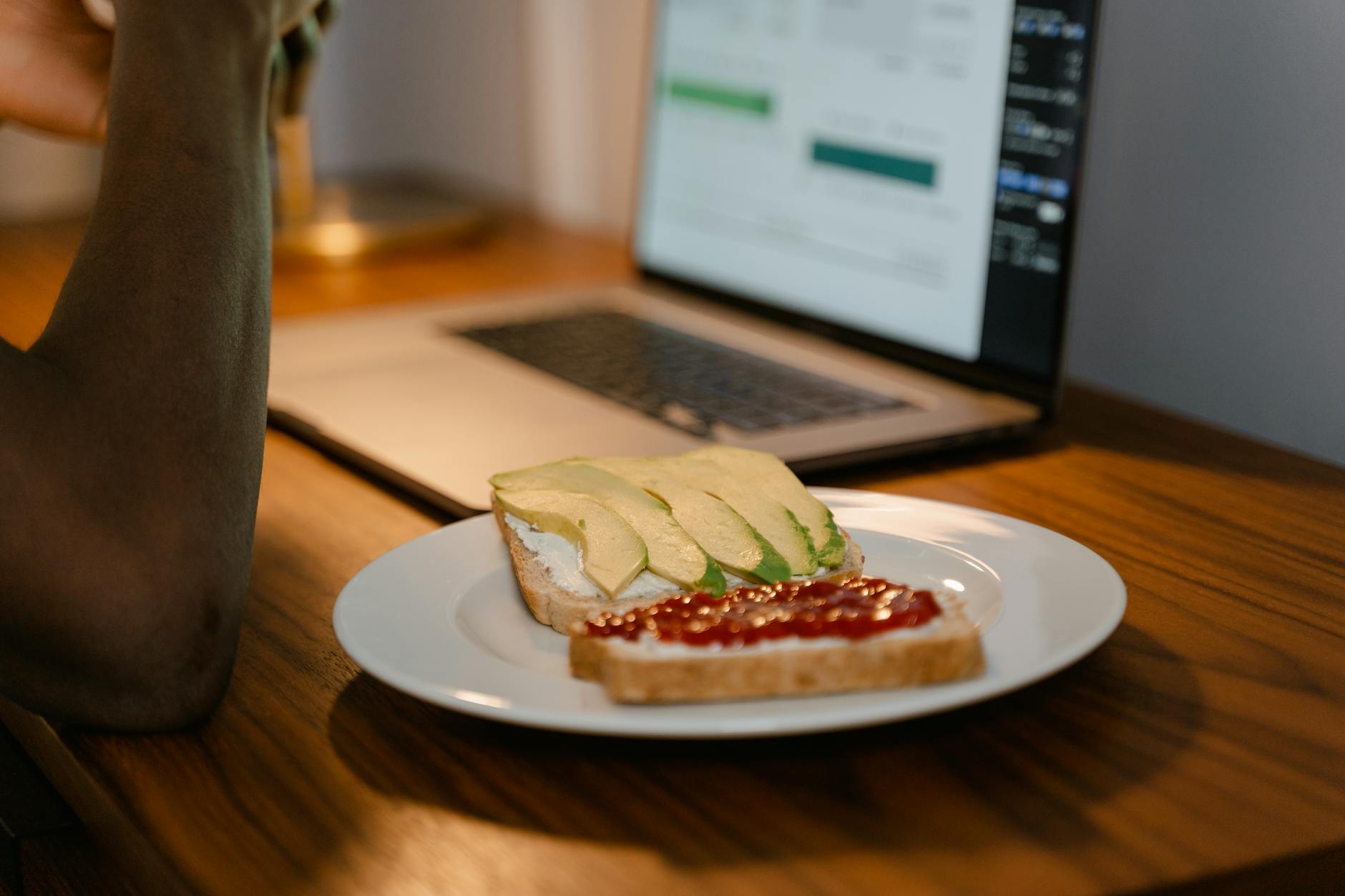
Stocking your pantry with nuts or fruit prevents reliance on sugary treats that lead to energy crashes. Nutrient-dense foods provide a slow and steady release of energy that sustains focus for longer periods. You should portion out snacks in advance to avoid mindless overeating while you work. proper nutrition is a foundational element of sustained high performance.
End-of-Day Ritual

Creating a closing ceremony for your workday helps you mentally disconnect and transition to personal time. This might involve tidying your desk and writing down the top three priorities for tomorrow. clearly marking the end of the professional day prevents work stress from bleeding into your evening. A clean break allows you to recharge fully so you are ready for the next day.
To-Do Lists
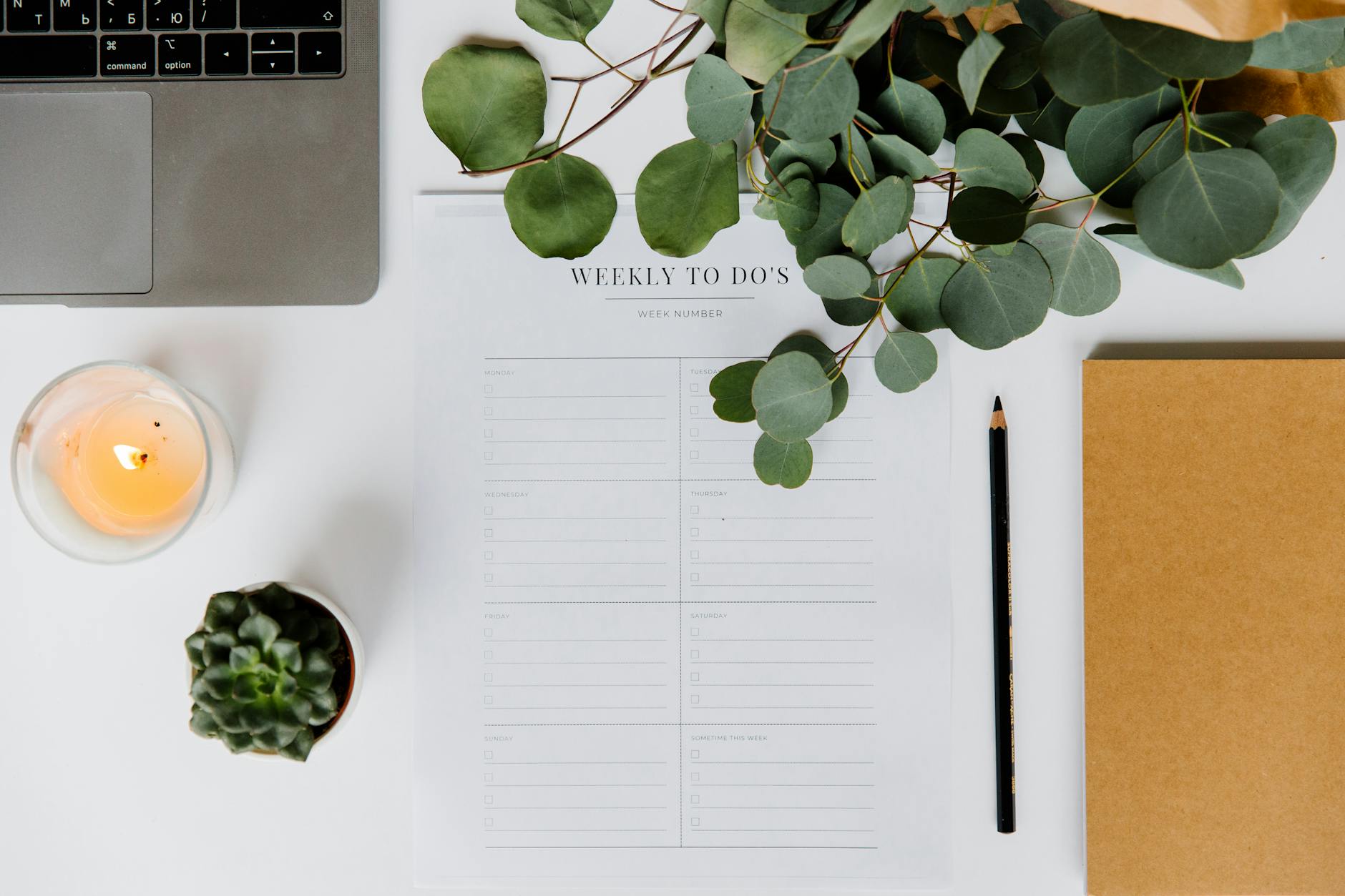
Writing down tasks externally frees up your working memory to focus on execution rather than recall. You should prioritize the list by identifying the most critical items to tackle first thing in the morning. Crossing off completed items provides a dopamine hit that motivates further action. A visible list keeps you accountable and aligned with your daily goals.
Video Call Backgrounds

Curating a professional background for video calls ensures you always look polished regardless of the room’s actual state. You can use a simple blurred effect or a virtual office setting to maintain privacy and eliminate visual clutter. This preparation removes the stress of cleaning up a messy room before an unexpected meeting. A consistent visual presentation builds trust and authority with your colleagues.
Cloud Storage
Saving all work to a cloud service ensures your data is backed up and accessible from any device. This safety net protects you from losing hours of work due to hardware failure or power outages. It also facilitates seamless collaboration with team members who need to access shared files. reliable digital storage provides peace of mind and flexibility in where you work.
Keyboard Shortcuts
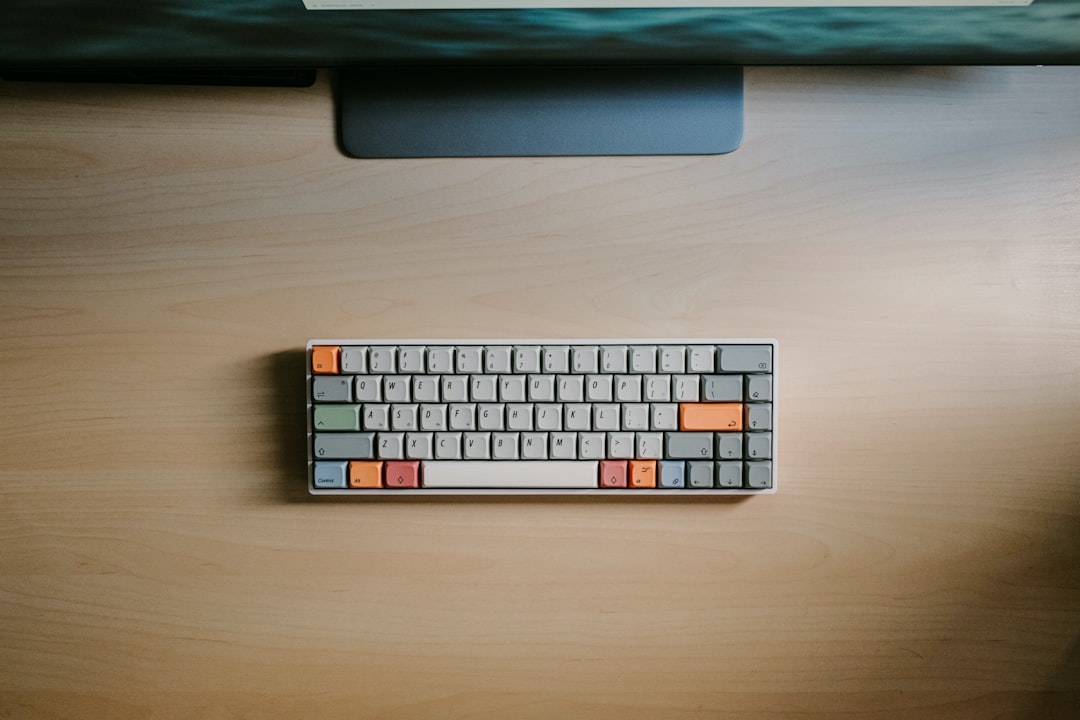
Learning the hotkeys for your most-used software saves seconds that add up to hours over the course of a year. You can navigate between tabs or format text without ever lifting your hand to the mouse. Mastering these commands makes you feel more proficient and fluid in your digital interactions. Efficiency at the micro-level translates to faster completion of macro tasks.
Password Managers
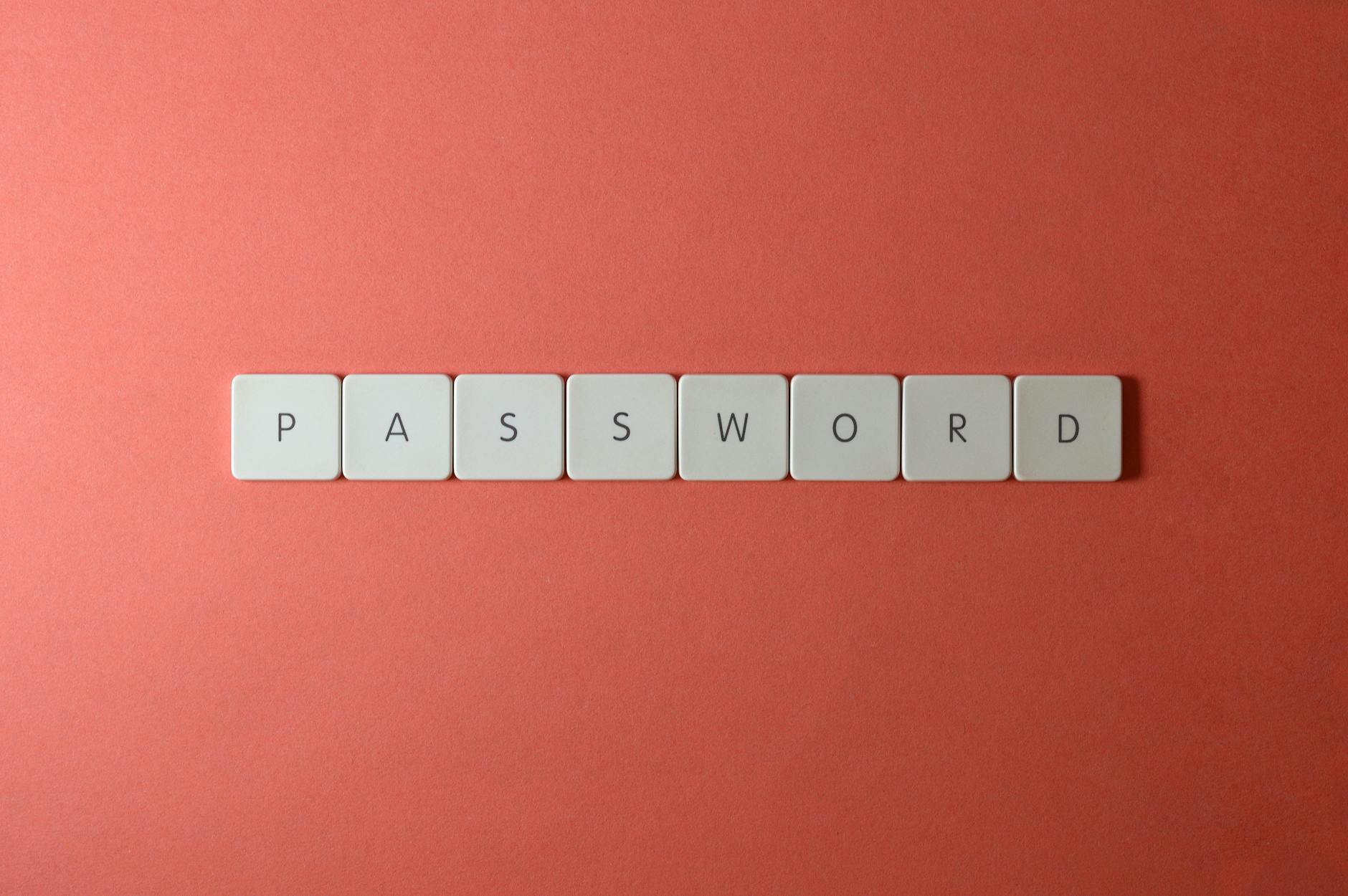
Using a secure tool to store login credentials eliminates the frustration of forgotten passwords and locked accounts. You only need to remember one master password to access all your necessary platforms and tools. This efficiency prevents the interruption of resetting passwords when you are trying to access a site quickly. secure access management streamlines your daily login processes significantly.
Vertical Mouse
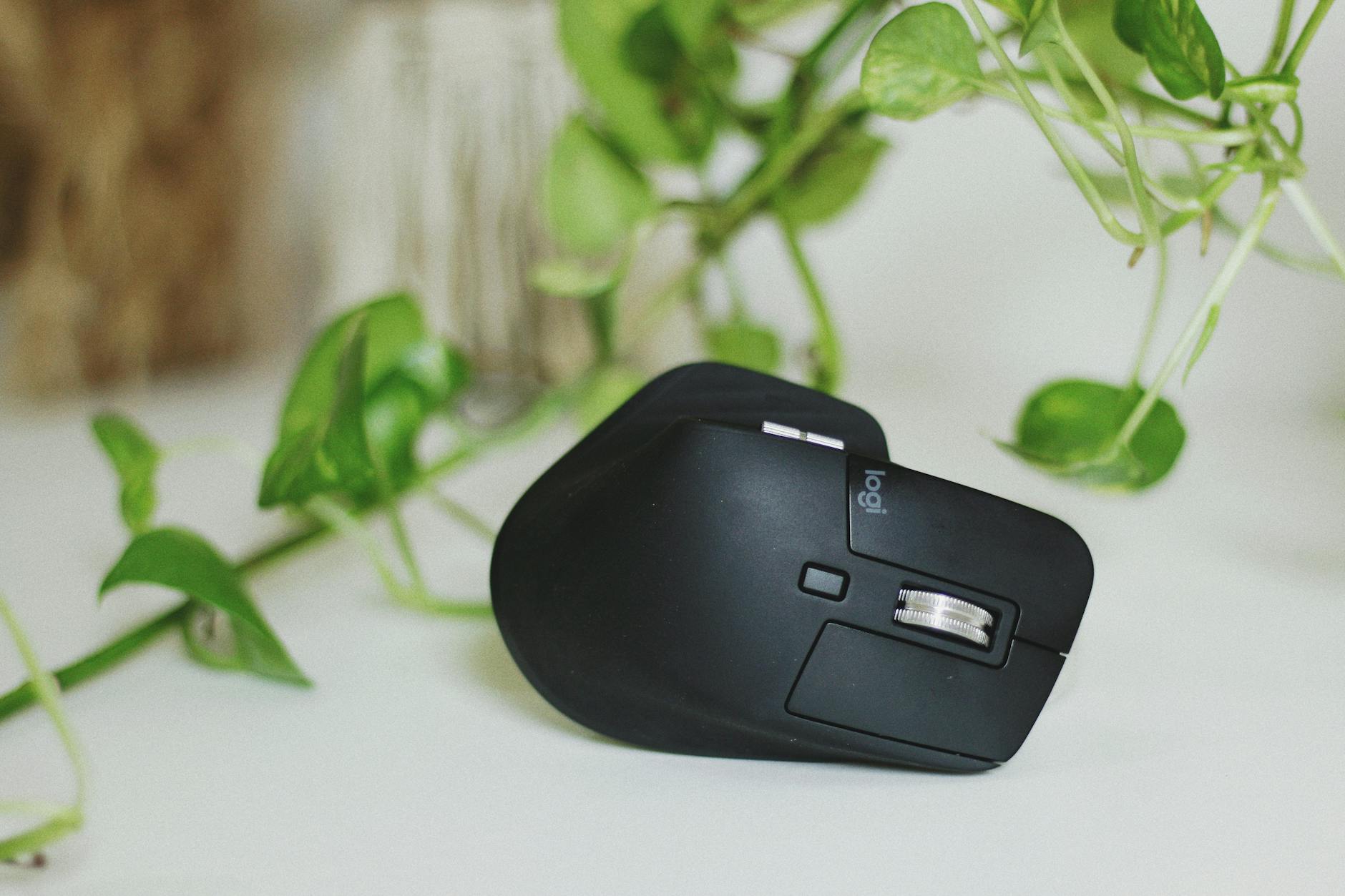
Ergonomic peripherals like a vertical mouse reduce the strain on your wrist and forearm prevents repetitive strain injuries. The handshake position is more natural for the arm and reduces tension in the shoulder and neck. investing in comfort allows you to work for longer periods without pain or discomfort. preventing injury is key to maintaining long-term productivity.
Weekly Reviews
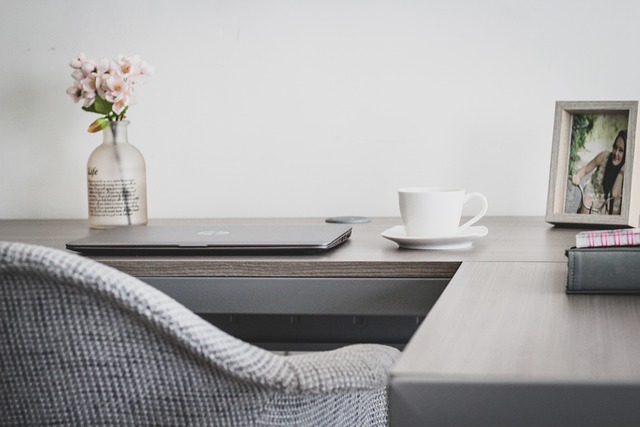
Dedicating time on Friday afternoon to review the week allows you to assess progress and plan for the next one. You can identify what went well and adjust your strategies for any tasks that were not completed. This reflection period prevents tasks from slipping through the cracks and helps you see the bigger picture. Strategic planning ensures you start Monday morning with clarity and purpose.
Airplane Mode

Turning off phone notifications during deep work sessions eliminates the most common source of interruption. You can check your phone during designated breaks rather than reacting to every buzz or beep. This boundary ensures that your attention remains unbroken on the task at hand. controlling your inputs allows you to control your outputs.
Scented Candles

Using aromatherapy can help trigger a specific mood or mental state associated with productivity. Scents like peppermint or lemon are known to invigorate the senses and improve focus. Lighting a candle can become a ritual that signifies the start of a deep work session. pleasantly scenting your air makes the workspace more enjoyable to inhabit.
Cable Management
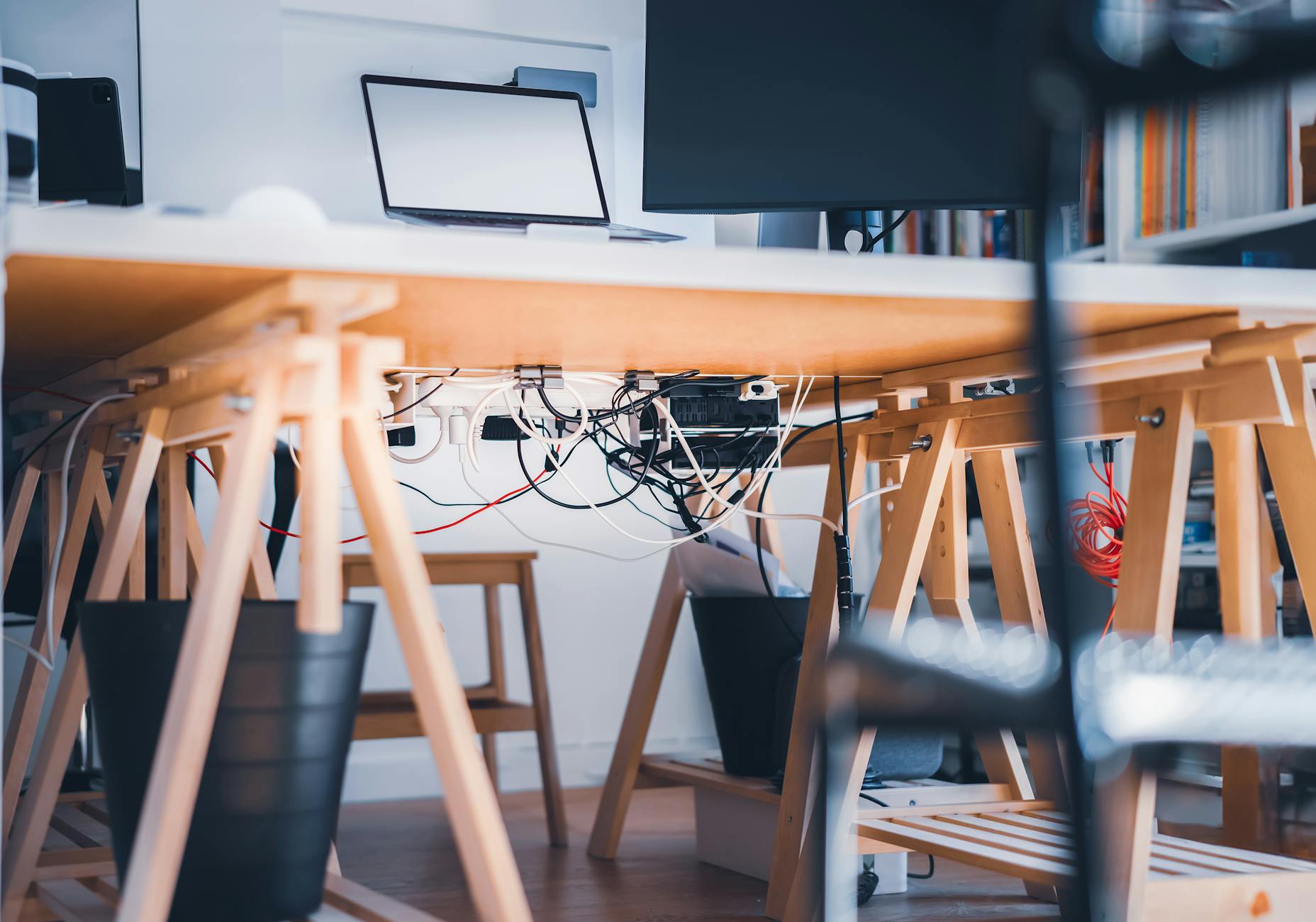
Organizing wires and cords reduces visual clutter and makes it easier to clean your workspace. You can use clips or sleeves to bundle cables together and keep them out of sight. A tidy desk surface free of tangled wires promotes a sense of order and calm. removing visual chaos helps the mind stay organized and focused.
Analog Planners

Using a physical notebook for planning offers a tactile break from screens and helps with memory retention. Writing by hand engages different parts of the brain and can clarify your thinking process. You can use the planner to map out your week visually without digital distractions. The physical act of writing reinforces your commitment to the tasks.
Meeting Buffers
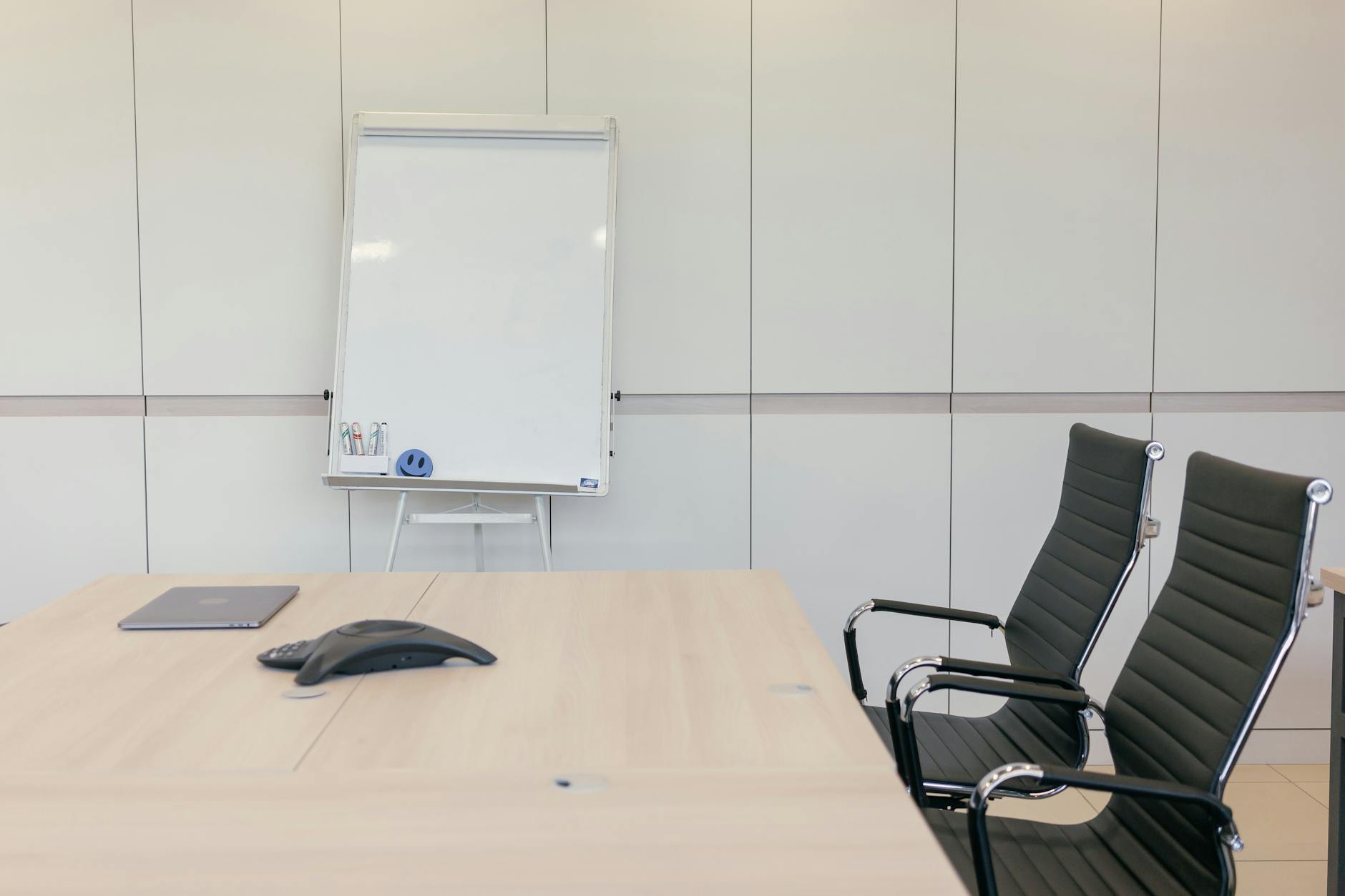
Scheduling five minutes of free time between meetings allows you to reset and prepare for the next discussion. You can use this time to grab water or quickly jot down notes from the previous call. This practice prevents the stress of back-to-back calls where you have no time to think. protecting your transition time ensures you are present for every interaction.
Social Checks
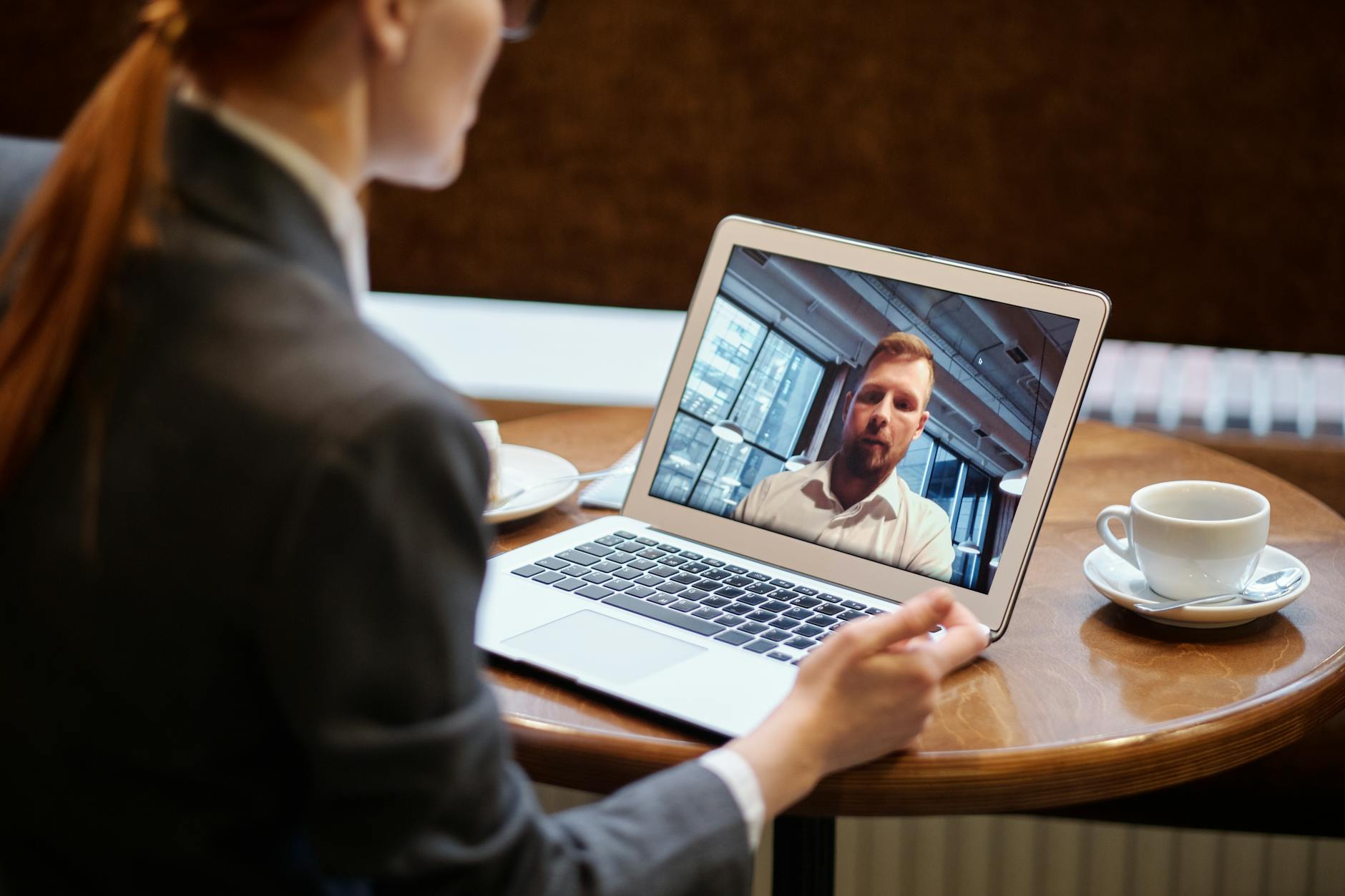
Scheduling brief interactions with colleagues prevents the isolation that can come with remote work. You might have a virtual coffee chat to discuss non-work topics and build rapport. Maintaining these connections is vital for mental health and feeling part of a team. social energy can boost your morale and motivation.
Document Templates
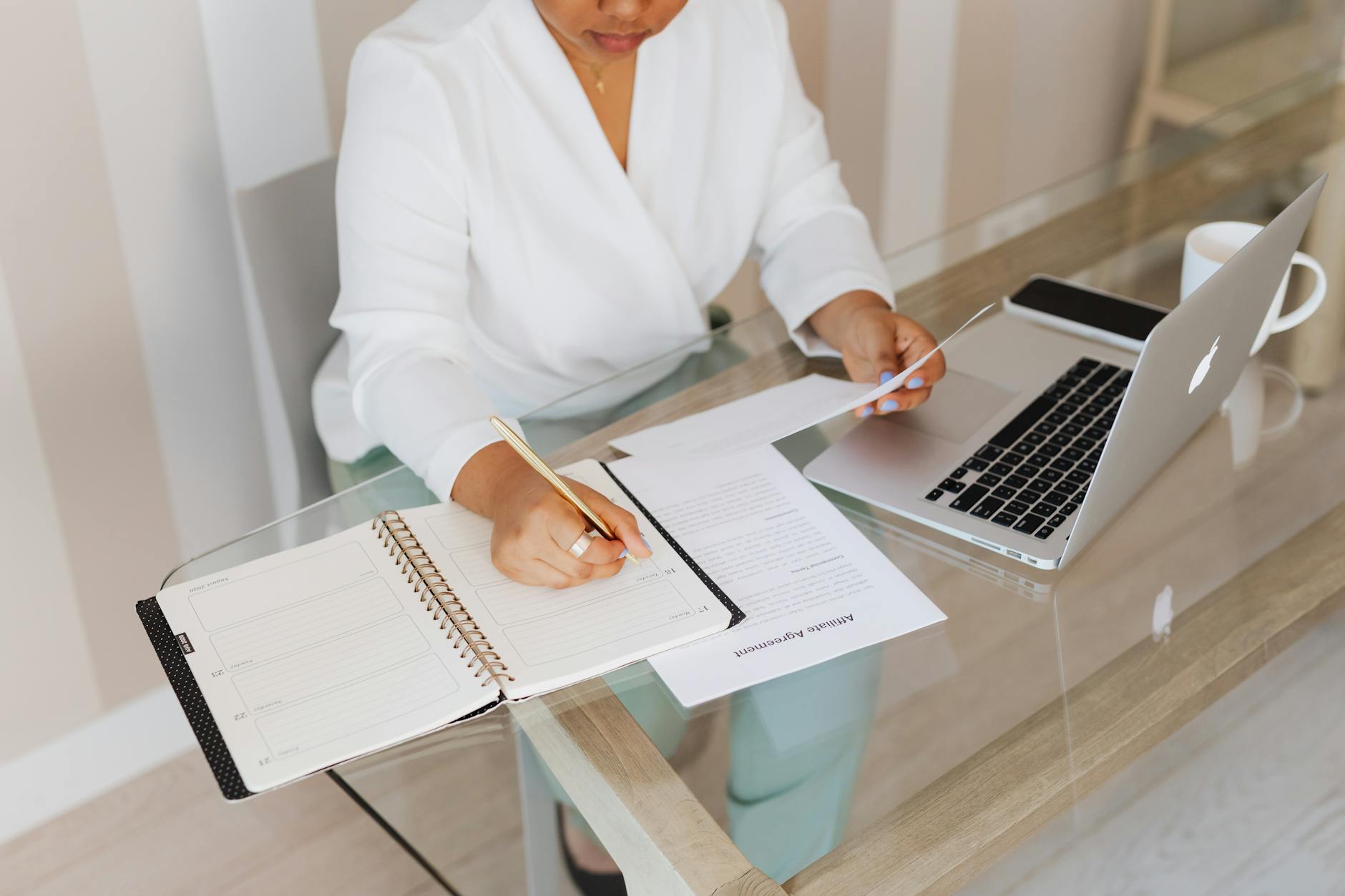
Creating standard formats for recurring documents saves time on formatting and layout. You can simply fill in the new information without starting from scratch every time. This consistency ensures all your work looks professional and uniform. automation of repetitive tasks frees up time for creative thinking.
Vision Boards
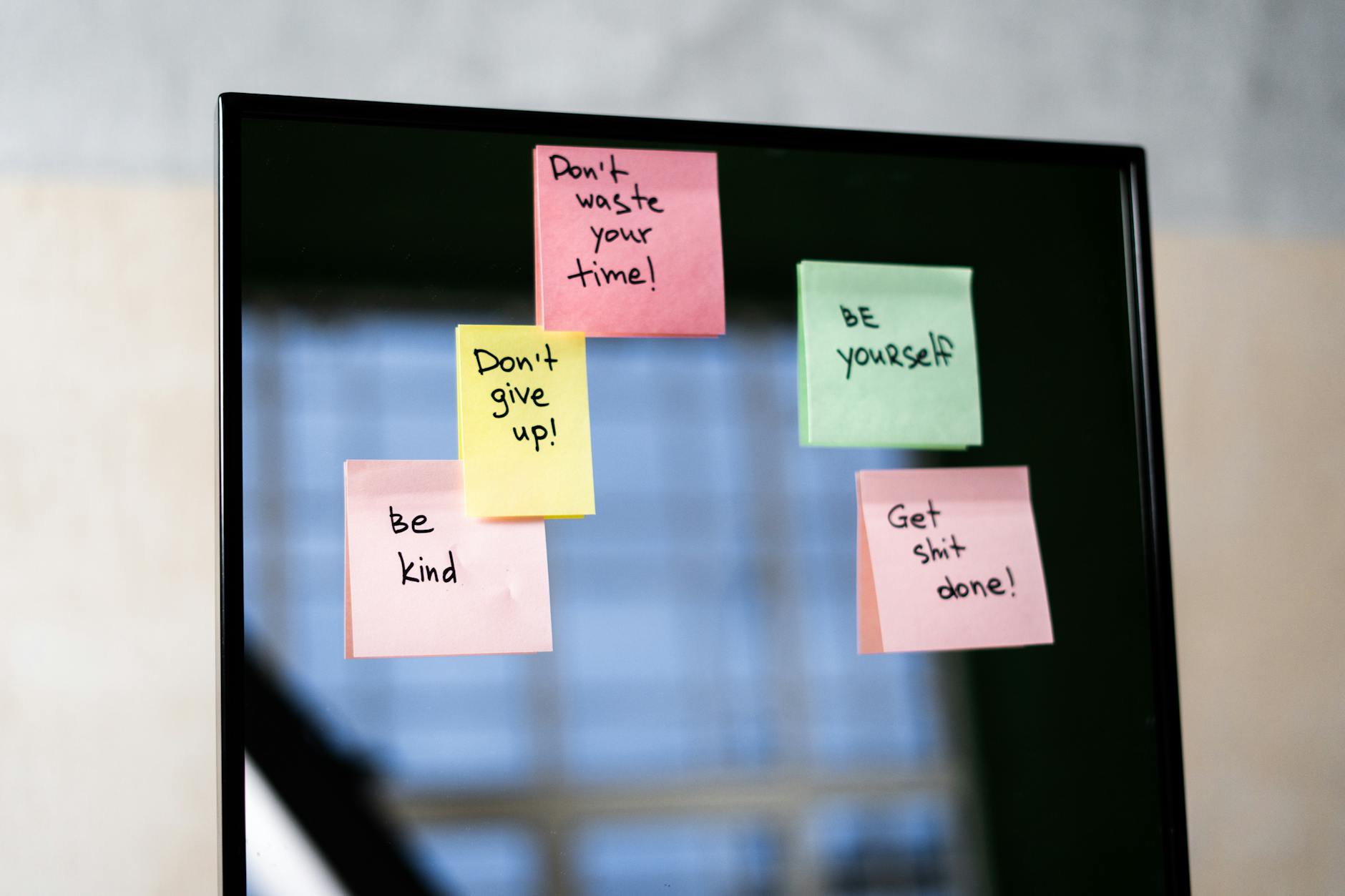
Keeping a visual representation of your long-term goals near your desk serves as a constant motivation. You can pin up images or quotes that remind you why you are working hard. When motivation dips you can look at the board to reconnect with your purpose. aligning daily actions with big goals keeps you driven.
Sleep Hygiene

Prioritizing a strict sleep schedule ensures you have the cognitive energy required for a productive day. You should avoid screens before bed and keep your room cool and dark. Quality rest is the single most important factor in your ability to focus and solve problems. protecting your sleep is protecting your work performance.
Please write in the comments which of these productivity hacks you plan to implement in your home office this week.




