Smartphones hold the most intimate details of our daily lives and personal finances making them prime targets for cybercriminals. Recognizing the early warning signs of a security breach allows users to act quickly before sensitive data gets compromised or stolen. Modern surveillance software often runs quietly in the background while attempting to remain undetected by the average user. Paying close attention to subtle changes in your device’s behavior can reveal if unauthorized eyes are watching your digital footprint.
Rapid Battery Drainage
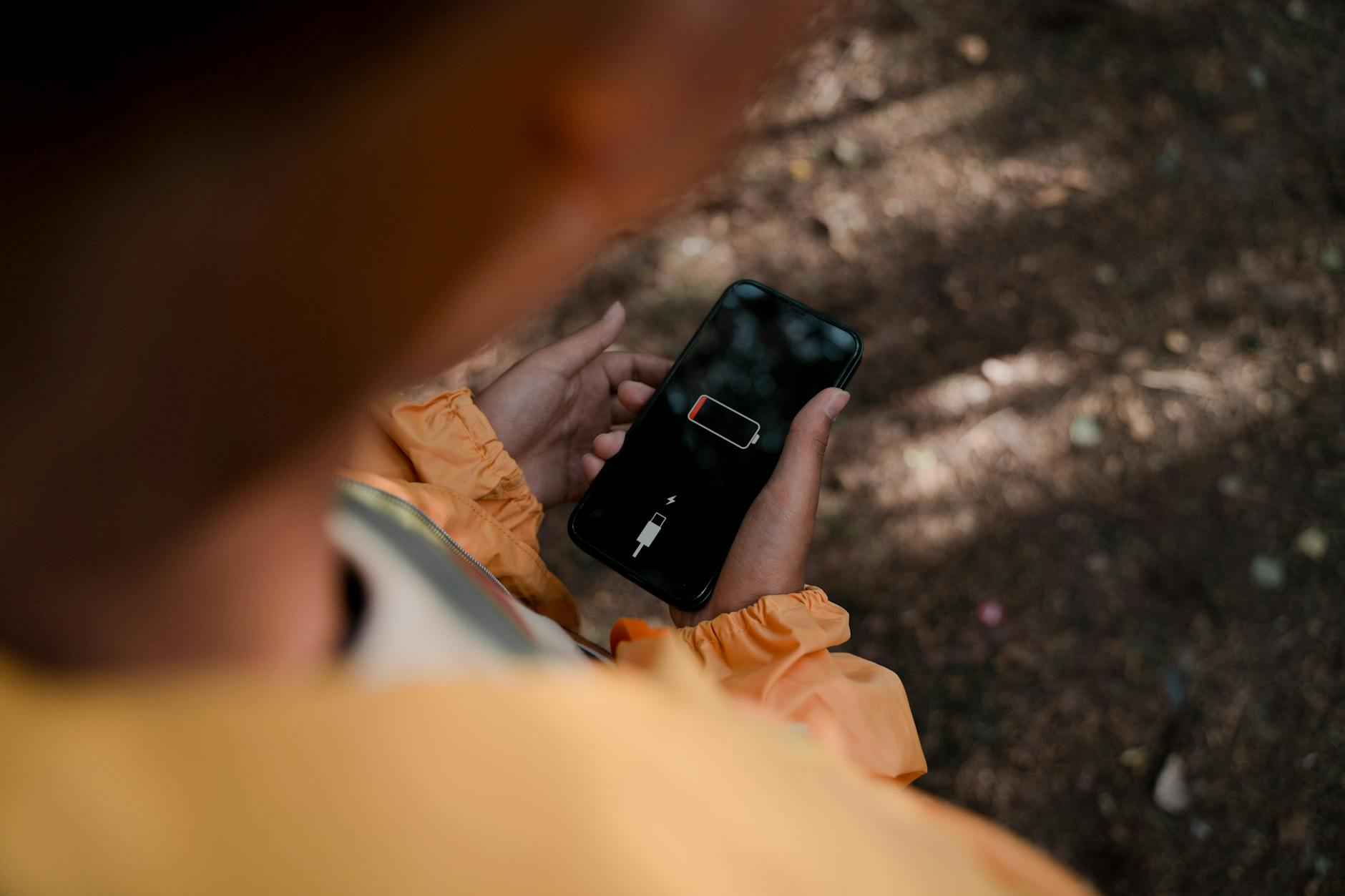
A sudden decrease in battery life often indicates malicious software running secretly in the background of your operating system. Spyware and tracking apps consume significant power while recording your activities or transmitting data to a remote server. You may notice your phone dying much faster than usual even when your usage habits have not changed recently. This constant background activity prevents the device from entering sleep mode effectively and drains resources continuously. Replacing a battery might not solve the issue if the underlying cause is actually a power-hungry virus.
Unexplained Data Usage Spikes

Malware requires an internet connection to send stolen information back to the hacker who controls it. You might observe a sharp increase in data consumption that does not align with your actual browsing or streaming habits. Checking your data usage settings can reveal specific unknown applications that are using gigabytes of bandwidth without permission. These spikes often happen because the device is constantly uploading screenshots or audio files to an external source. Monitoring your monthly bill for unexpected overages is a smart way to catch these intrusions early.
Sluggish Performance and Lagging

Phones compromised by malware often experience a noticeable drop in speed and overall processing power. The malicious code uses up system resources like RAM and CPU cycles leaving little processing power for your legitimate apps. You might find that applications take longer to load or crash frequently without any apparent reason. Typing may become delayed or the screen might freeze while you are trying to perform simple tasks. This general unresponsiveness is a hallmark sign that the processor is overwhelmed by hidden unauthorized tasks.
Persistent and Strange Pop-Ups
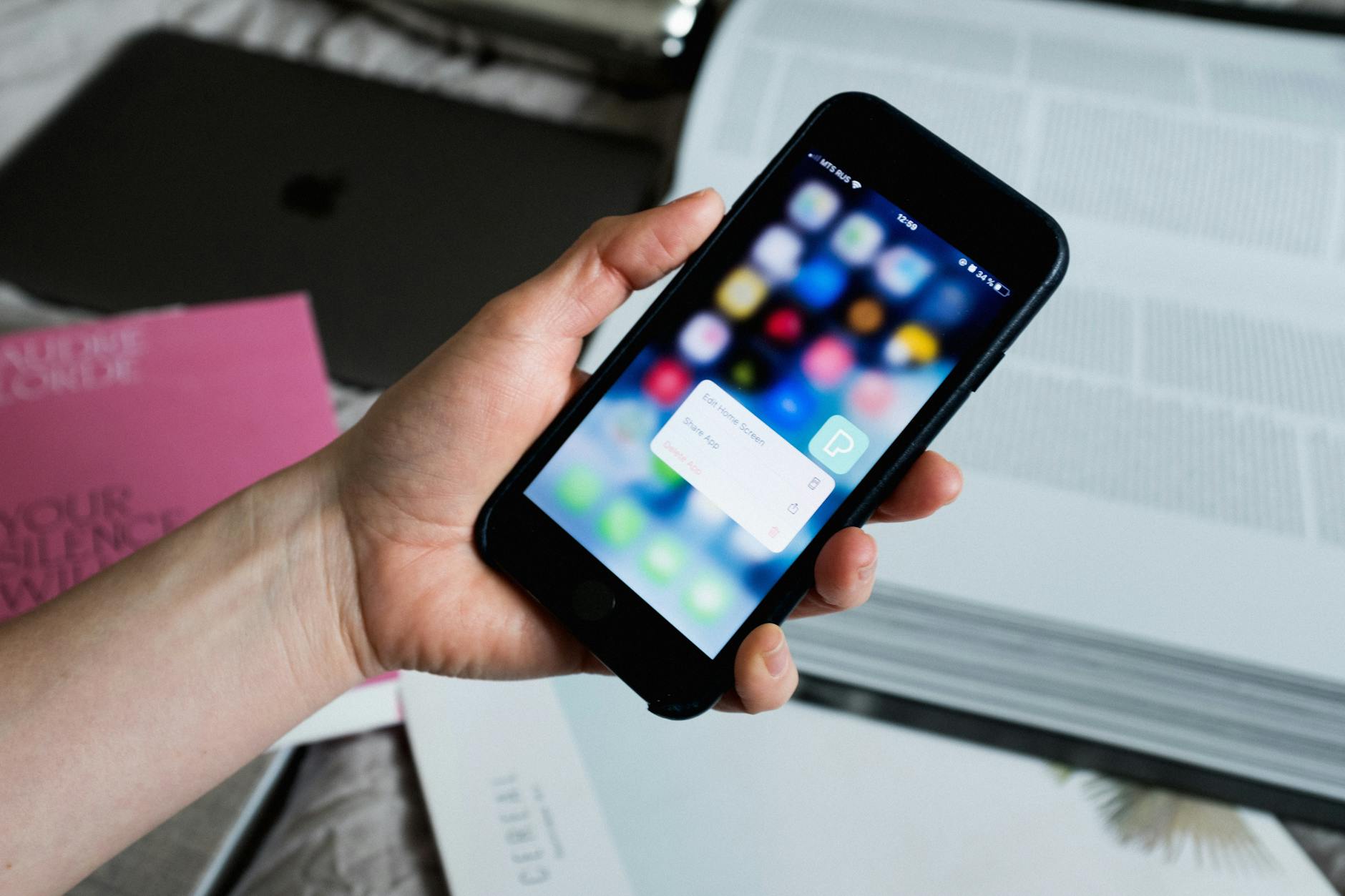
Adware is a common form of malware that bombards your screen with incessant and irrelevant advertisements. These pop-ups may appear even when you are not using a web browser or when the screen is locked. Clicking on these intrusive ads can download further malicious software or lead you to phishing websites designed to steal credentials. While some free apps have ads a sudden influx of aggressive pop-ups usually signals a security infection. A clean device should never display flashing ads on the home screen or system menus.
Device Overheating
A phone that feels hot to the touch while sitting idle is a major red flag for covert background activity. The processor generates heat when it works hard and malware forces it to operate at maximum capacity continuously. You might notice the device becoming uncomfortably warm even when it is not plugged into a charger or running heavy games. This physical warmth confirms that the internal components are under high stress from software you did not open. Persistent overheating can eventually damage the hardware if the malicious processes are not removed.
Unfamiliar Applications
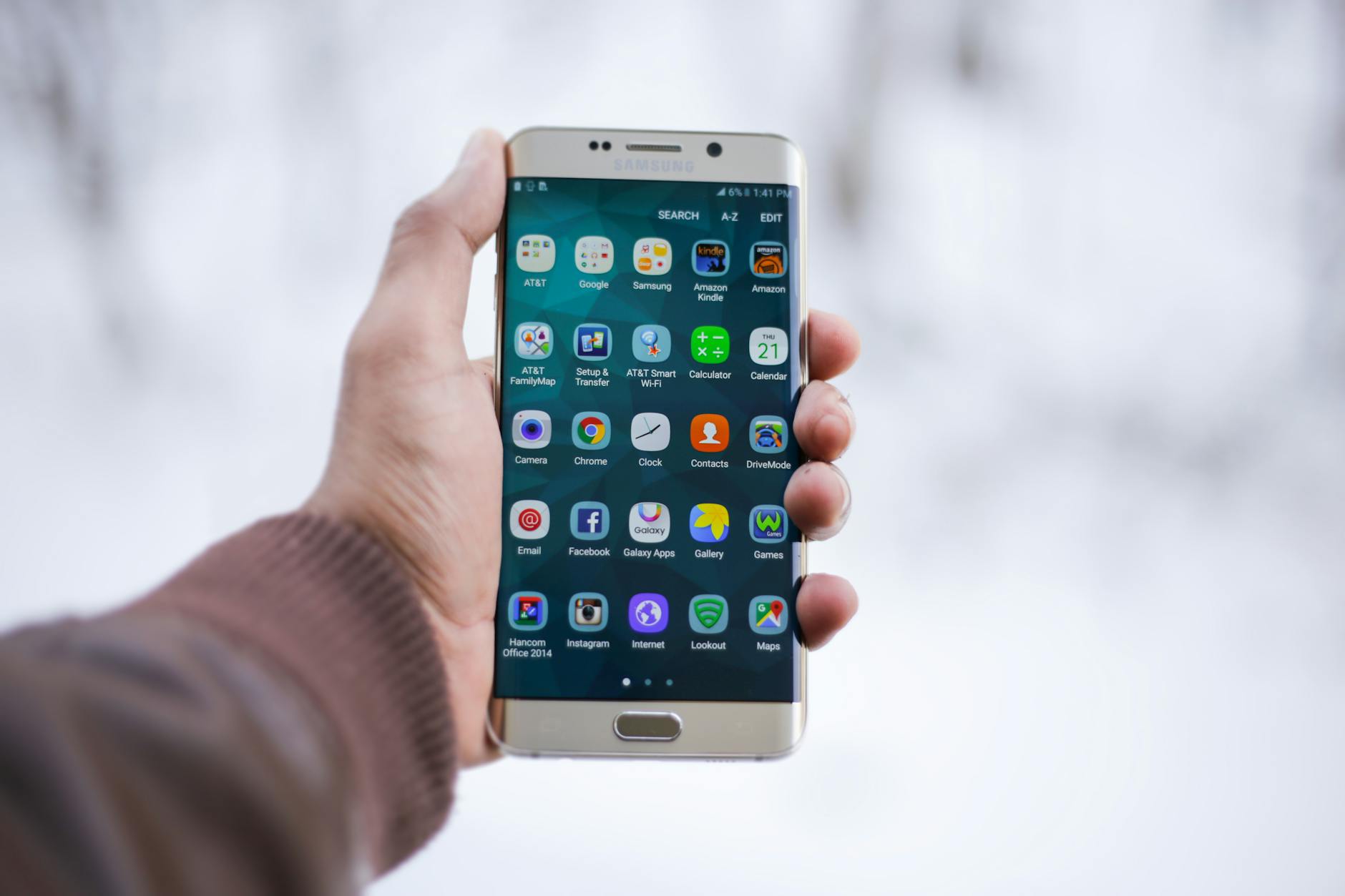
Hackers often install new apps remotely to gain further control or access to your personal information. You should regularly scroll through your app drawer to look for icons or names you do not recognize or remember downloading. Some of these malicious apps attempt to disguise themselves as utility tools like calculators or flashlights to avoid suspicion. Even if an app looks legitimate it is safer to uninstall anything you did not personally authorize or install. Keeping your app list curated is essential for maintaining a secure digital environment.
Background Noise During Calls

Surveillance software often interferes with the quality of your cellular connection during voice calls. You might hear clicking sounds or static or distant voices that suggest the call is being intercepted or recorded. These auditory anomalies occur because the spyware creates a conference call connection to listen in on your conversations. While bad reception can cause static consistent interference across all locations points to a more sinister problem. Digital tapping leaves these subtle sonic traces that attentive users can learn to identify.
Strange Outgoing Messages

Malware spreads itself by sending infected links to everyone in your contact list without your knowledge. You might discover text messages or emails in your sent folder that you have absolutely no memory of writing. Friends and family may contact you asking about strange links or gibberish messages they received from your number. This behavior indicates that a hacker has control over your communication apps and is using your identity to trap others. Immediate password changes are necessary when your device starts communicating on its own.
Passwords Stop Working
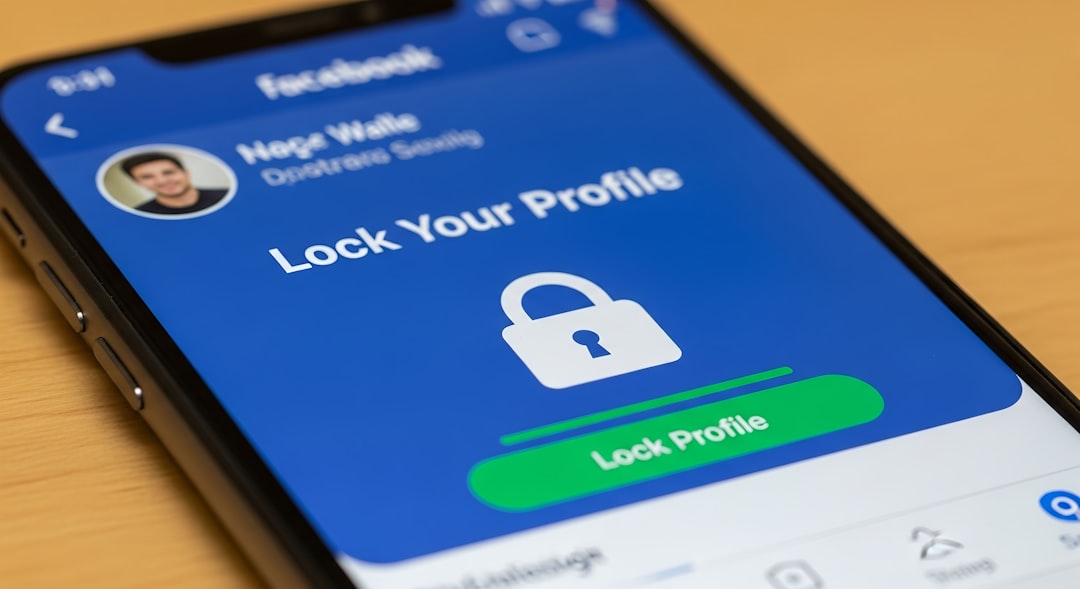
One of the most alarming signs of a hack is finding that your login credentials no longer grant you access to your accounts. Hackers will often change passwords immediately after stealing them to lock the victim out of their own digital life. You might receive email notifications about password reset requests that you never initiated. Losing access to banking or social media apps suggests a sophisticated attack has successfully compromised your security. Two-factor authentication provides a critical layer of defense against this type of unauthorized account takeover.
Random Restarts and Shutdowns
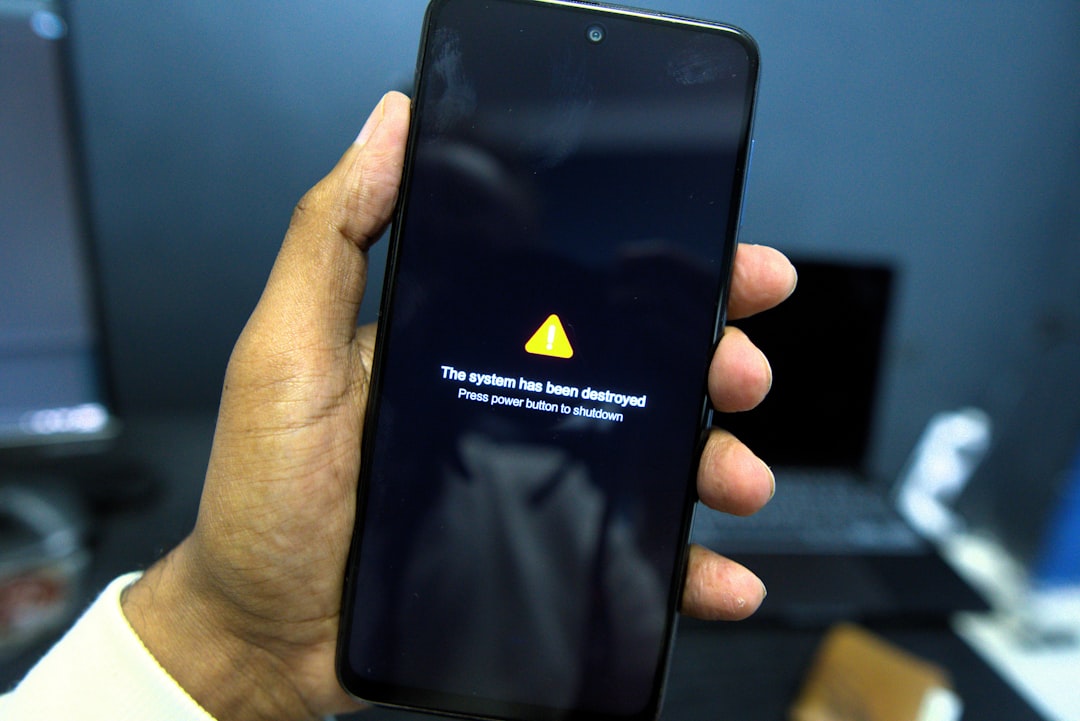
A stable operating system should not reboot or turn off without a specific command from the user. Malware can cause system instability that forces the phone to crash and restart repeatedly throughout the day. You might find your phone shutting down even when the battery is fully charged and the device is cool. These interruptions often happen when the malicious software attempts to update itself or modify deep system files. unpredictable behavior indicates the core software is struggling against an invasive program.
Camera or Microphone Indicators

Modern smartphones have small colored lights that turn on whenever the camera or microphone is active. Seeing a green or orange dot on your status bar when you are not recording is a definitive sign of spying. Hackers use these peripherals to capture video or audio of your private environment without your consent. You should immediately investigate which app is triggering the sensor if the light appears randomly. Ignoring this warning light allows cybercriminals to gather sensitive visual and audio data from your life.
Constant Browser Redirects
Browser hijacking software forces your web browser to open specific websites regardless of what you actually typed. You might try to visit a news site and find yourself redirected to a suspicious gambling or adult content page. These redirects generate revenue for hackers and often attempt to trick users into downloading more malware. Clearing the browser cache rarely fixes this issue because the problem lies deeper within the system settings. A browser that acts with a mind of its own is severely compromised.
Emails Being Blocked by Spam Filters

If your outgoing emails are suddenly landing in the spam folders of your recipients it may mean your account is part of a botnet. Hackers use compromised devices to send out thousands of spam emails causing email providers to blacklist your address. You might notice a sharp drop in replies from colleagues or friends who simply aren’t seeing your messages. This blacklisting affects your personal and professional reputation while the hacker remains anonymous. Checking your sent folder for mass mailings can confirm if your account is being abused.
Difficulty Shutting Down

Spyware often prevents a phone from shutting down properly so it can continue to operate and collect data. You might experience significant delays when trying to power off the device or the screen may stay on despite your inputs. The malicious software interferes with the shutdown sequence to maintain its connection to the remote server for as long as possible. A phone that refuses to turn off is actively fighting to stay online against your will. This resistance to basic commands is a strong indicator of a deep-rooted security infection.
Antivirus Software Is Disabled

Sophisticated malware is designed to identify and disable security applications immediately upon infecting a device. You might open your mobile antivirus app only to find that real-time protection has been turned off without your permission. The malware does this to remove the only barrier capable of detecting and deleting it from the system. If you cannot turn your security software back on it usually means the virus has gained high-level administrative privileges. A disabled defense system leaves your personal data completely exposed to theft.
Please share your experiences or any other suspicious signs you have noticed in the comments.




