Modern office environments often demand long hours of sedentary work that can negatively impact physical health. Maintaining proper alignment is essential for preventing chronic back pain and ensuring long-term mobility. Small adjustments to your workspace and daily habits can significantly reduce strain on the spine and neck. This comprehensive guide outlines practical methods to optimize your seated position for better comfort and productivity.
Monitor Height Adjustment
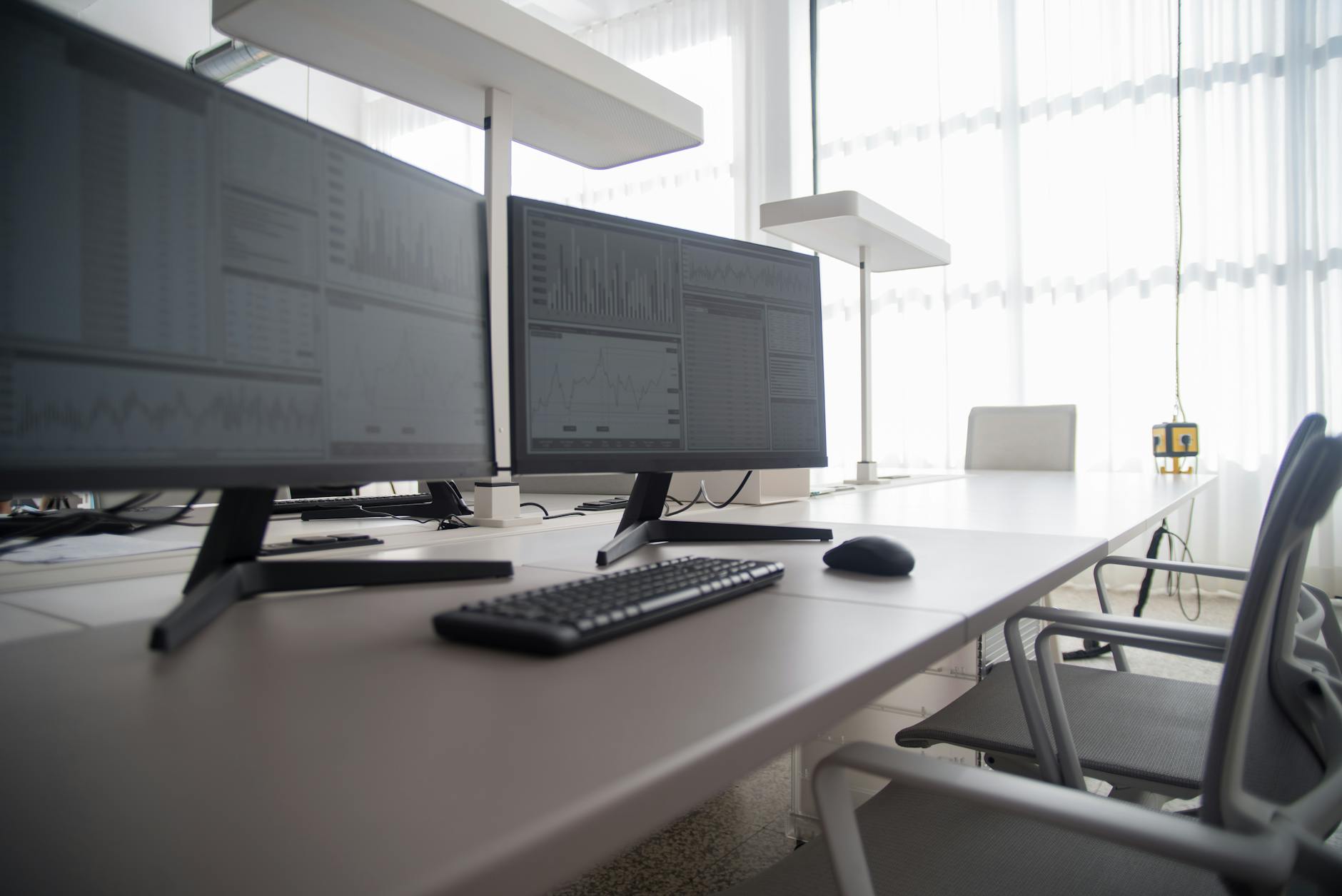
The top of your computer screen should sit exactly at or slightly below your natural eye level. This positioning prevents your neck from tilting forward or backward during extended viewing periods. You can achieve this by using a dedicated monitor stand or stacking stable books underneath the display base. Keeping your head neutral reduces the heavy strain often placed on the cervical spine muscles.
Flat Feet Placement

Your feet must remain flat on the floor to support your lower back properly. Dangling legs create unnecessary pressure under the thighs and restrict healthy blood circulation. A footrest is a necessary accessory if your chair height prevents your soles from touching the ground firmly. This grounded foundation helps stabilize your entire pelvic region and spine.
90-Degree Knee Angle
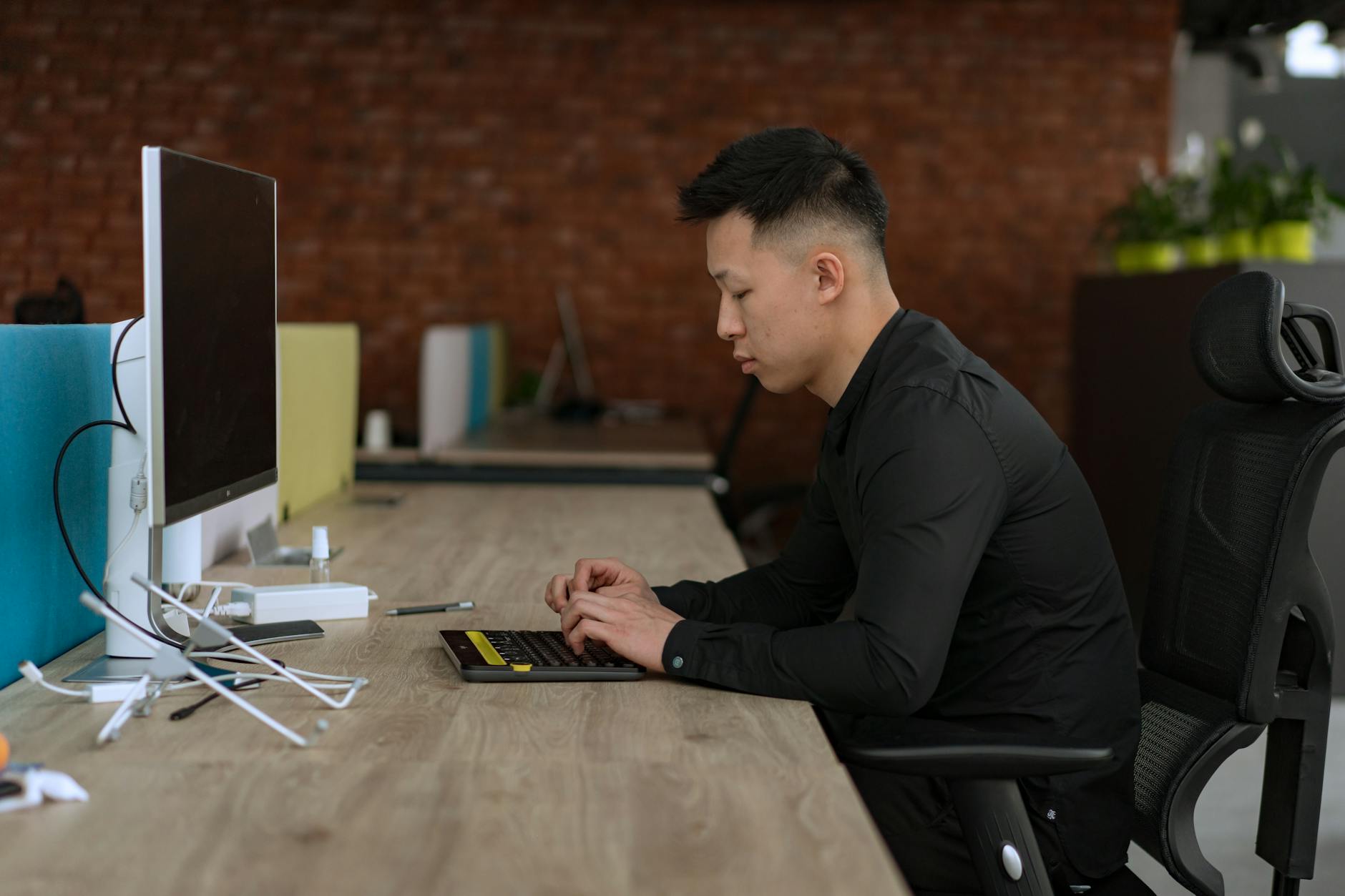
Your knees should form a right angle while you are seated to maintain pelvic balance. Positioning the knees slightly lower than the hips can also help open up the angle for some individuals. Avoid tucking your feet underneath the chair as this restricts blood flow and distorts alignment. Correct knee positioning reduces the load on the lumbar spine significantly.
Hip Alignment

Hips should be pushed as far back in the chair as possible to fully utilize the backrest. This deep seating position ensures that your spine receives the support it needs from the chair structure. Sitting on the edge of the seat often causes the lower back to round outward in a harmful way. Full contact with the seat pan distributes body weight evenly across the hips and thighs.
Lumbar Support
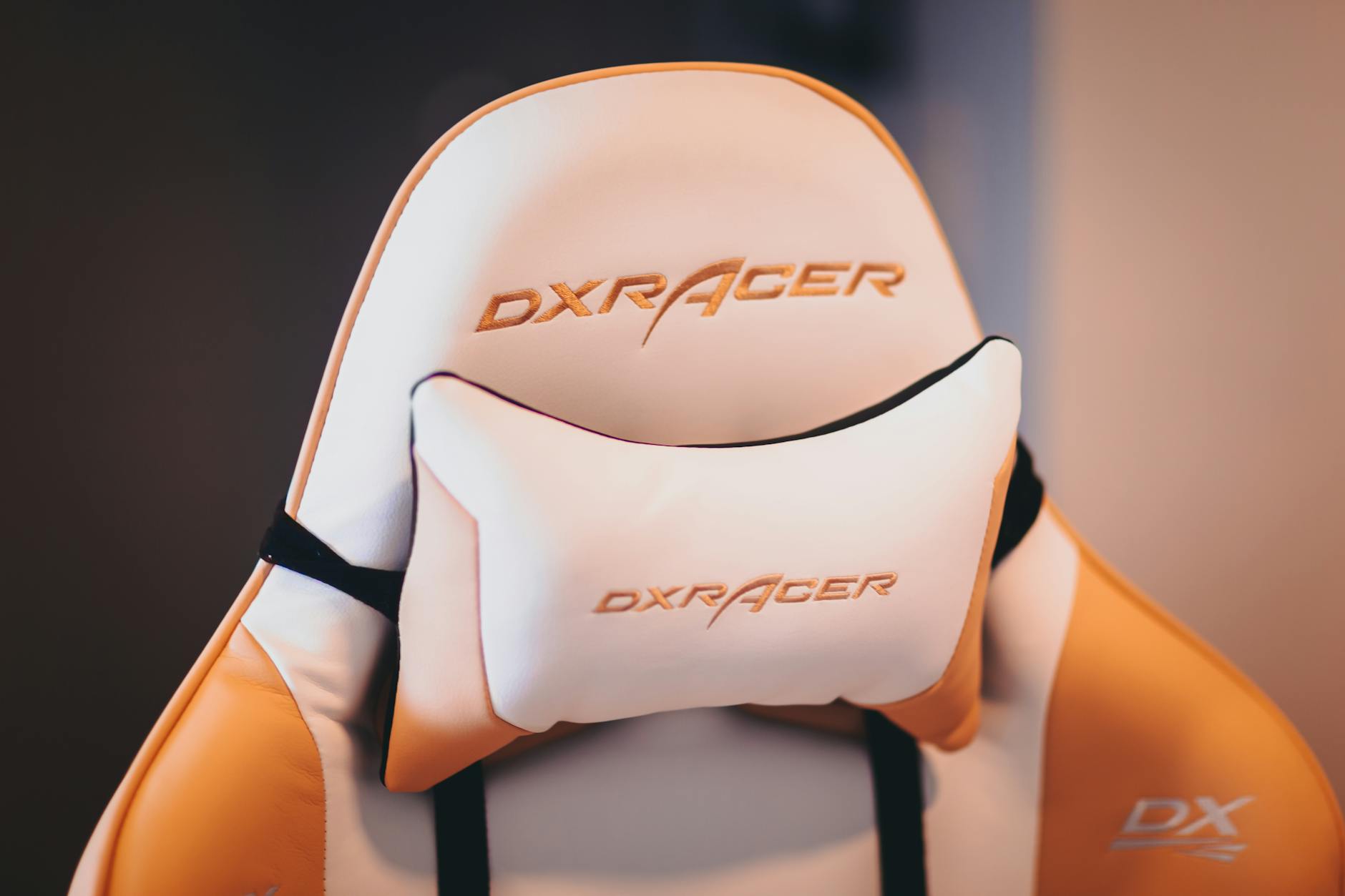
Most ergonomic chairs come equipped with a curved backrest designed to fit the natural hollow of your spine. You should adjust this support so it sits flush against your lower back curve without pushing you too far forward. Using a small pillow or a rolled towel serves as an effective alternative if your chair lacks built-in adjustment features. Proper lumbar contact prevents slouching and minimizes fatigue in the lower back muscles.
Seat Depth Check

There should be a small gap of about two to three inches between the back of your knees and the front edge of the seat. This clearance prevents the chair from digging into your calves and cutting off circulation. You can adjust the seat pan depth on many office chairs to find this optimal position. Proper seat depth ensures full thigh support without compromising blood flow to the lower legs.
Armrest Height
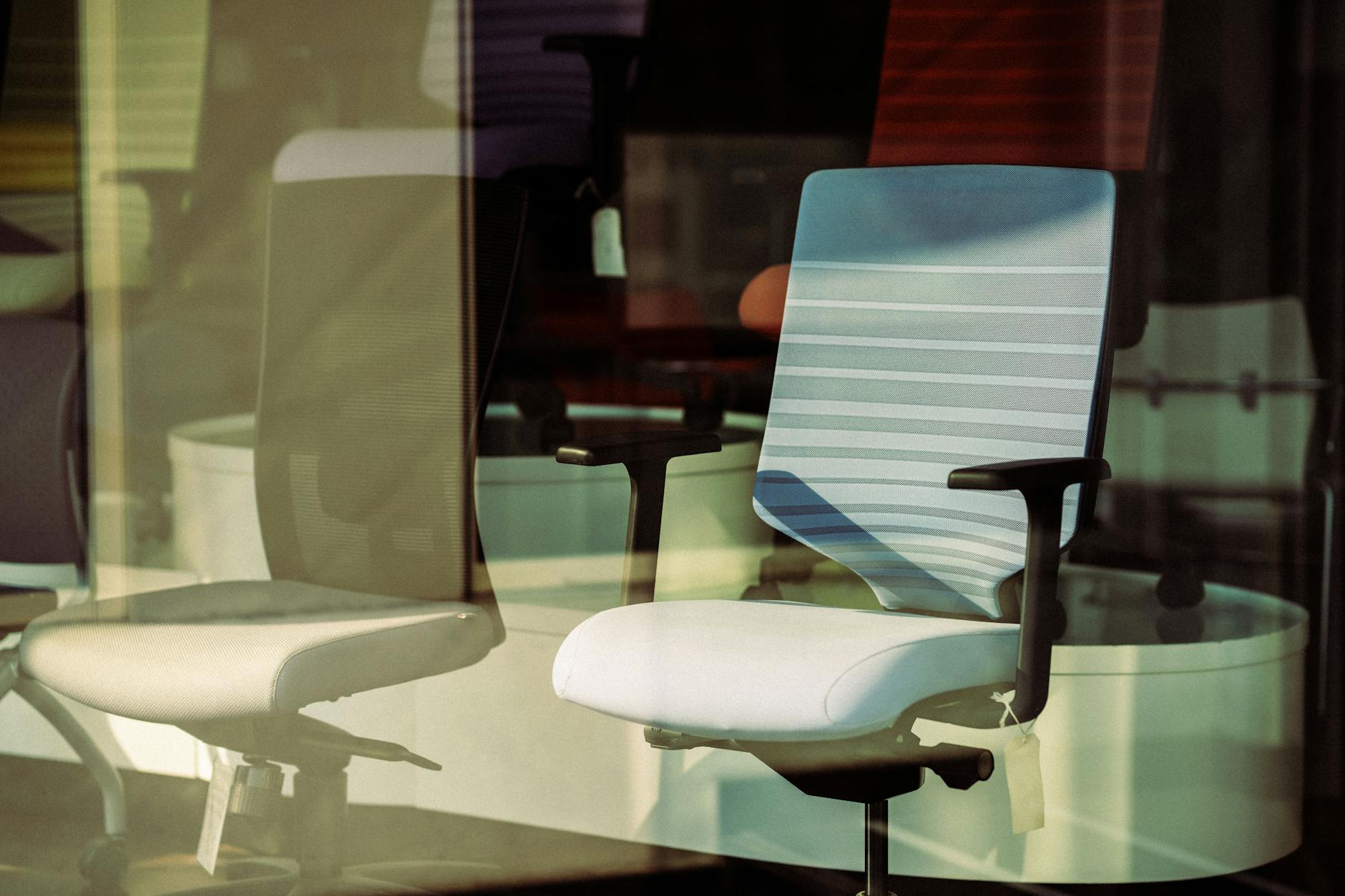
Armrests should be positioned so your elbows rest gently without forcing your shoulders upward. If the armrests are too high they will cause tension in the trapezius muscles and neck. Shoulders must remain relaxed and low rather than hunched up near the ears. Correctly adjusted armrests support the weight of the arms and reduce the burden on the upper back.
Relaxed Shoulders

Consciously releasing tension in the shoulder area is vital for preventing neck strain. Many people habitually raise their shoulders while concentrating intensely on work tasks. You should perform regular checks to drop your shoulders down and away from your ears. Keeping the upper trapezius muscles relaxed prevents headaches and stiffness at the end of the day.
Elbow Angle

Your elbows should form an open angle between 90 and 110 degrees while typing. Keeping arms bent too sharply cuts off circulation and increases tension in the forearms. The keyboard needs to be at a height that allows this open angle to occur naturally. This position allows the arms to hang freely and reduces the risk of repetitive strain injuries.
Keyboard Distance
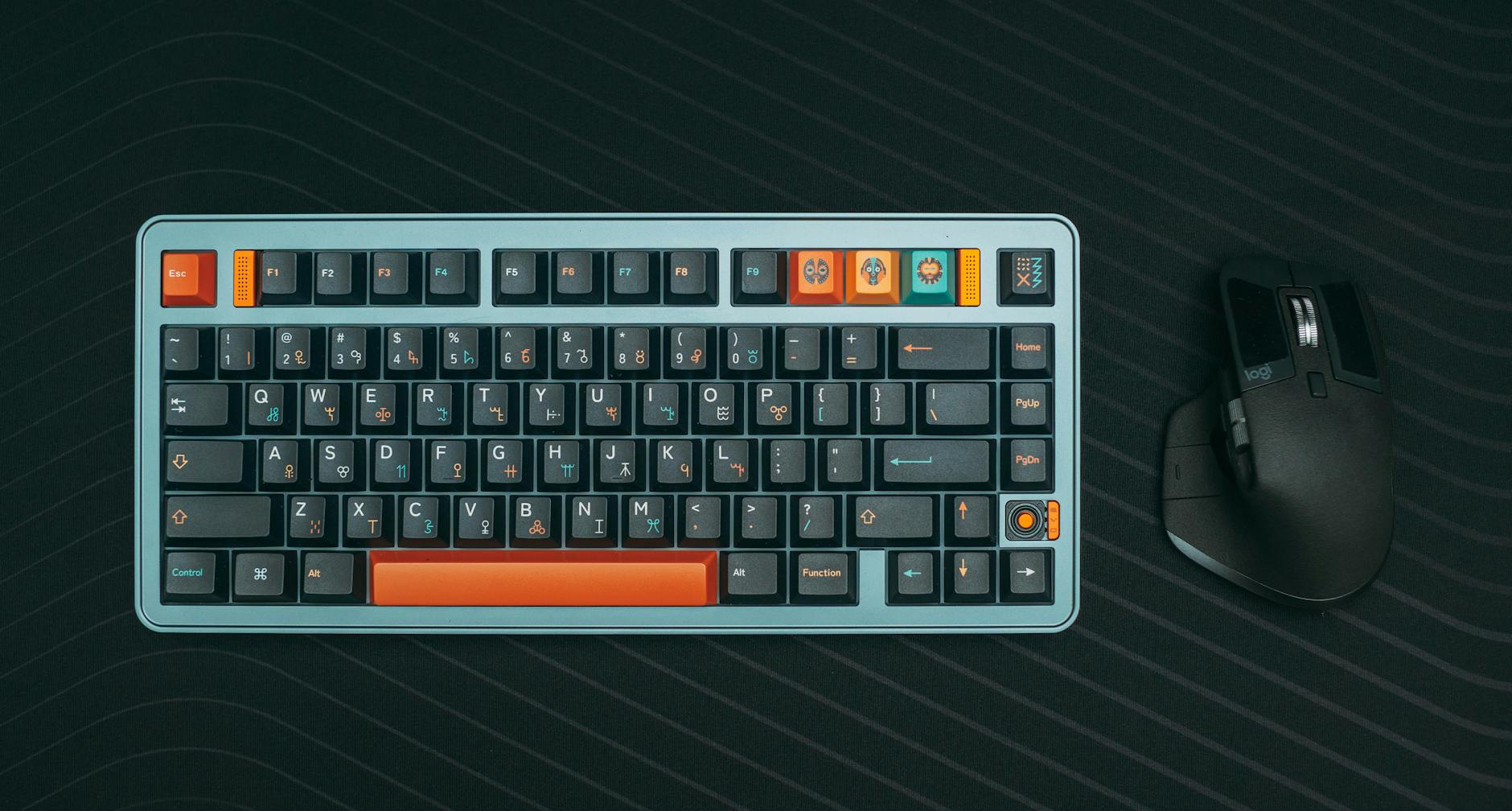
The keyboard should be placed directly in front of you within easy reach to avoid overextending the arms. Stretching forward to type pulls the shoulders away from the backrest and encourages slouching. You should be able to type comfortably with your elbows remaining close to your torso. Keeping input devices close maintains the integrity of your upright posture.
Mouse Placement
Your mouse must be located immediately next to the keyboard to prevent shoulder rotation. Reaching too far to the side for the mouse creates an imbalance in the upper back muscles. You should move the mouse using your elbow rather than pivoting solely from the wrist. Keeping the mouse close ensures your shoulders remain square and aligned.
Wrist Neutrality

Wrists should remain straight and float above the keyboard rather than resting heavily on the desk edge. Bending the wrists upward or downward while typing compresses the nerves in the carpal tunnel. A cushioned wrist rest can help maintain a neutral alignment during pauses in typing. Floating the hands allows for more fluid movement and reduces pressure on sensitive tendons.
Headset Utilization

Cradling a phone between the ear and shoulder causes severe strain on the neck muscles. Using a hands-free headset allows you to maintain a neutral neck position during calls. This tool frees up your hands for typing without compromising your spinal alignment. Avoiding the phone pinch is one of the most effective ways to prevent acute neck pain.
Document Holder

Placing reference documents flat on the desk forces the head to look down constantly. A document holder positioned next to the monitor keeps materials at eye level. This setup reduces the need for repetitive neck flexion and rotation. Keeping all visual targets at the same height promotes a stable and healthy head position.
Blue Light Management
Eye strain often causes people to lean closer to the screen and compromise their posture. Adjusting the color temperature of your monitor or wearing blue light glasses can reduce visual fatigue. Minimized eye strain helps you maintain a comfortable viewing distance from the screen. relaxed eyes lead to a more relaxed and upright seated position.
Task Lighting
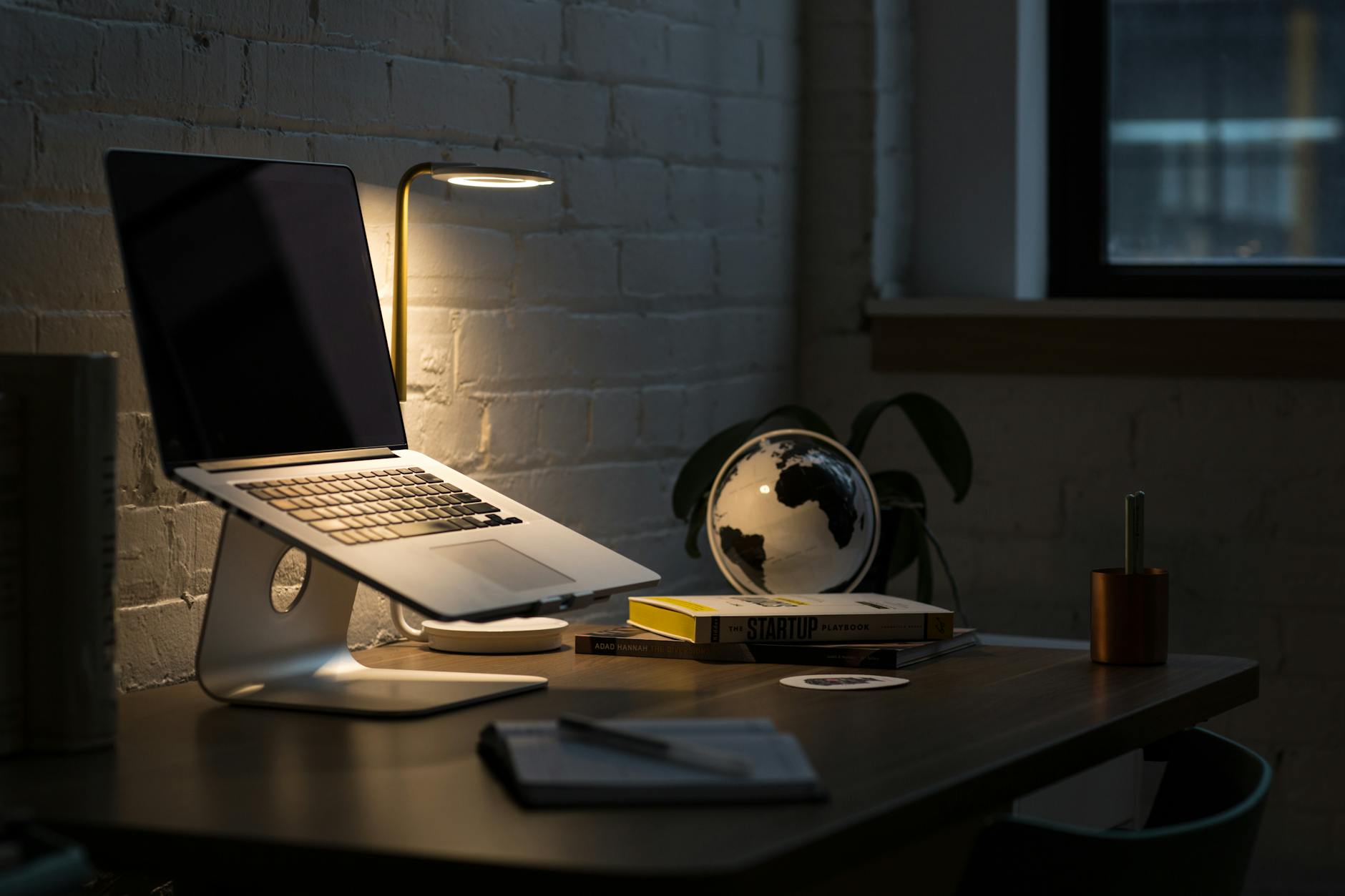
Insufficient lighting causes users to hunch forward to see documents or the keyboard clearly. A dedicated desk lamp should illuminate your workspace without creating glare on the monitor screen. Proper illumination ensures you can sit back in your chair while reading or writing. Good visibility eliminates the subconscious need to close the distance between your eyes and your work.
Standing Intervals
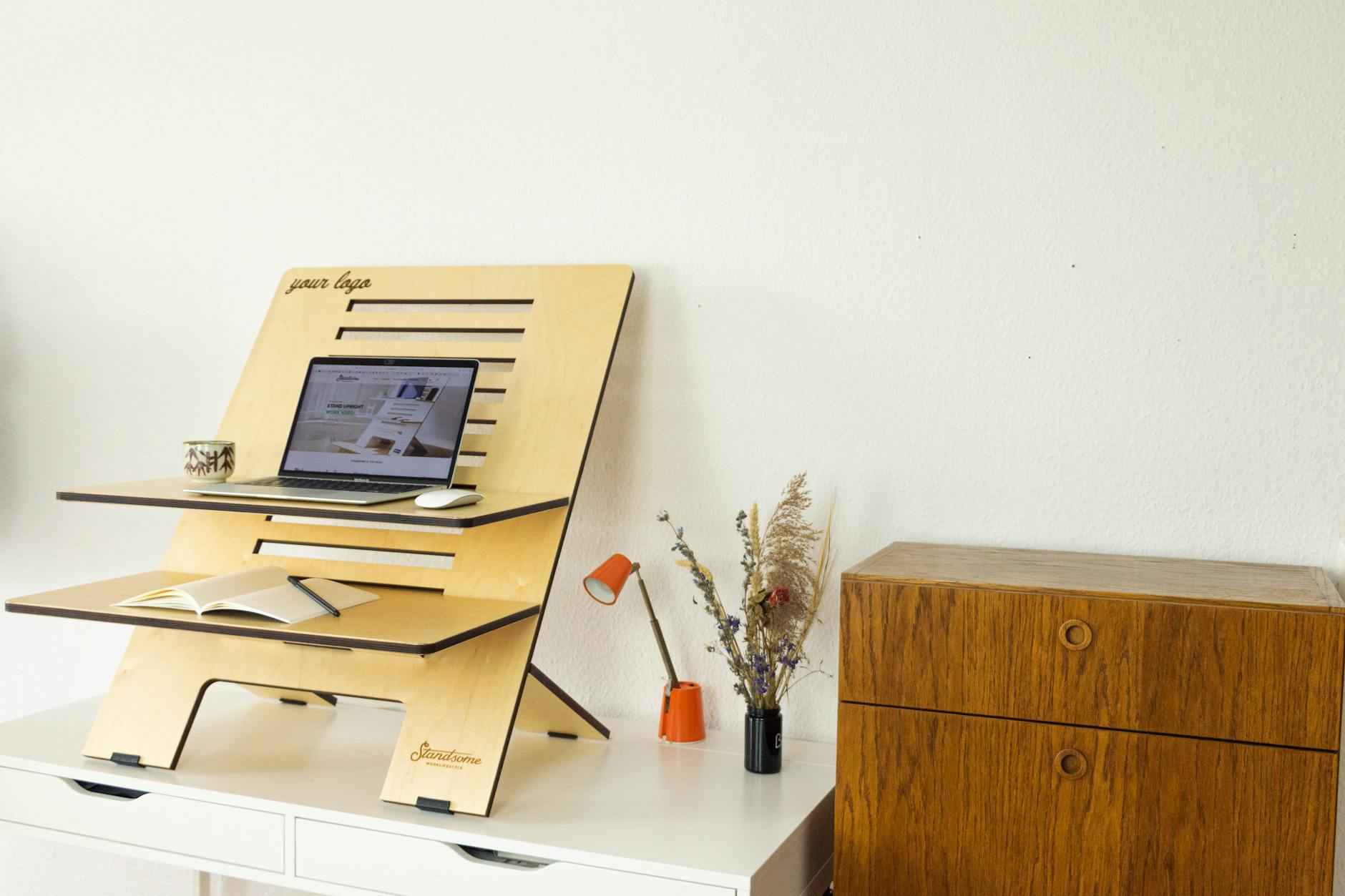
Alternating between sitting and standing relieves pressure on the spinal discs. You should aim to stand for at least fifteen minutes for every hour of seated work. A standing desk converter or a high counter can facilitate this change in position. Frequent posture changes prevent muscles from becoming static and fatigued.
Seated Stretching
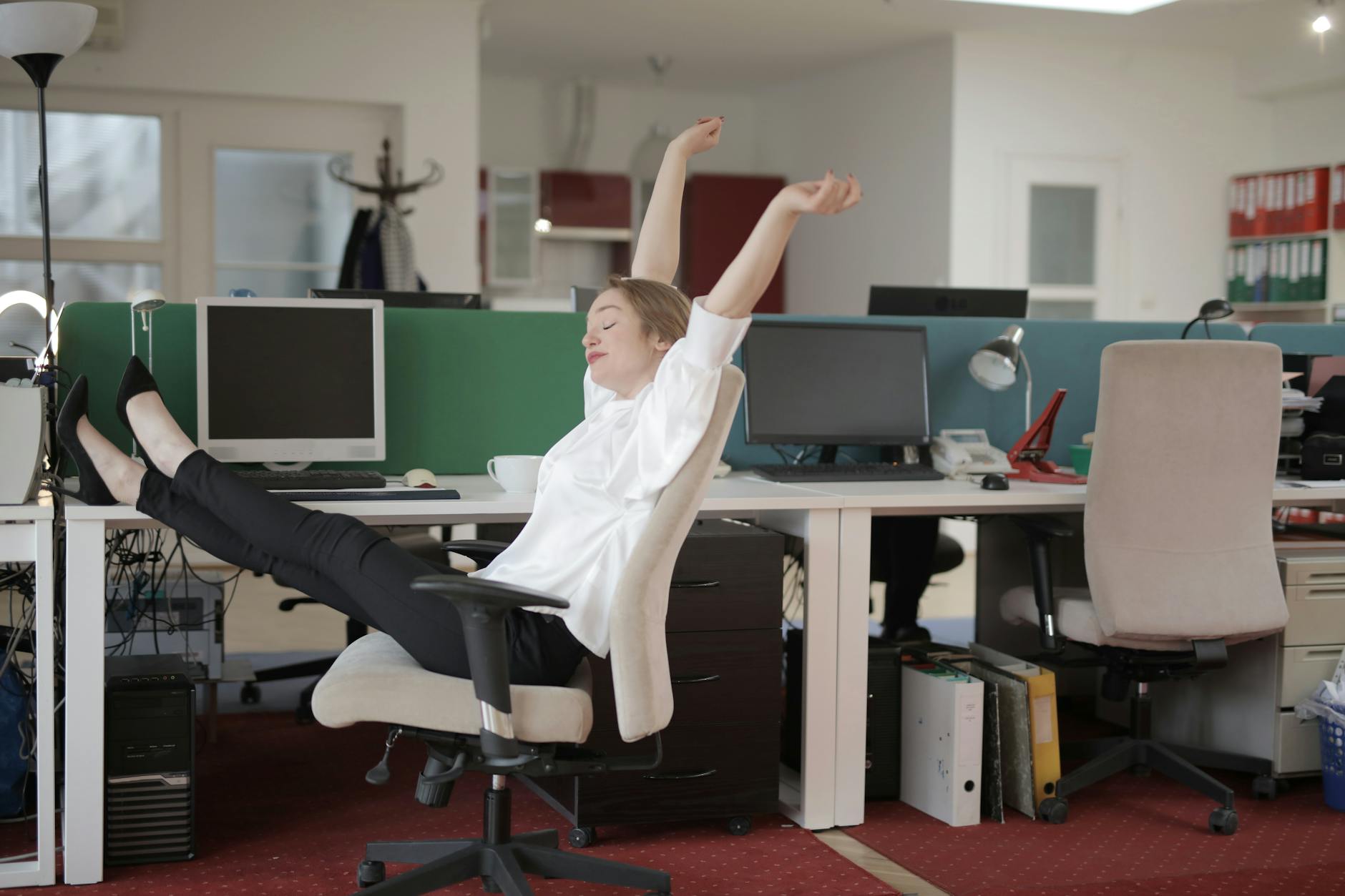
Performing simple stretches while in the chair keeps muscles pliable and blood flowing. You can gently rotate your neck or extend your arms overhead to release built-in tension. These micro-movements counteract the stiffness that accumulates from prolonged stillness. Regular stretching breaks serve as a reset button for your postural alignment.
Core Engagement
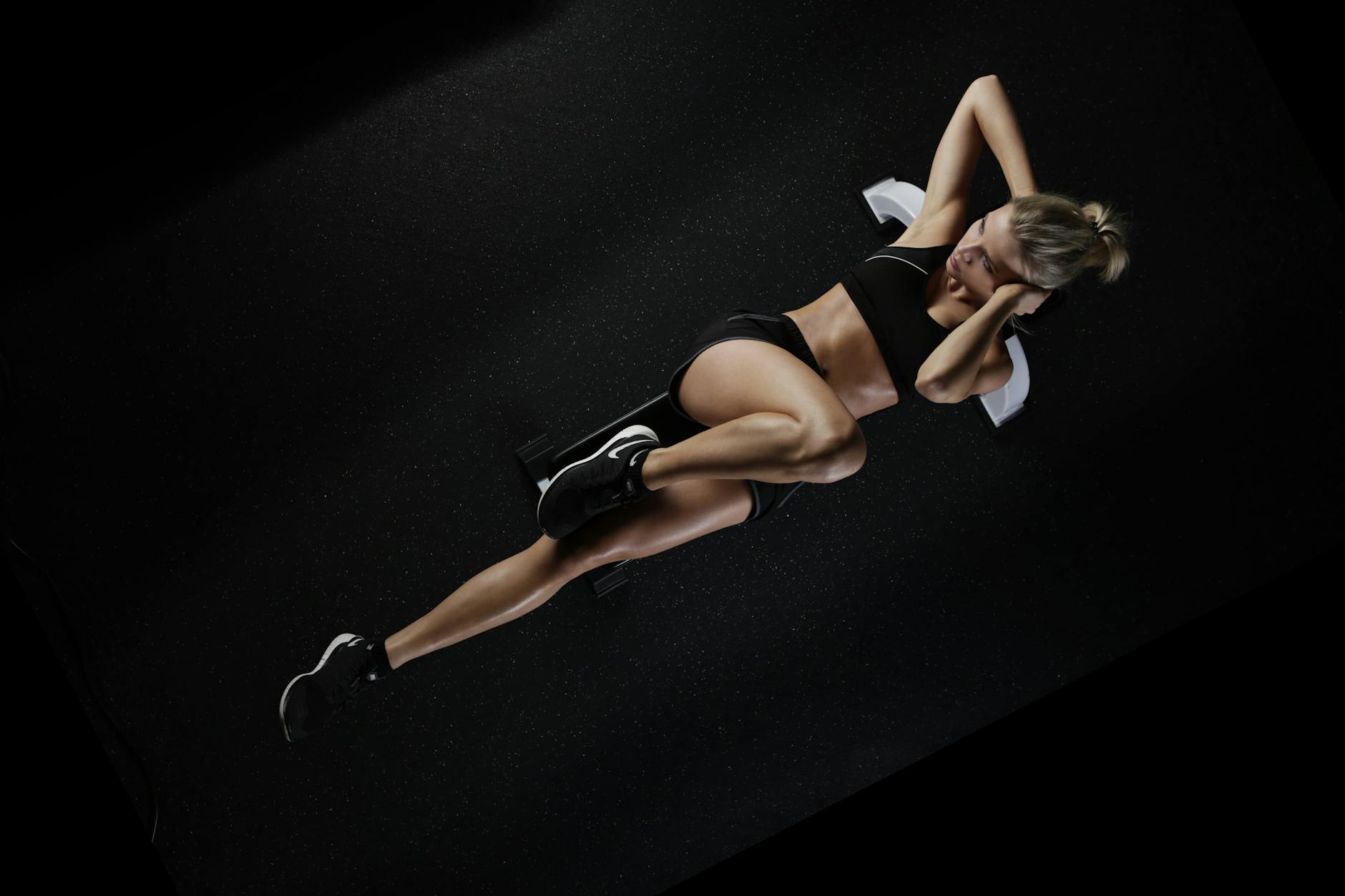
Lightly engaging your abdominal muscles helps support the lower back from the front. You do not need to hold a rigid contraction but simply maintain a sense of awareness in the core. This muscular support prevents the lower spine from collapsing into an extreme arch. A strong core acts as a natural corset to protect the vertebral column.
Chin Tucks

The forward head posture is a common issue that chin tucks help to correct efficiently. You should gently pull your chin back towards your neck to align the ears over the shoulders. This movement lengthens the back of the neck and decompresses the upper spine. practicing this alignment cue regularly trains the neck to stay in a neutral position.
Glute Squeezes

Activating the gluteal muscles periodically prevents them from becoming dormant or weak. Squeezing the glutes while seated can slightly elevate the hips and reset pelvic alignment. This activation combats the negative effects of gluteal amnesia caused by constant sitting. Strong glutes provide a better base of support for the entire spine.
Hydration Breaks
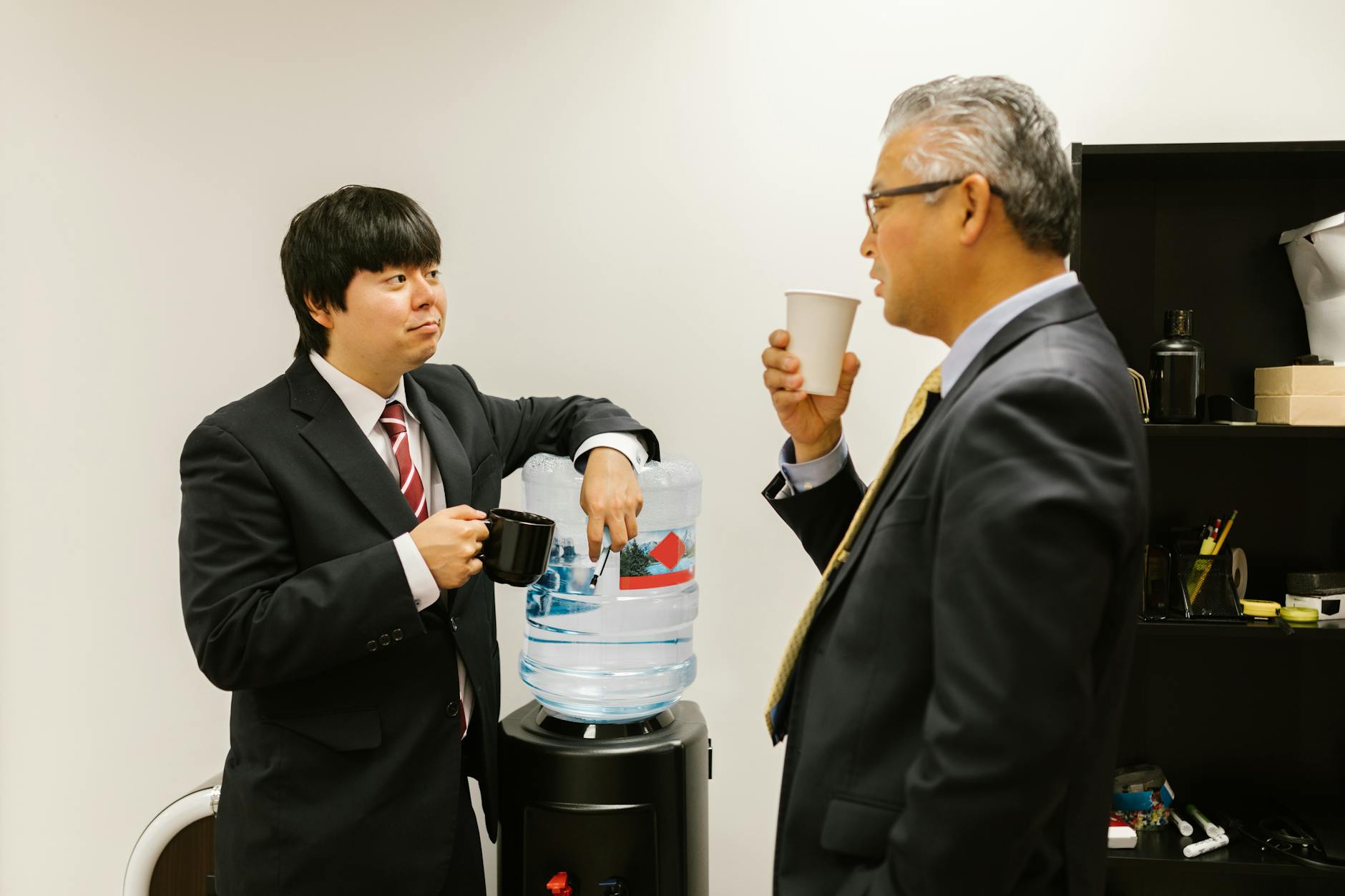
Drinking water necessitates regular trips to the water cooler and the restroom. These forced breaks ensure you get up and move your body frequently throughout the day. Movement is the antidote to the stiffness caused by static posture. Staying hydrated also keeps the spinal discs healthy and pliable.
Eye Resting

Staring at a fixed focal length for too long can lead to hunching and head tilting. The 20-20-20 rule suggests looking at something twenty feet away for twenty seconds every twenty minutes. This habit relaxes the eye muscles and encourages you to reset your head position. Breaking visual fixation helps reset your overall body awareness.
Leg Crossing Avoidance

Crossing your legs shifts the pelvis into a tilted position and curves the spine sideways. This habit restricts blood flow and can lead to varicose veins over time. You should strive to keep both feet planted firmly and symmetrically on the floor. Keeping legs uncrossed ensures that weight is distributed evenly through both hip bones.
Phone Position

When checking a smartphone you should bring the device up to eye level. Looking down at a phone in your lap places immense pressure on the cervical spine. Elevating the device allows you to keep your head stacked directly over your shoulders. This simple adjustment prevents the development of the text neck condition.
Wallet Removal
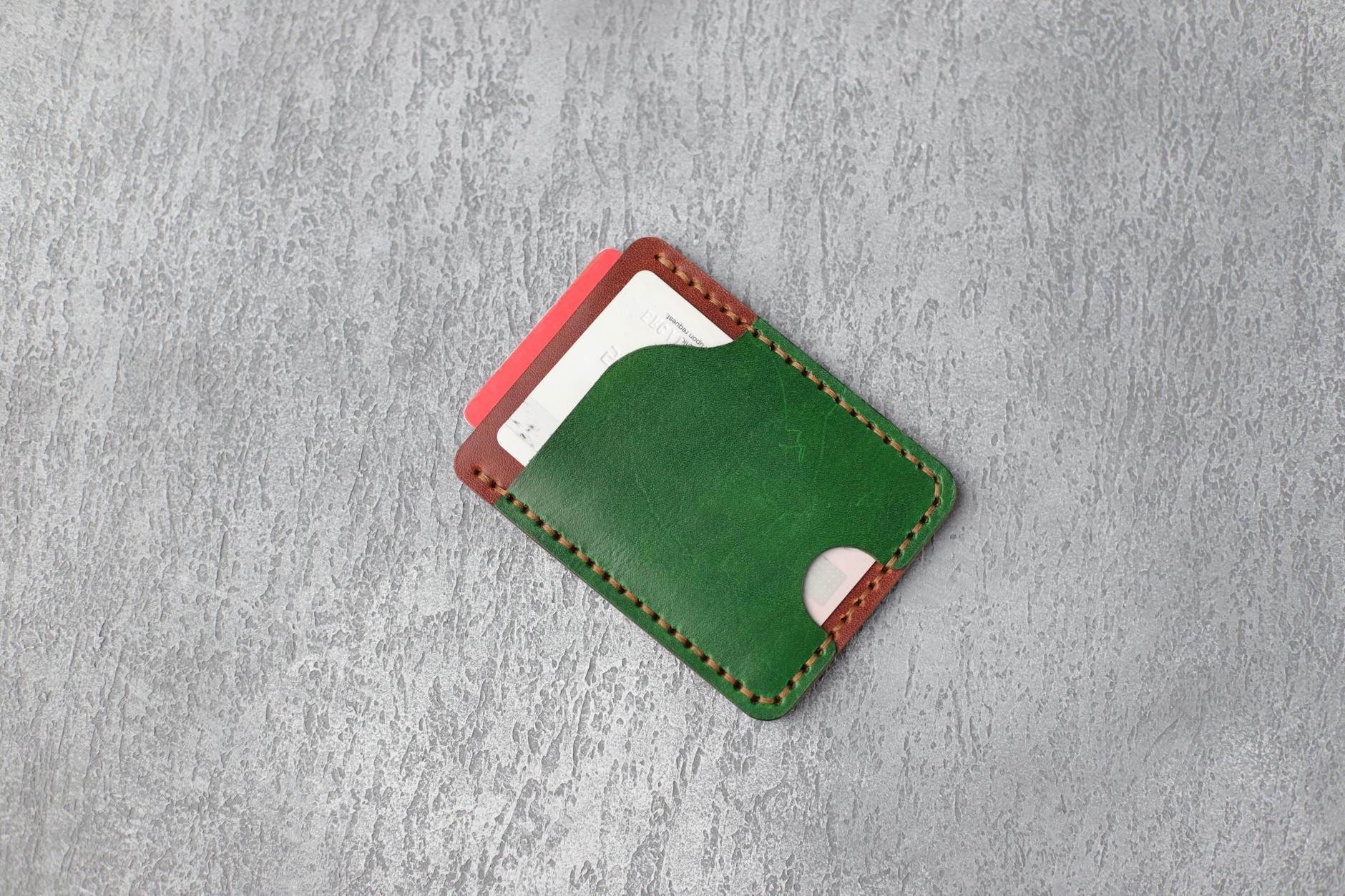
Sitting on a thick wallet creates an uneven foundation for your pelvis and hips. This imbalance forces the spine to curve unnaturally to compensate for the tilted base. Removing your wallet from your back pocket allows both sit bones to rest evenly on the chair cushion. This simple habit prevents long-term misalignment issues related to sciatic nerve pain.
Shoulder Blade Squeeze
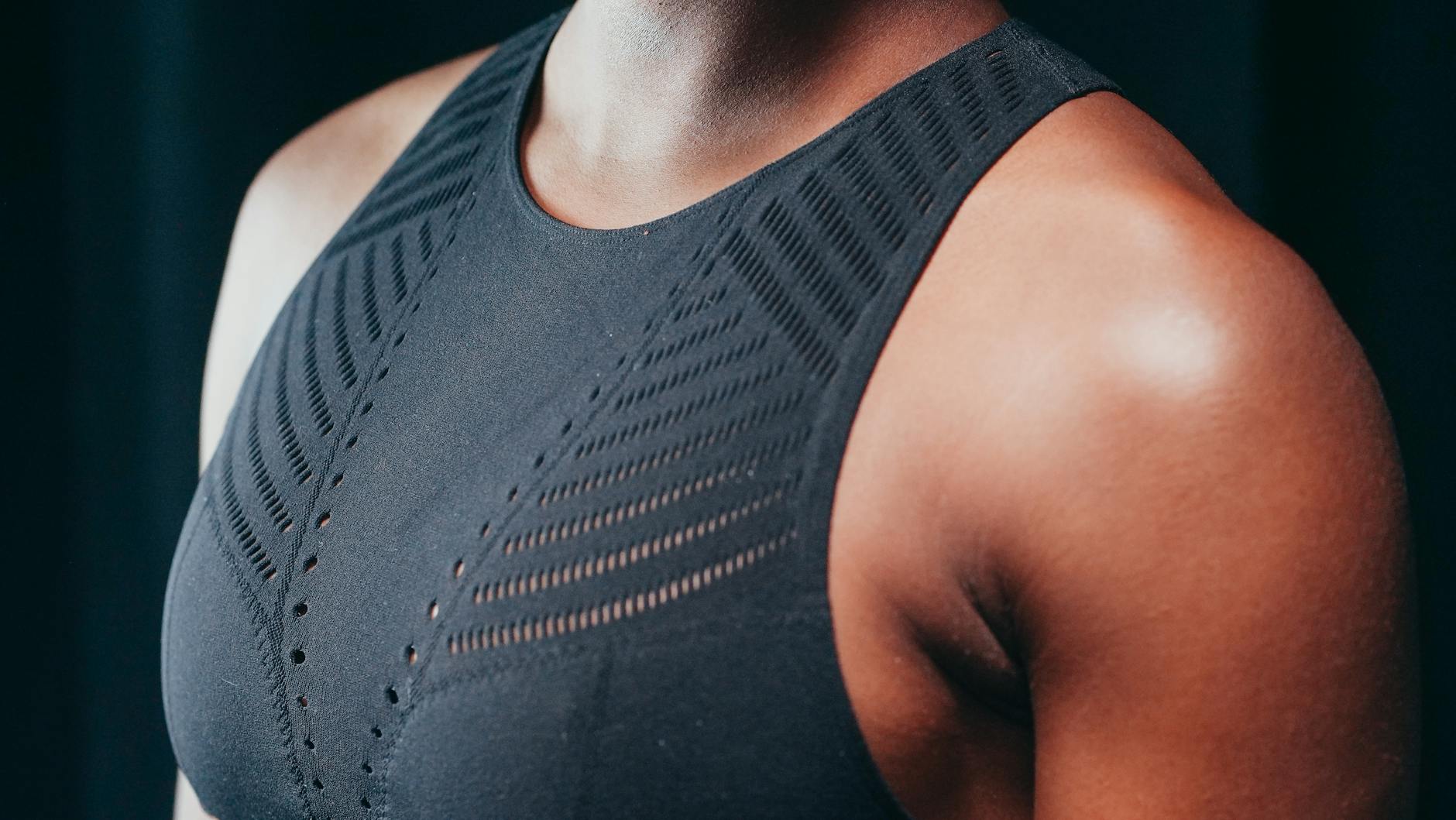
Retracting the shoulder blades brings the chest forward and corrects a rounded upper back. You should imagine holding a pencil between your shoulder blades for a few seconds. This exercise strengthens the rhomboid muscles responsible for upright posture. Opening the chest counteracts the tendency to cave inward while working.
Deep Breathing

Shallow breathing often accompanies a hunched posture and tight chest muscles. Taking deep diaphragmatic breaths forces the rib cage to expand and the spine to straighten. You should practice breathing into your belly rather than just your upper chest. Full breath cycles promote relaxation and natural spinal elongation.
Chair Swivel Usage
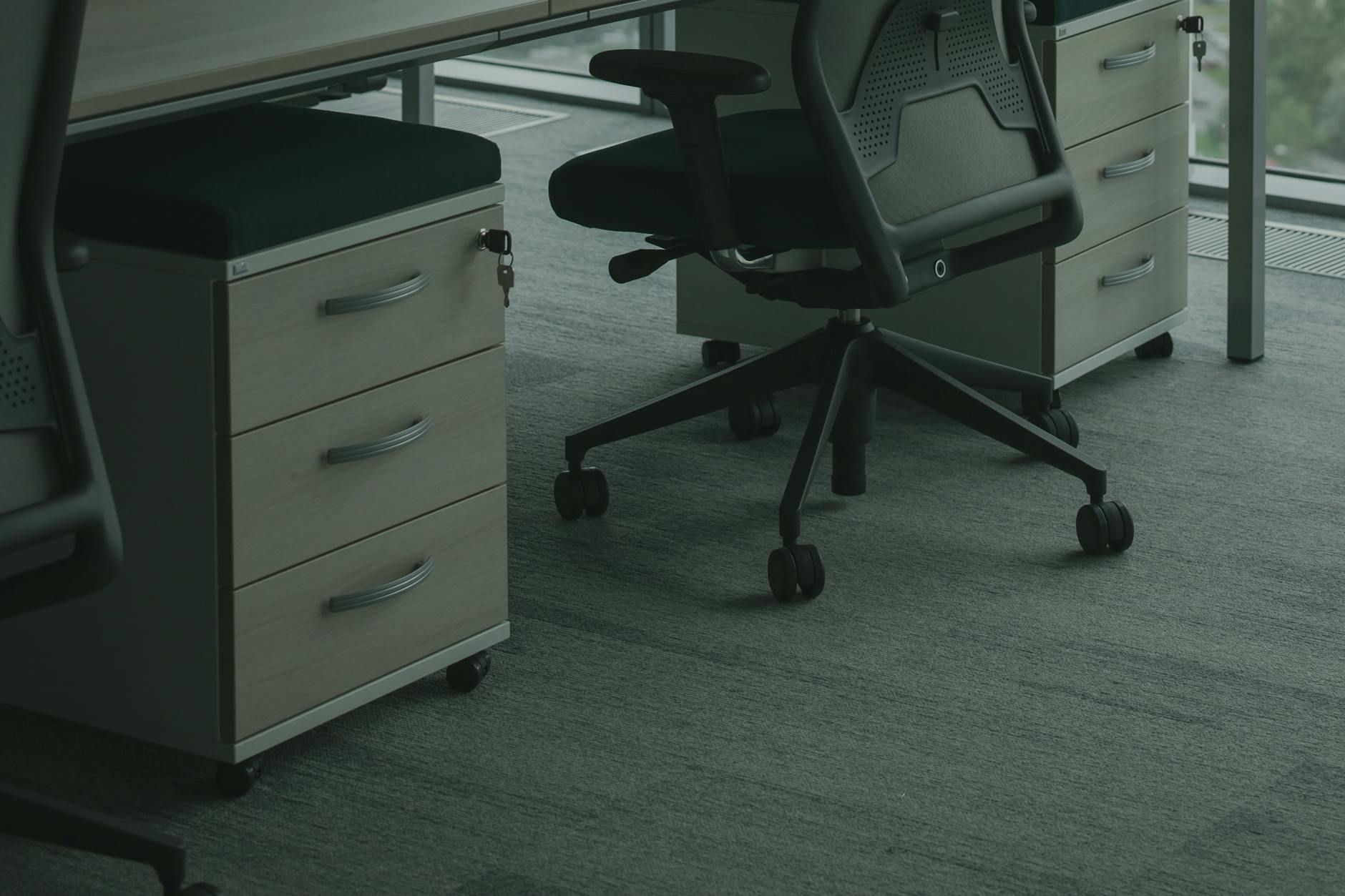
You should use the swivel function of your chair to turn your entire body instead of twisting your spine. Reaching for items behind you by rotating the torso creates dangerous torque on the lower back. Turning the chair ensures that your hips and shoulders remain aligned during movement. Consistent use of the swivel mechanism protects the lumbar discs from injury.
Regular Walking

Taking a short walk during lunch or breaks restores full-body circulation and alignment. Walking engages the posterior chain muscles that become lengthened and weak during sitting. This activity resets the hip flexors which often become tight from prolonged chair use. Integrating movement into your day is the ultimate strategy for maintaining musculoskeletal health.
We would love to hear which of these ergonomic tips helped your daily comfort levels the most so please share your thoughts in the comments.




