Modern smartphones function as digital extensions of our lives and hold a vast amount of personal data. We often trust these devices implicitly while carrying them into private spaces and confidential meetings. Most users assume their location remains private unless they explicitly open a map or tag a photo. Privacy breaches can happen silently through background processes that record movements without consent. Recognizing the subtle indicators of hidden tracking is essential for maintaining personal security in a connected world.
Rapid Battery Depletion
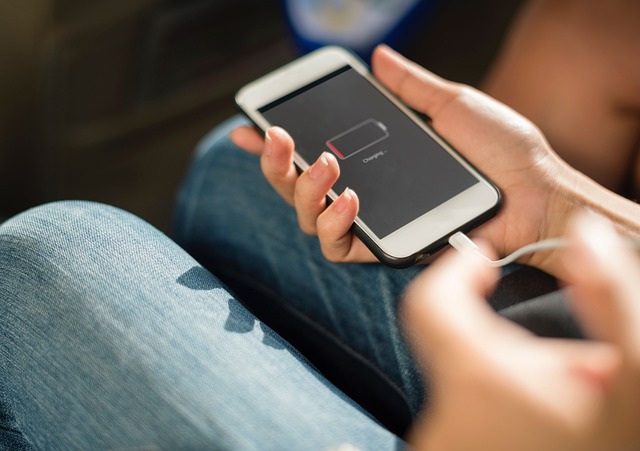
A sudden drop in battery life often indicates that hidden processes are running continuously in the background. Tracking software requires significant power to monitor GPS coordinates and transmit data to external servers. You might notice your phone dying halfway through the day despite minimal usage or a recent charge. This excessive consumption happens because the location chip stays active even when the screen is dark. Monitoring your battery usage settings can reveal if an unknown system process is responsible for the drain.
Unexpected Overheating

Phones naturally generate heat during heavy gaming or fast charging but should remain cool while idle. A device that feels hot in your pocket or on your nightstand suggests the processor is working hard on unseen tasks. Continuous data transmission and real-time location monitoring force the CPU to operate at high capacity without rest. This physical warmth serves as a tactile warning sign of unauthorized background activity. Frequent overheating can also degrade internal components and shorten the overall lifespan of the device.
Unexplained Data Spikes
Spyware and tracking apps need an internet connection to send your location history to a third party. You may observe a sharp increase in your monthly data consumption without any change in your browsing habits. These spikes often occur as the device uploads logs, screenshots, or audio files to a remote server. Checking your cellular bill for unusual patterns can help identify unauthorized transmission. Restricting background data for specific apps provides a temporary layer of defense against this data theft.
Random Screen Activity
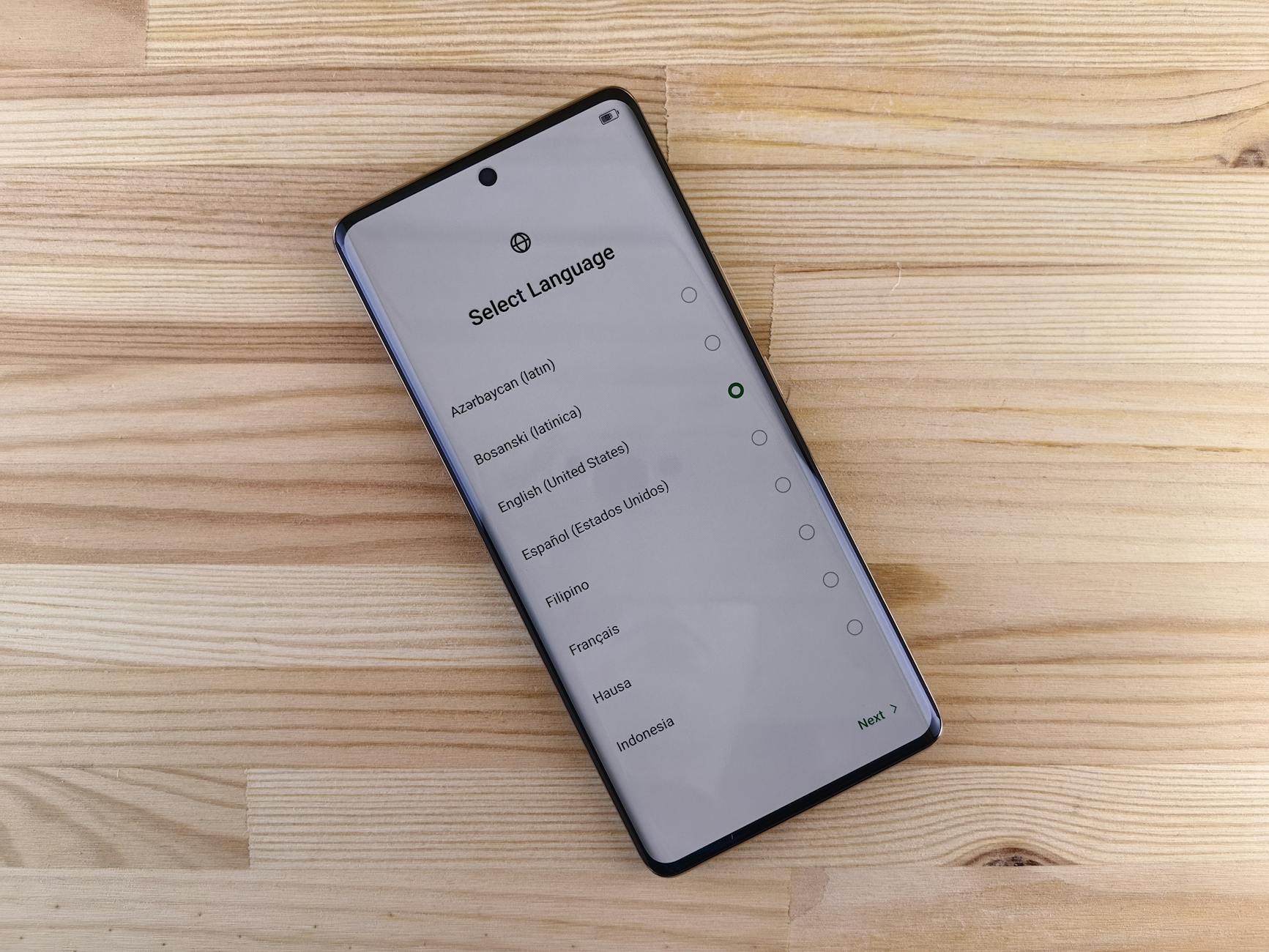
The screen should only light up when you receive a notification or physically interact with the device. Flashing or waking up without an incoming message suggests that a remote command may have triggered the display. This behavior often points to background processes attempting to capture screen information or synchronize data. It can be unsettling to see your phone active while it sits untouched on a desk. Keep a close watch on these phantom wake-ups as they often correlate with external interference.
Persistent Location Icon
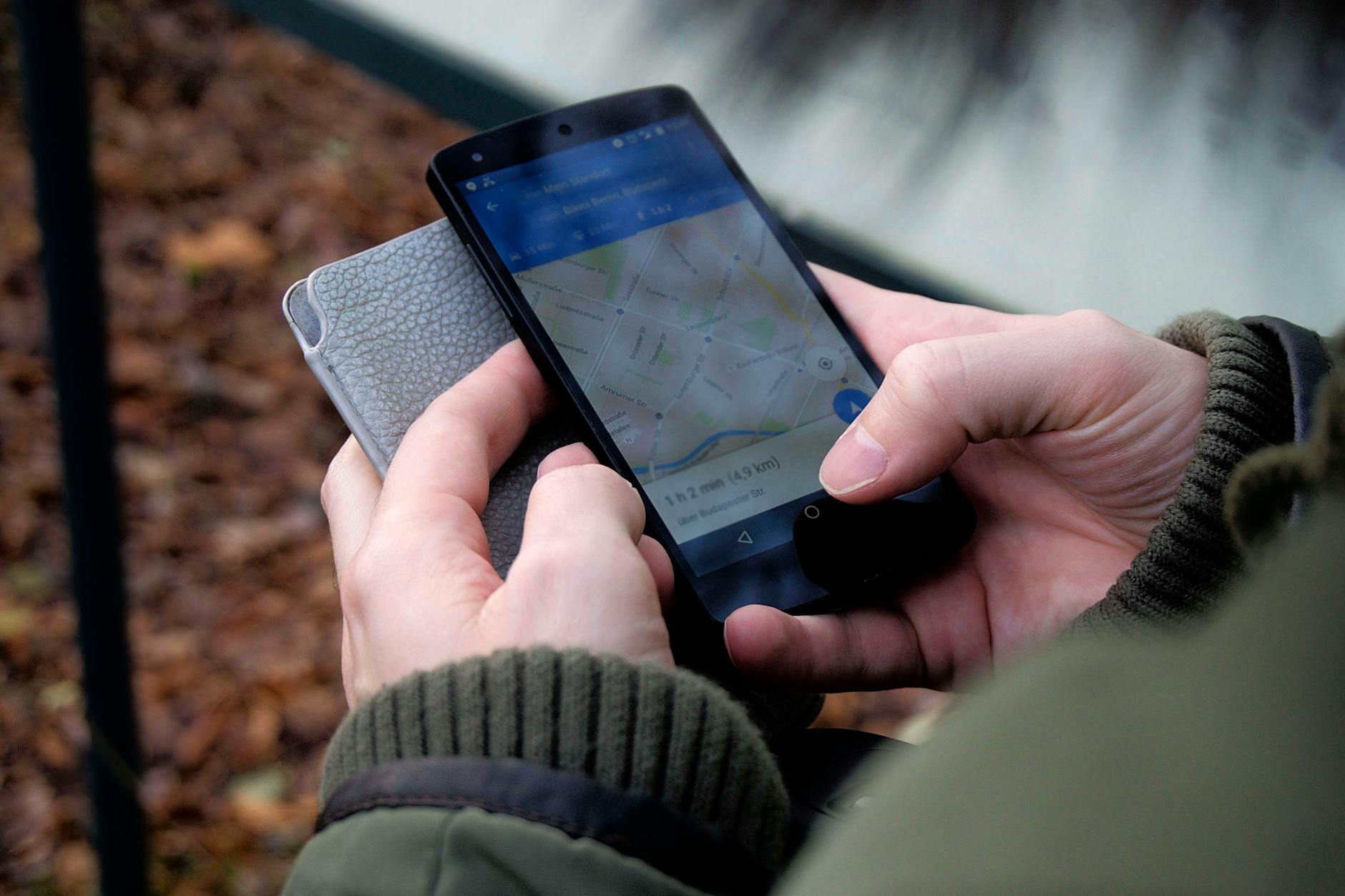
The small arrow icon in the status bar typically appears only when you use navigation or weather apps. A location symbol that remains visible after you close all apps indicates that something is still accessing your GPS. This persistent activity means your movements are being recorded in real time without your active participation. You should immediately check your permission settings to see which applications have access to your whereabouts. Revoking permissions for unnecessary apps is a quick way to stop this unauthorized monitoring.
Sluggish Performance
Malicious software consumes system resources that your phone needs for standard operations. You might experience significant lag when typing messages or opening simple applications. This slowdown happens because the processor is split between your tasks and the demands of the tracking software. Apps that previously opened instantly may now take several seconds to load or crash frequently. A factory reset is sometimes necessary to clear out these resource-heavy background programs.
Strange Background Noises
Audio interference during calls can be a sign that a third party is intercepting the line. You might hear clicking sounds, static, or distant echoes that were not present before. These acoustic anomalies occur when call recording software interferes with the standard cellular connection quality. While bad reception is common, consistent patterns of noise suggest a more invasive issue. Paying attention to call quality provides a subtle but effective clue about privacy compromises.
Unfamiliar Applications

New icons appearing on your home screen without your knowledge is a major red flag. Stalkerware is often disguised as a utility tool like a calculator or a generic system update file. These apps may look harmless but contain code designed to log your location and personal interactions. You should regularly audit your app library and delete anything you do not remember installing. Researching the names of unknown files can often reveal their true malicious nature.
Delayed Shutdown Process

A phone should power down within a few seconds after you confirm the shutdown command. Devices that hang on the shutting down screen or refuse to turn off completely are often waiting for background tasks to finish. Tracking software attempts to stay active for as long as possible to transmit final packets of data. This resistance to powering off indicates that an external program has high-level control over the operating system. forcing a hard restart may be required to break this cycle of surveillance.
Autocorrect Malfunctions
Keyloggers often interfere with the predictive text and autocorrect functions of your keyboard. You may notice the keyboard behaving erratically or struggling to keep up with your typing speed. This lag occurs because the spyware is recording every keystroke to capture passwords and search terms. Your typing experience feels clumsy and unresponsive compared to normal usage. Resetting your keyboard dictionary rarely fixes this issue if the root cause is malicious software.
Camera and Mic Indicators

Modern operating systems display green or orange dots to alert users when the camera or microphone is active. Seeing these indicators light up while you are browsing the home screen is a serious privacy warning. It implies that an app is secretly watching or listening to your surroundings without permission. You must immediately investigate which app is triggering these sensors through your privacy dashboard. Ignoring these visual alerts can lead to the compromise of sensitive personal conversations.
Outgoing Messages
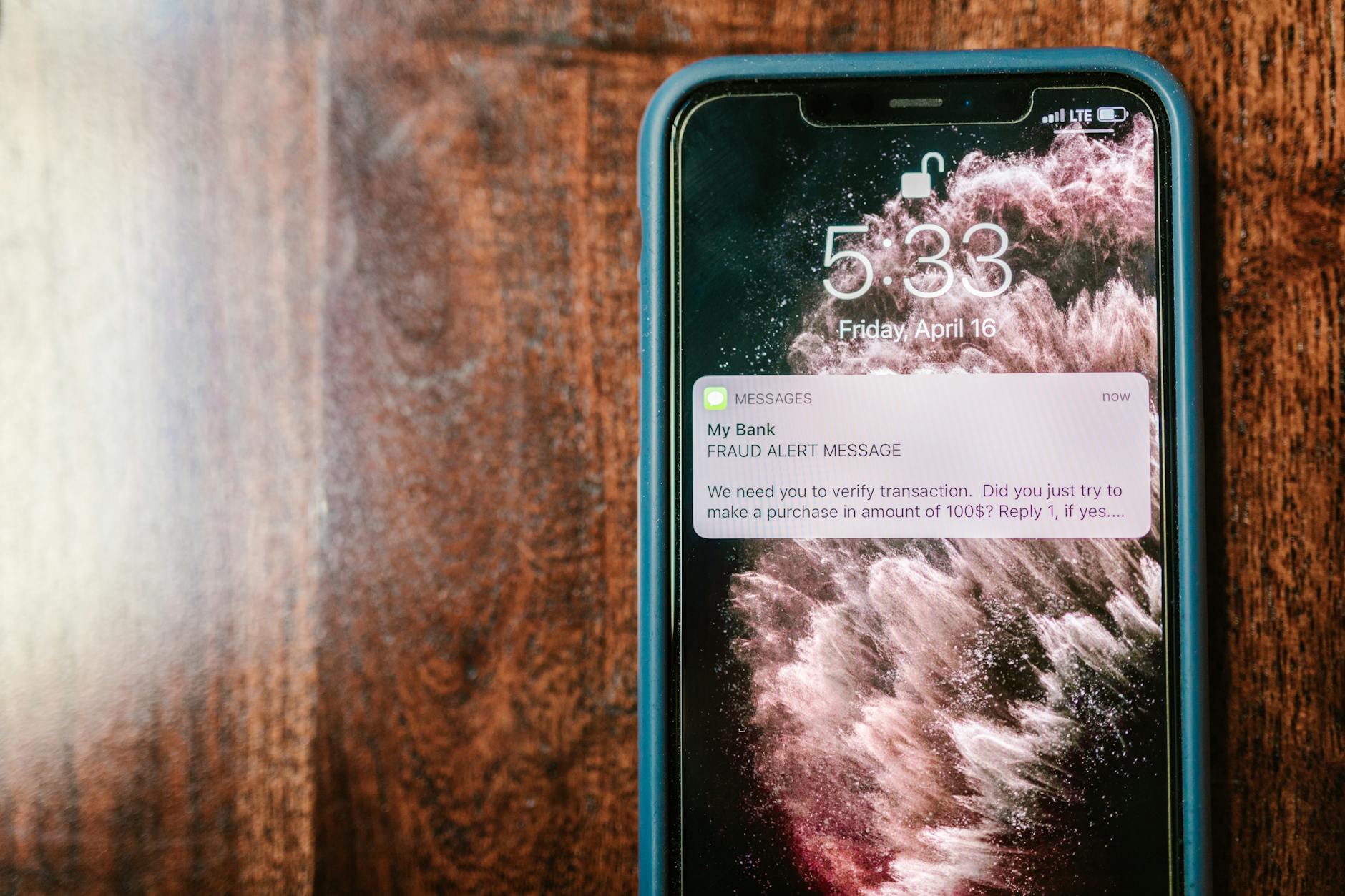
Tracking apps sometimes use your device to send coded messages to a central command server. You might find texts in your sent folder that contain random strings of numbers or symbols. These messages allow the tracker to communicate status updates or receive new instructions remotely. Friends may also complain about receiving spam or weird links from your number. reviewing your message logs helps detect if your device is acting as a tool for others.
Browser History Anomalies
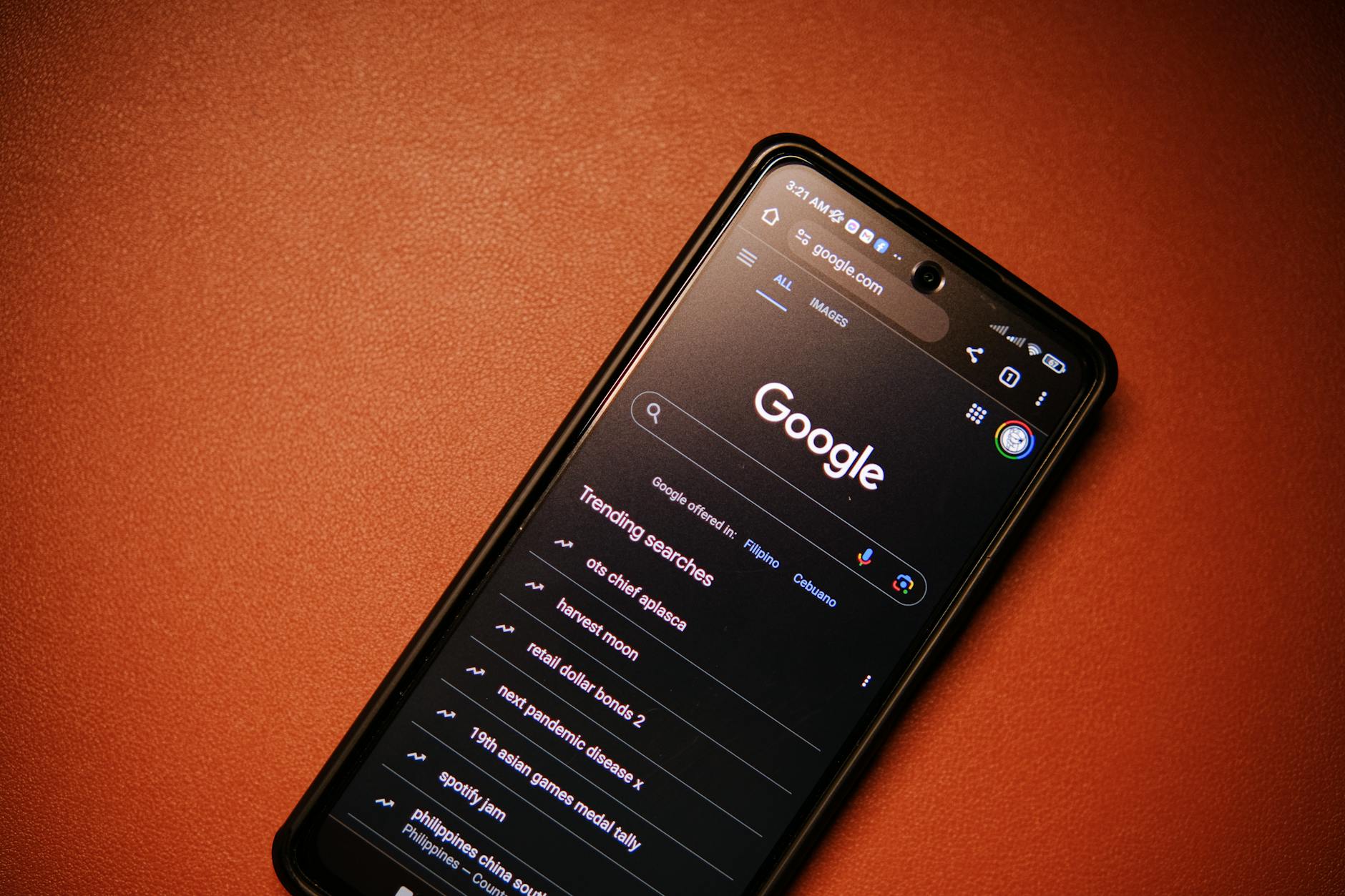
Unwanted software often loads web pages in the background to deliver ads or download malicious updates. You might find strange websites in your browser history that you never visited personally. These entries are leftovers from the hidden activities of spyware trying to generate revenue or steal cookies. Clearing your history does not stop the activity if the underlying infection remains. A secure browser or a comprehensive antivirus scan can help mitigate these unauthorized connections.
Permission Settings Changes
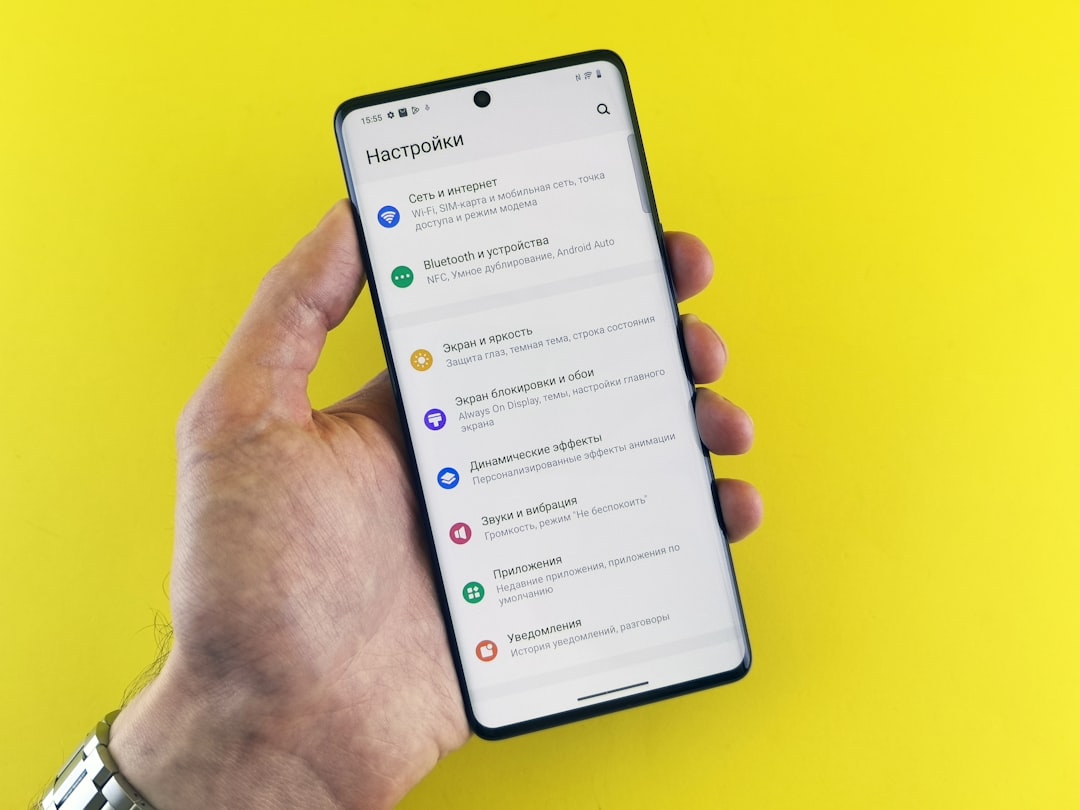
Malicious apps frequently attempt to grant themselves higher privileges to access sensitive data. You may find that settings you previously disabled are turned back on without your intervention. This includes access to contacts, cameras, and specifically location services. This manipulation allows the software to bypass your initial security preferences. Regularly locking down your privacy settings ensures that you remain in control of your own device.
Distorted Screenshots

Spyware that captures your screen activity can sometimes cause visual glitches in your own screenshots. You might notice poor quality or strange artifacts in the images you save to your gallery. This degradation happens when multiple processes fight for control over the display buffer. It serves as a subtle technical hint that your visual data is being intercepted. keeping an eye on image quality can help you spot the presence of screen recording tools.
Have you noticed any of these signs on your device recently so please tell us in the comments.




