Modern technology integrates seamlessly into daily life until a malicious program disrupts that harmony. Malware often operates silently in the background while stealing data or damaging system integrity. Early detection protects sensitive information and prevents costly hardware repairs down the line. Awareness of subtle behavioral changes in a device serves as the first line of defense against cyber threats. Understanding these common symptoms allows users to act quickly before significant damage occurs.
Unexpected System Sluggishness
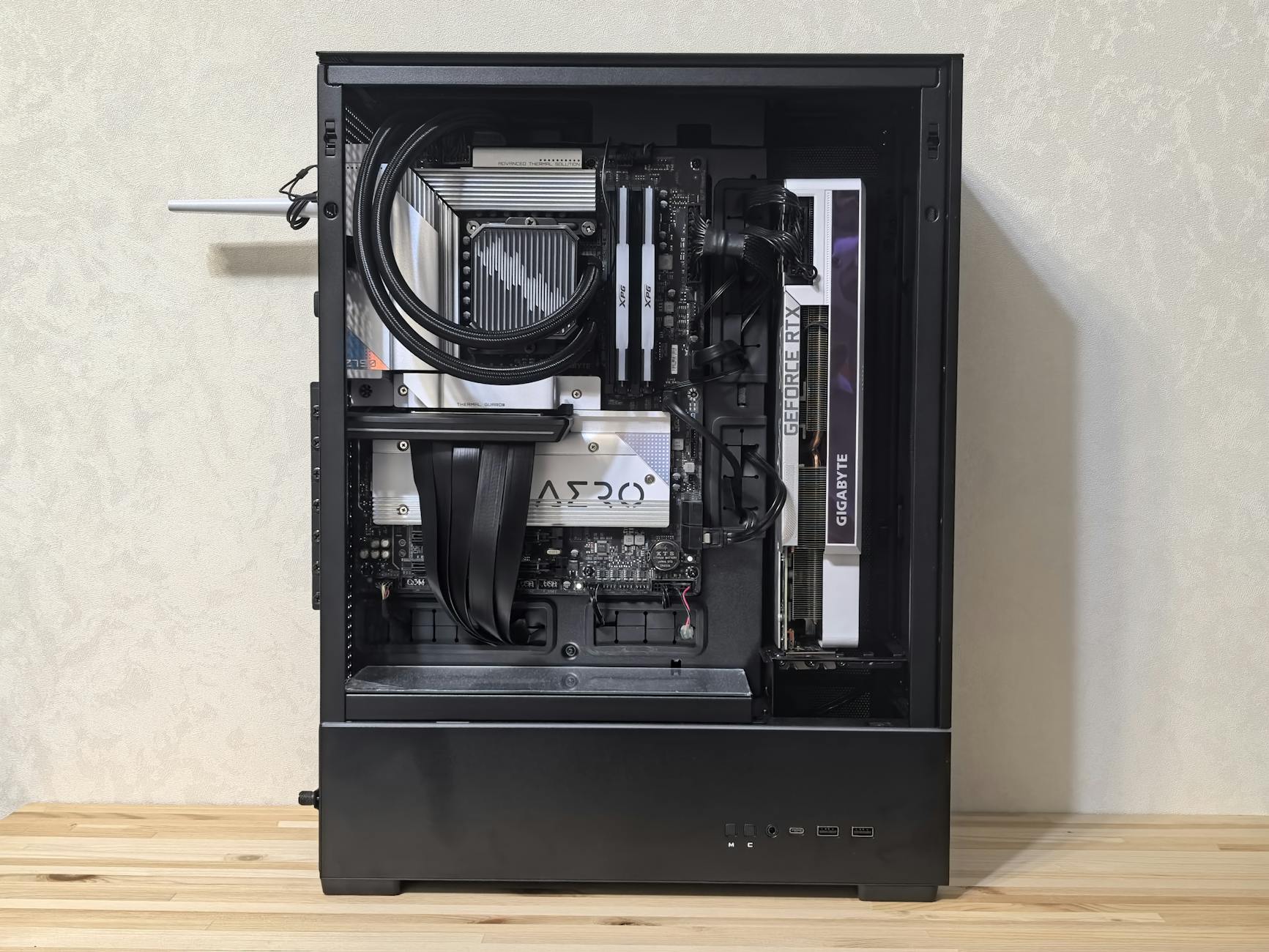
A sudden drop in operating speed often indicates malicious software consuming system resources. Programs that once opened instantly might take several seconds or even minutes to load completely. Background processes initiated by malware eat up processing power and leave legitimate applications struggling to function. This lag persists even when no heavy applications are running actively on the desktop. Users notice a significant difference in responsiveness during simple tasks like typing or navigating folders.
Relentless Pop-up Ads

Adware bombards the screen with unwanted marketing windows even when no web browser is open. These advertisements often promote dubious products or claim the computer is already infected with a virus. Clicking on these windows usually downloads additional malicious software or redirects to phishing sites. Legitimate operating systems do not generate aggressive advertising pop-ups on the desktop interface. This behavior signals that a program has hijacked the display capabilities of the device.
Frequent System Crashes
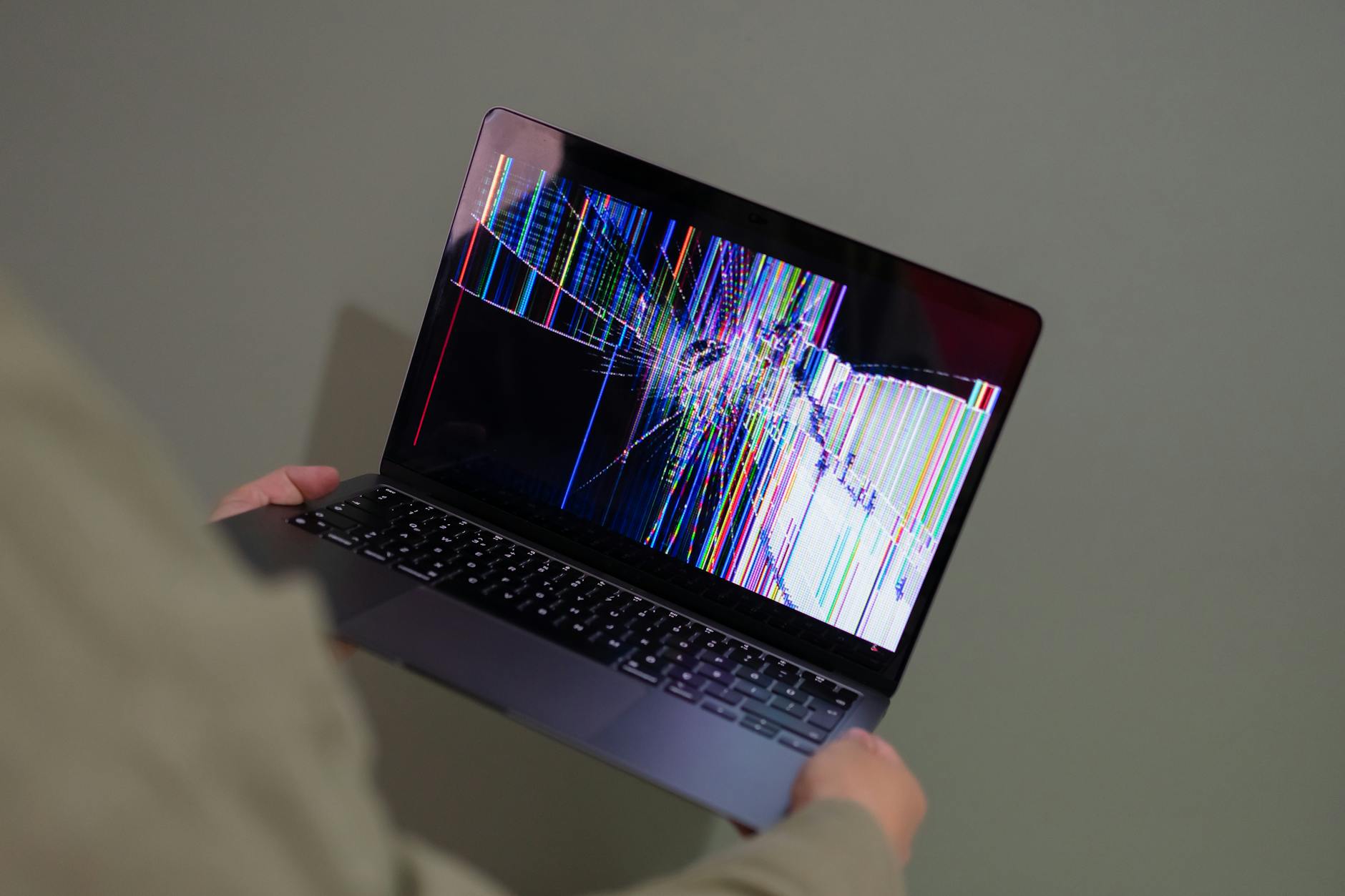
Malware often corrupts critical system files causing the computer to freeze or restart unexpectedly. The infamous blue screen of death appears more frequently as the infection destabilizes the operating system. Software applications might close without warning or display cryptic error messages during standard use. This instability arises because the virus attempts to modify or delete essential execution codes. Regular crashes serve as a major red flag that the internal architecture is compromised.
Unexplained Hard Drive Activity
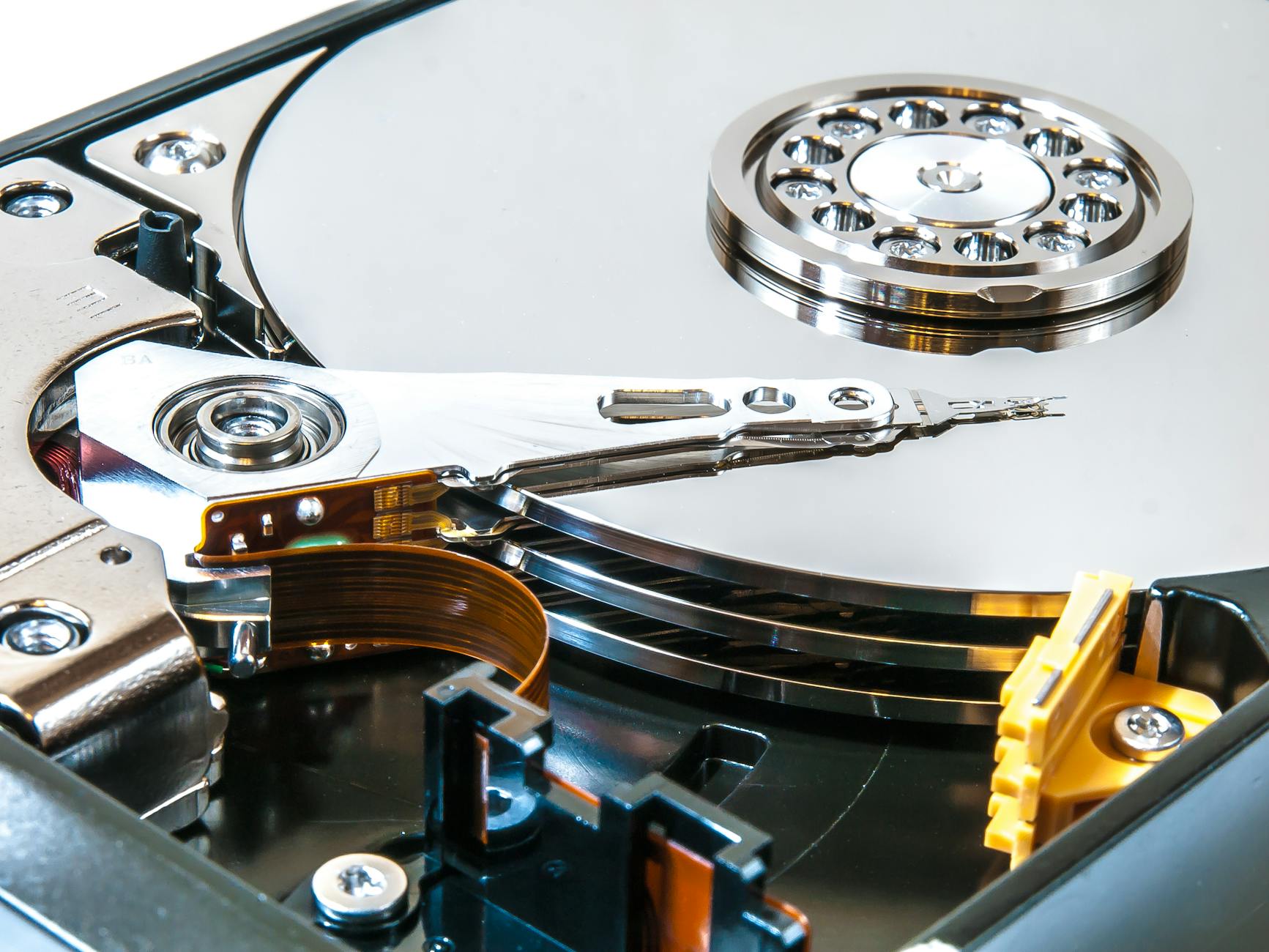
The hard drive light on a computer case might blink furiously even when the machine is idle. This continuous activity suggests that a background process is writing or reading data without user permission. Large amounts of data transfer often occur as spyware collects and transmits personal information to remote servers. The computer might become unresponsive or noisy as the disk works overtime to accommodate these hidden tasks. Persistent disk usage reduces the lifespan of hardware components while indicating a breach.
Mysterious Browser Homepage Changes
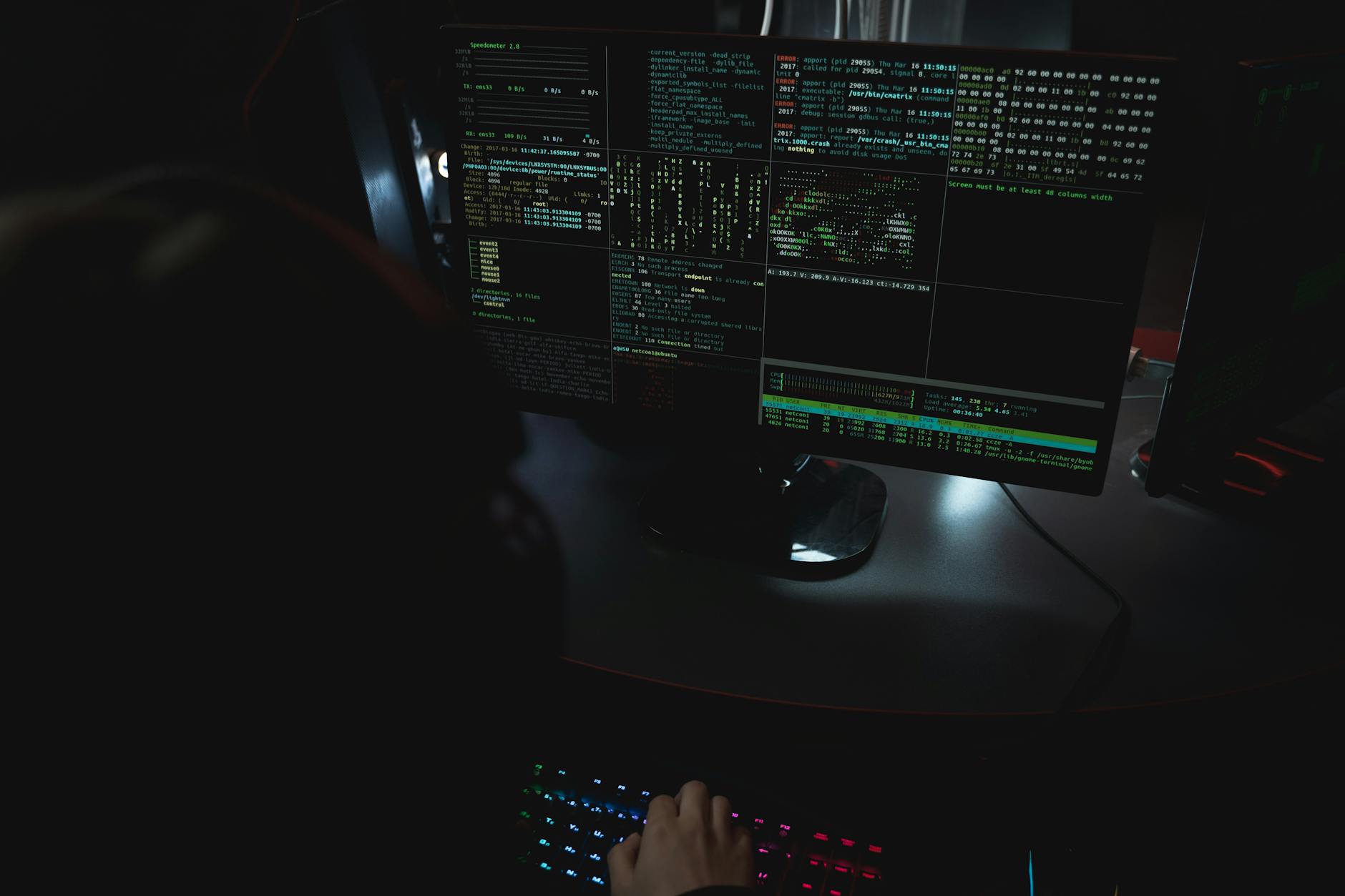
Hijackers frequently alter the default homepage setting to redirect traffic to specific illicit websites. Users open their browser expecting a familiar search engine but see a strange third-party page instead. Attempting to change the settings back often fails as the malware overrides user preferences immediately. This tactic generates revenue for cybercriminals through forced ad impressions and click fraud. A compromised browser serves as a gateway for further infections if left unchecked.
New Toolbars and Extensions

Unknown toolbars suddenly appear below the browser address bar without any intentional installation. These unwanted add-ons often clutter the viewing area and track browsing habits for malicious actors. They may claim to offer helpful search features or discounts while secretly harvesting user data. Removing them through standard extension managers proves difficult as they reinstall themselves automatically. The presence of unauthorized toolbars confirms that the browser environment is no longer secure.
Disabled Security Solutions

Sophisticated malware explicitly targets antivirus software to prevent detection and removal. Users might find that their firewall or virus scanner has turned off without their intervention. Attempts to restart the security program often fail or result in immediate termination of the process. This self-defense mechanism allows the infection to spread deeper into the system vulnerability. A disabled antivirus suite leaves the computer completely exposed to additional attacks.
Rapid Battery Depletion

Laptops infected with cryptojacking malware experience significantly shorter battery life than usual. The malicious code utilizes the processor to mine cryptocurrency which demands immense energy. Fans run at high speeds constantly to cool down the overheated components. Users notice the device becomes hot to the touch even during light usage or sleep mode. Drastic changes in power consumption point directly to unauthorized resource usage.
Unusual Error Messages
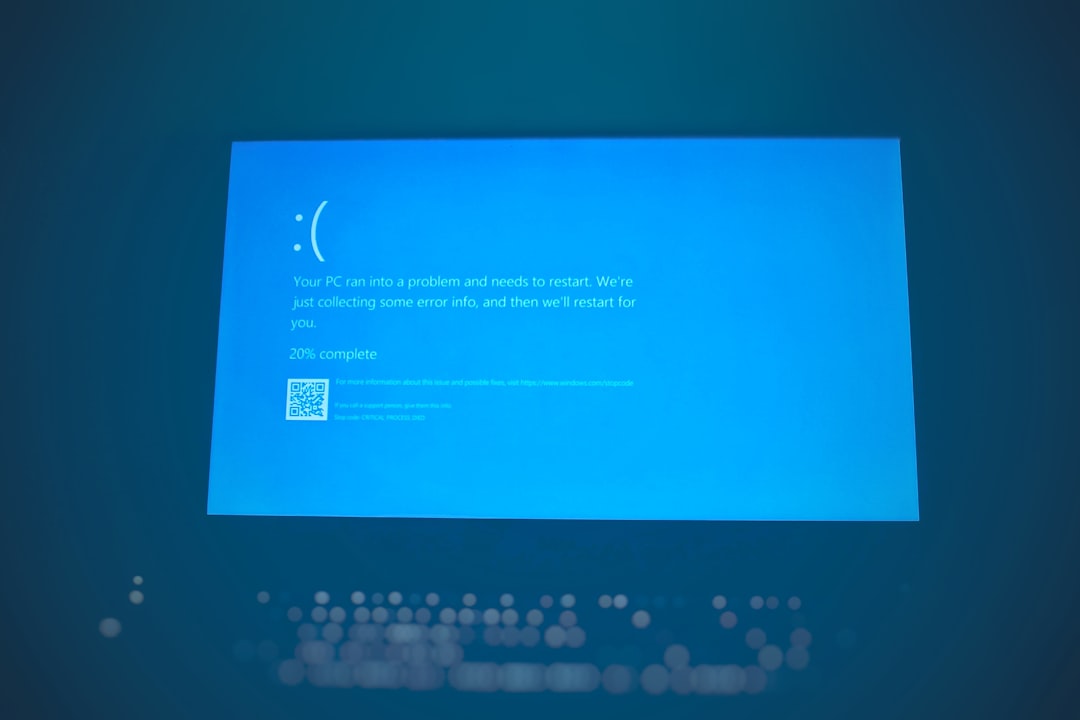
Cryptic dialogue boxes with random numbers or characters might pop up during startup or application launch. These errors indicate that the malware has damaged files required for programs to run correctly. The operating system attempts to execute corrupted code and fails resulting in these confusing notifications. Genuine system errors usually provide readable descriptions rather than nonsensical text strings. Persistent odd messages suggest deep-rooted system file corruption.
Inability to Access Control Panel

Viruses often block access to administrative tools to prevent users from diagnosing the issue. Clicking on the Control Panel or Task Manager might yield no response or an error message saying access is denied. This restriction stops users from identifying the malicious process or uninstalling the infected software. The malware effectively locks the user out of their own computer management systems. Losing administrative control is a severe symptom of a sophisticated infection.
Emails Sent Without Permission

Contacts may report receiving strange emails or social media messages from the user’s account. These messages typically contain phishing links or attachments intended to spread the virus to others. The malware uses the infected computer as a bot to distribute spam across the user’s network. Users usually discover this when friends or colleagues ask about the suspicious content. This behavior damages personal reputation and puts the entire contact list at risk.
Unknown Desktop Icons

New shortcuts or files often appear on the desktop screen without the user creating them. These icons frequently resemble legitimate documents or software installers to trick users into clicking them. Engaging with these files executes the malware script or downloads further payloads. The presence of strange files indicates the infection has write access to the user interface. Cleaning the desktop rarely solves the issue as the icons often reappear after a reboot.
Constant Fan Noise
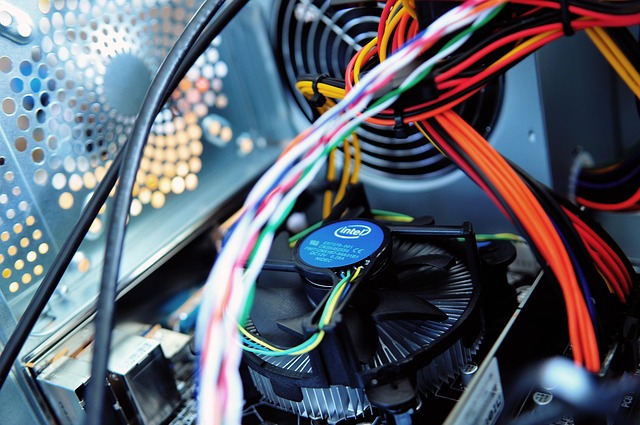
The cooling fans inside the computer might spin at maximum speed continuously. This audible strain happens because the processor is working at full capacity to support the malware’s operations. High internal temperatures can damage sensitive components like the CPU and GPU over time. A noisy computer during idle periods is a strong indicator of hidden background processing. Investigating this noise often reveals high resource usage by unknown applications.
Browser Redirects

Searching for a specific term might lead the user to a completely unrelated and often dangerous website. The malware intercepts the search request and routes the connection through a predetermined path. This technique generates traffic for scam sites and exposes the user to further security risks. Even typing a direct URL into the address bar can result in a redirect to a malicious page. Consistent redirection makes safe web browsing nearly impossible.
Missing or Corrupted Files
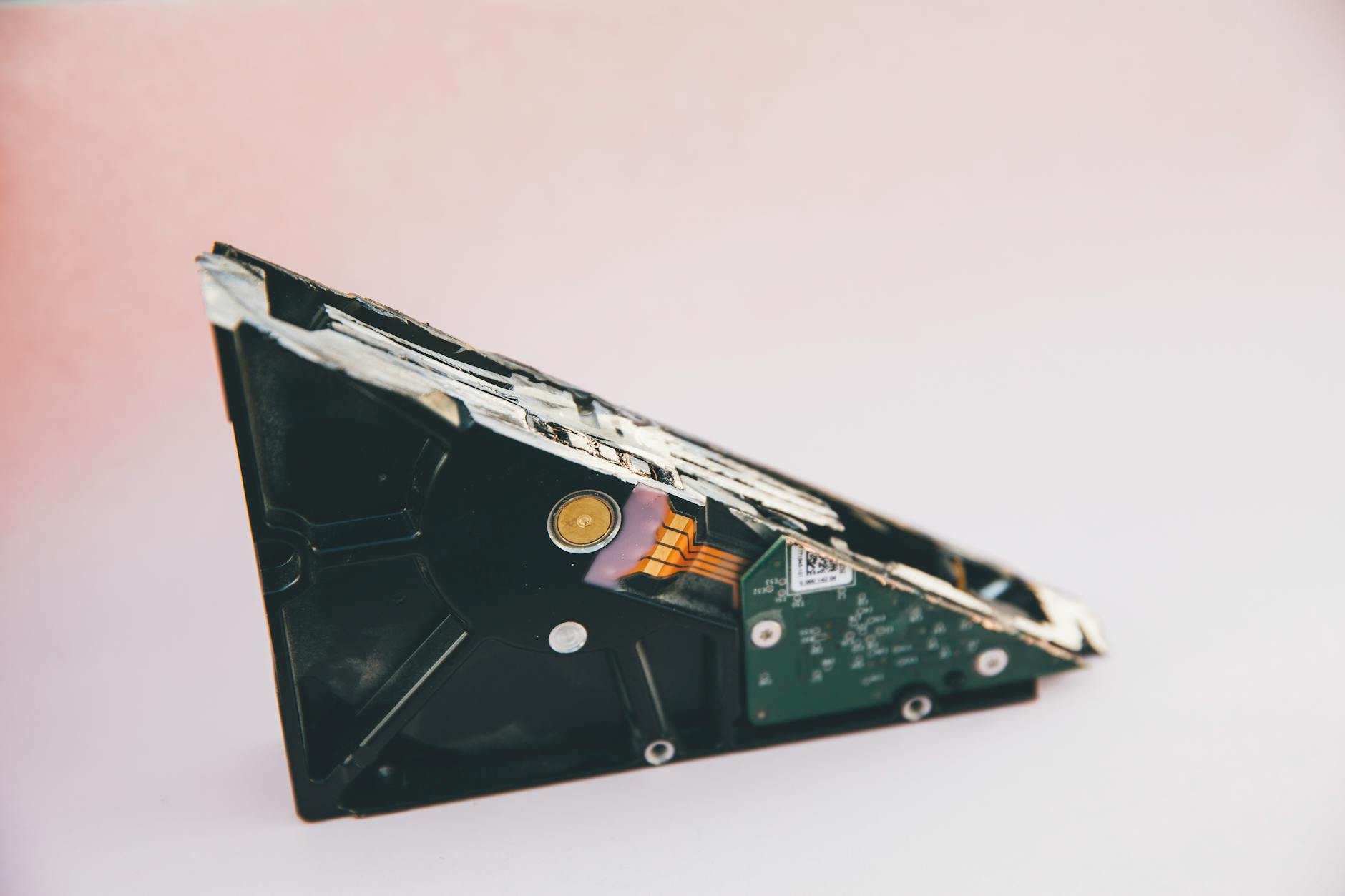
Documents and media files may disappear from their designated folders or become impossible to open. Ransomware encrypts these files and demands payment for the decryption key. Other types of malware simply delete data to cause disruption or make space for their own code. Users might see changed file extensions that render the data unrecognizable to standard programs. Data loss without hardware failure is a definitive sign of malicious interference.
Please share your own experiences with keeping your devices secure in the comments.




