Sharing photos online has become second nature for most people, but even the most casual snapshot can contain surprising amounts of sensitive information that puts your privacy and safety at risk. A single image posted without a second thought can reveal your home address, daily routine, financial details, and much more to strangers who may not have your best interests in mind. Digital literacy experts consistently warn that photo oversharing is one of the most common and underestimated privacy vulnerabilities in everyday life. Taking a few extra seconds to review and blur certain details before hitting post can make a significant difference in protecting yourself and those around you. Here are twenty details you should always obscure before sharing any photo online.
House Number

Your house number is one of the most dangerous pieces of information visible in a casual photo. Combined with other context clues in the image such as recognizable streets or landmarks, it gives anyone online the ability to pinpoint exactly where you live. Burglars, stalkers, and scammers actively scan social media posts for this type of identifying information. Even if the number appears small or partially obscured in the background, it is worth blurring before you share. The few seconds it takes to edit could prevent serious real-world consequences.
License Plate
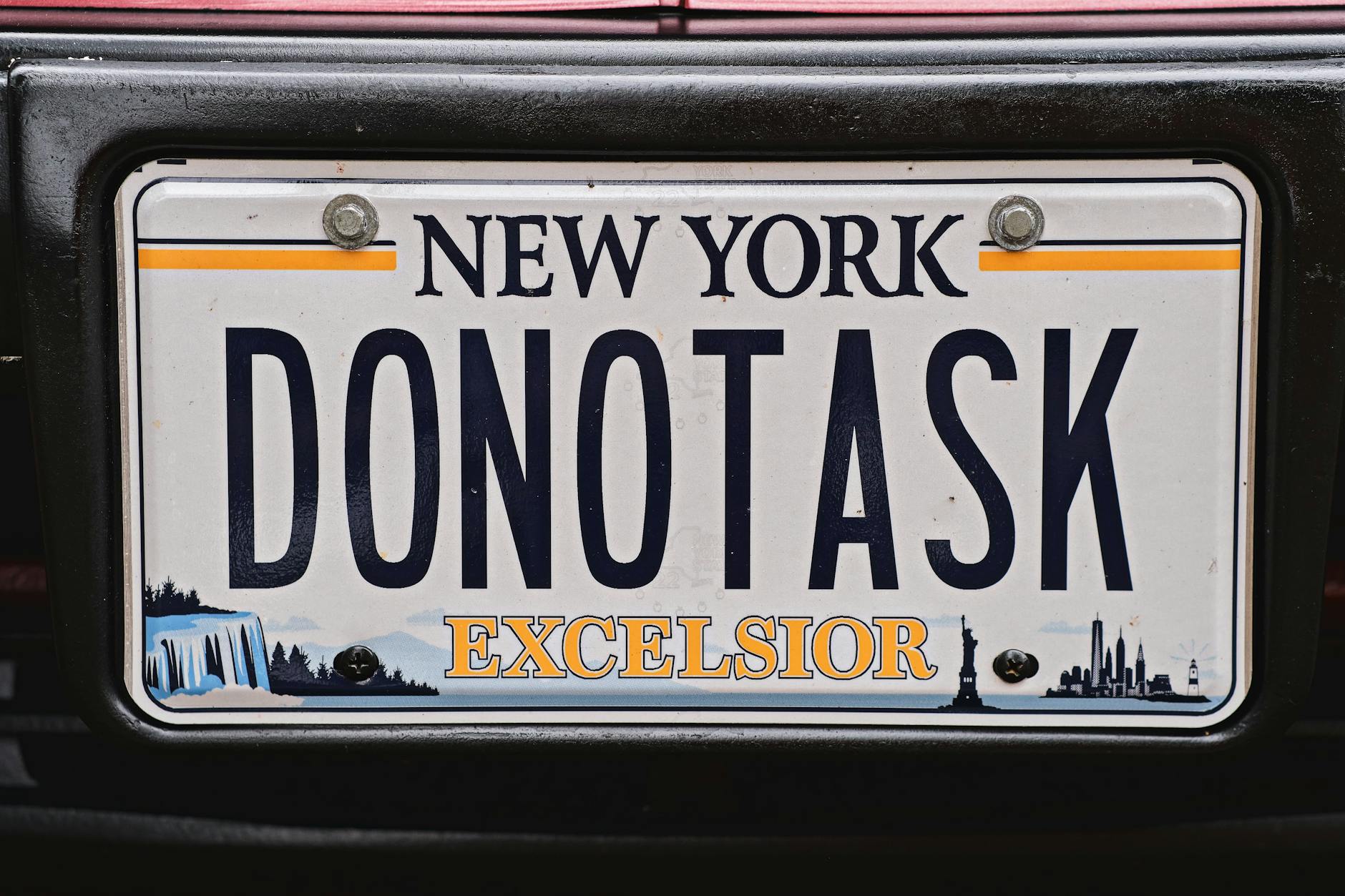
A vehicle license plate contains far more traceable information than most people realize. In many countries, a plate number can be used to look up the registered owner’s name, general location, and vehicle history through publicly accessible databases. Posting a clear image of your car with the plate visible essentially hands that information to anyone scrolling past your post. This is especially important for photos taken in driveways or parking spots near your home. Always blur the plate entirely, including partial views caught in the edges of the frame.
Street Signs

Street signs in the background of a photo can narrow down your exact location even when you have not tagged the post with a specific place. Someone determined to find where you live or spend time can cross-reference visible street names with mapping tools in seconds. This is particularly relevant for photos taken near your home, school, workplace, or any regularly visited location. Even intersections captured in the far distance of a wide shot can be zoomed in and identified. Make blurring any readable signage a standard part of your photo review process.
School Name

A school name or logo appearing in a photo immediately signals where a child spends the majority of their day. This information is especially sensitive when the child is also identifiable in the image alongside the school branding. Predators and bad actors can use this detail to locate, approach, or monitor children in predictable settings. Sports uniforms, school bags, building facades, and event banners are all common places where school names appear without parents noticing. Checking every corner of an image before posting a child’s photo is a non-negotiable step in keeping them safe.
ID Cards
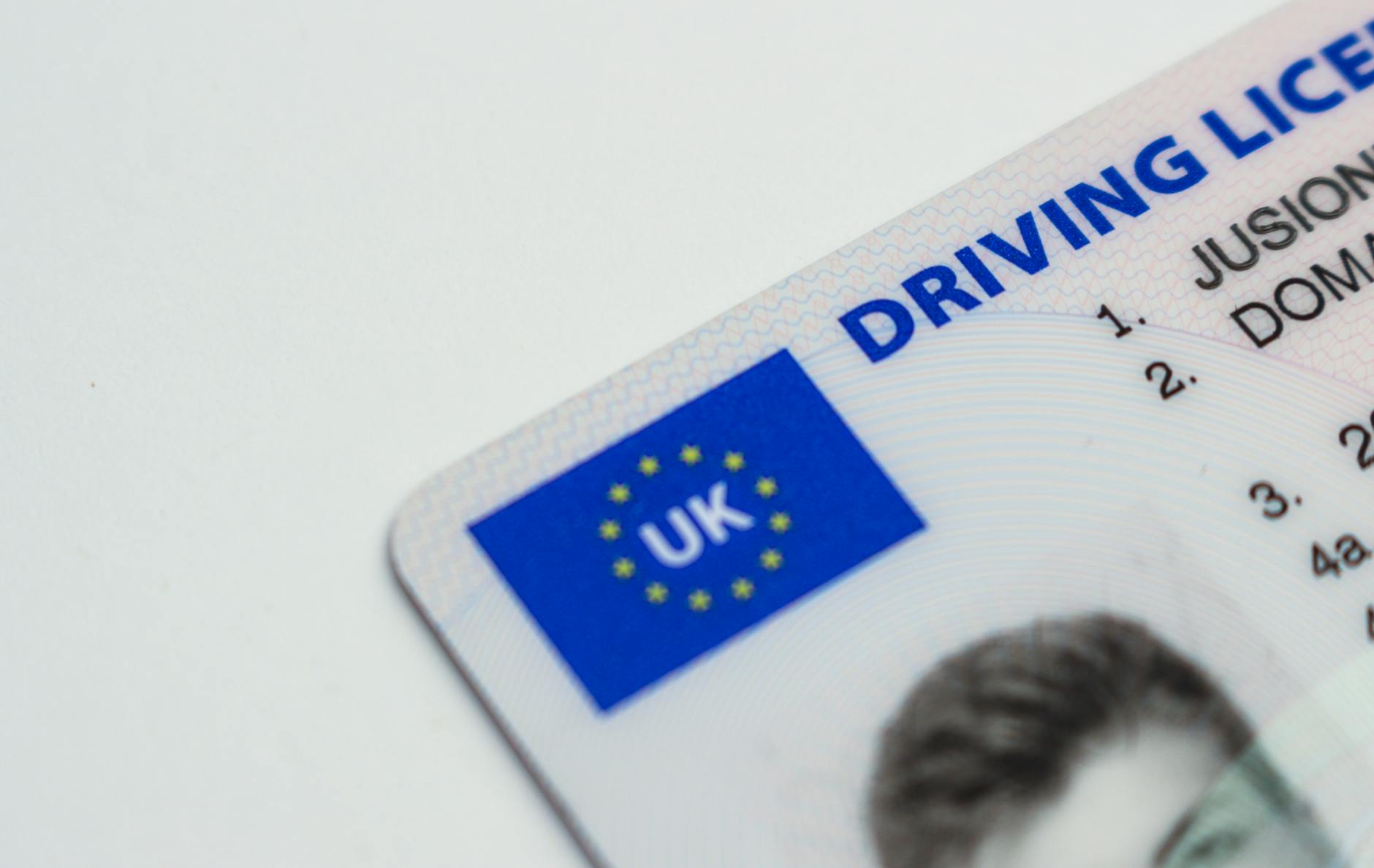
Identity documents such as driver’s licenses, student cards, employee badges, and national ID cards should never appear uncensored in any photo shared publicly. Even a partially visible ID can expose a full name, date of birth, identification number, and physical description that enables identity theft. Celebratory photos at graduation ceremonies or new job announcements are common occasions where ID cards accidentally appear in the frame. The combination of a face, a name, and an ID number gives fraudsters an alarming head start. Always ensure these documents are fully blurred or removed from the shot before posting.
Credit Cards
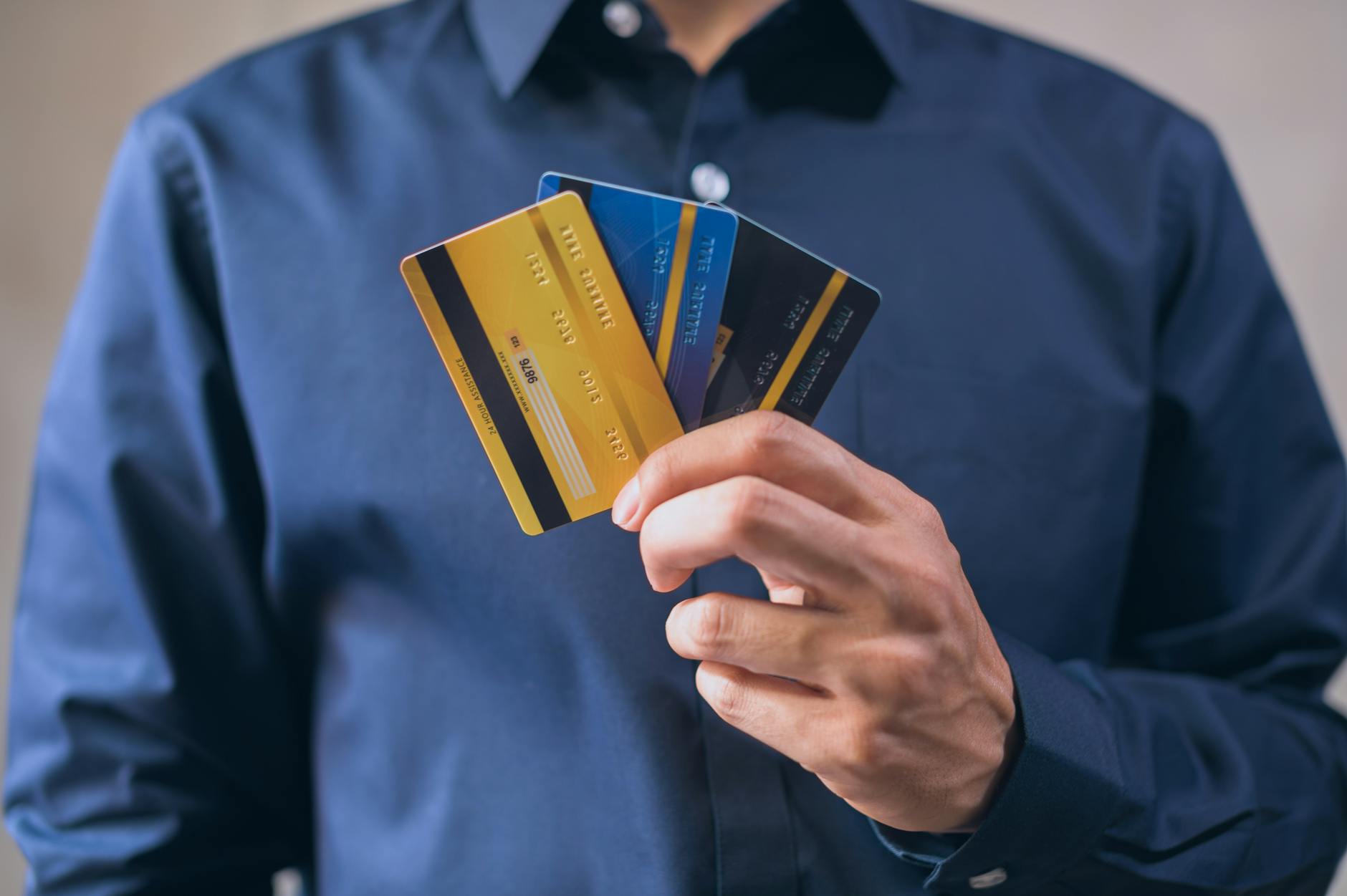
A credit or debit card visible in a photo is a direct invitation for financial fraud. The card number, expiration date, and cardholder name are all that a scammer needs to attempt unauthorized transactions. Even shots where only part of the card is visible can be enhanced and reconstructed using widely available image tools. Photos of new wallets, birthday gifts, or shopping hauls are frequent culprits where cards end up in the frame unintentionally. Cover or blur any payment card completely before the image goes online.
Computer Screens
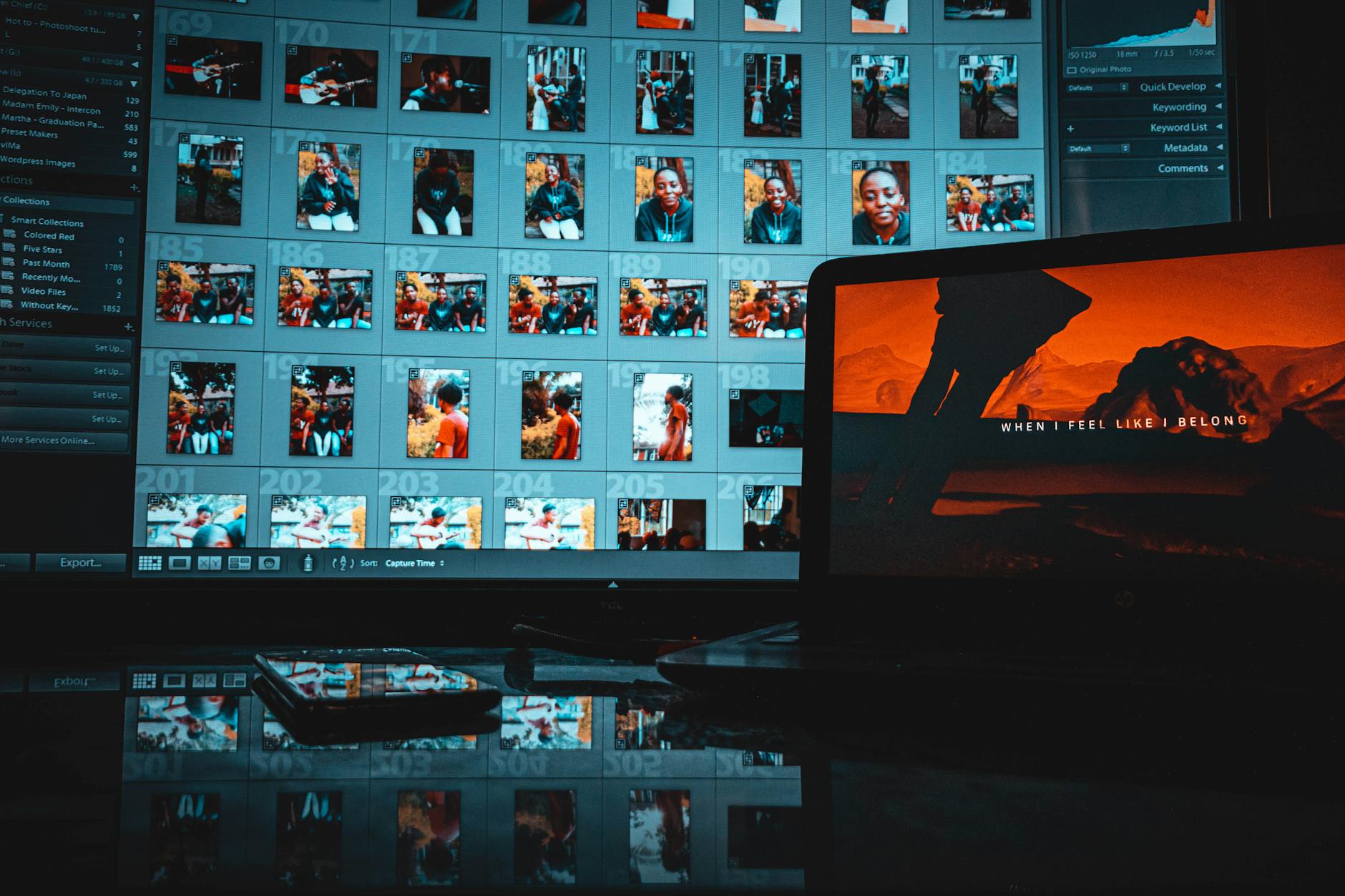
Laptop and desktop screens visible in the background of photos can reveal open emails, private messages, browser history, work documents, and login credentials. A screen reflected in a window or mirror can be equally revealing even when it is not the focal point of the image. Remote workers and students who frequently share home office setups are particularly vulnerable to this type of unintentional exposure. High-resolution photos allow viewers to zoom in and read content that appears illegible at first glance. Turning screens away or blurring them entirely is a simple protective habit worth building.
Medication Labels

Prescription medication bottles display a patient’s full name, prescribed dosage, the prescribing doctor’s name, and the pharmacy’s address. This combination of details creates a comprehensive snapshot of someone’s medical history and personal information. Sharing this data publicly can have consequences ranging from unwanted intrusion into personal health matters to insurance complications or targeted scams. Wellness and home organization photos are common contexts where medicine bottles appear in the background on shelves or counters. Always check for readable labels before posting any lifestyle or interior shot.
Car Keys
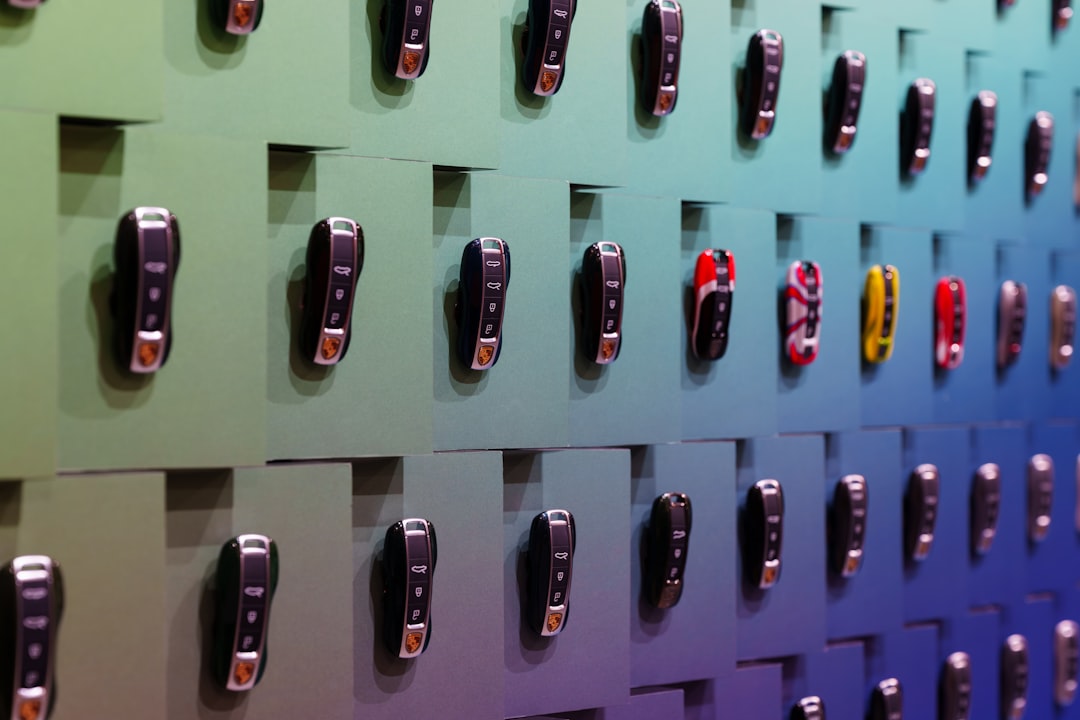
Modern car keys and fobs contain wireless signals that can be cloned using relay devices, allowing thieves to unlock and start vehicles without the physical key. Images that clearly show the model and branding of a key fob help criminals identify the corresponding car and target it accordingly. Keys casually placed on a counter in a kitchen photo or hanging on a hook by the front door are easy to overlook. Beyond the vehicle theft risk, key placement also suggests where you store them at home. Keep keys out of frame or blur them entirely in any shared image.
Bank Statements
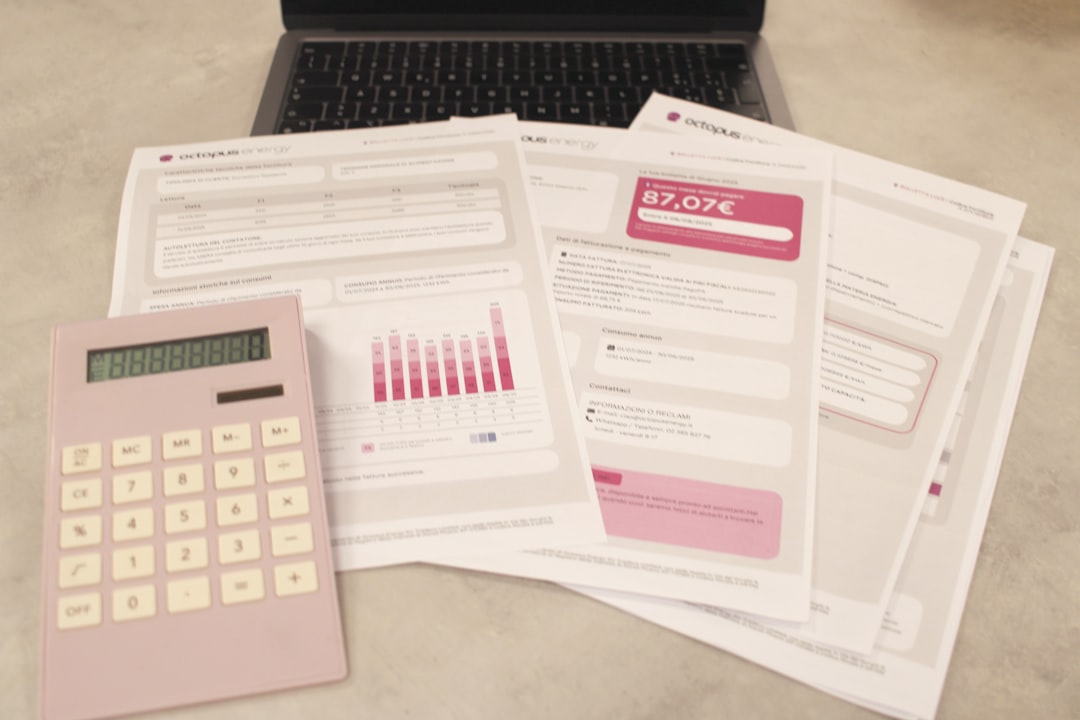
A bank statement or financial document appearing in a photo reveals account numbers, branch details, transaction history, and personal contact information. Even a partial view of a statement can provide enough data for a skilled fraudster to initiate account access or social engineering attacks. Home office flat lays and desk setup photos are common settings where paperwork accidentally ends up in the background. The same caution applies to utility bills, tax documents, and any government correspondence that might carry your account or identification numbers. Always clear sensitive documents from your environment before taking photos intended for sharing.
Wi-Fi Network Name
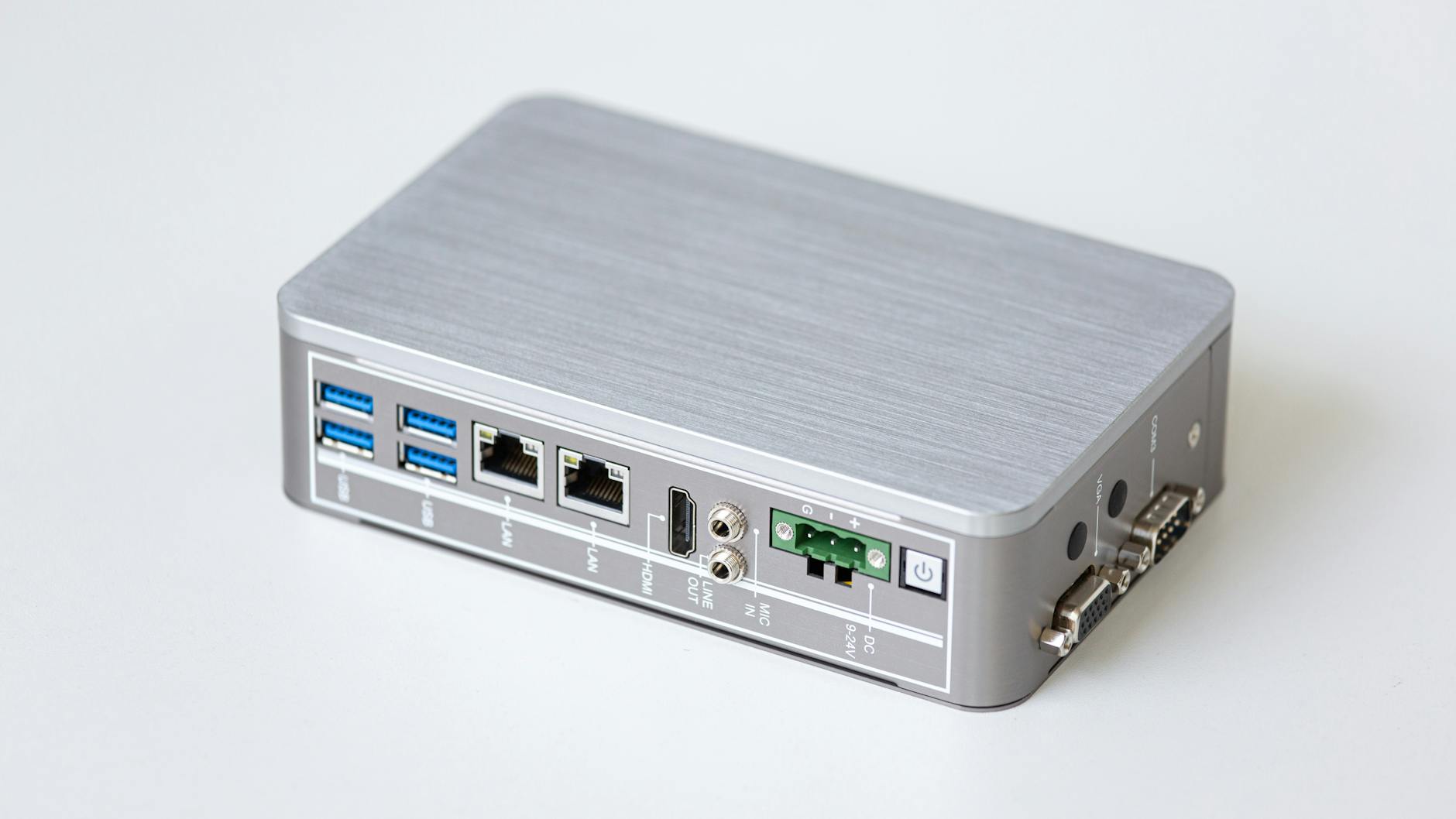
Your home Wi-Fi network name visible on a screen or router label seems innocuous but can contribute to a profile of your household. A network name that includes your surname, apartment number, or address fragment gives away identifying information that narrows down your location. It can also make your network more identifiable for anyone attempting to access it through a targeted attack. Router settings pages or screenshots of connection menus are the most common places where this information appears. Blur or crop out any network name before sharing device or connectivity-related photos.
Passport
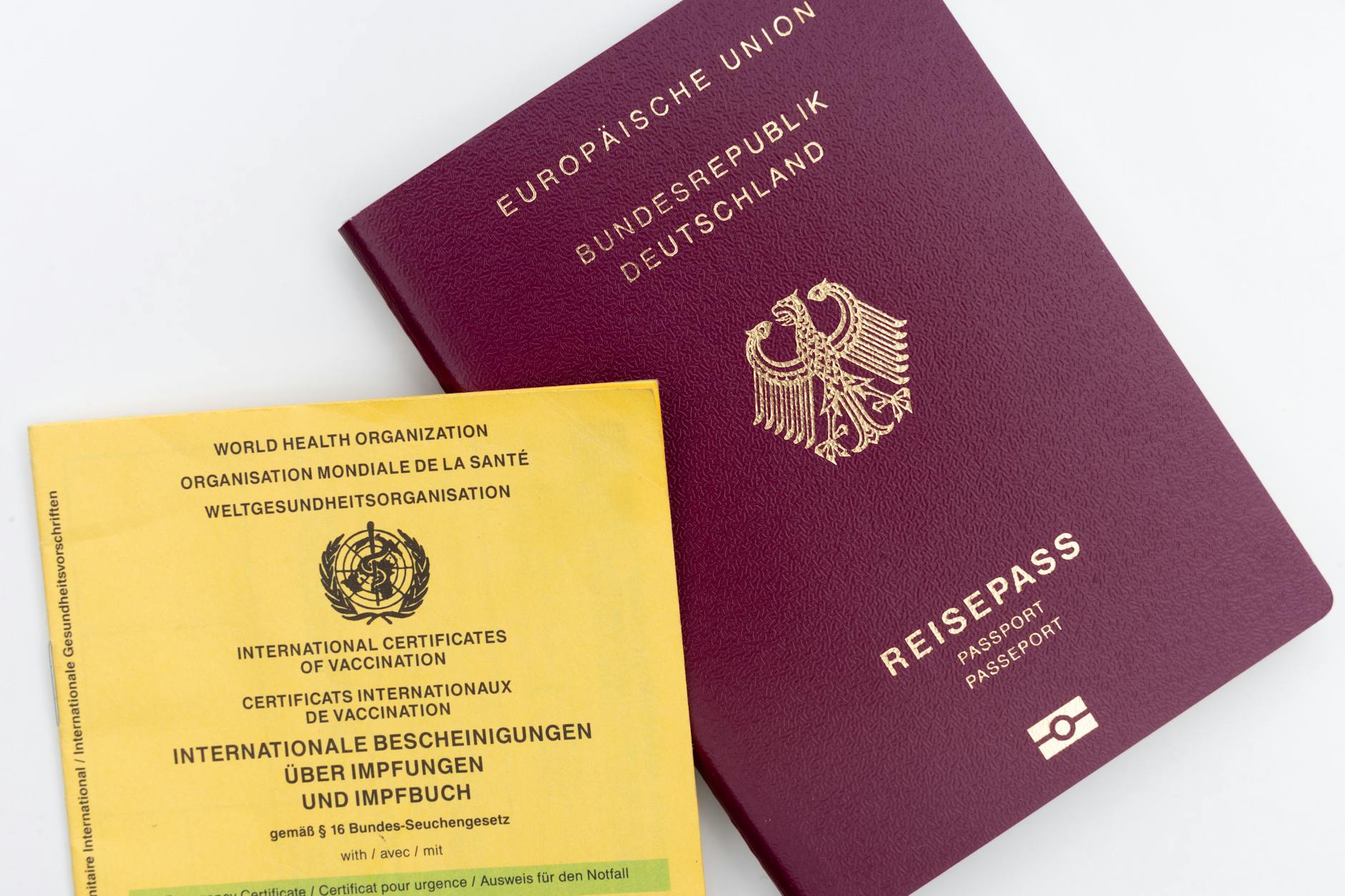
A passport is one of the most sensitive travel documents in existence and should never appear readable in any photo. The biographical data page contains your full legal name, date of birth, nationality, passport number, and expiration date. Fraudsters use this information to create counterfeit documents, commit identity fraud, and gain access to financial accounts that rely on passport verification. Travel flat lays and airport excitement posts are the most common situations where passport covers or open pages end up in the frame. Even the passport cover alone can hint at your nationality and travel habits.
Signatures
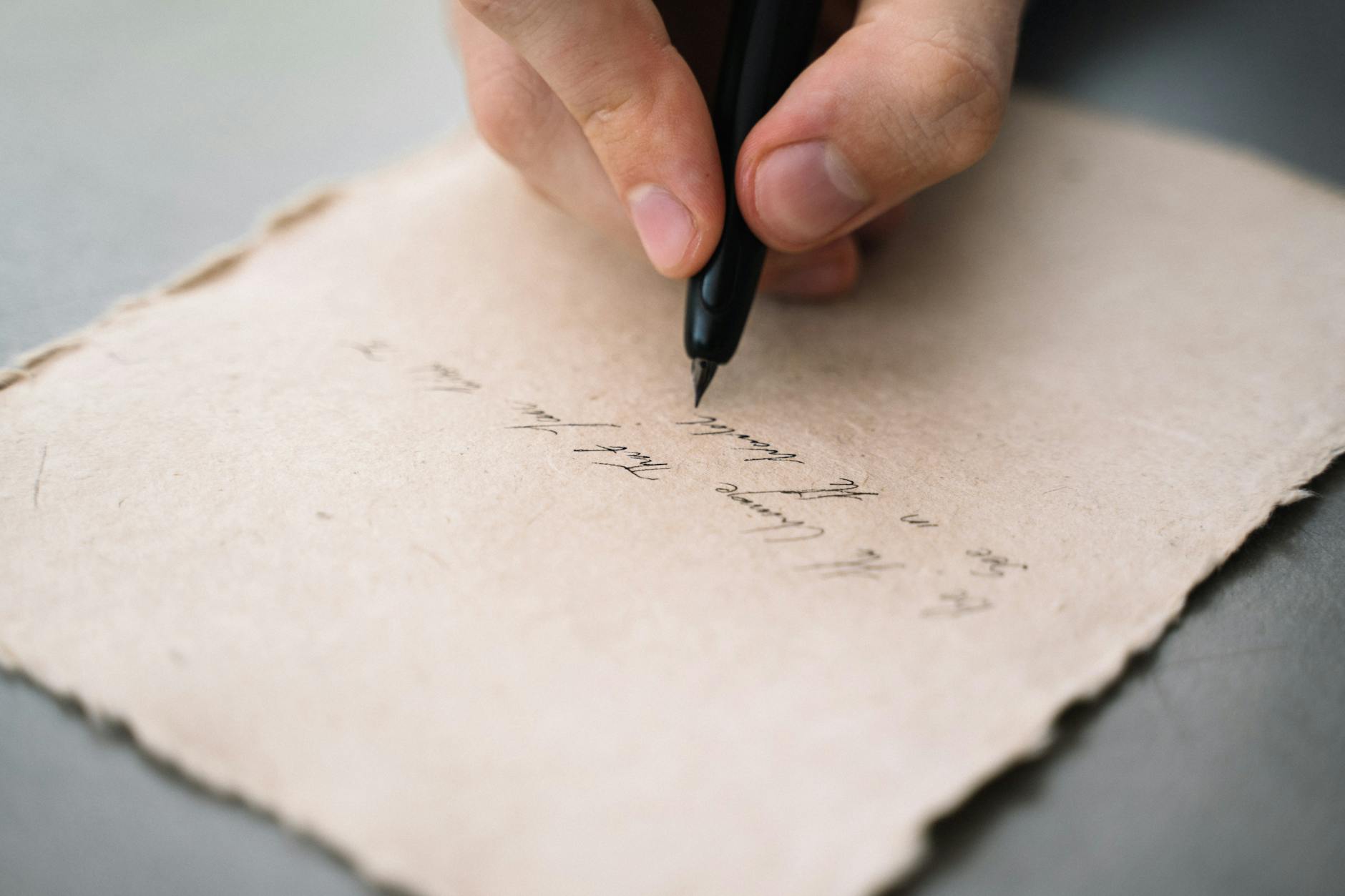
A handwritten signature visible in a photo can be studied, traced, and replicated by anyone with basic artistic skill and bad intentions. Signatures appear on letters, birthday cards, legal documents, artwork, and even storefronts in the background of street photography. A forged signature can be used to authorize documents, open accounts, or impersonate you in written communications. Close-up photos of greeting cards, signed books, or handwritten notes are typical scenarios where signatures go unnoticed. It takes only a moment to blur or crop this detail before sharing any image containing handwriting.
Gym Membership Cards
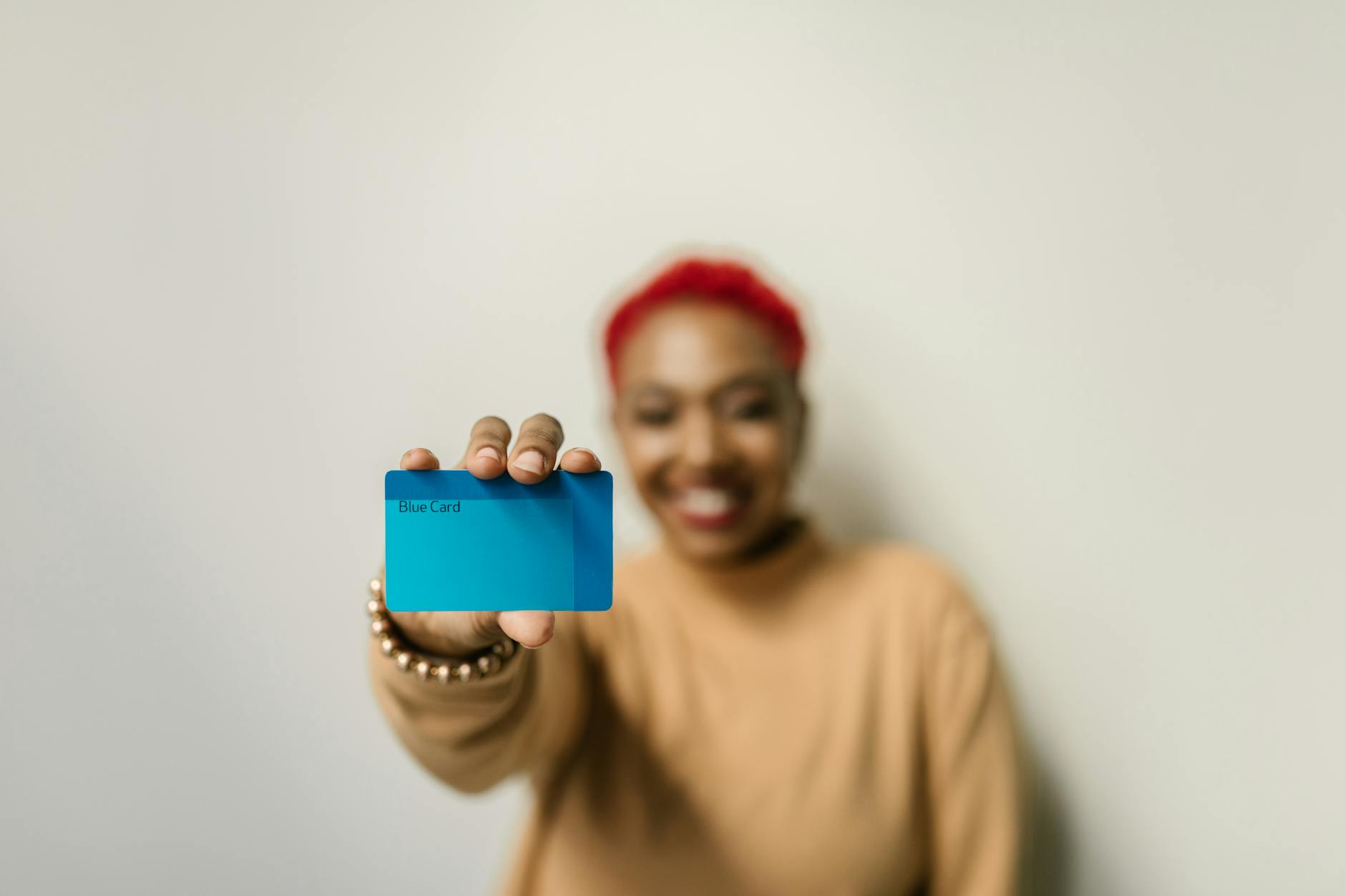
A gym or club membership card reveals not only your personal details but also your regular physical locations and daily schedule. Combined with other social media activity, it tells followers exactly where you will be and at what time on a predictable basis. Some membership cards also carry scannable barcodes or QR codes that can be copied and used to gain fraudulent access to facilities. Flat lay photos of gym bags, lockers, and fitness setups are frequent places where these cards appear without a second thought. Blur the card fully before sharing any fitness-related content.
Baby Monitor Details

Smart baby monitors connected to home networks often display login credentials, device names, or QR codes on their housings or associated app screens. This information can be used to gain unauthorized remote access to the camera feed, which poses an obvious and serious safety risk to children. Photos of nurseries and parenting setups frequently include these devices without parents realizing the accompanying details are visible. Beyond direct access concerns, monitor model information can also be used to exploit known security vulnerabilities in specific devices. Always position or blur the monitor carefully when sharing nursery content.
Vaccination Records
Vaccination records and medical certificates contain a person’s full name, date of birth, healthcare provider details, and in some cases a national health identification number. This information can be used to commit medical identity theft or to fraudulently obtain prescriptions and healthcare services. Sharing vaccine card photos became especially common during periods of global health awareness, often without consideration of the sensitive information displayed. Digital versions visible on phone screens in photos carry the same risks as physical cards. Review any health documentation in an image before posting.
Smart Doorbell Footage
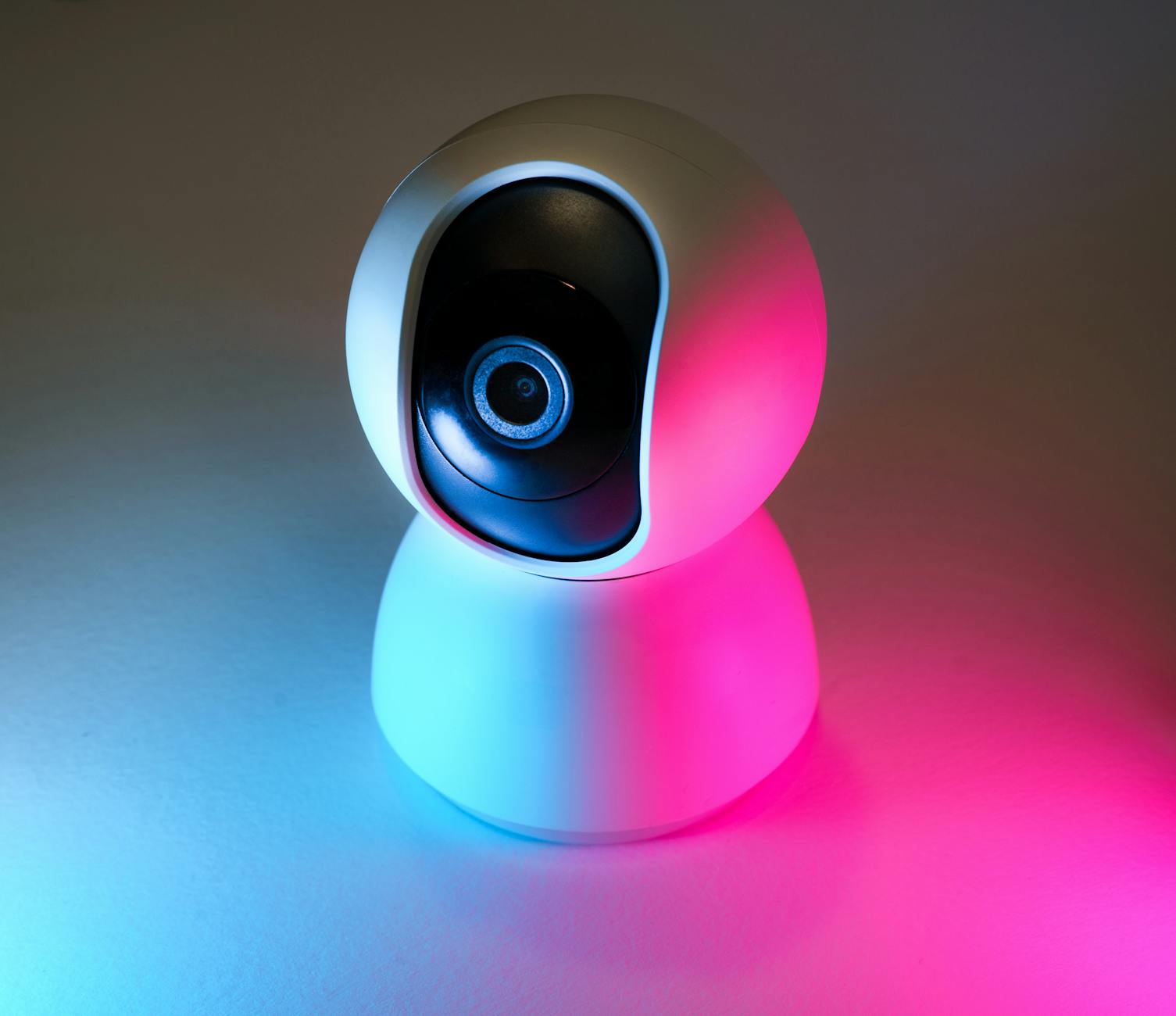
Screenshots or videos taken from a smart doorbell or home security system can reveal the precise layout of your home entrance, your neighborhood, and your visitors’ identities. Posting this content publicly broadcasts the location of your security equipment and its field of coverage, helping potential intruders understand where the blind spots are. Timestamps embedded in the footage also reveal your schedule and the patterns of people coming and going from your home. Homeowners often share this content without realizing the strategic value it offers to people with harmful intentions. Any footage shared should have identifying elements blurred or cropped out.
Work Badges
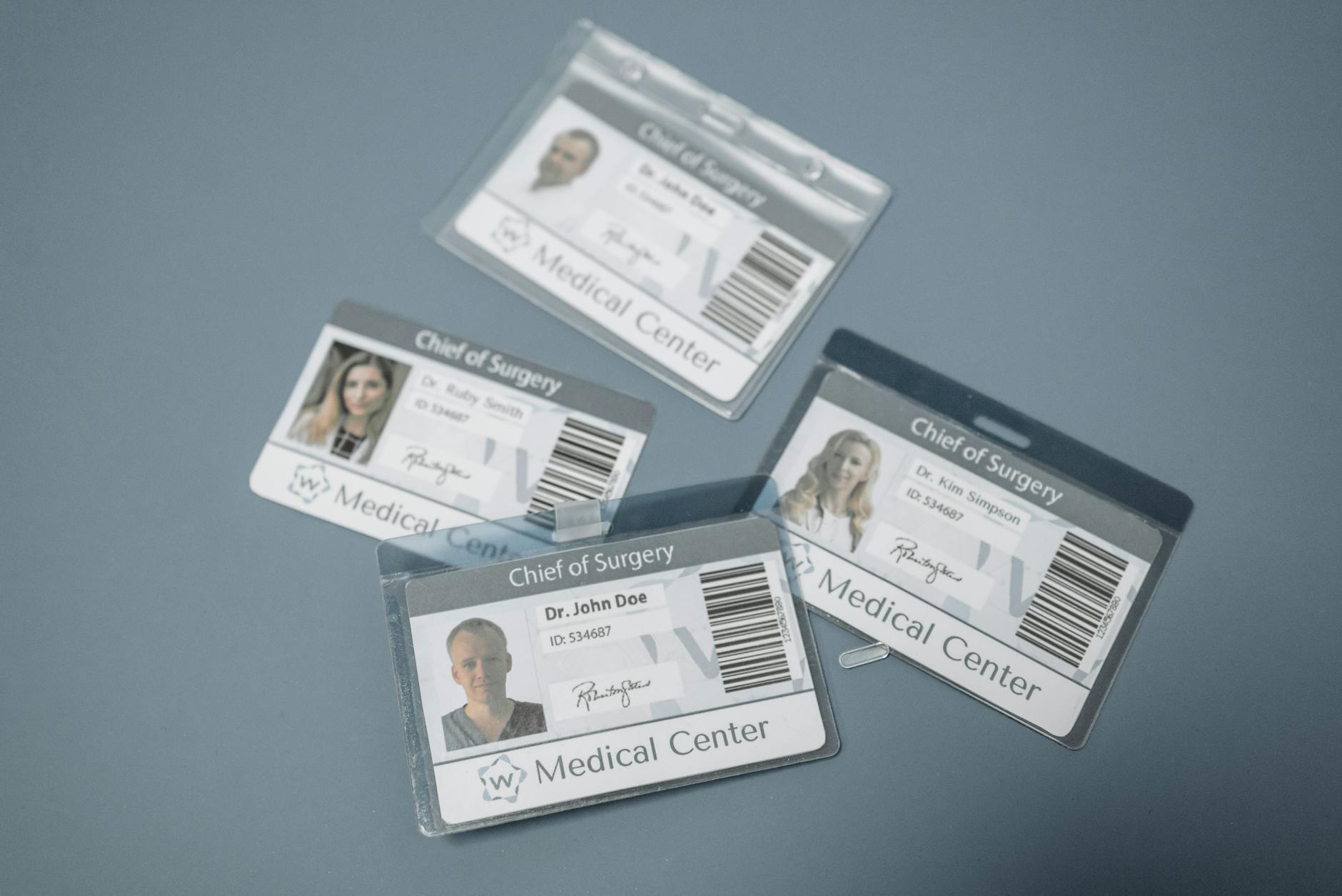
An employee ID or work badge typically displays your full name, job title, company name, and a photo alongside a barcode or access chip. This combination makes it possible for someone to impersonate you professionally or gain physical access to your workplace. Celebration photos taken on a first day at a new job or during office events are the most common moments when badges end up clearly visible in an image. The QR codes and barcodes on modern badges can sometimes be scanned from a high-resolution photo to clone access credentials. Flip the badge over or blur it entirely before any work-related photo goes public.
Children’s Sports Uniforms
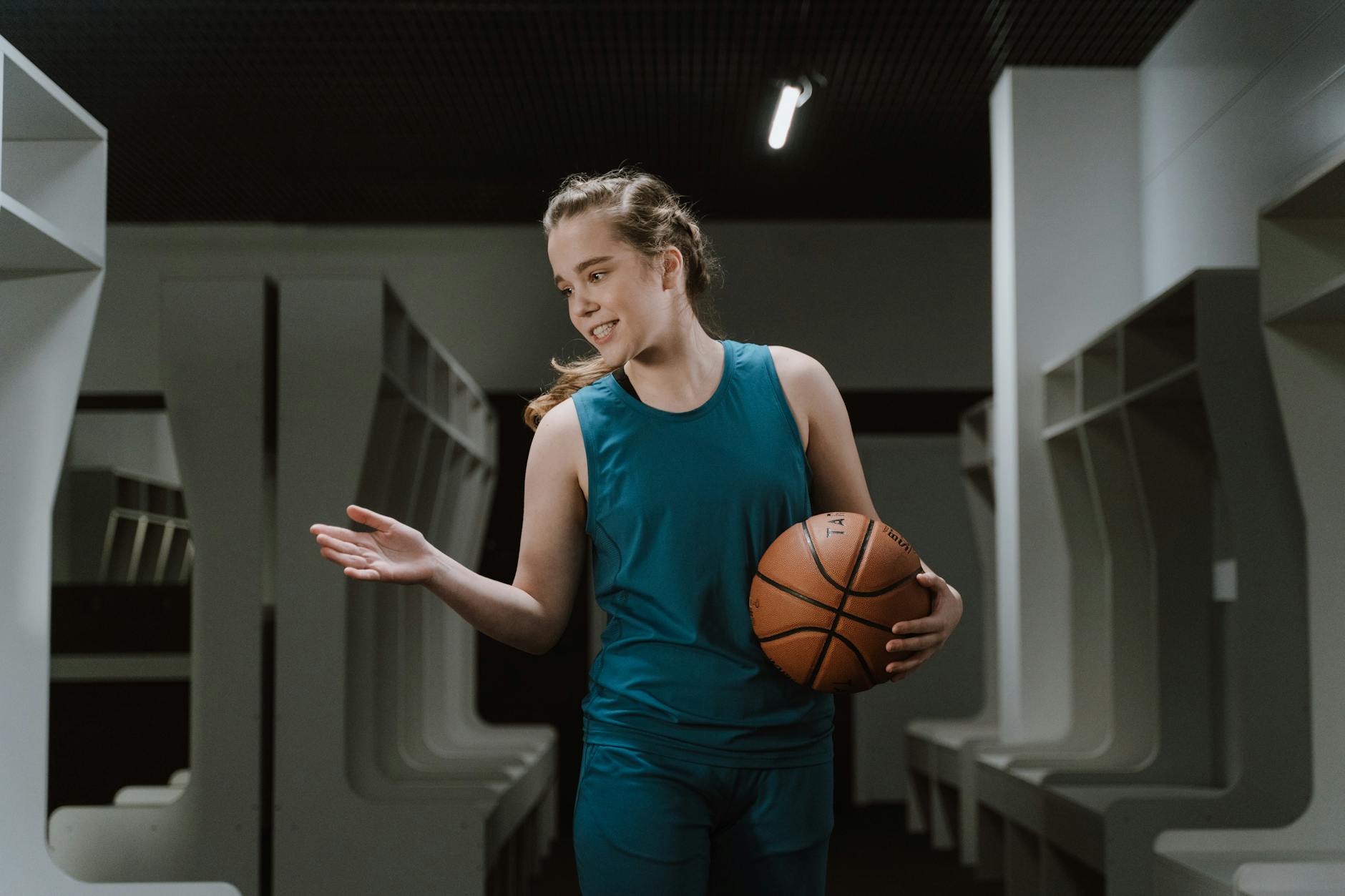
A child’s sports uniform bearing the team name, school affiliation, suburb, and in some cases a player number creates a surprisingly detailed location profile. This information makes it straightforward for a stranger to identify where and when a particular child will be present at scheduled events. Sports days, after-school practice sessions, and tournament photos are frequently shared publicly by proud parents without considering the visibility of this detail. Combining a child’s face, name, and team schedule is a combination that child safety advocates consistently flag as high risk. Blur the identifying text on uniforms before sharing photos of children in sporting contexts.
Utility Bills
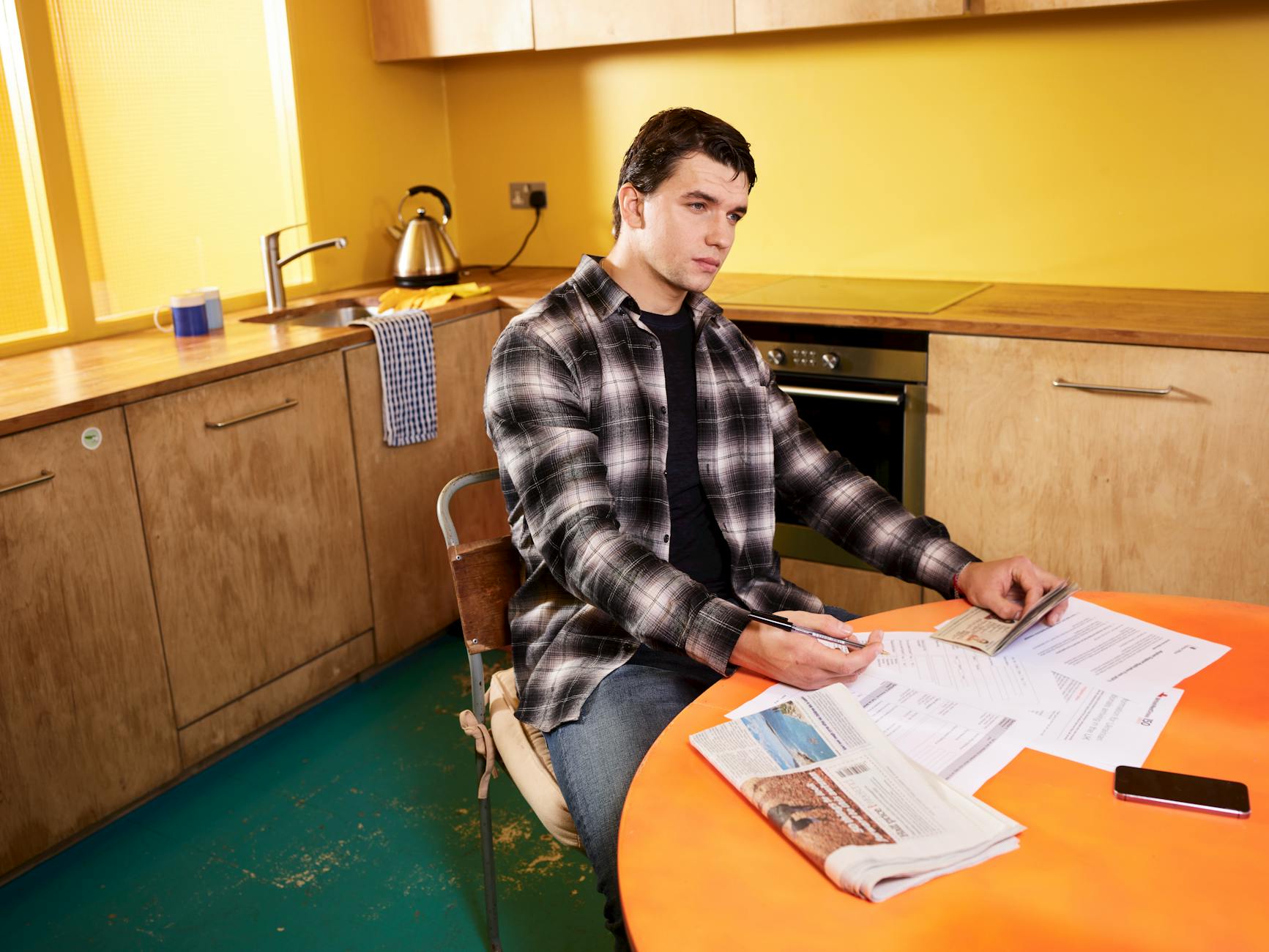
A utility bill in the background of a photo contains your full name, service address, account number, and billing details in a compact and readable format. This is enough information for fraudsters to attempt account takeovers, redirect your services, or use your identity in financial applications. Bills often end up in frame during home organization shots, desk photos, or moving-day content where paperwork is scattered around. Digital statements visible on tablet or laptop screens carry exactly the same risk as their printed counterparts. Making a habit of clearing all paperwork from a scene before photographing it is one of the most effective privacy habits you can adopt.
Do you have a privacy tip of your own or a close call with oversharing a detail online? Share your experience in the comments.




