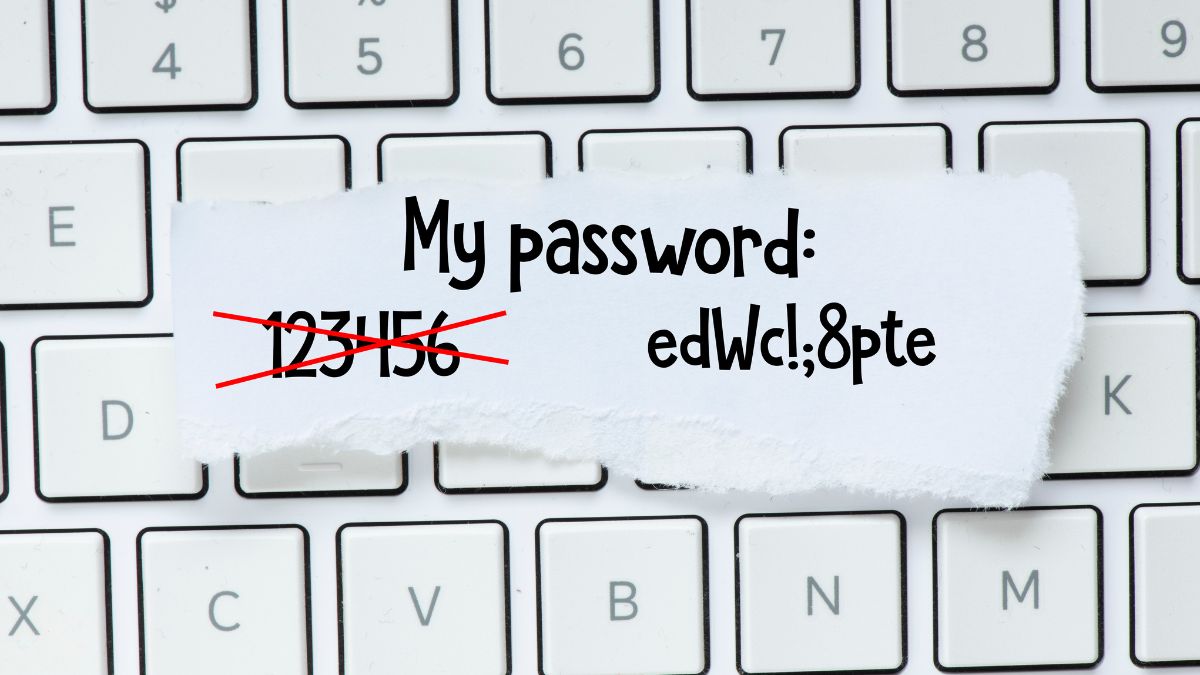
Cybercriminals are more sophisticated than ever, using a wide range of psychological and technical tactics to steal login credentials from unsuspecting victims. Understanding how these attacks work is one of the most effective ways to protect yourself online. From convincing fake emails to elaborate social engineering schemes, the methods used are constantly evolving and becoming harder to detect. The more familiar you are with these tactics, the better equipped you will be to spot them before any damage is done.
Phishing Emails

Phishing emails are designed to look as though they come from a trusted source such as a bank, employer, or popular online service. The message typically creates a sense of urgency by claiming your account has been compromised or that immediate action is required. A link within the email directs you to a convincing but fraudulent website where your credentials are harvested. These emails are sent in massive volumes, meaning even a small percentage of victims can result in thousands of stolen passwords. Subtle inconsistencies in the sender address or email domain are often the only visible signs something is wrong.
Spear Phishing

Unlike generic phishing campaigns, spear phishing targets specific individuals using personalized information gathered from social media or data breaches. The attacker may reference your name, job title, or recent activity to make the communication appear completely legitimate. These highly tailored messages are far more convincing and significantly harder to dismiss as suspicious. Victims are often directed to fake login pages that mirror the real thing with remarkable accuracy. Corporate employees and executives are frequent targets because the payoff for attackers can be substantial.
Smishing

Smishing involves fraudulent text messages that appear to come from reputable companies or government agencies. The message often claims there is a problem with a delivery, a payment, or an account that requires your immediate attention. A shortened link within the text redirects you to a phishing site designed to capture your login information. Because people tend to trust SMS communication more than email, these attacks have a notably high success rate. The speed and informality of text messaging also makes recipients less likely to pause and scrutinize the content.
Vishing

Vishing refers to voice phishing, where scammers call victims while posing as bank representatives, tech support agents, or government officials. The caller uses authoritative language and insider-sounding terminology to build false credibility quickly. Victims are often told their account has been flagged for suspicious activity and that their password is needed to verify their identity. The real-time nature of a phone call creates pressure that makes it harder for people to think critically and question what is happening. Caller ID spoofing technology allows attackers to display legitimate-looking numbers, adding another layer of deception.
Fake Login Pages

Cybercriminals create near-identical replicas of popular websites including banking portals, email providers, and social media platforms. These pages are hosted on domains that closely resemble the real ones, often with only a single character changed or a different top-level domain. When you type in your credentials, they are instantly captured and sent directly to the attacker. Many of these fake pages even redirect you to the real website afterward so you have no reason to suspect anything has gone wrong. Checking the full URL carefully before entering any login information is one of the simplest defenses available.
Pretexting

Pretexting involves constructing a fabricated scenario to manipulate a victim into handing over sensitive information. The attacker might impersonate a coworker, IT specialist, or vendor to establish a believable context for their request. Trust is built gradually through conversation before the request for credentials is made, often framed as a routine or necessary step. Because the story feels logical and the person seems credible, victims rarely question the interaction until it is too late. This technique exploits human instincts around helpfulness and authority rather than any technical vulnerability.
Keyloggers

Keyloggers are malicious software programs installed on a device without the owner’s knowledge, recording every keystroke made. They can capture usernames and passwords as they are typed, sending the data back to the attacker in real time or in batches. Infection typically occurs through malicious email attachments, compromised downloads, or visits to infected websites. Because keyloggers operate silently in the background, victims may have their credentials stolen repeatedly over an extended period without any indication. Regular malware scans and avoiding suspicious downloads are essential steps in preventing this type of attack.
Man-in-the-Middle Attacks

In a man-in-the-middle attack, a cybercriminal secretly intercepts the communication between a user and a legitimate website or service. This is particularly common on unsecured public Wi-Fi networks where traffic is not properly encrypted. The attacker positions themselves between you and the server, capturing login credentials and other sensitive data as it passes through. The victim has no indication that their connection has been compromised because everything appears to function normally. Using a VPN and ensuring websites use HTTPS are practical measures that reduce exposure to this type of threat.
Credential Stuffing

Credential stuffing takes advantage of the widespread habit of reusing the same password across multiple accounts. Attackers use lists of previously leaked username and password combinations obtained from data breaches and attempt to log in to other services with the same details. Automated tools allow millions of login attempts to be made in a very short time, making the process highly efficient. When a match is found, the attacker gains access to that account without needing any direct interaction with the victim. Using a unique password for every account is the most effective way to prevent this technique from succeeding.
Password Reset Exploitation

Cybercriminals can trigger password reset processes by accessing your email account or answering security questions using publicly available personal information. Once they control the reset process, they can lock you out of your own accounts while gaining full access themselves. Security questions that reference easily researched details such as your hometown, school, or pet name are particularly vulnerable to this approach. Some attackers combine this method with phishing to first gain access to an email account and then systematically reset passwords for linked services. Enabling multi-factor authentication on email accounts significantly reduces the effectiveness of this technique.
Browser Autofill Exploitation

Most modern browsers offer an autofill feature that stores usernames and passwords for convenience when revisiting websites. Malicious scripts embedded in compromised or fraudulent websites can silently extract autofill data without any visible interaction from the user. This means credentials can be stolen simply by visiting a page, even if no information is manually typed. Some attacks specifically target the autofill function because it bypasses the need to trick users into actively entering their details. Disabling autofill for sensitive accounts or using a dedicated password manager with stronger security protocols is a safer alternative.
Social Media Mining

Cybercriminals routinely scan social media profiles to collect personal details that can be used to answer security questions or craft convincing phishing messages. Information such as your birthdate, employer, family members’ names, hometown, and interests is often publicly visible and freely accessible. This data forms the foundation of targeted attacks that feel eerily personal and therefore more believable to the victim. In some cases, attackers use social media to impersonate someone you know and trust, making it far easier to extract sensitive information. Reviewing your privacy settings and limiting public information is a straightforward way to reduce this risk.
Watering Hole Attacks

A watering hole attack involves compromising a website that a specific group of people is known to visit regularly. Rather than targeting individuals directly, the attacker poisons a trusted resource and waits for victims to come to them. Malware is injected into the site to capture credentials, install keyloggers, or redirect visitors to phishing pages. These attacks are especially dangerous because they exploit websites that victims already trust and visit frequently. Organizations in specific industries are often targeted through niche forums, trade publications, or professional network portals.
Malicious Browser Extensions

Some browser extensions are designed to look useful while covertly monitoring your browsing activity and capturing login credentials. They may be distributed through unofficial channels or even appear in legitimate extension stores before being flagged and removed. Once installed, these extensions have deep access to everything you type and view within the browser environment. Users who grant broad permissions during installation unknowingly provide the tools needed for extensive data theft. Only installing extensions from verified publishers and reviewing permissions carefully before installation can help prevent this form of compromise.
SIM Swapping
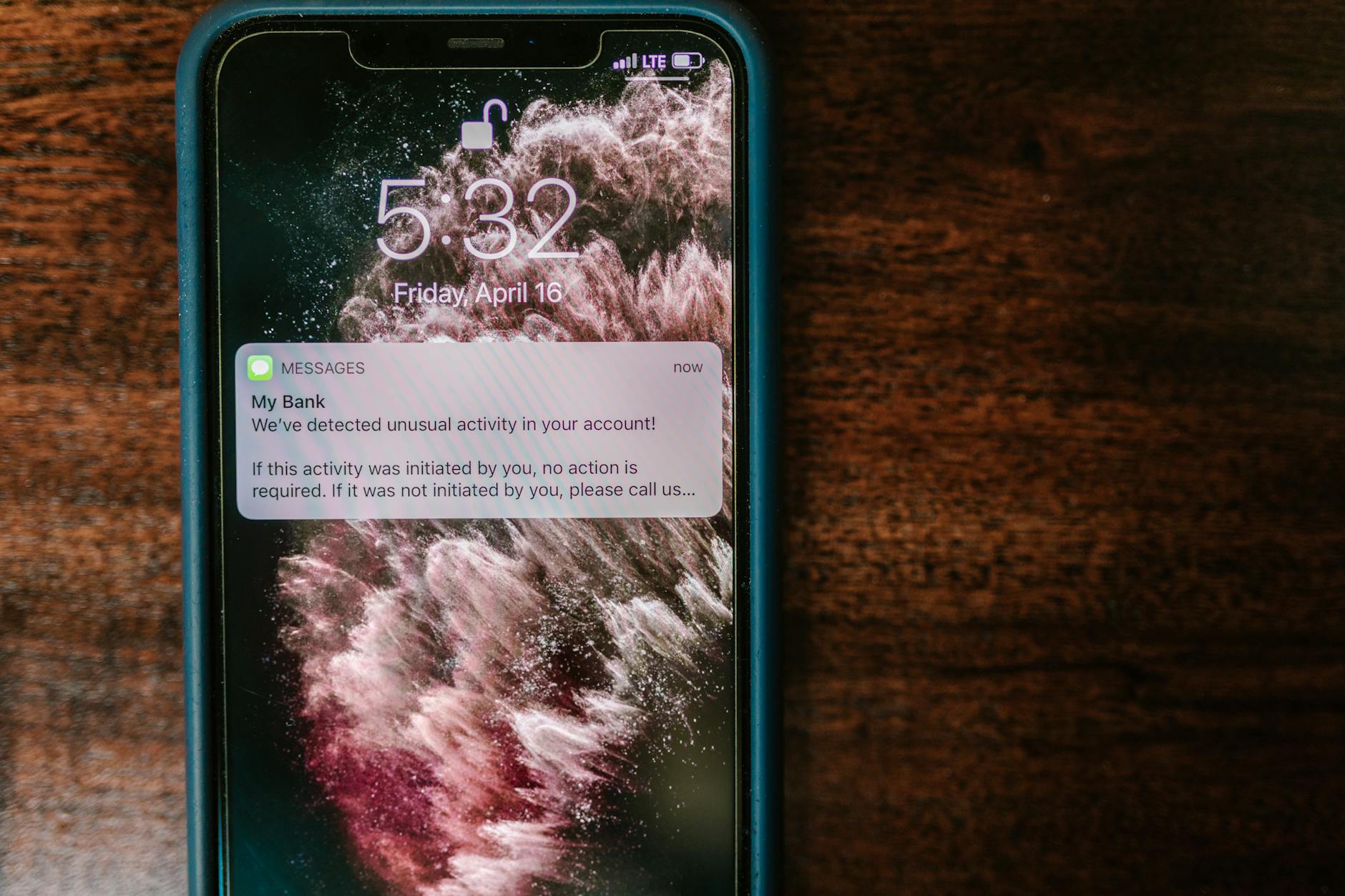
SIM swapping is a technique where an attacker convinces a mobile carrier to transfer your phone number to a SIM card they control. Once they have control of your number, they can intercept SMS-based verification codes sent as part of two-factor authentication. This allows them to bypass security measures and gain access to accounts even when the correct password is not known. Attackers typically gather enough personal information beforehand to successfully impersonate you with the carrier. Switching from SMS-based authentication to an authenticator app or hardware token significantly reduces the effectiveness of this attack.
Fake Wi-Fi Hotspots

Cybercriminals set up rogue Wi-Fi hotspots in public places using names that appear trustworthy, such as those mimicking a nearby coffee shop or airport network. When unsuspecting users connect, all of their internet traffic passes through the attacker’s equipment where it can be monitored and captured. Login credentials entered while connected to these networks are easily intercepted if the connection is not encrypted. The attacker may also redirect traffic to fake login pages for popular services to harvest credentials more directly. Verifying the exact network name with staff before connecting and using a VPN on public networks are effective precautions.
Baiting

Baiting exploits human curiosity by leaving infected USB drives or other physical media in public locations where they are likely to be found and used. When the device is plugged into a computer, malware is installed automatically and begins collecting sensitive information including saved passwords. This technique is particularly effective in workplace environments where employees may assume a found device belongs to a colleague. Digital baiting also occurs online through enticing download links or free content that delivers malware instead of the promised file. Physical awareness is just as important as digital vigilance when it comes to protecting personal credentials.
Clone Phishing

Clone phishing involves duplicating a legitimate email that a victim has previously received and replacing any links or attachments with malicious versions. The cloned email appears to come from the same sender and references the original communication to seem like a follow-up or correction. Because the format and content look familiar, recipients are far more likely to interact with the fraudulent links without suspicion. This technique requires attackers to have access to previously sent emails, often obtained through an earlier breach of the sender or recipient’s account. Scrutinizing any email that asks you to re-enter information or click a new link for an existing request is always advisable.
Quishing
Quishing refers to phishing attacks that use QR codes rather than traditional hyperlinks to direct victims to malicious websites. These codes appear in physical environments such as posters, restaurant menus, parking meters, and even mailed correspondence. Because the destination URL is hidden inside the QR code and not visible to the naked eye, users have no immediate way to assess whether it is safe to scan. Once scanned, the victim is taken to a fraudulent page designed to capture login credentials or payment information. Being cautious about scanning QR codes in unexpected places and previewing the destination URL before proceeding can reduce this risk considerably.
Insider Threats

Not all credential theft comes from external attackers, as some of the most damaging breaches are carried out by individuals within an organization who already have legitimate access. A disgruntled employee or a contractor with malicious intent can harvest passwords and sensitive login data with relative ease given their trusted position. These insiders may sell credentials to third parties, use them for personal gain, or hand them over as part of a coordinated external attack. Organizations often struggle to detect insider threats because the activity can look indistinguishable from normal authorized behavior. Strong access controls, activity monitoring, and the principle of least privilege are essential safeguards against this form of credential theft.
If any of these tactics sound familiar or you have encountered a cybercriminal trick worth sharing, let others know your experience in the comments.




