
Your home Wi-Fi network is the backbone of your digital life, connecting everything from smartphones and laptops to smart TVs and security cameras. When that network falls into the wrong hands, the consequences can range from sluggish browsing speeds to serious identity theft and data breaches. Cybercriminals are becoming increasingly sophisticated in their methods, making it more important than ever to know the red flags that suggest your network may have been infiltrated. Recognizing these warning signs early can mean the difference between a quick fix and a full-scale security disaster.
Slow Internet Speed

A sudden and unexplained drop in your internet speed is one of the most common early indicators that an unauthorized user has gained access to your network. When an intruder connects to your Wi-Fi, they consume bandwidth that your devices would otherwise be using freely. While occasional slowdowns can stem from your provider or peak usage hours, a persistent and dramatic reduction in speed warrants a closer look at your connected devices. Logging into your router dashboard and reviewing the list of connected devices is a smart first step toward identifying any unfamiliar activity.
Unknown Devices

Checking your router’s admin panel and spotting devices you do not recognize is one of the clearest signs of a compromised network. Every device that connects to your Wi-Fi appears on this list, and any unidentified entry could belong to an intruder. Some routers display device names that make identification straightforward, while others only show MAC addresses, which can require a bit more investigation. Regularly auditing your connected devices list keeps you informed about exactly who and what has access to your network.
Router Light Activity
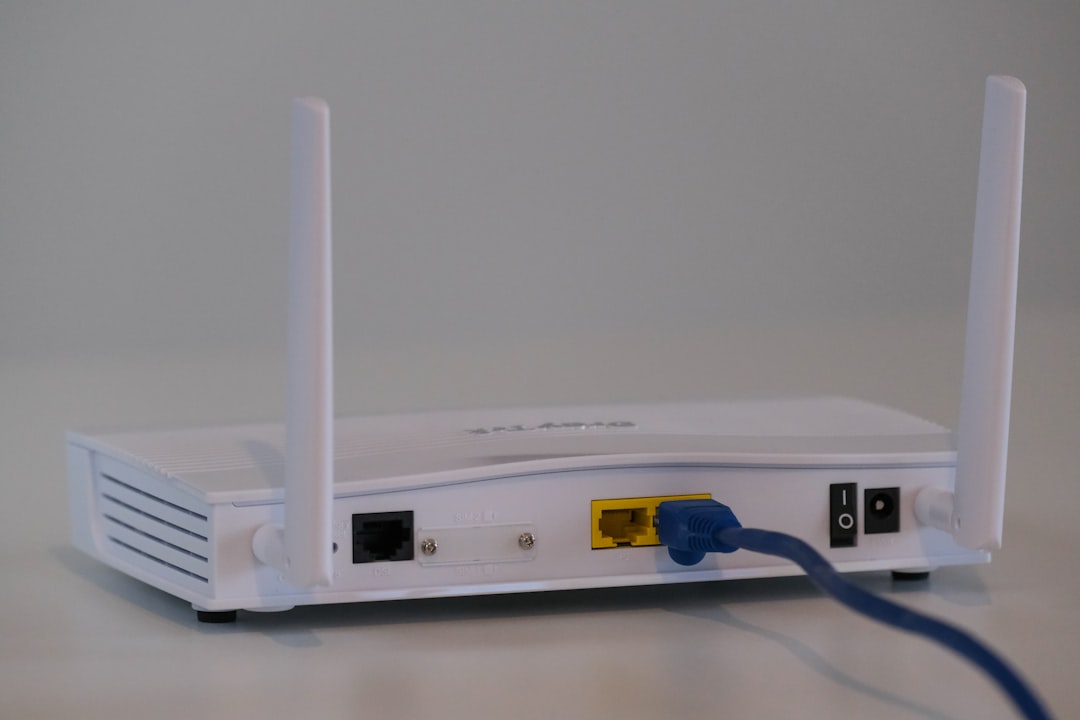
Most home routers feature indicator lights that signal data transmission and network activity in real time. If you notice these lights blinking rapidly when none of your known devices are actively in use, it could indicate that an unauthorized device is transmitting data through your connection. This sign is particularly worth noting during late night hours when household device usage is typically at its lowest. While some background activity from automatic updates is normal, sustained and unexplained blinking deserves further investigation.
Changed Router Settings
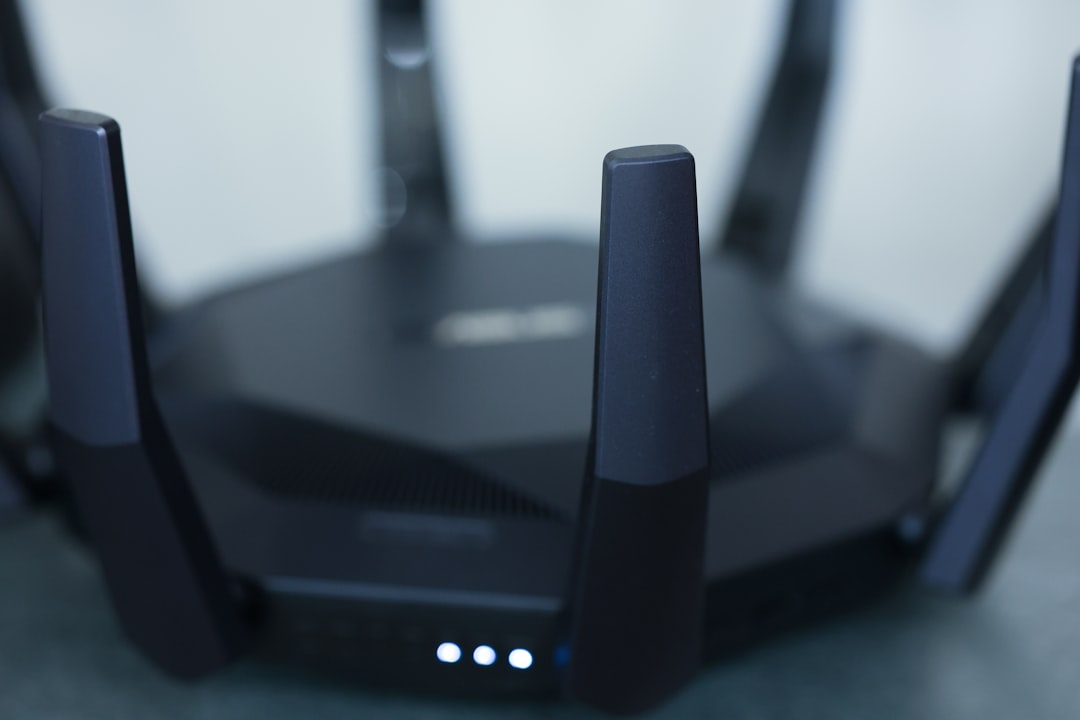
Discovering that your router’s settings have been altered without your knowledge is a serious red flag that points to unauthorized administrative access. Intruders who gain access to your router’s admin panel can change DNS settings, disable security features, or even lock you out of your own network entirely. If your Wi-Fi password suddenly stops working or your network name has changed without your input, treat this as an urgent security issue. Resetting your router to factory settings and creating a strong new password immediately limits further damage.
Browser Redirects

If your web browser is consistently directing you to unfamiliar or suspicious websites instead of the ones you intended to visit, your router may have been targeted in a DNS hijacking attack. This type of intrusion allows hackers to reroute your traffic through malicious servers designed to harvest your login credentials and personal data. These redirects often lead to convincing imitations of legitimate websites, making them particularly dangerous for unsuspecting users. Running a security scan and reviewing your router’s DNS settings can help determine whether this type of attack has occurred.
Disabled Firewall

Finding that your router or device firewall has been switched off without your knowledge is a strong indication that someone has tampered with your network’s security configuration. Firewalls act as the first line of defense against unauthorized access, and disabling them leaves your connected devices far more vulnerable to external threats. Some malware is specifically designed to deactivate firewall protections as a first step in a broader attack on your system. Verifying that your firewall settings are active and intact should be a regular part of your home network security routine.
Unfamiliar Emails

Receiving notifications about password reset requests or new account sign-ins that you did not initiate can be a downstream consequence of a compromised Wi-Fi network. When a hacker gains access to your network traffic, they may intercept credentials being transmitted and use them to attempt logins on popular services and platforms. Email alerts from your bank, social media accounts, or cloud storage services about unrecognized activity should always be taken seriously. Acting quickly by changing passwords and enabling two-factor authentication can prevent a network breach from escalating into full account takeovers.
High Data Usage

An unexpected and significant spike in your monthly data usage can indicate that an unauthorized user is streaming content, downloading files, or running programs through your network without your knowledge. Many internet service providers offer usage dashboards that allow you to monitor how much data your household consumes on a daily or weekly basis. If that figure climbs sharply with no clear explanation tied to your own behavior, a Wi-Fi intruder could be the cause. Reviewing this data regularly gives you a useful benchmark to detect anomalies before they become costly.
Malware Alerts

Receiving frequent or unusual malware warnings from your security software after connecting to your home network is a sign that something may be seriously wrong. Attackers who infiltrate a Wi-Fi network can use it as a distribution point for malicious software, pushing threats to every device connected to it. Your antivirus program flagging repeated infections or suspicious files, particularly those arriving from within your local network, suggests the compromise may be deeper than a single device. A thorough scan of every connected device alongside a complete router reset is the recommended course of action in this scenario.
VPN Interference
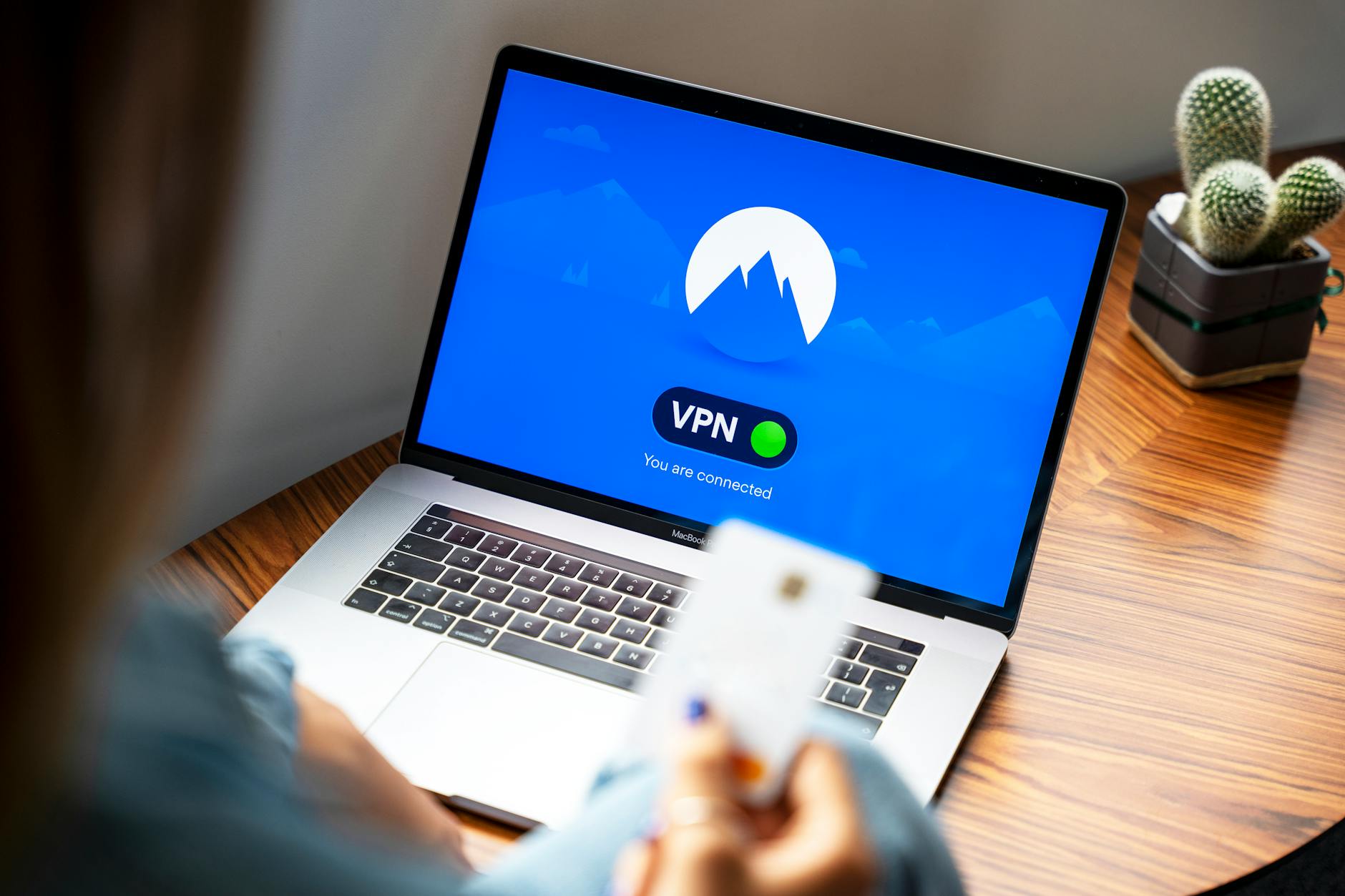
Noticing that your VPN connection is being disrupted, blocked, or behaving erratically while using your home network may indicate that your router has been tampered with at a configuration level. Some attackers modify router settings specifically to block VPN traffic, which is often used to secure and encrypt internet activity. This interference can prevent your VPN from functioning correctly and expose your browsing habits and personal information to interception. If your VPN works fine on other networks but fails consistently at home, your router settings should be thoroughly reviewed as a matter of priority.
If any of these warning signs feel familiar, share your experience and questions in the comments.




