
Most people assume their computer is running slowly because it is old or overloaded, but sluggish performance can point to something far more concerning happening in the background. Malicious software, unauthorized remote access, and hidden programs can all quietly hijack a machine while the owner remains completely unaware. Knowing the warning signs is one of the most practical steps anyone can take to protect their digital life. These are the key indicators that your computer may have been compromised and is currently serving someone other than you.
Slow Performance
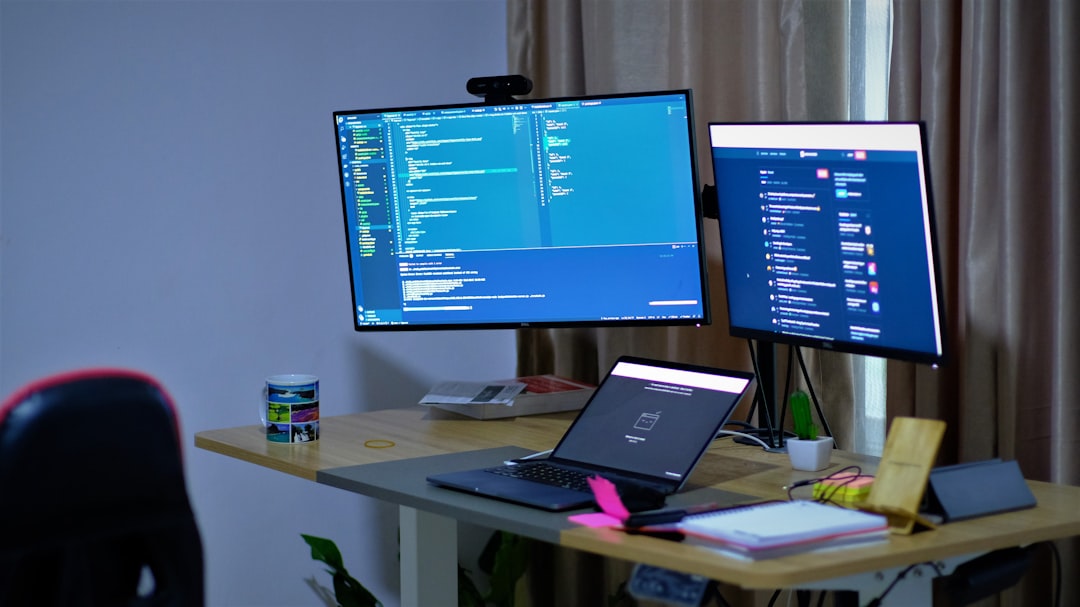
A computer that suddenly struggles to complete basic tasks may have unauthorized programs consuming its resources in the background. Malware and spyware are notorious for draining processing power as they collect and transmit data without the user’s knowledge. Even a high-spec machine can be brought to a crawl when hidden software is running continuously. If slowdowns appear without any obvious explanation such as a recent software update or a full hard drive, it is worth investigating further. Persistent sluggishness that cannot be explained by normal use patterns is one of the most reliable early warning signs.
Network Activity

Unusual spikes in network activity when the computer is supposed to be idle are a strong indicator that data is being sent somewhere without permission. Hackers and malicious programs often transmit harvested information during quiet periods to avoid detection. Most operating systems include built-in tools or task managers that allow users to monitor which applications are actively using the internet. A program communicating with an unknown external server is a significant red flag. Regularly checking network usage can reveal suspicious outbound connections that should not be there.
Unknown Processes

Opening the task manager and spotting processes with strange names or consuming excessive resources is a common sign of infection. Legitimate system processes are generally well-documented and easy to identify with a quick search. Malware often disguises itself with names that closely resemble genuine system files to avoid scrutiny. If a process cannot be traced back to a recognizable application or system function, it deserves closer attention. Security researchers consistently cite unfamiliar background processes as one of the clearest indicators of a compromised machine.
Overheating
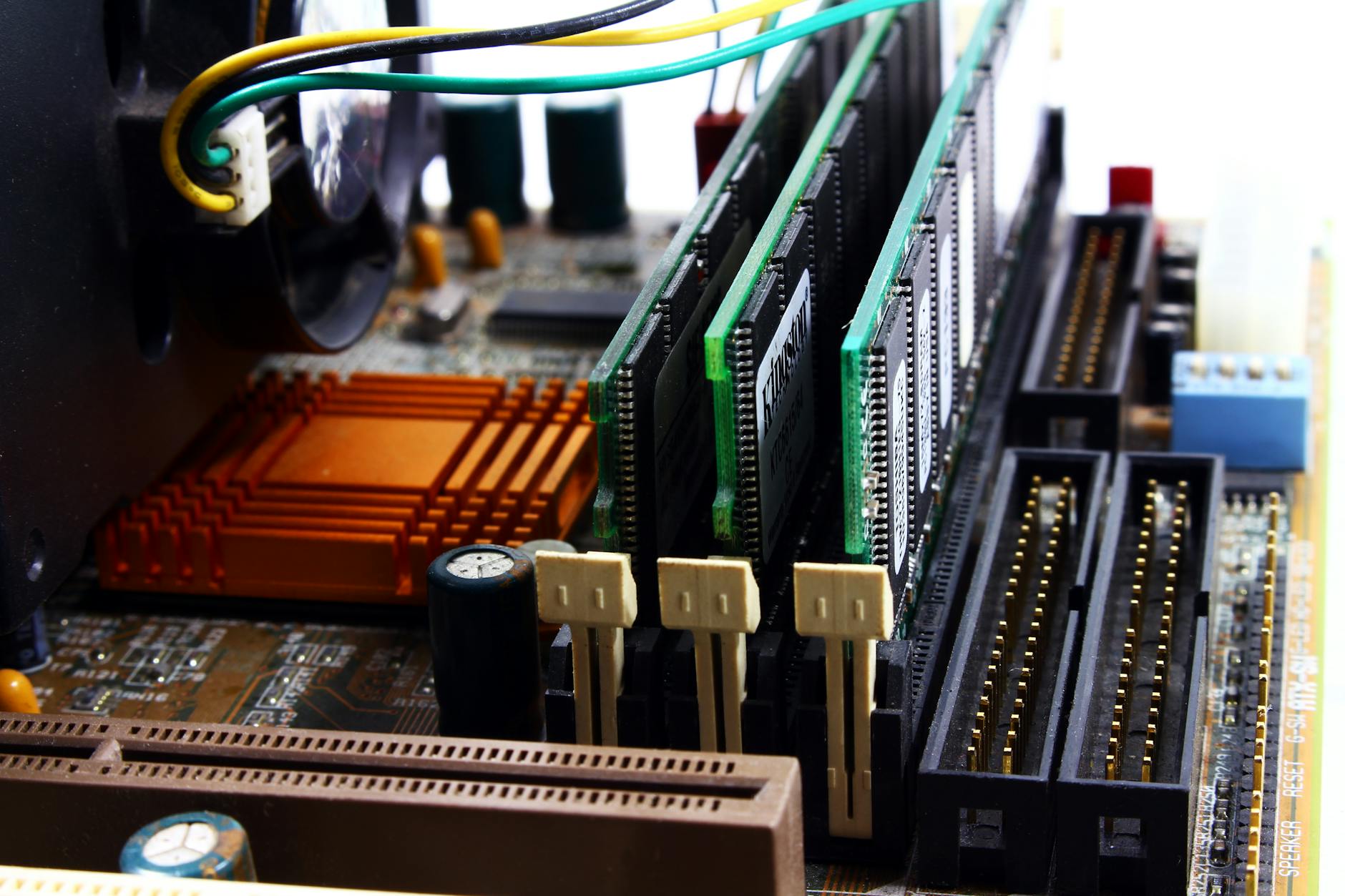
A computer that runs hot even when performing light tasks may be working much harder than it should be due to hidden activity. Cryptomining malware is particularly well known for pushing processors and graphics cards to their limits around the clock without the owner’s consent. Excessive fan noise accompanying high temperatures during periods of low user activity is a telling combination. Over time, sustained overheating caused by unauthorized workloads can cause real physical damage to internal components. Monitoring temperature levels through diagnostic software can help establish whether the heat is proportional to the tasks being performed.
Pop-Up Ads

A sudden surge in pop-up advertisements appearing both inside and outside the browser window is a classic symptom of adware infection. Adware is a category of unwanted software that generates revenue for its creators by forcing unsolicited ads onto the affected user’s screen. These ads often promote suspicious products, fake security warnings, or links designed to collect personal information. In many cases, adware arrives bundled with free software downloads and installs itself without explicit user consent. The presence of persistent pop-ups that ignore standard browser settings is a reliable sign that something unauthorized is running on the device.
Webcam Light

A webcam indicator light that activates without the user launching any video application is one of the most alarming signs of unauthorized access. Remote access tools used by attackers can quietly activate camera and microphone hardware to conduct surveillance. This type of intrusion is commonly associated with a category of malware known as a remote access trojan or RAT. Some sophisticated attackers are capable of disabling the indicator light entirely, making this sign less visible but no less serious when it does appear. Covering the webcam with a physical shutter or tape is a widely recommended precaution until the device can be thoroughly examined.
Changed Settings
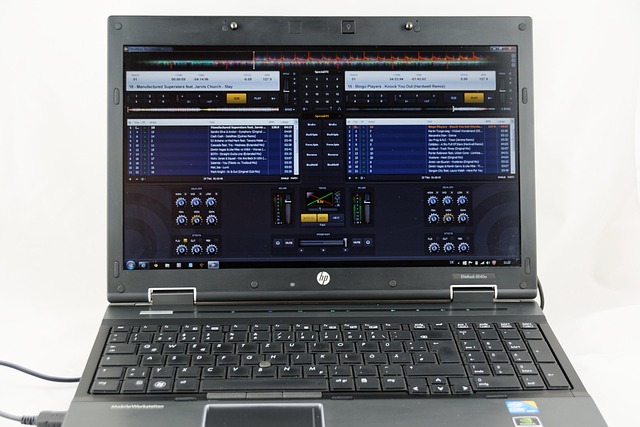
Finding that system settings have been altered without any user action is a strong indication of unauthorized access or malware activity. Common examples include changes to the default browser, homepage, search engine, or firewall configuration. Some forms of malware specifically target security settings in order to disable protective measures and make the system more vulnerable to further exploitation. Administrator-level permissions are sometimes obtained by attackers to make these changes persistent and harder to reverse. Any unexplained modification to core system or security settings should be treated as a potential compromise until proven otherwise.
Missing Files

Files that disappear without explanation or turn up in unexpected locations may indicate that malicious software is manipulating the file system. Ransomware is one well-known category that encrypts or hides files as part of an extortion scheme, though other types of malware also interfere with data storage. In some cases, attackers delete or move files to destabilize a system or erase evidence of their own activity. Users who notice unusual gaps in their documents, photos, or downloads should avoid dismissing it as an accidental deletion. A full system scan combined with a review of recently modified files can help determine whether external interference is responsible.
Unexpected Reboots
A computer that restarts on its own without a scheduled update or a user-initiated command may be responding to instructions from an external source. Remote attackers sometimes trigger reboots to apply configuration changes, install new malware components, or clear system memory of detection tools. Frequent unexpected restarts can also occur when conflicting malicious programs destabilize the operating system. Unlike manufacturer-issued updates, which are typically announced and logged, unauthorized reboots often leave no clear record in the system event history. Checking the event logs after an unexplained restart can sometimes reveal the source of the command.
High CPU Usage
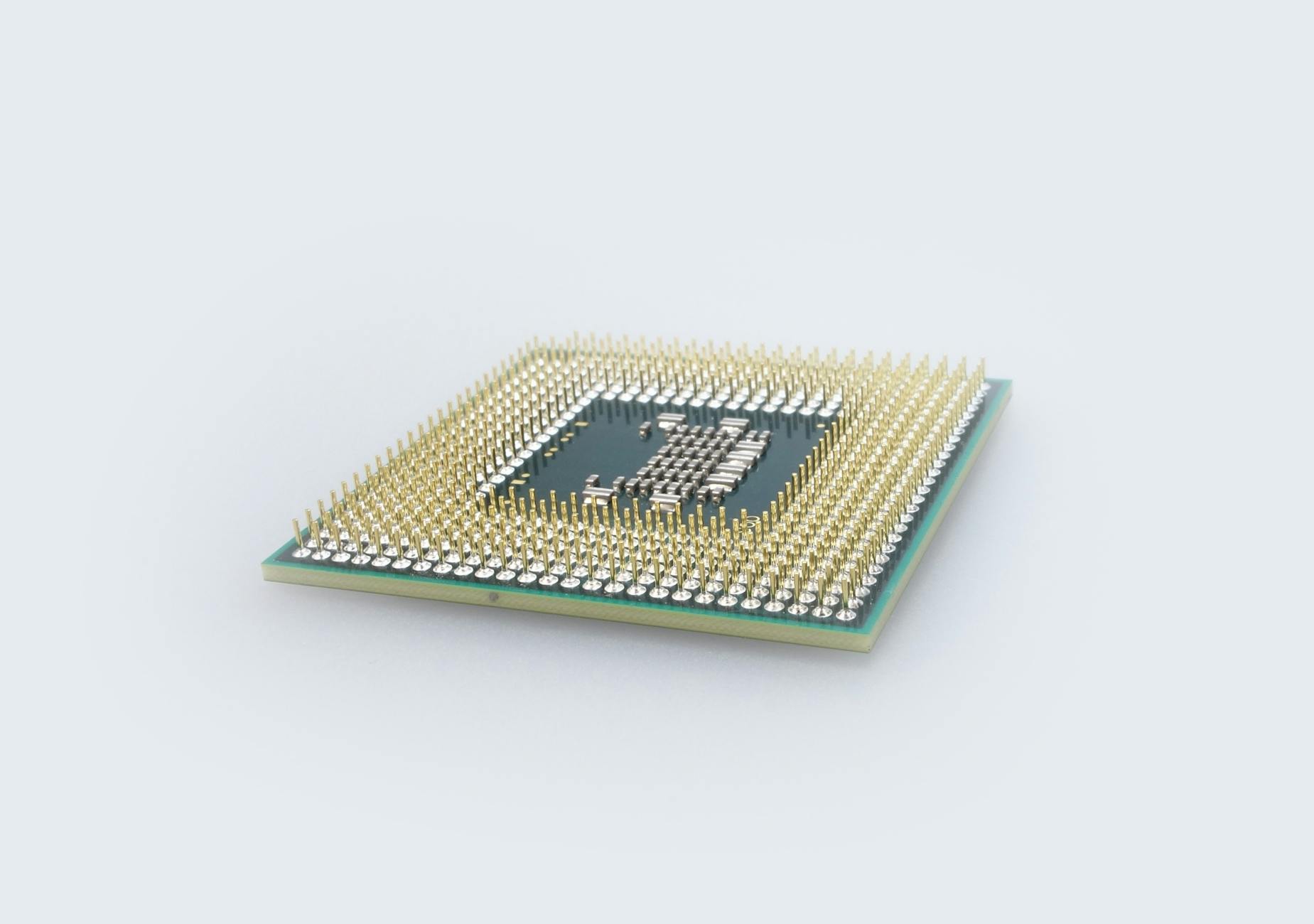
A processor consistently running at near-maximum capacity without any demanding application open is a textbook sign of hidden software at work. Cryptojacking malware is specifically designed to exploit the victim’s computing power to mine cryptocurrency for the attacker’s benefit. This type of attack can go undetected for extended periods because the effects are often mistaken for general system aging. Legitimate background processes do consume some CPU resources, but genuinely idle machines should not be working at full capacity. Identifying which process is responsible for the elevated usage is the essential first step toward resolving the problem.
Browser Extensions

Browser extensions that appear without the user having installed them are frequently the result of malware or deceptive software bundles. These unauthorized add-ons can track browsing activity, redirect search queries, inject advertisements, or capture login credentials entered on websites. Attackers favor browser extensions because they operate with significant permissions and are often overlooked during routine security checks. Reviewing the full list of installed extensions and removing anything unfamiliar is a straightforward but important security habit. A clean browser profile with only verified and necessary extensions significantly reduces the surface area available to potential attackers.
Disabled Antivirus

Security software that has been switched off without the user taking any action is a major warning sign that malware may already be present and attempting to remove its defenses. Many sophisticated threats are specifically programmed to target and disable antivirus tools as a first step after gaining access to a system. A grayed-out or unresponsive security application is not the same as one that has simply been temporarily paused for a software update. Users who find their protection has been disabled should avoid reconnecting to the internet until the situation has been assessed. Booting from a secure external drive to run an offline scan is one method security professionals recommend in these circumstances.
Unfamiliar Accounts

Discovering user accounts on a device that were not created by anyone in the household is a clear sign of unauthorized administrative access. Attackers sometimes create backdoor accounts to maintain persistent access to a compromised machine even after a password change. These accounts may be hidden from the standard user interface but visible through the system’s user management settings. In corporate environments, unauthorized accounts are often associated with insider threats or external breaches that have gone undetected. Auditing the full list of active accounts and disabling anything unfamiliar is an essential step in regaining control of an affected device.
Outgoing Emails

Emails appearing in the sent folder that the account holder never composed are a strong indication that the email account or the device itself has been compromised. Attackers use hijacked email accounts to distribute phishing links, spread malware to contacts, or conduct fraud by impersonating the account owner. In some cases, the sent items folder is cleared after use to make the unauthorized activity harder to detect. Recipients who reply to these messages or report receiving unusual content from a known contact are often the first to alert the actual owner to the problem. Enabling login notifications and reviewing account activity logs are effective ways to catch this type of intrusion early.
Battery Drain

A laptop battery that depletes at an unusually rapid rate when the device is performing minimal tasks may be supporting undisclosed background activity. Continuous data collection, transmission, and processing by hidden software places a sustained demand on battery resources that normal light use does not. Battery health tools built into most modern operating systems can reveal whether power consumption patterns are consistent with expected usage. A notable drop in battery life that coincides with other warning signs on this list should never be dismissed as simple hardware wear. Tracking battery drain alongside CPU and network activity creates a clearer picture of whether unauthorized work is taking place on the device.
If any of these signs sound familiar to you, share your experience in the comments.




