
Public Wi-Fi networks are everywhere, from airport lounges and coffee shops to hotel lobbies and shopping centers, making them a convenient lifeline for staying connected on the go. But that convenience comes with serious risks that most people never stop to consider. Cybercriminals actively target these open networks, waiting for unsuspecting users to hand over sensitive information without even realizing it. Understanding what to avoid when connected to a public network is one of the smartest digital habits you can develop. Here are twelve things you should never do while using public Wi-Fi.
Online Banking

Accessing your bank account over a public Wi-Fi connection puts your financial information at serious risk of interception. Hackers use a technique called a man-in-the-middle attack to position themselves between your device and the network, capturing data as it travels. Even if a banking site uses encryption, additional vulnerabilities in public networks can expose session tokens and login credentials. If you need to check your finances urgently, switching to your mobile data connection is always the safer choice. Protecting your banking access is one of the most important steps you can take for your financial security.
Online Shopping
Entering your credit card details on a shopping site while connected to public Wi-Fi is an open invitation for data theft. Payment information transmitted over unsecured networks can be intercepted by anyone with basic hacking tools and minimal technical knowledge. Many retail websites store temporary session data that malicious actors can exploit to make fraudulent purchases. Even well-known retailers with strong security protocols cannot fully compensate for the vulnerabilities present at the network level. Save your shopping sessions for a private and trusted connection to keep your payment details out of the wrong hands.
Password Changes
Changing passwords while on a public network is one of the riskiest things a person can do online. The moment you type a new password into a browser or app, that data travels across the network in a potentially exposed state. If a cybercriminal captures that transmission, they immediately gain access to your updated credentials. This is especially dangerous when updating passwords for email accounts or financial platforms, where the consequences of a breach are most severe. Always wait until you are on a secure private network before making any changes to your login information.
Email Attachments

Opening email attachments on public Wi-Fi creates a dual layer of risk that many users overlook entirely. Not only are you vulnerable to network-level interception, but malicious attachments can introduce malware to your device in environments where network security is already weak. Attackers sometimes set up rogue hotspots with legitimate-sounding names specifically to intercept traffic from people checking work emails in public spaces. Business documents, contracts, and personal files accessed this way can be captured and copied without your knowledge. Treat any email attachments as something to review only when you are on a verified and secure connection.
Work Files

Accessing confidential work documents over public Wi-Fi poses significant risks not just to you but to your entire organization. Corporate data breaches frequently begin with a single employee connecting to an unsecured network and transferring sensitive files. Many companies have explicit policies prohibiting the use of public Wi-Fi for accessing internal systems precisely because of how easily data can be compromised. Cloud platforms and document storage services are not immune to interception when the underlying network connection is unsecured. Using a company-approved VPN is the minimum precaution if accessing work files remotely cannot be avoided.
VPN Avoidance
Skipping your VPN when connecting to public Wi-Fi removes one of the most effective layers of protection available to everyday users. A virtual private network encrypts your internet traffic and masks your IP address, making it significantly harder for cybercriminals to monitor or intercept your activity. Many people disable their VPN because it slightly slows connection speeds, but that trade-off is rarely worth the exposure. Free VPNs exist as an option, though paid services with strong privacy policies offer considerably more reliable protection. Keeping your VPN active any time you connect to a public network should be treated as a non-negotiable habit.
Auto-Connect Settings
Allowing your device to automatically connect to available Wi-Fi networks is a feature that dramatically increases your vulnerability in public spaces. Many devices store the names of previously connected networks and will join any network broadcasting the same name, which hackers exploit by creating copycat hotspots. This technique, known as an evil twin attack, tricks devices into connecting to a malicious network that mimics a legitimate one. Once connected, all your internet traffic flows directly through the attacker’s system. Disabling auto-connect on your phone and laptop takes only seconds and meaningfully reduces your exposure to this type of threat.
Social Media Logins
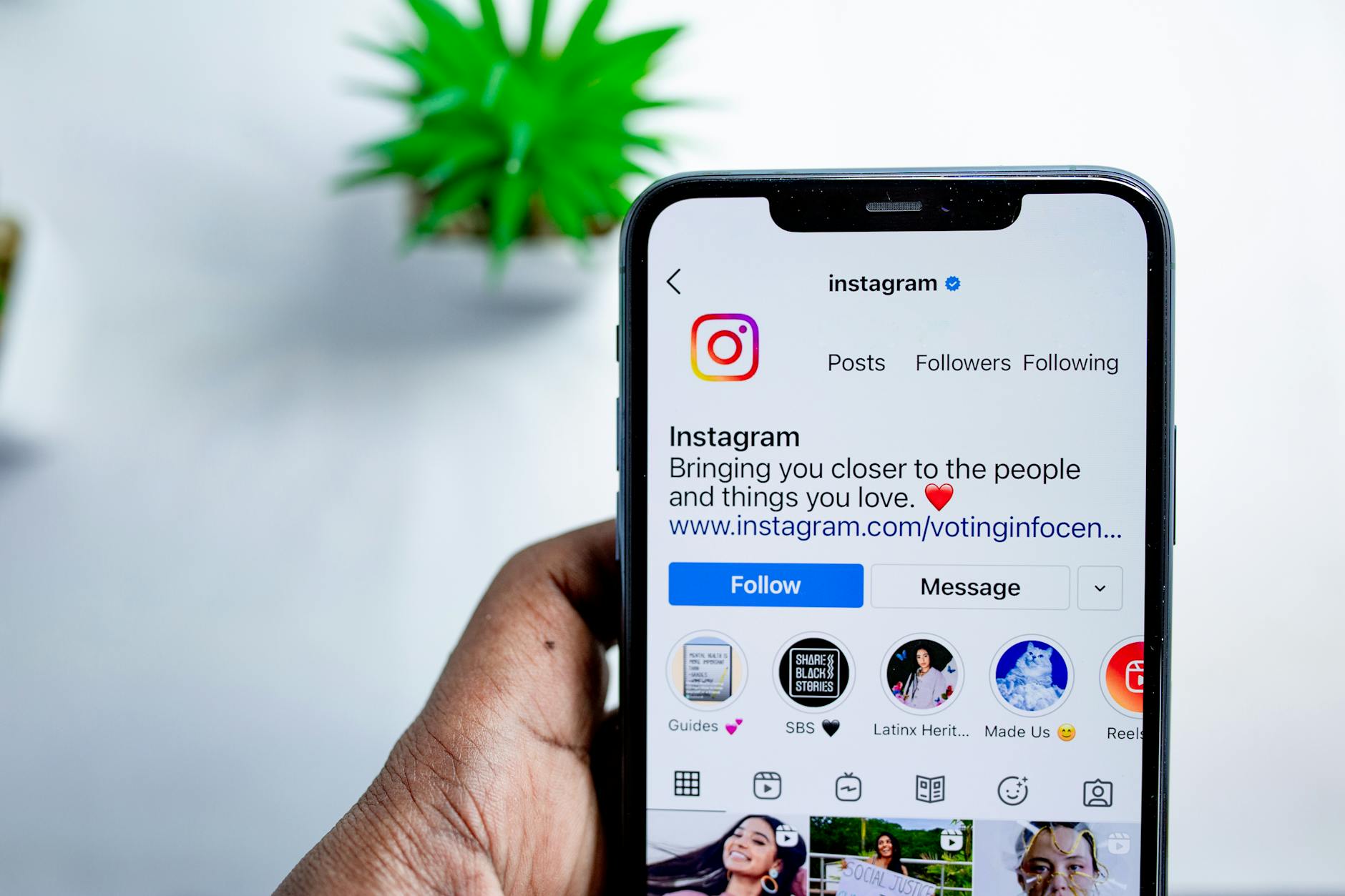
Logging into social media accounts on public Wi-Fi may seem harmless, but it exposes your credentials to potential capture in ways that can have lasting consequences. Social media accounts are frequently targeted by hackers because they often contain personal information, linked payment methods, and access to other connected platforms. A compromised account can be used to spread misinformation, contact your connections fraudulently, or serve as a gateway into other accounts through shared login details. The login process itself is the most vulnerable moment, as credentials travel across the network before any session encryption takes hold. Staying logged out of social platforms on public networks is a simple precaution with significant payoff.
Medical Portals

Accessing healthcare portals or telehealth platforms over public Wi-Fi puts some of your most sensitive personal data at risk. Medical records contain identifying details, insurance information, and private health histories that are highly valuable to cybercriminals and identity thieves. Health data breaches are among the most damaging because the information cannot simply be changed the way a password or credit card number can. Many healthcare platforms also require multi-factor authentication, but that added step does not fully compensate for an unsecured network connection. Medical account access should always be reserved for private home or office networks.
File Sharing

Leaving file sharing or AirDrop features enabled while connected to public Wi-Fi opens your device to unwanted and potentially harmful content. These features are designed for convenient sharing between trusted devices, but on a public network they can expose your files to anyone within range. Malicious actors can attempt to send files containing malware or spyware directly to your device if sharing settings are left active. Some attacks use this method to install tracking software without any visible sign to the user. Turning off file sharing and Bluetooth when you are in a public space is a quick step that significantly narrows your attack surface.
Personal Forms

Filling out forms that request personal information such as your address, date of birth, or government identification numbers is something that should never happen on a public Wi-Fi connection. This type of data is precisely what identity thieves need to open fraudulent accounts, apply for credit, or impersonate you in official settings. Form data is transmitted to servers the moment you hit submit, traveling across the network in a window of potential exposure. Even websites with padlock icons and HTTPS protocols cannot fully protect your information if the network itself is compromised. Complete any forms requiring sensitive personal details only from a secure and private connection you trust.
Software Updates

Downloading software updates over public Wi-Fi introduces a risk that is easy to overlook because updates feel inherently safe and routine. Cybercriminals can use a technique called update hijacking to intercept the download process and replace legitimate update files with malware-laden versions. This type of attack is sophisticated but well-documented and has been used to compromise devices across multiple operating systems. Large update files also take longer to download, extending the window of time your device spends exposed on an unsecured network. Schedule your system and application updates for when you are connected to a private network to ensure you receive only authentic and verified files.
Have you ever had a security scare on public Wi-Fi? Share your experience and any tips you swear by in the comments.




