
Your work computer is a professional tool, and how you use it directly affects your job security, privacy, and your company’s overall safety. Many employees unknowingly cross lines that put sensitive data, network integrity, and their own careers at risk. Understanding these boundaries is essential in a modern workplace where digital oversight is more sophisticated than ever. From personal browsing habits to careless downloads, the risks are real and the consequences can be severe. Here are 25 things you should never do on your work computer.
Personal Email

Work computers are typically monitored by IT departments that can access all activity at any time. Using personal email on a work device blurs the line between private and professional communication and can expose sensitive personal information to your employer. Many companies have explicit policies that prohibit the use of personal email accounts on corporate devices. Violations can lead to disciplinary action or provide grounds for termination depending on the organization’s policy.
Social Media

Most workplaces either restrict or monitor social media activity on company devices. Posting content during work hours can raise concerns about productivity and professional conduct. A careless post made from a work device can be traced back to the company network and create reputational or legal complications. Many employers have social media policies that extend to activity performed on company-owned equipment.
Torrenting

Downloading torrents on a work computer introduces serious security vulnerabilities to the entire corporate network. Torrent files frequently contain malware or ransomware that can spread rapidly across connected systems. The use of peer-to-peer sharing platforms also raises significant copyright and legal liability concerns for employers. IT departments can detect torrent activity and it is often treated as a serious policy violation warranting immediate action.
Online Shopping

Browsing shopping sites on a work device consumes bandwidth and work hours that belong to your employer. Entering personal financial information such as credit card details on a monitored device creates a privacy risk for the employee. Some shopping platforms can introduce tracking cookies or malicious scripts onto the device. Even brief sessions on retail sites are often logged and can be flagged during routine IT audits.
Personal Cloud Storage

Uploading company files to personal cloud storage accounts such as personal Google Drive or Dropbox creates serious data security risks. Sensitive company information can become accessible outside the secured corporate environment and potentially fall into the wrong hands. Many organizations have strict data governance policies that prohibit storing proprietary information on unauthorized platforms. This practice can constitute a breach of contract or even qualify as data theft depending on the nature of the files.
Unauthorized Software

Installing software that has not been approved by the IT department can introduce compatibility issues and security vulnerabilities. Unauthorized applications may contain hidden malware or spyware that compromises the integrity of the corporate network. Most companies maintain a strict list of approved software and require IT authorization before any new programs are installed. Bypassing this process can result in disciplinary measures and may void warranty or support agreements on the device.
Personal Gaming

Using a work computer to play games consumes processing power, memory, and storage that are intended for professional tasks. Many gaming platforms require account sign-ins and third-party downloads that can introduce security risks to the device. Employers can detect gaming activity through monitoring software and may view it as a serious breach of workplace conduct. Even playing games during lunch breaks on a work device is typically discouraged under standard company acceptable use policies.
Cryptocurrency Mining

Running cryptocurrency mining software on a work computer uses enormous amounts of processing power and electricity that belong to the employer. This activity significantly degrades the performance of the machine and can cause hardware damage over time. Many companies explicitly prohibit crypto mining in their acceptable use policies and treat it as a form of corporate resource theft. Discovery of mining activity often results in immediate termination and potential legal consequences.
VPN Circumvention
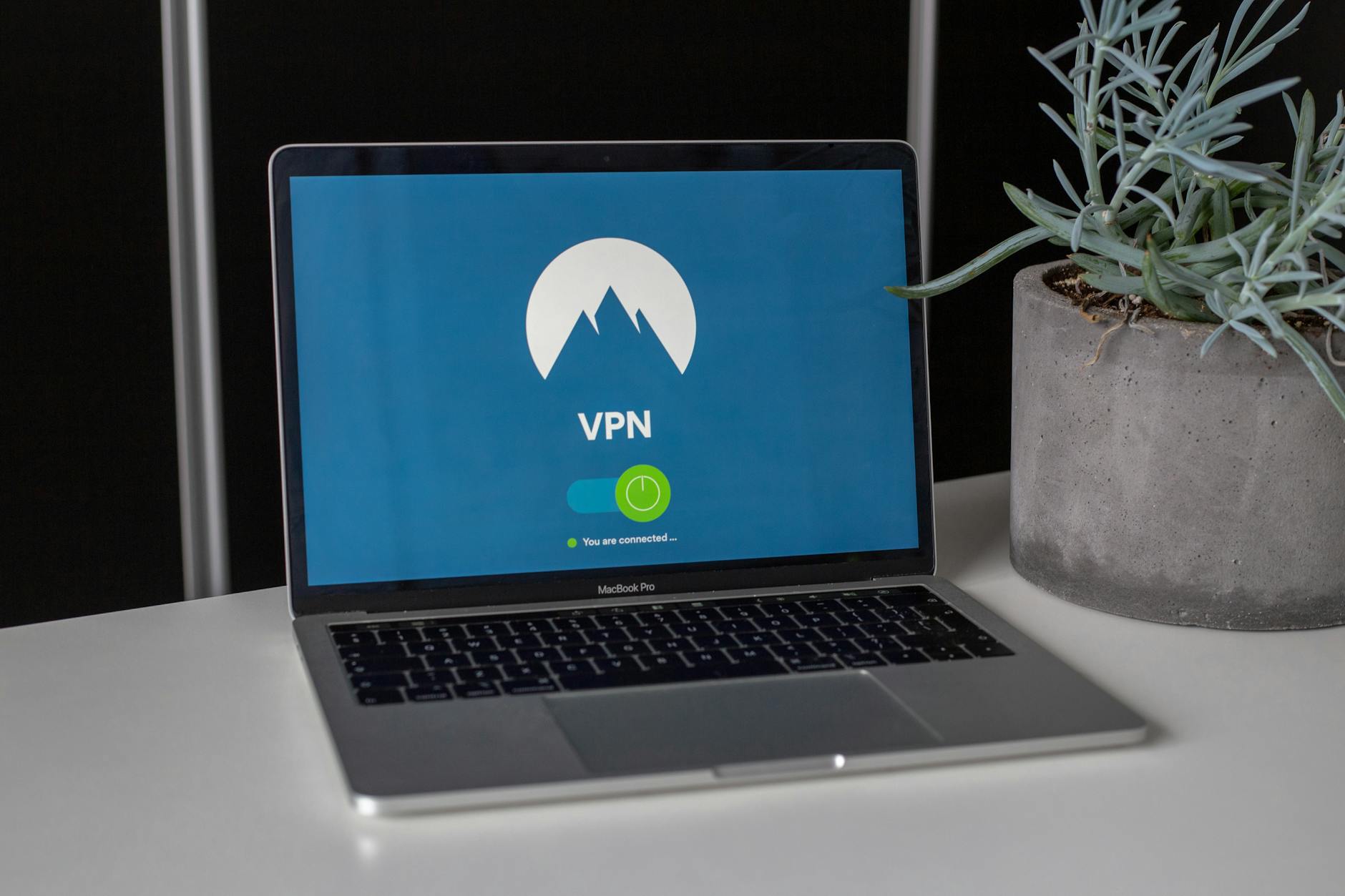
Using an unauthorized VPN to bypass company firewalls or content filters undermines the security architecture put in place by the IT team. Corporate firewalls exist to protect the network from external threats and to ensure compliance with company policy. Circumventing these controls can expose the network to cyberattacks and create compliance violations in regulated industries. IT teams can detect unauthorized VPN usage and it is generally treated as a serious breach of network security policy.
Webcam Misuse

Using the work computer webcam for personal video calls or recordings during company time raises both productivity and privacy concerns. Recording others without their consent through a work device may violate wiretapping or privacy laws in many jurisdictions. Work devices with cameras are subject to the same monitoring policies as all other hardware and software on the machine. Keeping the webcam covered when not in use for work purposes is considered standard professional practice in most corporate environments.
Confidential Data Sharing

Sending confidential company data to personal accounts or unauthorized external recipients is one of the most serious violations an employee can commit. This includes forwarding internal documents or sharing proprietary information through unsecured channels such as personal email or messaging apps. Such actions can constitute a breach of employment contract and in some cases may trigger legal proceedings under trade secret or data protection laws. Even accidental sharing of confidential data through careless email habits can have significant professional and legal consequences.
Dark Web Browsing
Accessing the dark web from a work computer exposes the corporate network to extreme security risks including malware infections and illegal content. Many activities associated with dark web browsing are illegal and conducting them on an employer’s device creates direct legal liability for the company. IT systems are typically equipped to detect unusual browser traffic patterns that suggest dark web access. This activity is universally prohibited in workplace acceptable use policies and treated as gross misconduct.
Password Reuse
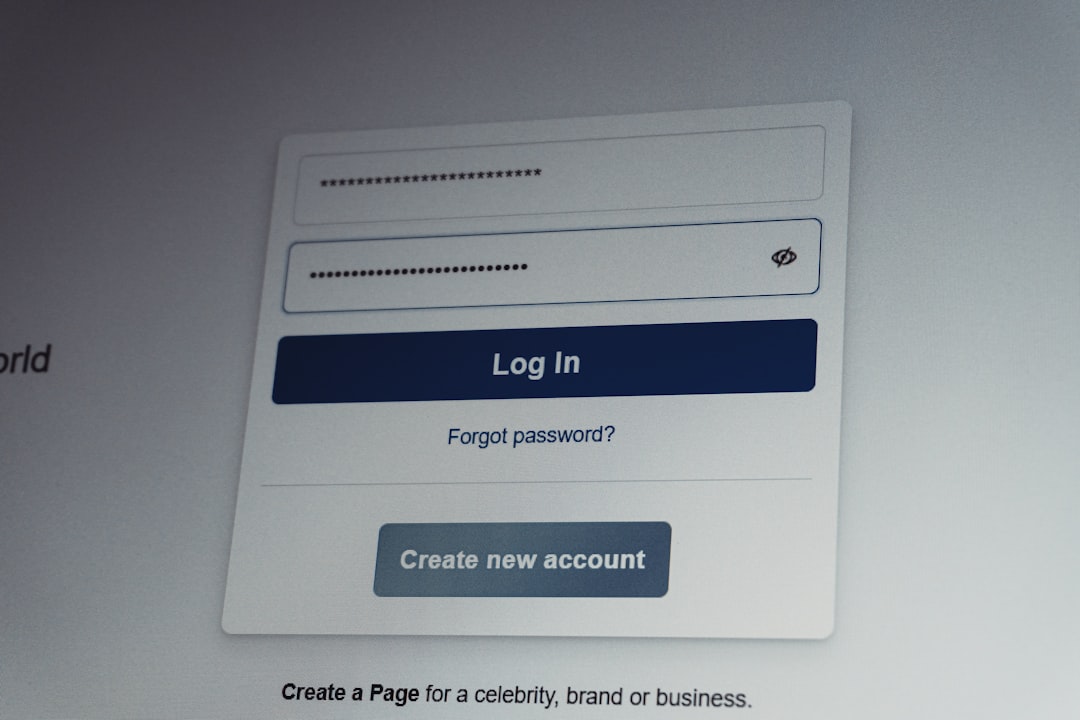
Using the same password across work and personal accounts on a work device significantly increases the risk of a credential breach spreading across multiple platforms. If a personal account is compromised the attacker can potentially use that credential to access corporate systems. Cybersecurity professionals consistently identify password reuse as one of the leading causes of corporate data breaches. Most organizations require the use of complex unique passwords and encourage employees to use company-approved password managers.
Streaming Services

Streaming video or music through platforms like Netflix or Spotify on a work computer consumes significant network bandwidth that is allocated for business operations. Audio and video streaming can also be a distraction and signal a lack of focus to supervisors who monitor activity on the network. Most streaming platforms require account logins that can introduce tracking technologies onto the corporate device. Company policies in most organizations explicitly prohibit the use of entertainment streaming services during work hours on work devices.
USB Device Use

Plugging unauthorized USB drives or external storage devices into a work computer is a common way malware and ransomware are introduced into corporate networks. These devices can also be used to extract sensitive company data in ways that are difficult to trace. Many organizations have implemented technical restrictions that block unauthorized USB devices from connecting to corporate hardware. Bringing a personal USB drive to work and connecting it without IT approval is a policy violation in most professional environments.
Jailbreaking or Rooting

Attempting to jailbreak or gain root access to a work device to bypass its security settings is a serious breach of corporate IT policy. This removes the safeguards that the IT team has installed to protect both the device and the wider company network. Root access can disable encryption remote wipe capabilities and endpoint security software that companies rely on for data protection. This activity is treated as a significant disciplinary matter and in some cases can be grounds for immediate dismissal.
Accessing Competitor Systems
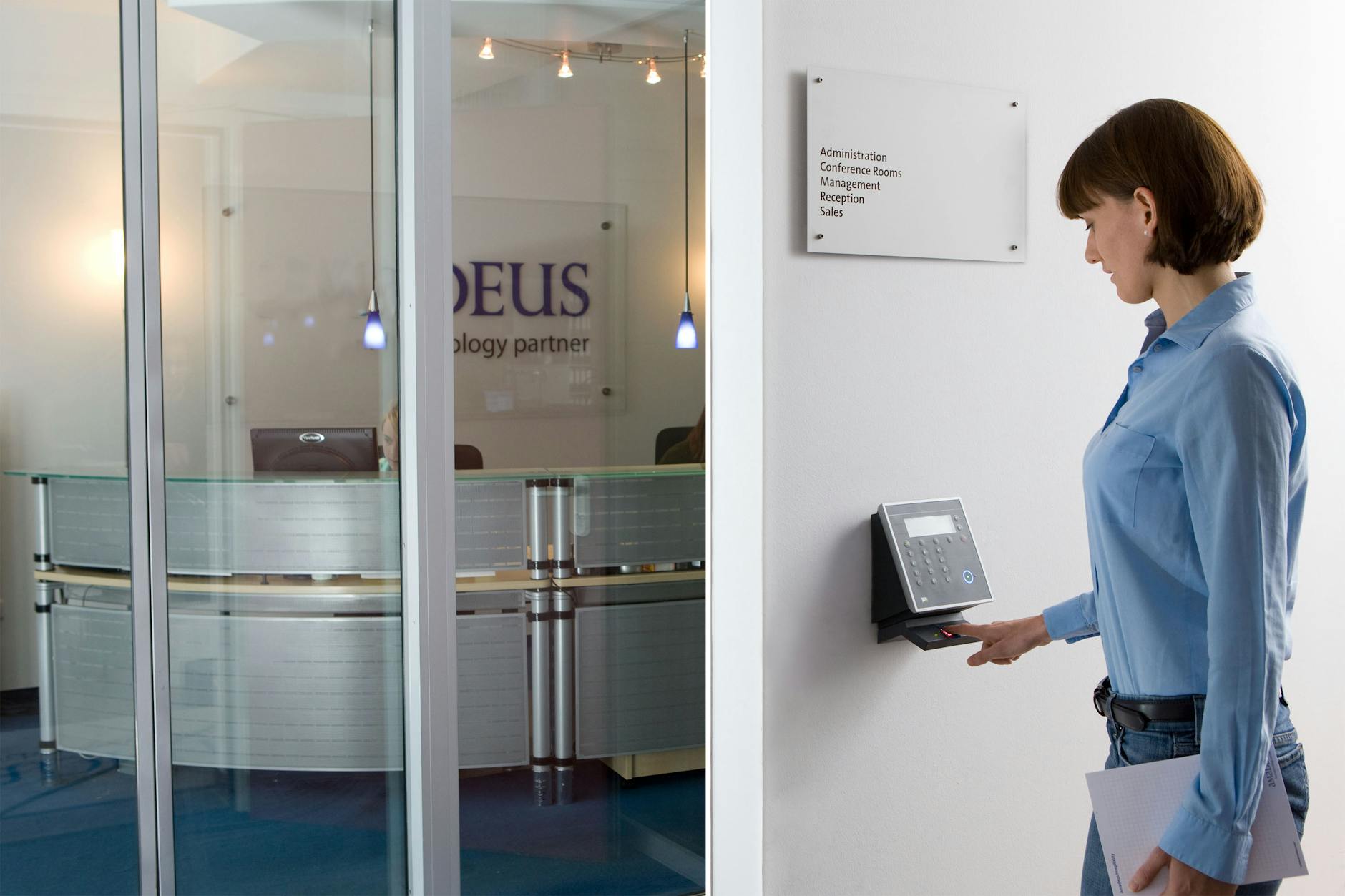
Using a work computer to access competitor websites or platforms in an unauthorized capacity creates legal and ethical risks for both the employee and the company. In regulated industries such behavior can trigger compliance investigations and damage relationships with clients and partners. Even seemingly innocent competitive research that crosses into unauthorized access can be classified as corporate espionage under applicable laws. Employees are expected to gather competitive intelligence only through legitimate and approved channels.
Public Wi-Fi Use

Connecting a work computer to an unsecured public Wi-Fi network without using a company-approved VPN exposes sensitive corporate data to interception. Public networks in cafes airports and hotels are common targets for man-in-the-middle attacks where data can be captured by malicious actors. Many data breaches have originated from employees connecting work devices to unsecured networks outside the office. Most corporate security policies require employees to use only trusted or VPN-protected connections when working remotely.
Disabling Antivirus

Turning off or overriding the antivirus or endpoint protection software on a work computer removes a critical layer of defense against cyber threats. Employees sometimes disable these tools to improve system performance or to install unauthorized software but the security risks far outweigh the convenience. Corporate endpoint protection tools are centrally managed and any tampering is typically detected immediately by the IT team. Disabling security software is considered a serious policy violation and can leave the entire network vulnerable to attack.
Personal Printing

Using the office printer connected to a work computer for personal documents wastes company resources and can expose sensitive personal information. Documents left in printer trays or output queues can be seen or collected by colleagues creating unintended privacy issues. Many modern office printers log print jobs which means personal printing activity is easily traceable by administrators. Most company policies require that office equipment including printers connected to work computers be used for business purposes only.
Unsaved Work Habits

Failing to regularly save work files or relying on auto-save without proper backup practices can result in significant data loss during unexpected shutdowns or technical failures. Work computers are managed devices that may be remotely updated or restarted by IT at any time without advance notice to the user. Important documents should always be saved to company-approved locations such as network drives or cloud platforms sanctioned by the employer. Good file management habits protect both the employee’s work output and the company’s operational continuity.
Sharing Login Credentials

Sharing your work computer login credentials with colleagues even for seemingly harmless reasons creates serious accountability and security problems. Every action performed under your account is attributed to you meaning another person’s mistakes become your responsibility. Credential sharing also undermines audit trails that are essential for compliance in regulated industries. Most employment agreements explicitly prohibit sharing access credentials and violations can result in disciplinary action or legal liability.
Personal Banking

Accessing personal banking or financial accounts on a work computer puts sensitive financial information on a monitored and potentially vulnerable device. IT administrators may have visibility into browser activity and any data transmitted through the work network. Work computers are also more frequently targeted by phishing attacks and malware because they are connected to valuable corporate systems. Keeping personal financial activity entirely separate from work devices is a basic best practice for both personal and corporate security.
Ignoring Updates

Consistently dismissing or delaying software and security updates on a work computer creates exploitable vulnerabilities in the system. Updates are pushed by IT teams specifically to patch known security flaws and ensure compliance with corporate standards. Ignoring these updates can leave both the device and the broader network exposed to threats that have already been publicly identified. Most corporate IT policies require timely installation of updates and repeated non-compliance can be flagged as a security risk by the IT department.
Personal Photo Storage

Storing large volumes of personal photos or videos on a work computer takes up storage space that is allocated for professional use. Personal media files can also introduce privacy complications if the device is audited or if it needs to be submitted for repair or forensic review. Work devices are company property meaning any files stored on them are potentially accessible to the employer. Keeping personal media entirely off work devices protects both the employee’s privacy and the company’s storage and performance resources.
What personal rules do you follow when using your work computer? Share your experiences and tips in the comments.




