Video conferencing has become the primary mode of communication for modern teams and requires a specific set of etiquette rules. Many professionals unknowingly sabotage their reputation by falling into casual habits that do not translate well to the screen. A polished digital presence commands respect and ensures your message is heard without distraction. Avoiding these common mistakes helps you maintain authority and engagement during every virtual meeting.
Backlighting Your Video

Strong light sources located behind you cast your face in shadow and create a dark silhouette effect. This prevents colleagues from seeing your facial expressions and makes reading nonverbal cues nearly impossible. You should position your desk so that windows or lamps illuminate your face from the front rather than the back. Proper lighting ensures you appear open and engaged throughout the discussion.
Positioning the Camera Below Eye Level

Placing your laptop flat on a table often results in an unflattering camera angle that looks up your nose. This perspective creates a looming effect and can make you appear domineering or disinterested. You can correct this by raising your device on a stand or a stack of books until the lens sits parallel to your eyes. A neutral angle simulates the feeling of sitting across a table and fosters better connection.
Eating During the Meeting
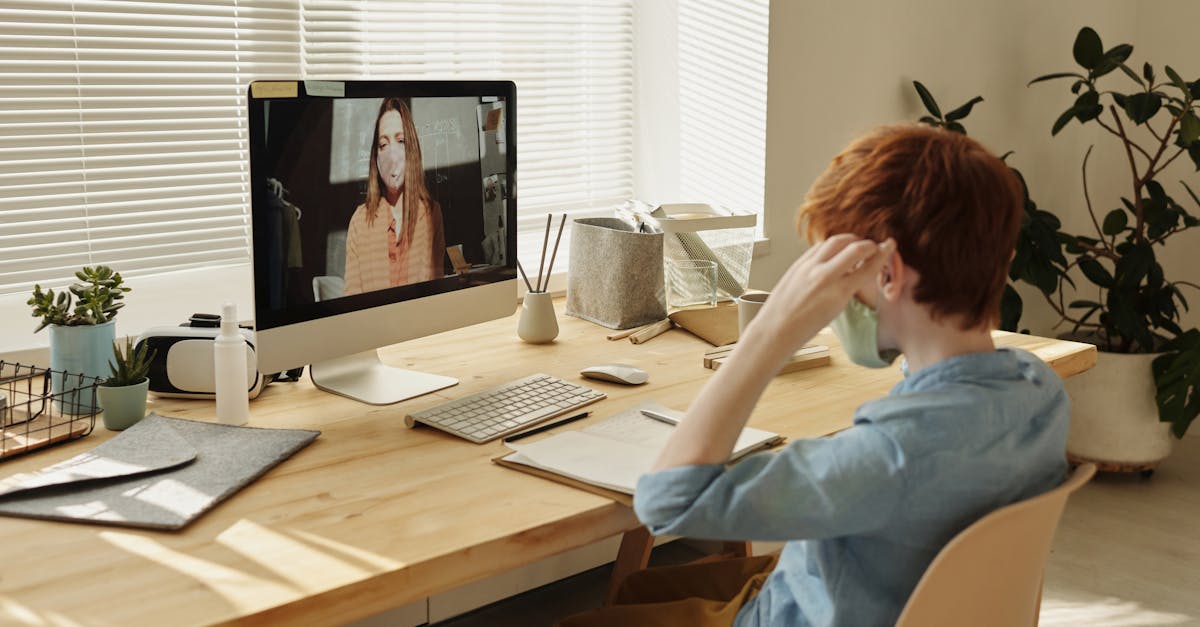
Consuming a meal on camera is generally considered distracting and disrespectful to the person speaking. The sounds of chewing or silverware clinking are often amplified by sensitive microphones. It is best to schedule meals around your calls or turn off your camera if eating is absolutely necessary. Saving your lunch for a break allows you to remain fully attentive to the agenda.
Typing While Unmuted

Typing notes or emails while your microphone is live creates a loud clattering sound for everyone else on the call. This noise interrupts the speaker and signals that you might be focusing on other tasks. The internal microphone on many laptops sits close to the keyboard and captures these percussive sounds significantly. You must mute your audio whenever you need to use the keyboard during a meeting.
Displaying a Cluttered Background

An unmade bed or a pile of laundry visible behind you diminishes your professional image. Visual chaos distracts participants from what you are saying and can suggest a lack of organization. You should curate the space visible on camera or utilize a blur feature to hide personal items. A clean and neutral background keeps the focus strictly on business.
Checking Your Phone Visibly

Glancing down at your smartphone repeatedly signals boredom or a lack of priority for the current conversation. The glow of the phone screen on your face makes this habit obvious even if the device is out of frame. It is important to silence notifications and keep your mobile device out of reach during video conferences. Giving the screen your full attention demonstrates respect for your colleagues’ time.
Interrupting Others
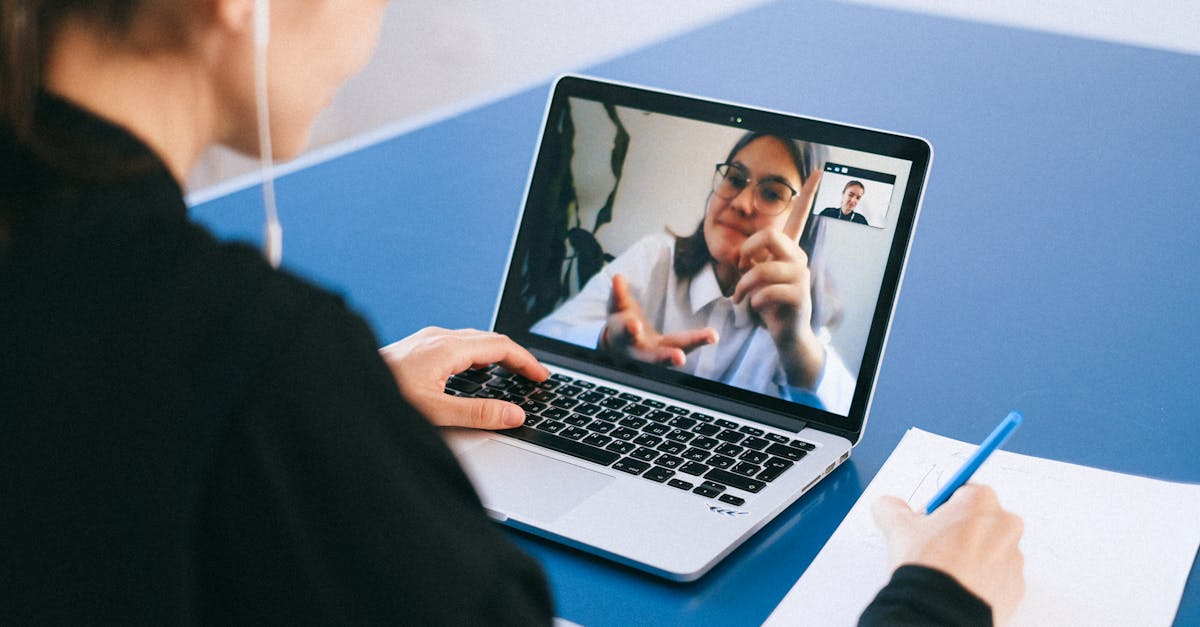
Audio delays on video calls often make simultaneous speaking confusing and jarring. Jumping in before someone has finished their thought can cause the audio to cut out and halt the flow of conversation. You should wait for a clear pause or use the “raise hand” feature included in most software platforms. practicing patience ensures that everyone’s contributions are heard clearly.
Dressing Too Casually

Wearing pajamas or athletic wear implies that you are not in a professional mindset. Even if you are working from home you should dress as if you were attending an in-person meeting. Clothing choices influence how others perceive your competence and authority. Wearing business casual attire helps you mentally transition into work mode.
Avoiding Eye Contact

Staring at your own video feed or looking at a second monitor breaks the sense of connection with other participants. It appears as though you are looking away from the person speaking to you. You should train yourself to look directly into the camera lens when you are talking. This small adjustment simulates eye contact and builds trust with your audience.
Arriving Late

Logging into a call past the scheduled start time wastes the collective time of the group. Virtual meetings often have tight agendas that require punctuality to complete effectively. You should test your login credentials and software updates five minutes before the meeting begins. Being on time shows that you are reliable and ready to work.
Grooming on Camera
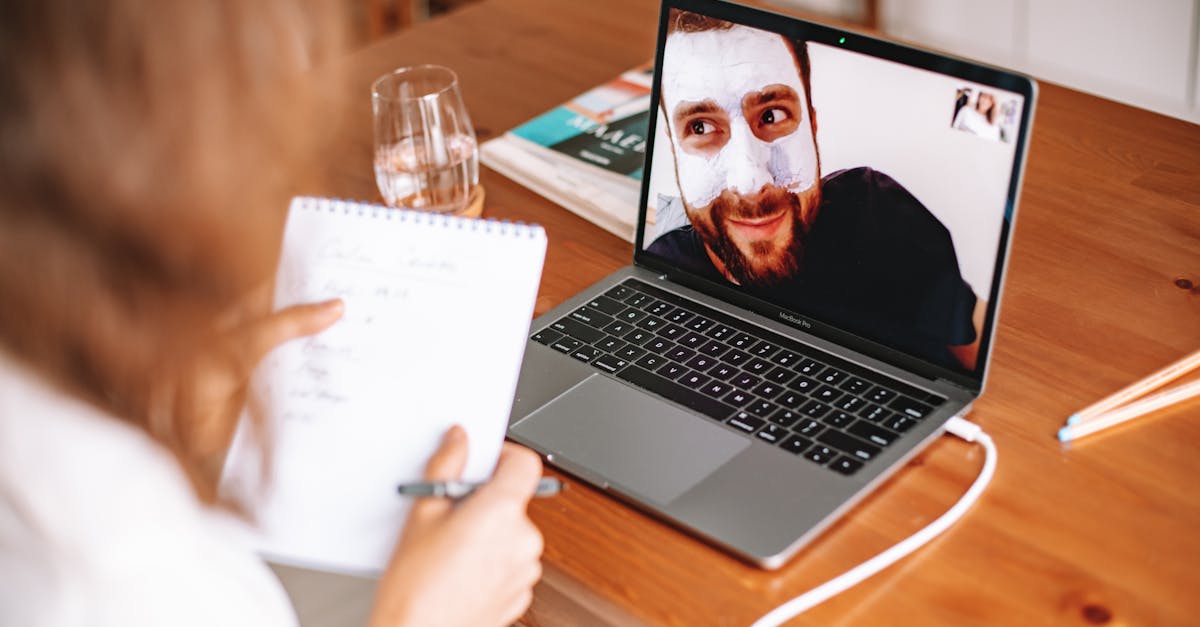
Fixing your hair or applying makeup while your video is live is unprofessional and distracting. The camera captures every movement and makes these personal adjustments visible to the entire team. You should handle all personal grooming tasks in the bathroom before you sit down at your desk. Checking your appearance should happen before you join the call.
Ignoring Internet Connection Issues
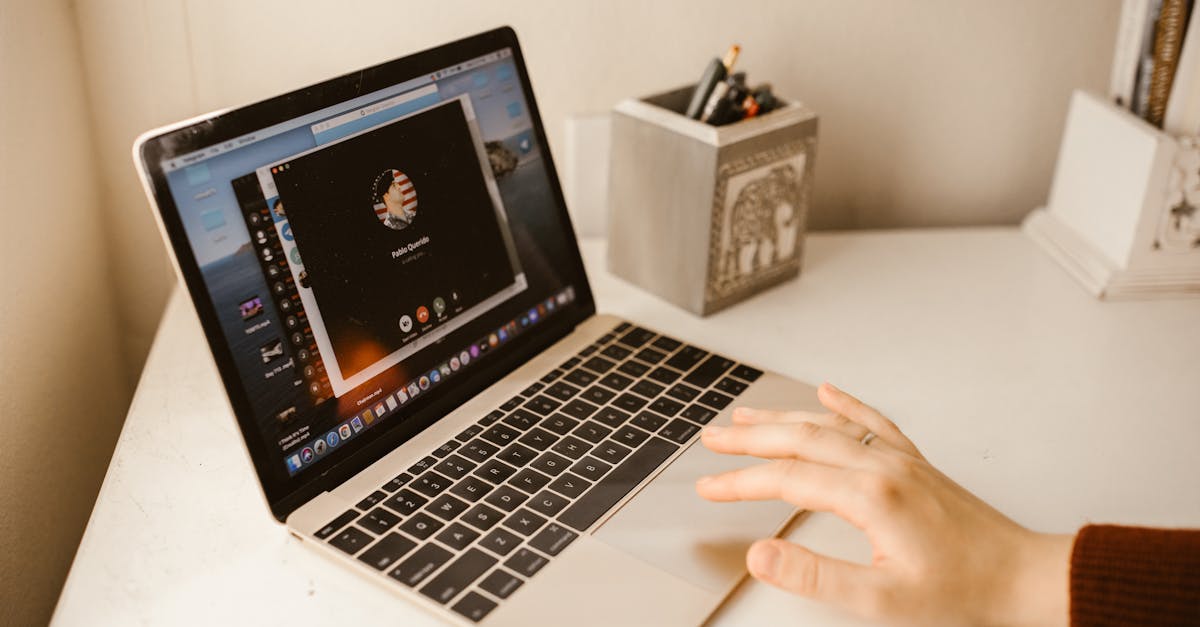
Consistently freezing video or chopping audio makes it difficult for others to understand your contributions. Relying on weak Wi-Fi signals can derail a meeting and cause frustration for everyone involved. You should prioritize a hardwired ethernet connection or sit close to your router for important calls. Investing in stable internet demonstrates your commitment to efficient communication.
Allowing Loud Background Noise

Barking dogs or loud construction noises can completely overpower a conversation when your microphone is open. Background sounds are often more disruptive to listeners than they are to you. You should use a headset with noise-canceling features or mute yourself whenever you are not speaking. creating a quiet environment allows the meeting to proceed without auditory interruptions.
Multitasking Visibly

Reading articles or working on other projects causes your eyes to dart around the screen rapidly. Others can tell when your focus has shifted away from the meeting content. Dividing your attention often leads to missing critical information or questions directed at you. Closing unrelated tabs helps you stay present and engaged with the topic at hand.
Leaving Notifications On

The chime of incoming emails or messages is a sharp distraction that interrupts the speaker. Constant pinging suggests that you are prioritizing other incoming demands over the current meeting. You should enable “Do Not Disturb” modes on both your computer and phone before joining a call. A silent environment keeps the momentum of the discussion moving forward.
Slouching in Your Chair

Leaning far back or slumping in your seat projects low energy and a lack of interest. Poor posture can make you appear tired or disengaged from the professional setting. You should sit up straight with your shoulders back to convey alertness and confidence. Maintaining good posture also helps project your voice more clearly.
Chewing Gum

The repetitive motion of chewing gum is visually distracting and can look unprofessional on a close-up camera shot. It can also produce smacking sounds that are picked up by the microphone. You should dispose of gum before the meeting starts to maintain a polished appearance. A neutral facial expression is always preferable to constant jaw movement.
Inappropriate Screen Sharing

Sharing your entire desktop instead of a specific window risks revealing private messages or unrelated documents. Pop-up notifications or personal desktop wallpapers can create awkward moments during a presentation. You should always prepare your screen and close sensitive tabs before hitting the share button. specific window sharing is the safest way to present information.
Sitting Too Close to the Lens
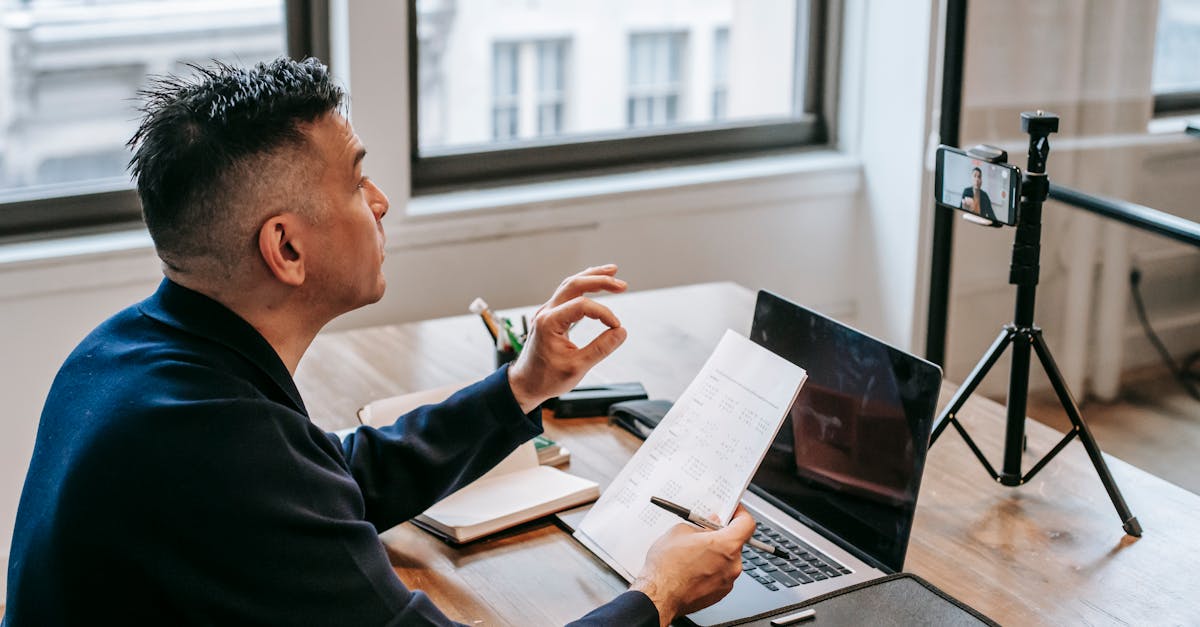
Positioning your face inches from the camera distorts your features and invades the viewer’s virtual personal space. An extreme close-up can be intense and uncomfortable for others to watch for an extended period. You should sit at an arm’s length from the screen to frame your head and shoulders comfortably. This distance mimics a natural conversation across a desk.
Turning the Camera Off Without Explanation
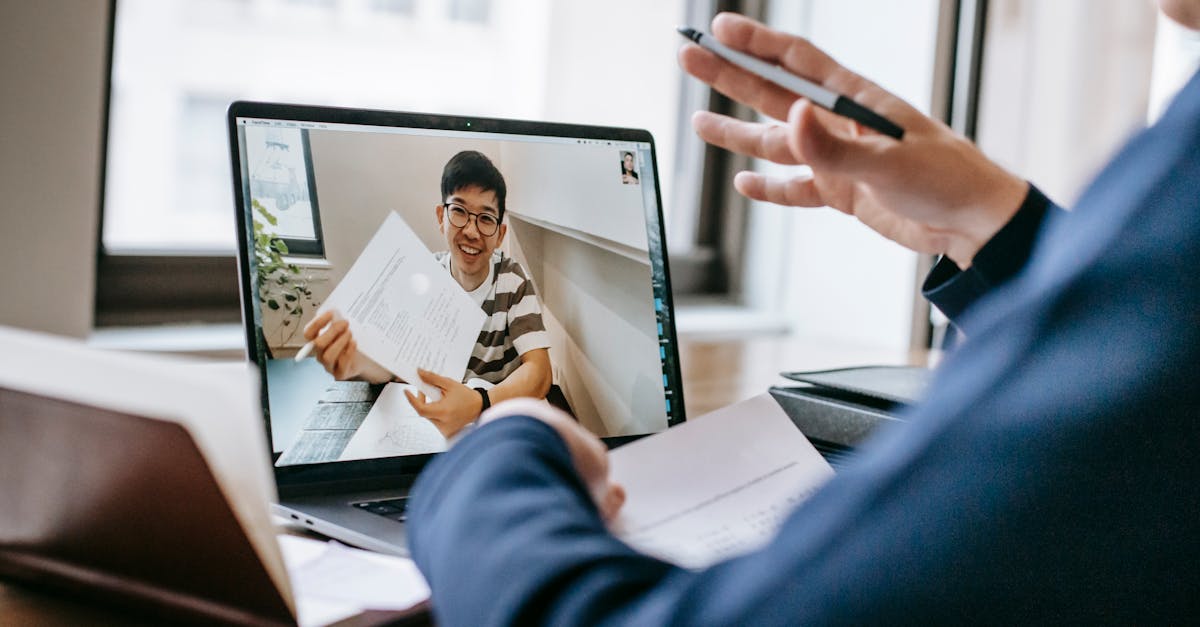
Disabling your video feed while everyone else is visible can be interpreted as disengagement. It removes your nonverbal reactions from the group dynamic and creates a barrier to communication. If you must turn off your camera you should briefly explain why in the chat or verbally. Staying visible fosters a sense of teamwork and accountability.
Drinking from Large Novelty Bottles

Hoisting a massive water jug or a novelty mug into the frame draws unnecessary attention to your beverage. It breaks the professional visual continuity and can look comical in a serious setting. You should use a standard glass or a simple mug for hydration during calls. keeping sips discreet ensures the focus remains on the conversation.
Yawning Without Covering Your Mouth

A wide yawn signals to everyone that you are tired or bored with the discussion. The camera amplifies facial expressions and makes a yawn impossible to miss. You should try to stifle yawns or cover your mouth politely if they are unavoidable. demonstrating energy and alertness is key to professional etiquette.
Using Distracting Virtual Backgrounds

Bright colors or moving images in a virtual background can cause visual fatigue for other participants. Glitches where the software accidentally cuts off parts of your head or hands are also common. You should choose a simple blur or a professional static image if you need to hide your room. The background should never compete with you for attention.
Fidgeting or Swiveling

Constantly spinning in your chair or playing with a pen creates visual noise that distracts from your words. These nervous habits can make you appear anxious or impatient to leave. You should plant your feet on the floor to ground yourself and keep your hands still. Stillness conveys a sense of calm and control.
Speaking While Muted
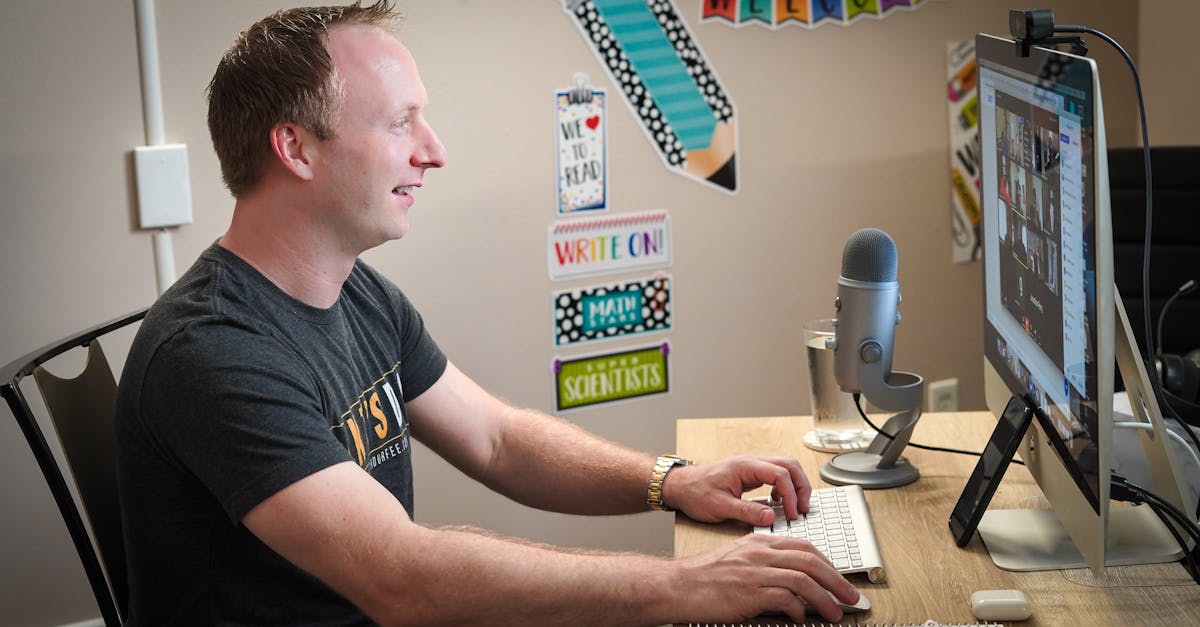
Launching into a monologue while your microphone is off wastes time and disrupts the flow of the meeting. It creates a frantic moment where others try to signal you while you continue talking. You should build the habit of checking your mute status icon before you begin to speak. Managing your audio tools fluently is a sign of digital literacy.
Having Side Conversations

Speaking to someone else in your room while on a call looks rude and dismissive to the virtual participants. Even if you are muted the visual of you talking to someone off-screen is distracting. You should inform those in your household that you are in a meeting to prevent interruptions. Your attention should be fully directed at the people on the screen.
Rolling Your Eyes

Micro-expressions are easily spotted on high-definition video calls and can reveal frustration or disdain. Rolling your eyes or sighing visibly creates a toxic atmosphere and damages relationships. You must maintain a neutral or positive expression even when you disagree with a speaker. composure under pressure is a hallmark of professionalism.
Not Introducing Yourself
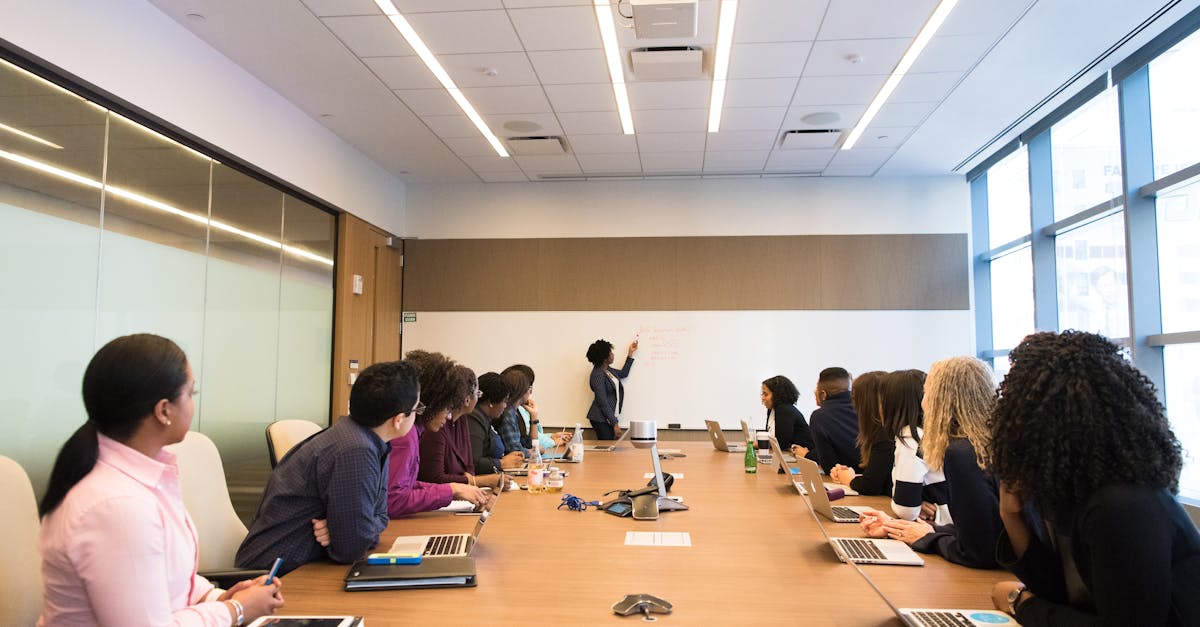
Speaking up in a large meeting without stating your name can confuse participants who may not know you. In audio-only scenarios or crowded video grids it is often hard to identify the active speaker immediately. You should briefly state your name and role before making your point in mixed groups. This helps everyone follow the conversation and attribute ideas correctly.
Walking Around During the Call

Taking the meeting on a mobile device while walking creates a shaky video feed that can cause motion sickness for viewers. The constantly changing background and unstable lighting are major distractions. You should find a stationary spot to sit for the duration of the call. Stability in your video feed reflects stability in your work.
Abrupt Sign-Offs

Leaving the meeting immediately without a goodbye or a wave can seem cold and transactional. It denies the team the chance to acknowledge the end of the collaboration. You should offer a brief verbal closing or a wave to the camera before clicking the leave button. A polite exit leaves a positive final impression on your colleagues.
Share your thoughts on these video call habits in the comments.




