
Most employees assume a degree of privacy when sitting at their desks, but the reality of modern workplace technology tells a very different story. Corporate IT departments have access to sophisticated monitoring tools that can capture an extraordinary range of digital behavior throughout the workday. From casual browsing to personal messaging, the systems running quietly in the background are far more pervasive than the average worker realizes. Understanding what is being tracked is not just a matter of curiosity but a genuinely important aspect of navigating professional life in the digital age.
Personal Browsing

Every website visited on a company network or a company-issued device is logged by IT systems with a timestamp and duration. Network monitoring tools allow administrators to generate detailed reports showing exactly how much time an employee spends on non-work-related sites. Frequent visits to shopping platforms, news sites, or social media can raise red flags, particularly when they occur during core working hours. Many organizations use automated software that categorizes sites and sends alerts when usage crosses a defined threshold. Employees are often surprised to learn that browsing in a private or incognito window offers no protection on a corporate network.
Personal Emails

Accessing a personal email account through a work browser does not shield the activity from IT visibility. While the content of the emails may be encrypted, the fact that the account was accessed, how long was spent on it and how frequently it was opened is all recorded. Some enterprise monitoring tools go further and log keystrokes or take periodic screenshots that can capture email content inadvertently. Sending large attachments from a personal account while connected to a company network can also trigger security alerts. IT departments are trained to flag this kind of activity as a potential data exfiltration risk regardless of the employee’s actual intent.
Idle Time

Workstation activity monitoring software tracks how long a computer sits idle between inputs such as mouse movements and keystrokes. Prolonged periods of inactivity during working hours are automatically logged and can be compiled into productivity reports shared with management. Some tools differentiate between active application use and passive activity such as a document sitting open without any editing taking place. Remote workers are particularly subject to this kind of monitoring as companies look for ways to verify engagement outside of a physical office environment. These reports can inform performance reviews in ways that employees are rarely made aware of in advance.
USB Devices
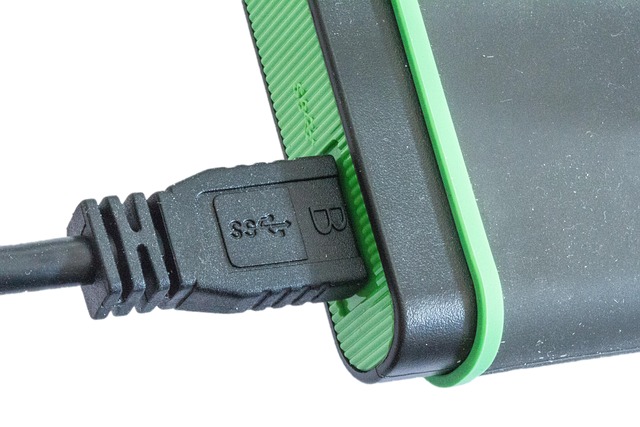
Plugging a personal USB drive or any unauthorized external device into a company computer triggers an immediate log entry in most modern IT environments. Endpoint security software records the device ID, the time of connection and any files that were transferred in either direction. Many organizations have policies that automatically block unrecognized devices entirely and notify an IT administrator in real time. Even charging a personal phone via a company computer USB port can be logged as a connected device event. This level of monitoring exists primarily to prevent data theft but the logs are fully available to managers upon request.
Instant Messages
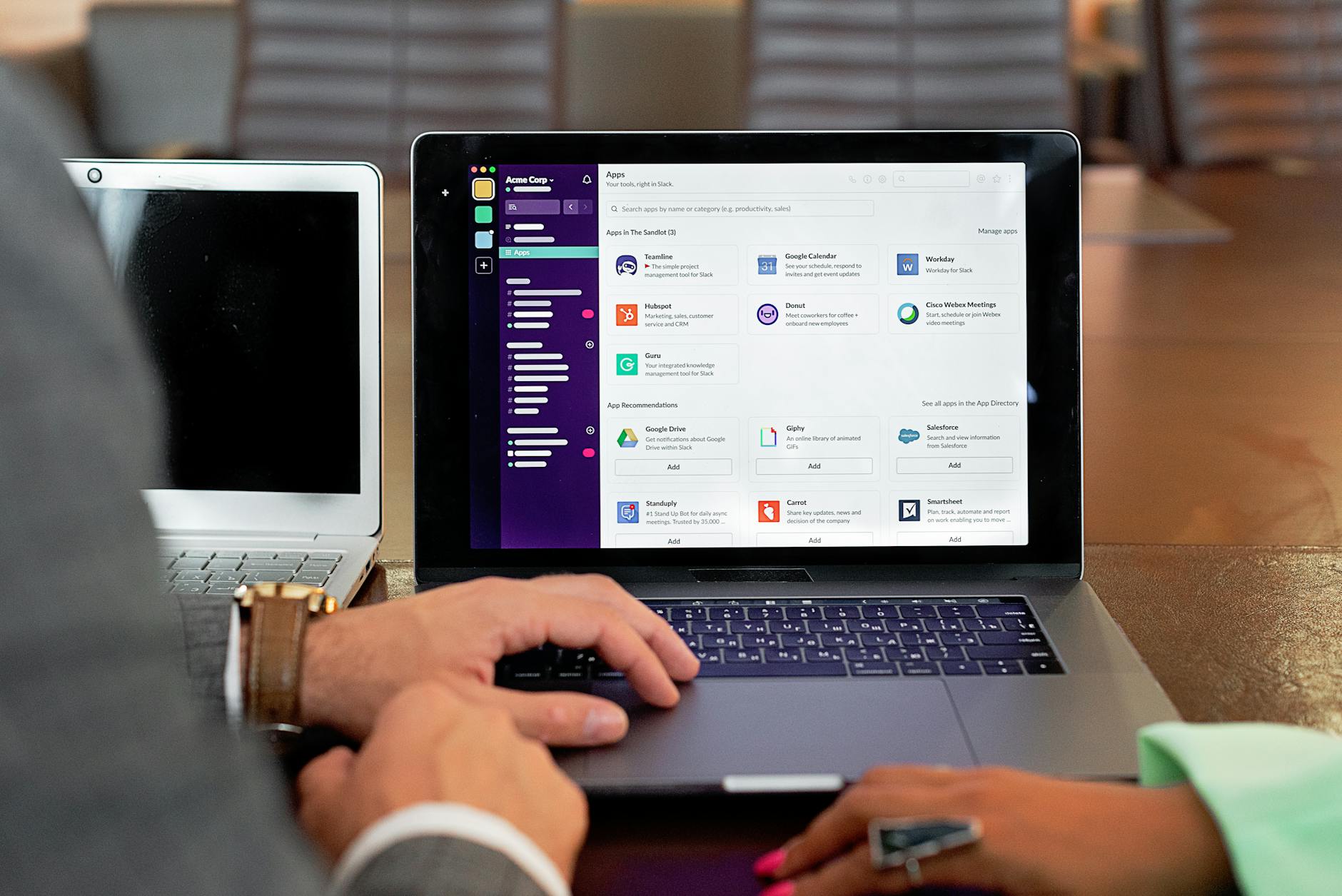
Internal messaging platforms such as Microsoft Teams or Slack store every conversation in a retrievable archive that authorized administrators can access at any time. Employers in many regions are legally permitted to read these messages as they are conducted on company-owned infrastructure. Even messages that have been deleted by the user often remain in backend logs for a legally mandated retention period. Conversations that contain flagged keywords related to confidentiality, competitor names or sensitive topics can be surfaced automatically through compliance tools. Employees who treat these platforms as private chat applications are often unaware of the level of corporate oversight in place.
Printer Activity
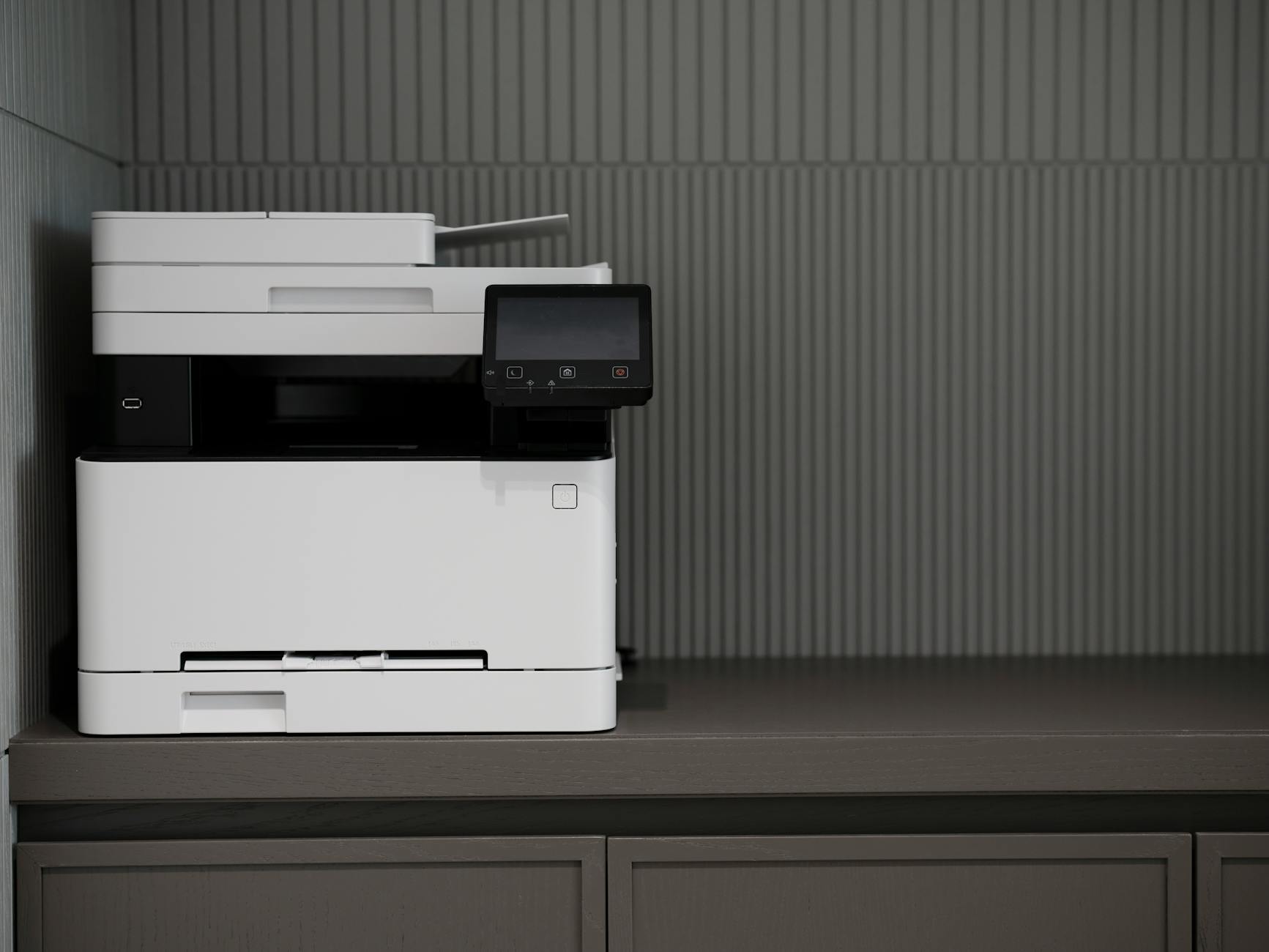
Every document sent to a workplace printer is logged with the user’s credentials, the time of printing and a record of what was printed. Advanced print management systems retain a digital copy of the document itself, meaning IT can review the actual content and not just the metadata. Printing large volumes of files in a short period or sending documents to print outside of normal working hours is a pattern that can generate automatic alerts. Some organizations require employees to authenticate at the printer before a job is released, creating an additional layer of identity tracking. This monitoring is particularly relevant in industries that handle sensitive financial or legal documents.
Video Call Behavior

Meeting platforms used for video calls generate detailed usage logs that track attendance, duration and in some cases participant engagement levels. IT administrators can access records showing who joined a meeting, when they left and whether they were active or had their camera and microphone disabled throughout. Third-party integrations with platforms like Zoom or Teams can even analyze attention metrics by tracking whether the application was in focus on the screen during the call. Repeated early departures from meetings or consistent camera-off behavior can be flagged as patterns in productivity monitoring reports. These records are retained and can be retrieved during performance or conduct reviews.
App Downloads

Attempting to download or install unauthorized software on a company device is one of the most immediately detectable actions an employee can take. IT security tools block unauthorized installations in real time and log every attempt alongside the user account responsible. Even visiting the download page of a software vendor can register as suspicious activity on networks with deep packet inspection enabled. Shadow IT, which refers to the use of unofficial tools and applications for work purposes, is a major focus area for corporate security teams. Employees who route around approved software lists leave a clear digital trail that is straightforward to trace.
Location Data
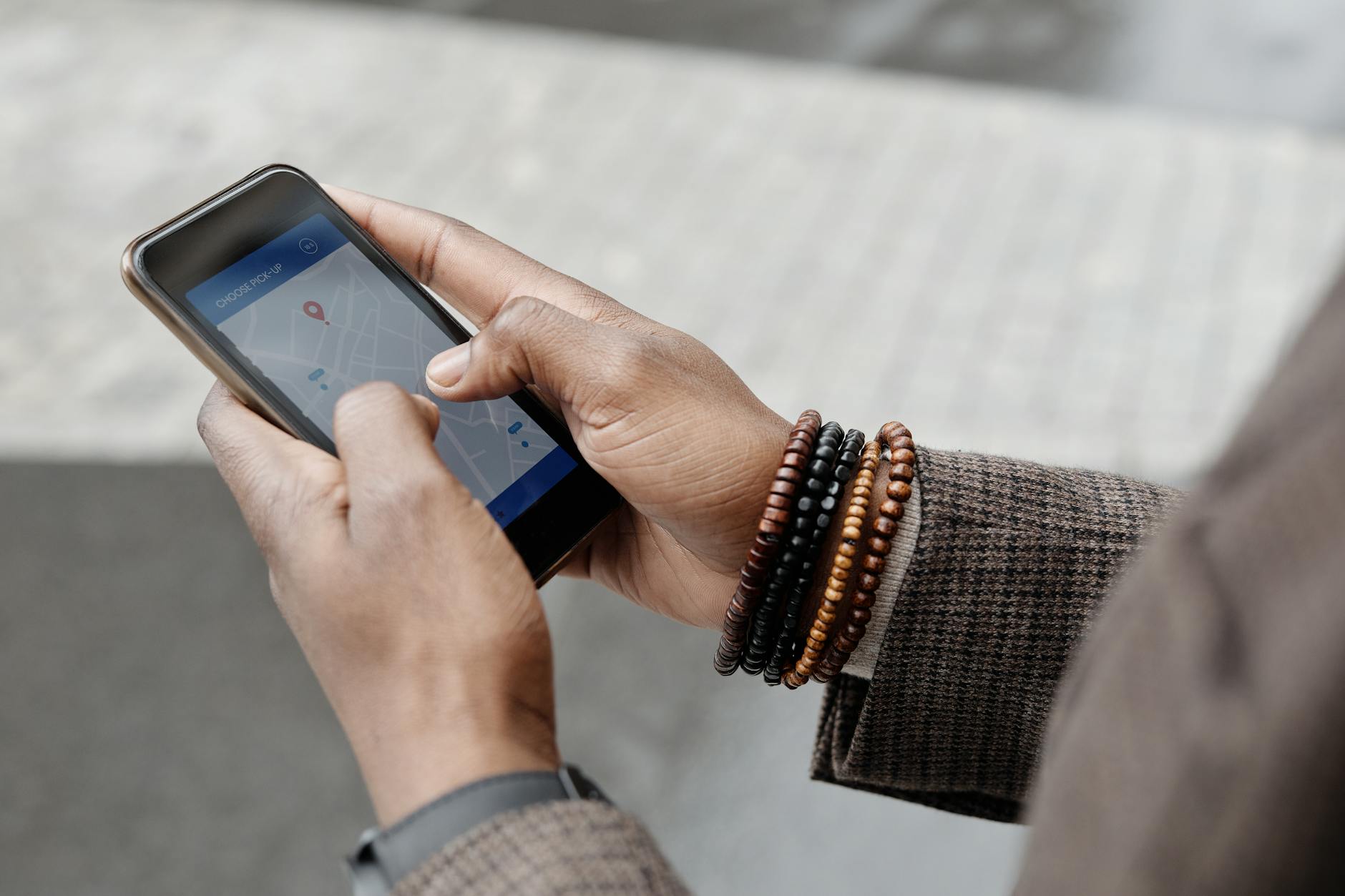
Company-issued laptops, phones and vehicles are frequently equipped with location tracking capabilities that log geographic position throughout the day. Mobile device management software allows IT teams to see where a device has been and whether it has left an approved area such as an office or a designated field zone. Location data from work phones is often collected passively even when the employee believes the device is simply sitting in their pocket. Remote employees who claim to be working from home while logged into systems from a different location can be identified quickly through this data. In some industries this information is used not just for security but as direct evidence in disciplinary proceedings.
Password Resets

Every time an employee resets a password or triggers a failed login attempt, that action is captured in security event logs monitored by IT. An unusually high number of failed login attempts on a single account can indicate that the employee is trying to access a system they are not authorized to use. Password reset requests outside of normal working hours are also flagged as potentially suspicious behavior patterns. Multi-factor authentication systems add another layer of logging that records the device, location and time of every authentication event. These logs are among the most detailed and legally defensible records available to IT and HR departments during investigations.
Cloud Storage Use
Uploading company files to personal cloud storage accounts such as Google Drive or Dropbox is one of the most commonly tracked forms of policy violation. Data loss prevention software scans outgoing traffic for known file types and flags transfers that move data outside the corporate environment. The software can identify whether a file originated from a company system even if the employee attempts to rename or compress it before uploading. IT teams receive automated reports when large numbers of files are moved to external destinations in a short time frame. This activity is treated as a serious security concern and is one of the first things investigators look at when a data breach is suspected.
Search History
Search queries entered into browsers on company devices or networks are captured and stored by web filtering and monitoring tools. This includes searches conducted on professional search engines as well as internal company search portals and knowledge bases. Queries related to job listings, competitor companies, legal advice or whistleblower information can be surfaced through keyword monitoring systems. The search history builds a behavioral profile over time that IT can review if an employee comes under investigation for any reason. Employees rarely consider that the search bar on their work computer functions as a permanent log visible to others.
Screen Monitoring
Some organizations deploy software that takes periodic screenshots of employee screens throughout the working day without any visible notification. These screenshots are stored in a centralized system and can be reviewed by IT administrators or managers at any time. Remote employee monitoring platforms use this capability as a standard feature marketed to companies as a productivity verification tool. Employees working from home on company-issued devices are just as subject to this surveillance as those in a physical office. The legality of screenshot monitoring varies by jurisdiction but in many places employers are only required to disclose its existence in the employment agreement.
Badge Swipes
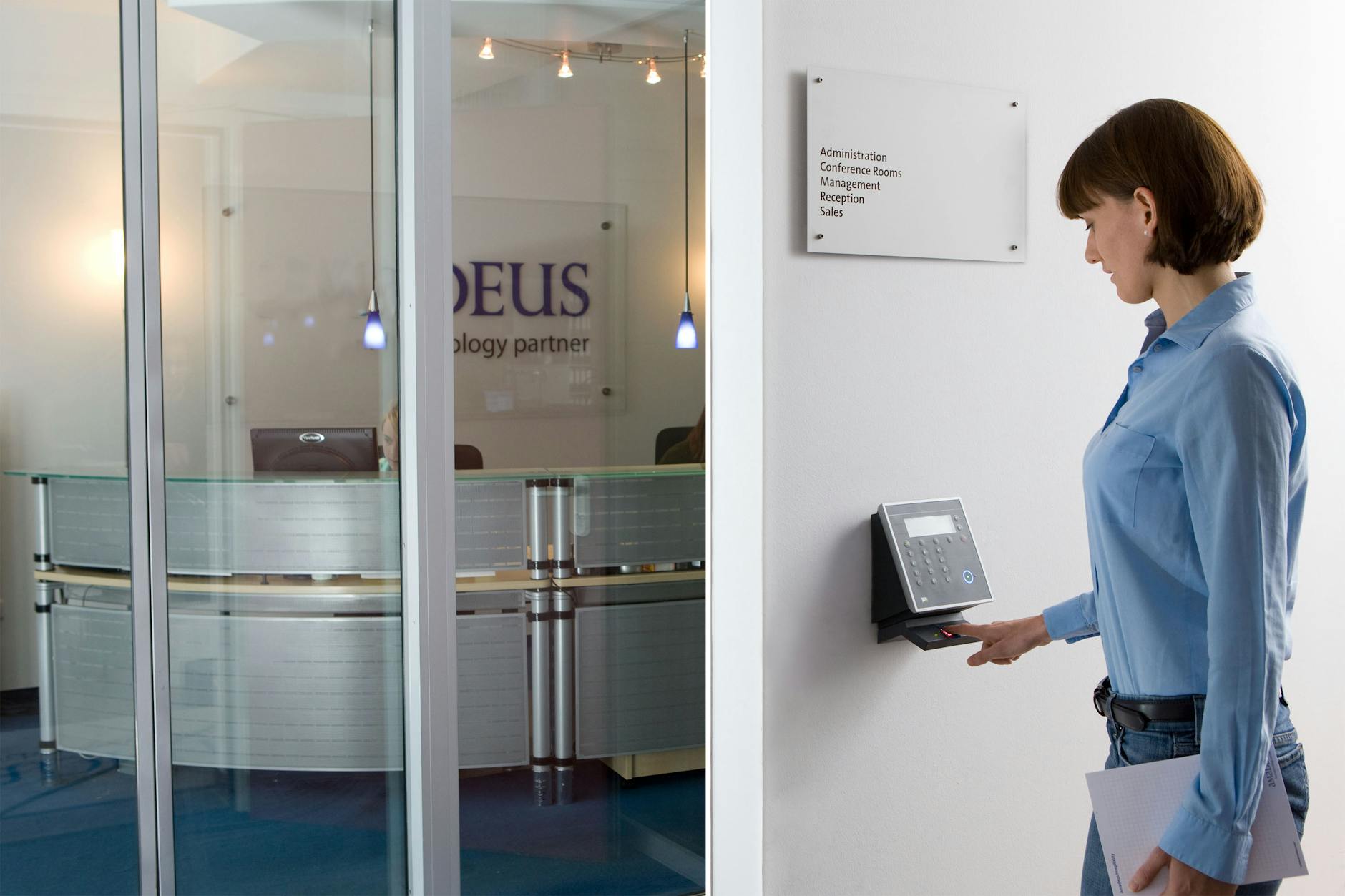
Physical access control systems in office environments log every time an employee badge is used to enter or exit a secured area. This data creates a timestamped record of an employee’s physical movements throughout the building during the entire workday. IT departments often integrate badge data with network login records to cross-reference physical presence with digital activity. Discrepancies such as a computer showing active use while a badge shows the employee left the building hours earlier are easily detected. This combined dataset is regularly used in workplace investigations and can be pulled at short notice by HR or security teams.
Personal Device Connections
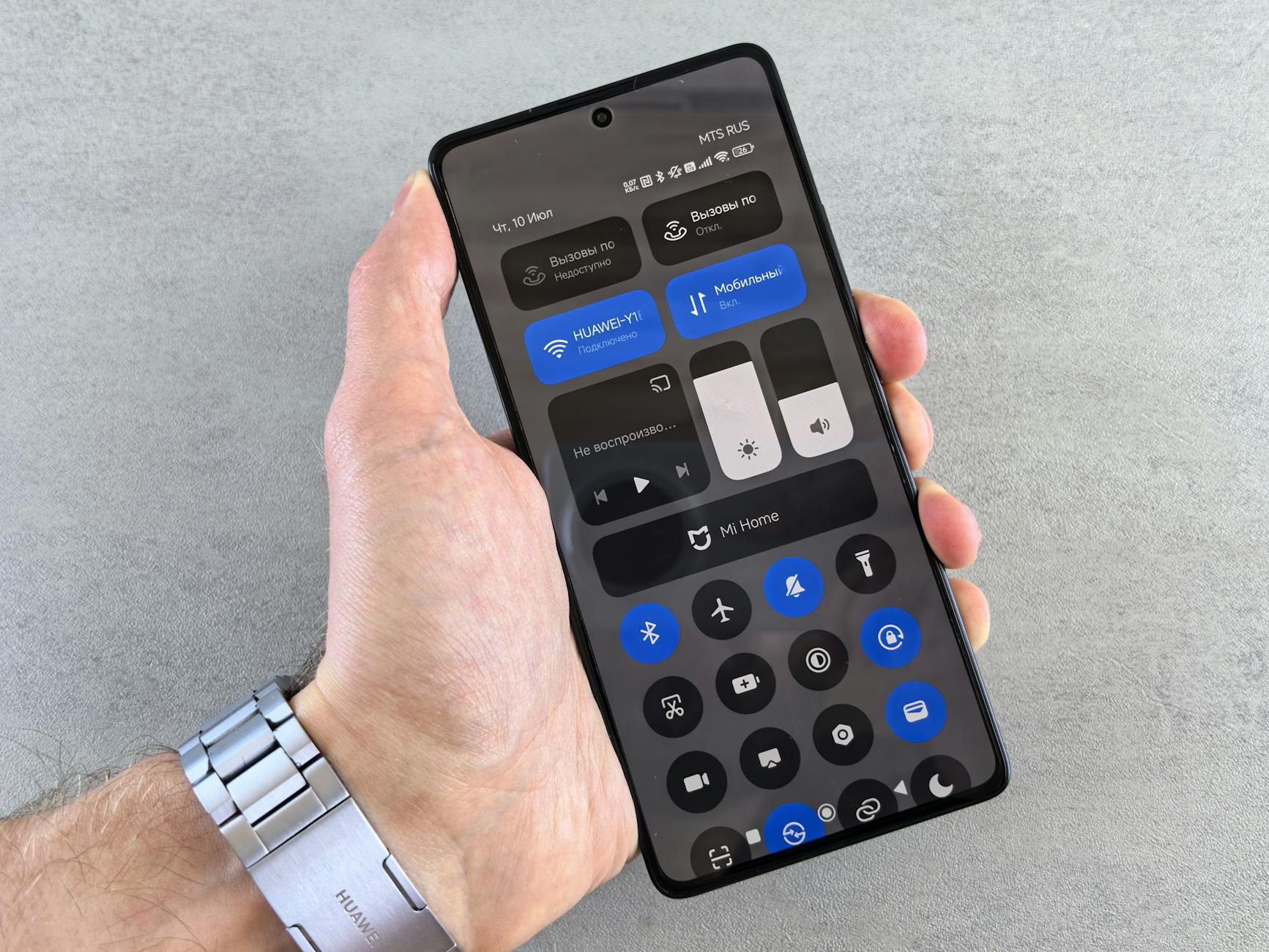
Connecting a personal smartphone or tablet to the office Wi-Fi network places that device within range of corporate network monitoring tools. IT systems can see the device’s MAC address and operating system and may be able to monitor traffic flowing through the network from that device. Some organizations go further by requiring employees to install mobile device management profiles on personal devices used for work purposes. Once enrolled in a mobile device management system a personal device shares a significant amount of data with the corporate IT environment including location and app inventory. Employees who connect personal devices to work networks for convenience rarely read the acceptable use policies that govern exactly what that connection permits IT to see.
What do you think about workplace digital monitoring — share your thoughts in the comments.




