
Most people treat their photo library as a private archive, but the reality is that digital images carry far more information than the visible picture itself. Metadata embedded in photographs can reveal precise GPS coordinates, device identifiers, timestamps, and behavioral patterns that paint a detailed portrait of daily life. Cloud synchronization, app permissions, and data breaches mean that images stored on a personal device are rarely as protected as they appear. The following items represent the categories of photos that privacy-conscious individuals remove from their libraries entirely, not because the images are shameful but because the data they contain is genuinely dangerous in the wrong hands.
Passport Photos
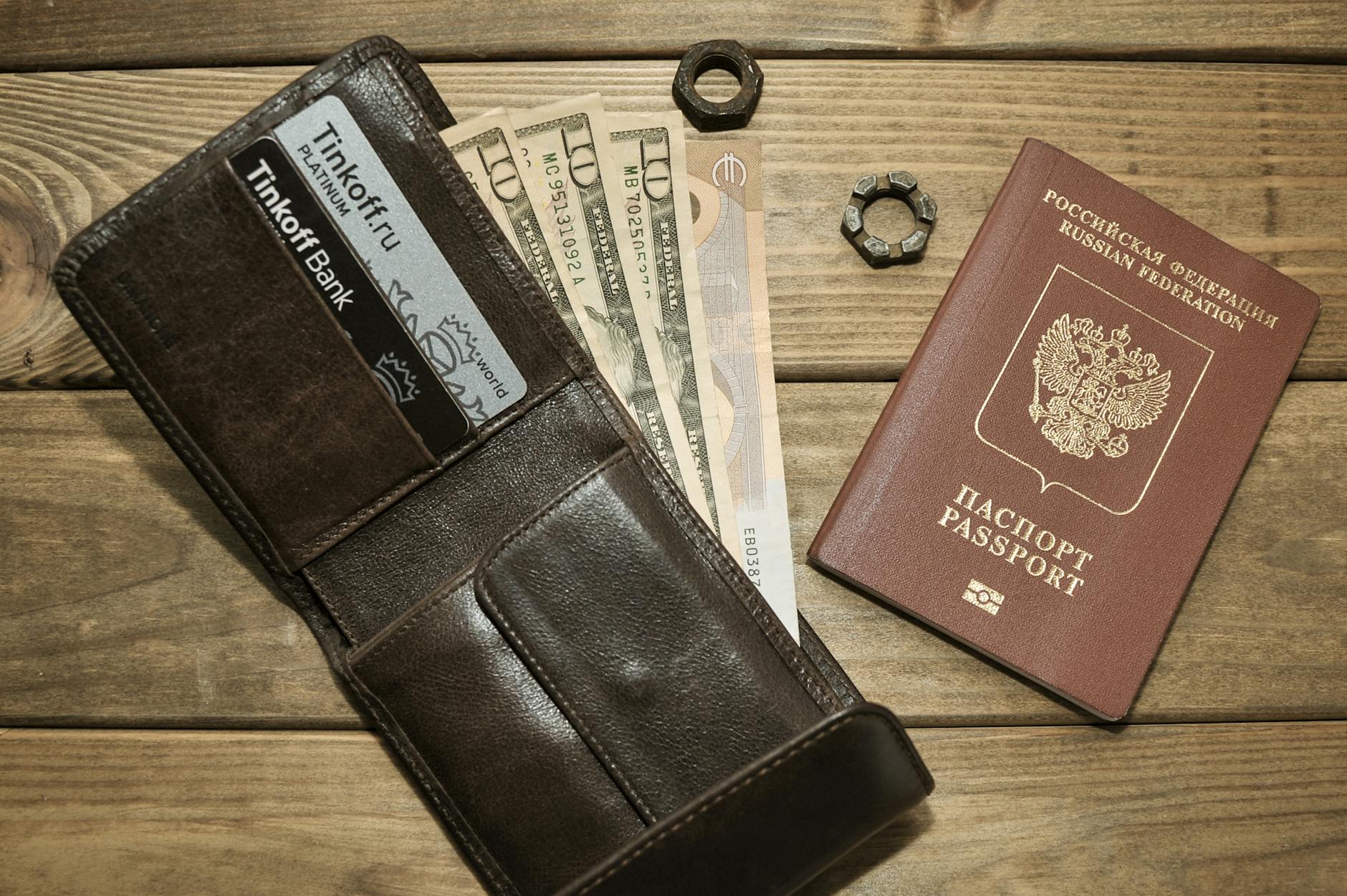
A photograph of a passport contains everything an identity thief needs to begin building a fraudulent profile in another person’s name. The document number, date of birth, full legal name, nationality, and facial image are all machine-readable and extractable from a high-resolution photo. Many people photograph their passport before travel as a backup measure, which is understandable in intent but creates a persistent vulnerability in cloud-synced libraries. Physical photocopies stored securely at home or encrypted digital copies in a dedicated password-protected vault are substantially safer alternatives. Any passport photo currently sitting unprotected in a standard photo library represents an open door to one of the most damaging categories of identity fraud.
PIN Screenshots
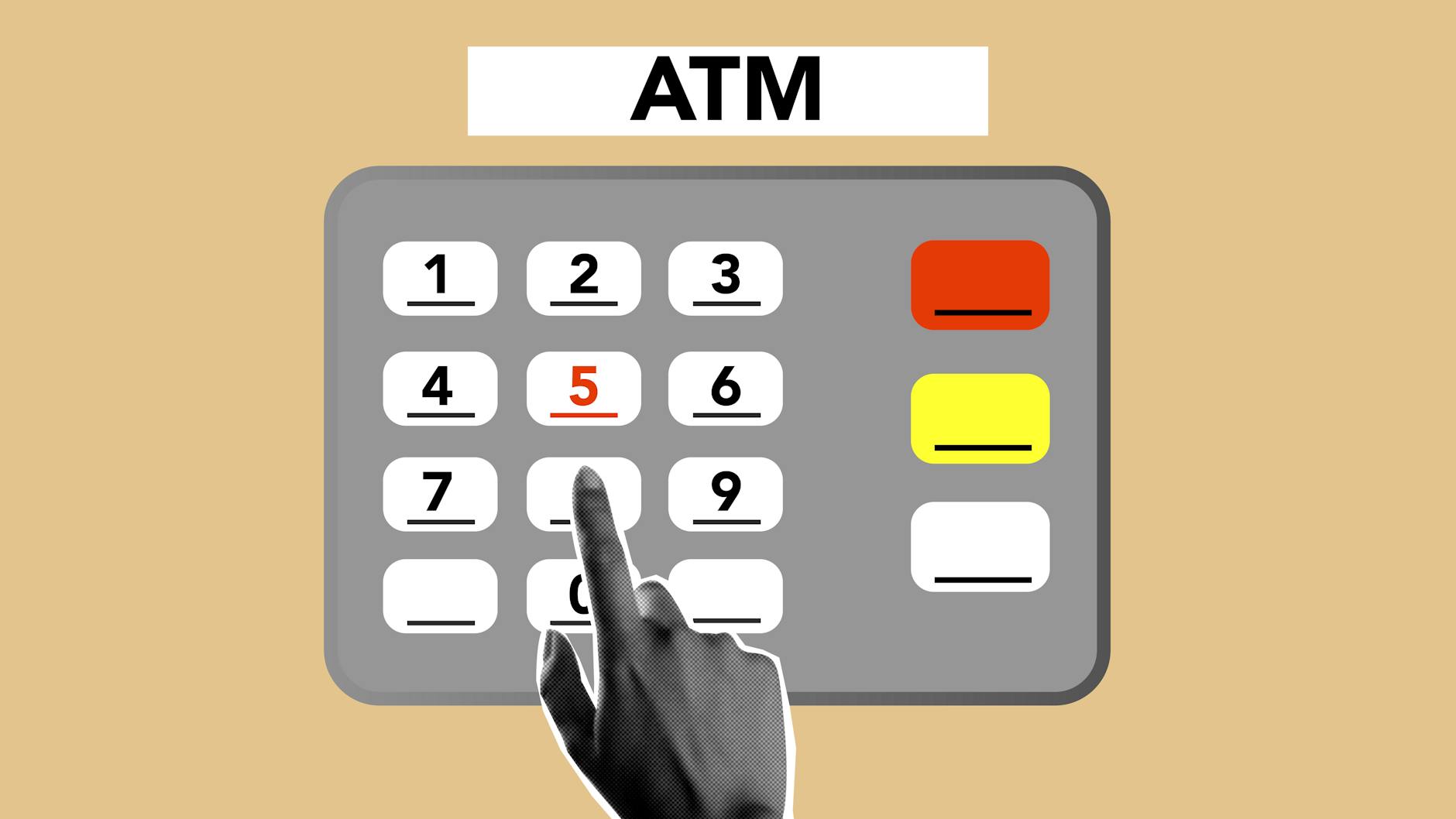
Screenshots taken at ATMs, banking apps, or payment terminals to capture or remember PIN codes are among the most directly exploitable images in any photo library. Financial institutions explicitly advise against recording PIN numbers in any digital format, and a screenshot sitting in a synced library is the least secure form of storage imaginable. A single data breach affecting a cloud provider can expose this information to automated systems designed specifically to extract numerical sequences from images. People often take these screenshots with the intention of deleting them immediately and then forget, leaving the images indexed and searchable for months or years. The only secure method for storing a PIN is memorization or an encrypted offline password manager with no image attachment.
Medical Documents

Photographs of prescriptions, diagnostic reports, hospital discharge papers, and insurance documents contain health information that is among the most sensitive data a person generates. Medical identity theft is a growing category of fraud in which stolen health information is used to claim insurance benefits, obtain prescriptions, or establish false medical histories. A photo of a prescription also reveals the prescribing physician, the patient’s address, and the medication name, which in combination can be used to manipulate or embarrass a patient. Medical records in many jurisdictions carry legal protections that apply to institutional storage but offer no practical protection when the individual stores an unencrypted image on a consumer device. Dedicated encrypted health record applications exist specifically to store this category of document with appropriate access controls.
Home Address Evidence
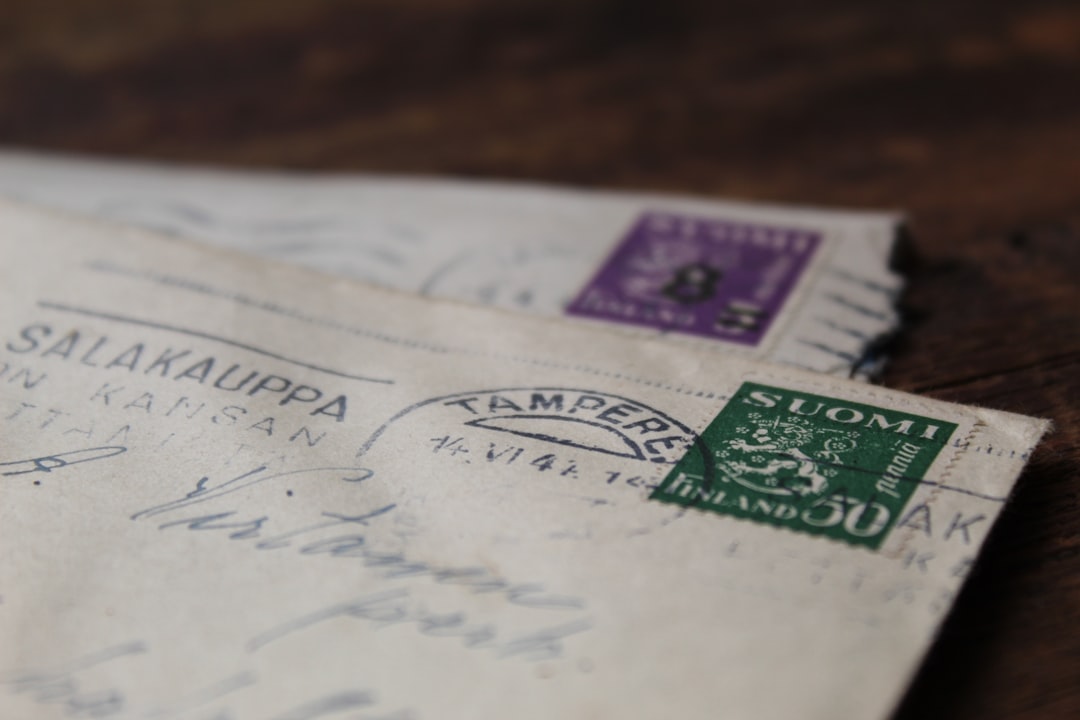
Photographs that clearly display a full home address on mail, packages, or documents should be removed from general photo libraries immediately. This category includes unboxing photos where a shipping label is visible, images of handwritten envelopes, and any photo taken near a front door where a house number is prominently legible. In combination with other publicly available information, a visible home address in a photo can enable physical surveillance, targeted mail fraud, or harassment campaigns. Social media platforms have made it common practice to photograph deliveries and packages without considering the information visible on the label. Cropping or blurring address information before storing delivery photos is a straightforward habit that eliminates a category of risk entirely.
Children’s School Details

Images that reveal a child’s school name, uniform, classroom location, or school schedule create a profile that can be exploited for child safety purposes. School uniforms are often distinctive enough to identify an institution from a single photograph, which in combination with a child’s face and a geotag creates a detailed locational profile. Parents frequently photograph children on the first day of school and include signage, gates, or crested clothing that makes the institution immediately identifiable. Child safety organizations consistently recommend that images of minors be reviewed for institutional identifiers before being stored in cloud-synced libraries or shared on any platform. The same photograph stripped of geotag data and institutional identifiers carries a fraction of the risk of the original.
Vehicle Documents
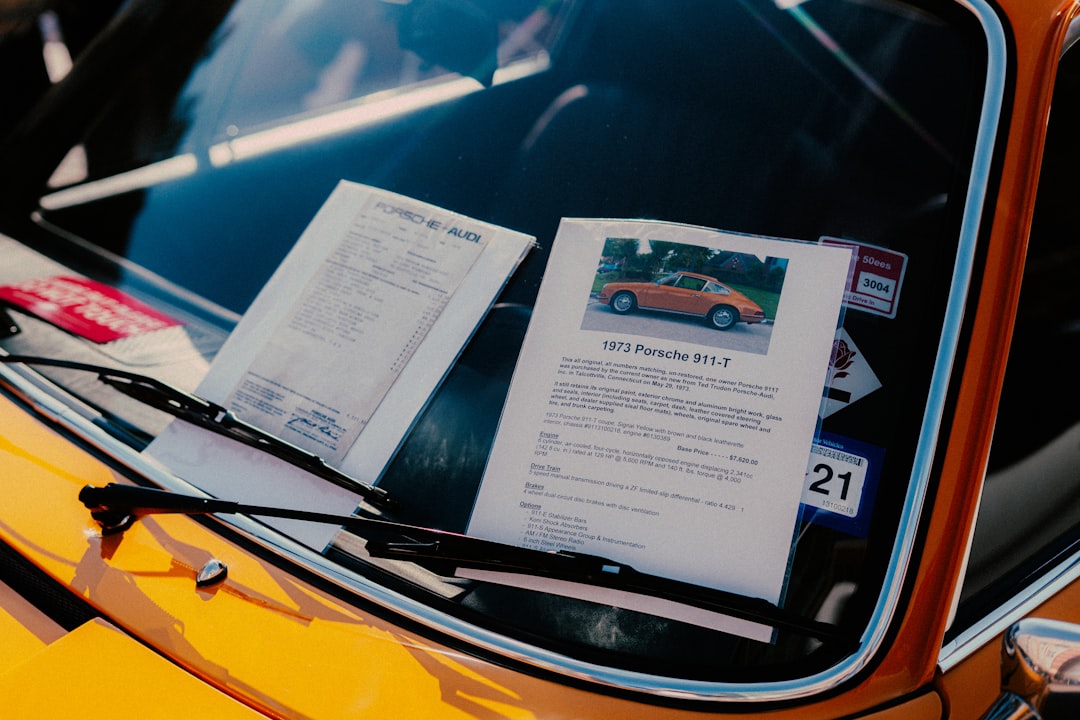
Registration documents, insurance certificates, and photographs of license plates in close-up contain information that enables vehicle tracking, insurance fraud, and targeted theft. A photograph of a registration document taken for insurance purposes and stored in a general photo library is accessible to any application granted photo library permissions on that device. License plate recognition technology has become widely accessible, meaning that a high-resolution plate image combined with a geotag can be used to reconstruct a vehicle’s routine movements. Many people photograph their car documents before selling a vehicle and then retain the images long after the transaction is complete, creating a lingering record of a car they no longer own. Removing vehicle document images after their practical purpose has been served is a basic privacy maintenance step that most people never take.
Bank Statements
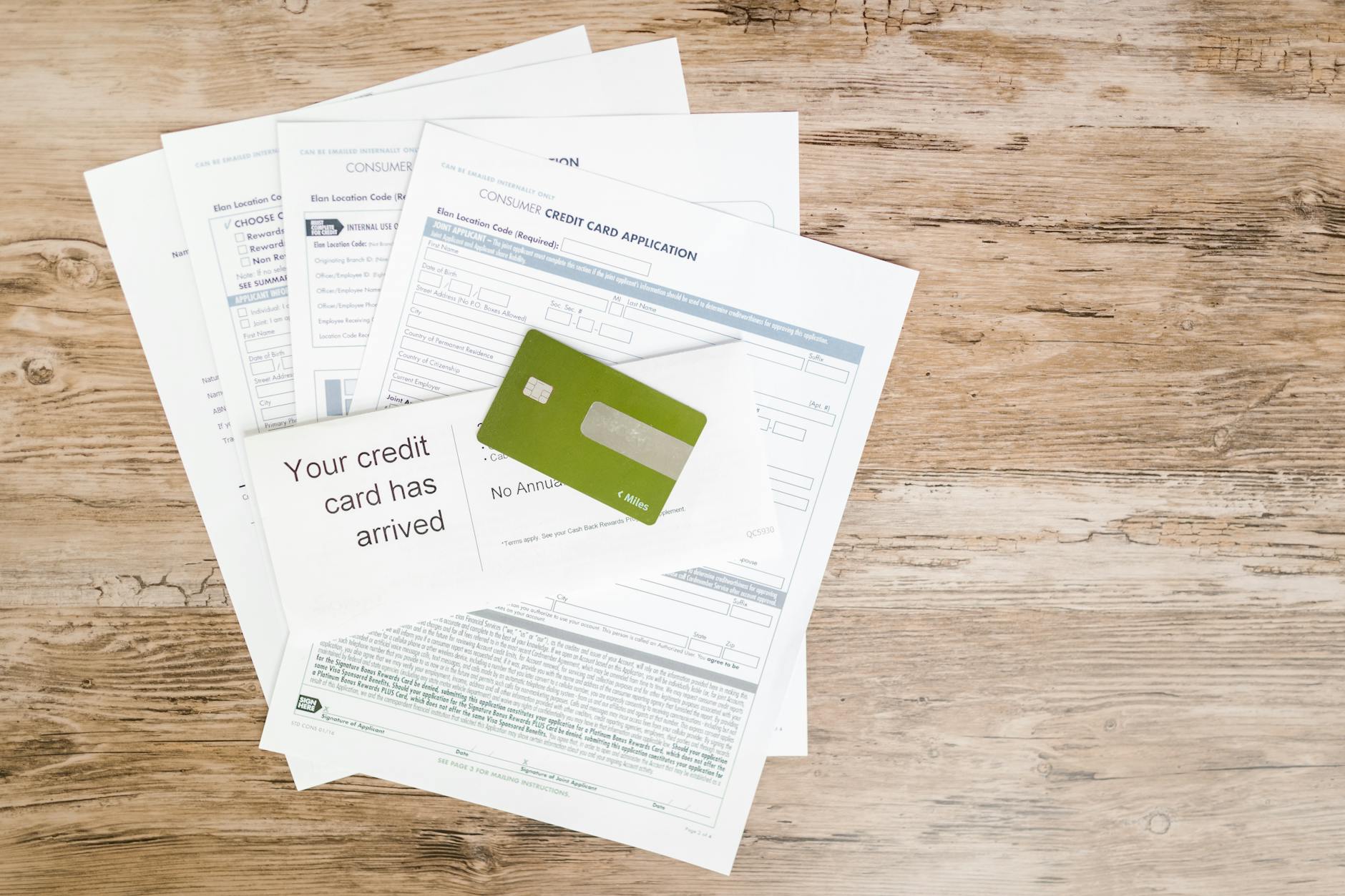
Photographs of bank statements contain account numbers, sort codes, transaction histories, and balance information that represent a complete financial profile of the account holder. This category also includes photographs of physical checkbooks, where the account and routing numbers are printed in machine-readable format at the bottom of every page. A single bank statement image is sufficient to enable unauthorized direct debits, social engineering attacks against the account holder’s bank, or targeted financial fraud. People often photograph statements to track spending or dispute transactions and then forget the images exist, leaving them in a library that may be accessible to dozens of applications. Banking apps and secure document scanners with encryption offer the same functionality without creating an unprotected image file.
Spare Keys
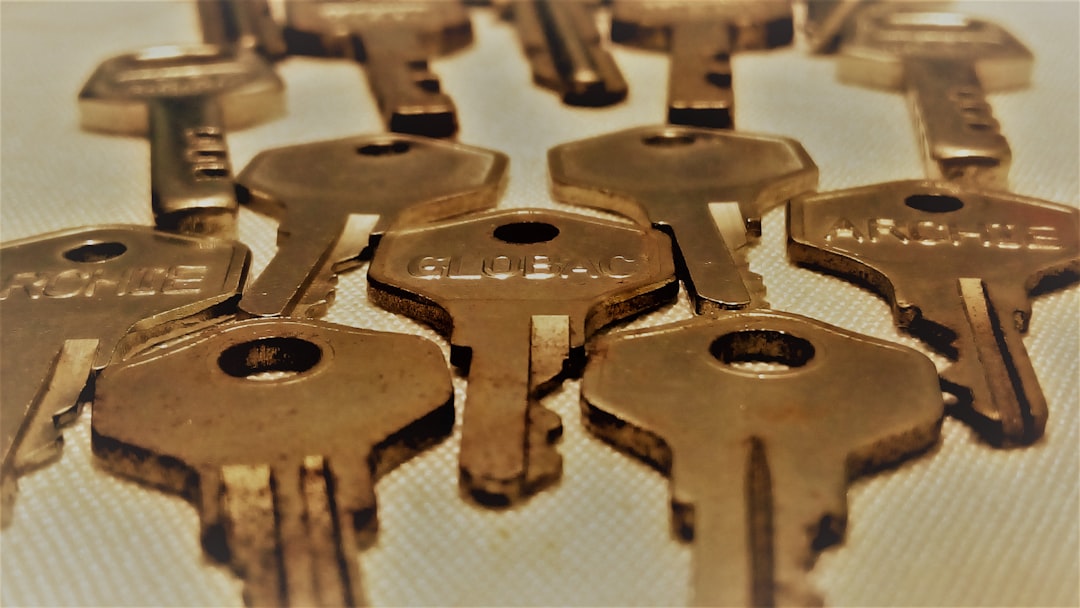
Photographs of house keys, car keys, or any physical key can be used to create physical duplicates using widely available key-cutting services that accept image uploads. This attack vector is well documented in security research and requires no specialist equipment beyond a reasonably sharp photograph and access to a key-cutting service. People photograph spare keys to keep a record before giving them to a neighbor or property manager, which is practical in intent but hazardous in execution. The image resolution produced by modern smartphone cameras is more than sufficient to capture the precise cut pattern needed to produce a functional duplicate. Removing key photographs from any digital library and relying instead on trusted physical storage is the only secure approach.
Location-Tagged Home Interiors

Interior photographs taken inside a home that include window views, distinctive furniture arrangements, or unique architectural features can allow a determined observer to geolocate a property even without explicit GPS data. Combined with geotag metadata that may be embedded in the image file itself, interior photos can reveal not just where a person lives but when they are typically at home based on lighting and shadows. Burglars and stalkers have both been documented using social media photographs to identify property layouts, valuables, and routine schedules. Disabling location services for the camera application is the single most effective step for eliminating geotag data from photographs at the point of capture. Interior photographs intended for personal or real estate purposes should be reviewed for visible valuables, address details, and location-identifying features before storage or sharing.
Credit and Debit Cards
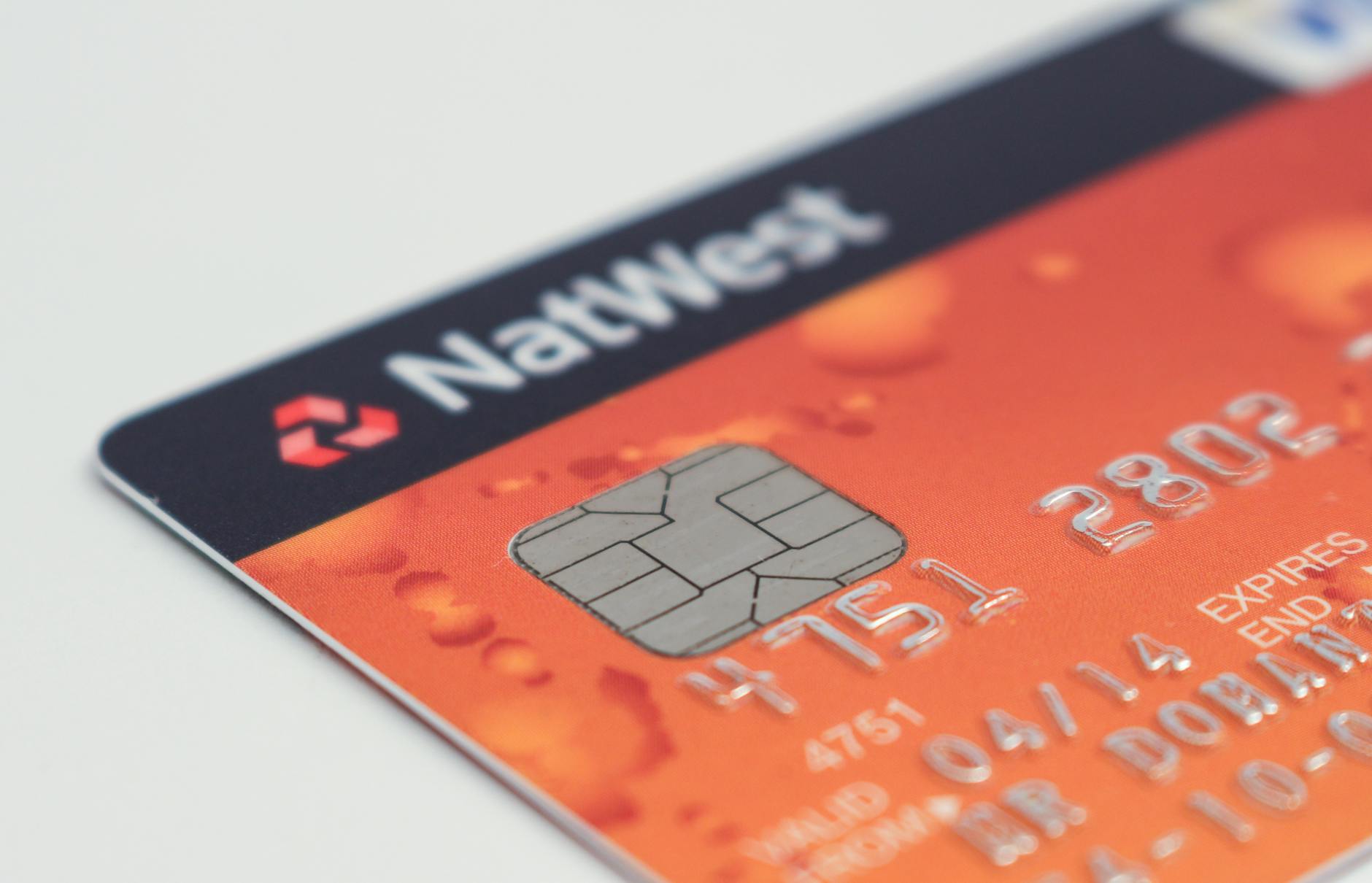
Photographs of payment cards, even when taken for reference purposes, contain the card number, expiry date, cardholder name, and in many cases the CVV security code on the same frame. All four pieces of information required to make an unauthorized online purchase are present in a standard card photograph, making this one of the highest-risk image categories in any library. Some people photograph their cards before travel in case the card is lost or stolen, not realizing that this creates a permanent record that is far more accessible than the card itself. Virtual card numbers generated by banking apps provide all the reference information a traveler might need without creating a physical image that can be extracted from a library. Any existing card photographs should be deleted immediately, and the associated cards considered compromised if the images have been stored in a cloud-synced library.
Social Security Documents
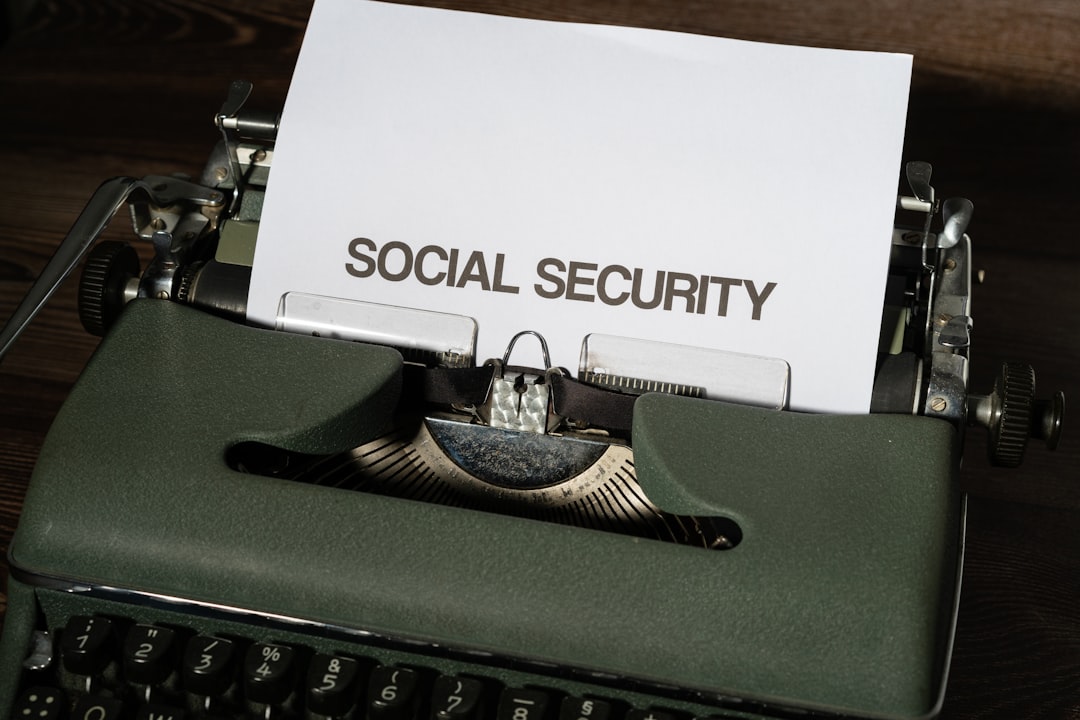
Social Security cards, national insurance documents, and tax identification records contain the single most valuable piece of information in identity theft, which is a government-issued identification number tied to a legal name. A photograph of a Social Security card combined with a date of birth is sufficient to apply for credit, file fraudulent tax returns, and access government benefit systems in another person’s name. These documents are issued on the explicit understanding that they should not be carried routinely or reproduced unnecessarily, making a digital photograph a direct violation of the handling guidance associated with them. People photograph these documents during employment onboarding or benefit applications and then retain the image indefinitely in an unsecured library. The document number should be memorized or stored in an encrypted password manager, and any existing image should be permanently deleted.
Screenshots of Conversations

Screenshots of private text conversations, direct messages, or emails stored in a photo library create a secondary record of communication that may contain sensitive personal, financial, or professional information. The privacy expectations of the other parties in those conversations are not accounted for when one participant stores the exchange as an image file that syncs to cloud storage. Screenshots of conversations are among the most commonly leaked images in data breaches and device compromises because they are stored in general photo libraries rather than in the application where the conversation took place. Many people screenshot conversations as evidence during disputes, then retain the images far beyond the point of relevance, creating an indefinite archive of private exchanges. A dedicated encrypted notes application with access controls is a more appropriate storage method for any conversation screenshot that must be retained.
Wi-Fi Passwords

Screenshots or photographs taken to capture a Wi-Fi password, whether from a router label, a hotel information card, or a screen, grant network access to anyone who views the image. A photograph of a router label also reveals the network name, the router model, and sometimes the administrative login address, which in combination can enable a network intrusion. People photograph Wi-Fi credentials when setting up new devices, staying in rental properties, or helping family members connect, and then retain the image without recognizing its ongoing value to an attacker. Password manager applications can store Wi-Fi credentials in encrypted form with no associated image, providing the same reference utility without the exposure. Removing Wi-Fi password photographs is particularly important for anyone whose library is shared with family members or synced to shared cloud storage.
Signatures
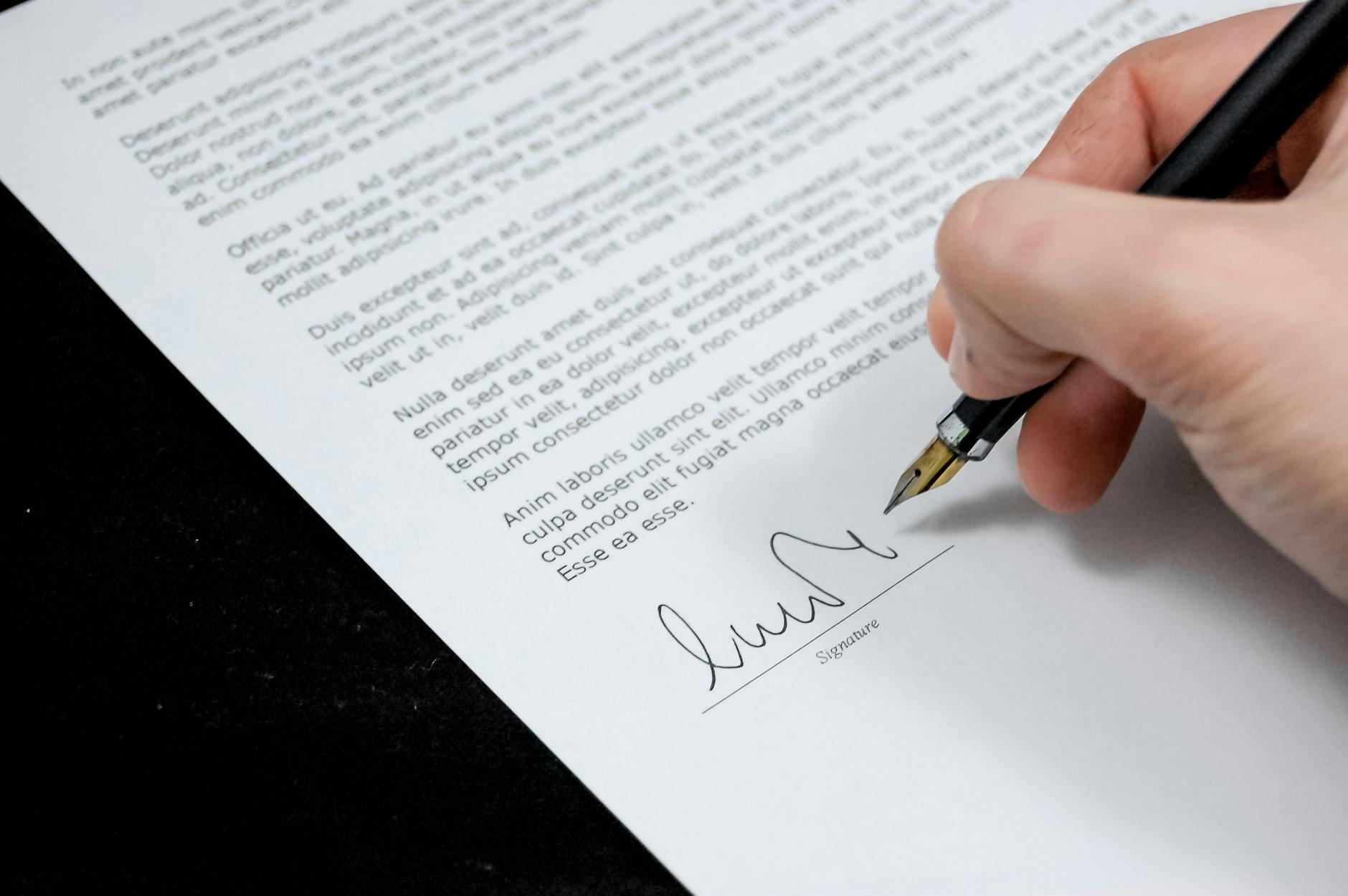
Photographs of handwritten signatures, whether standalone or at the bottom of a signed document, provide a forgeable template that can be used to authorize fraudulent transactions, documents, or correspondence. Digital signature forgery has become substantially easier with image editing tools that allow a signature to be extracted, cleaned, and reapplied to any document. People photograph signed contracts, completed forms, and legal documents for record-keeping purposes without recognizing that the signature itself is the element of highest risk in the image. Redacted copies that preserve the document content while obscuring the signature are a safer archival option for any signed document that must be retained digitally. Any photograph containing a clear, isolated signature should be treated with the same level of protection as a financial account number.
Vaccination and Health Cards
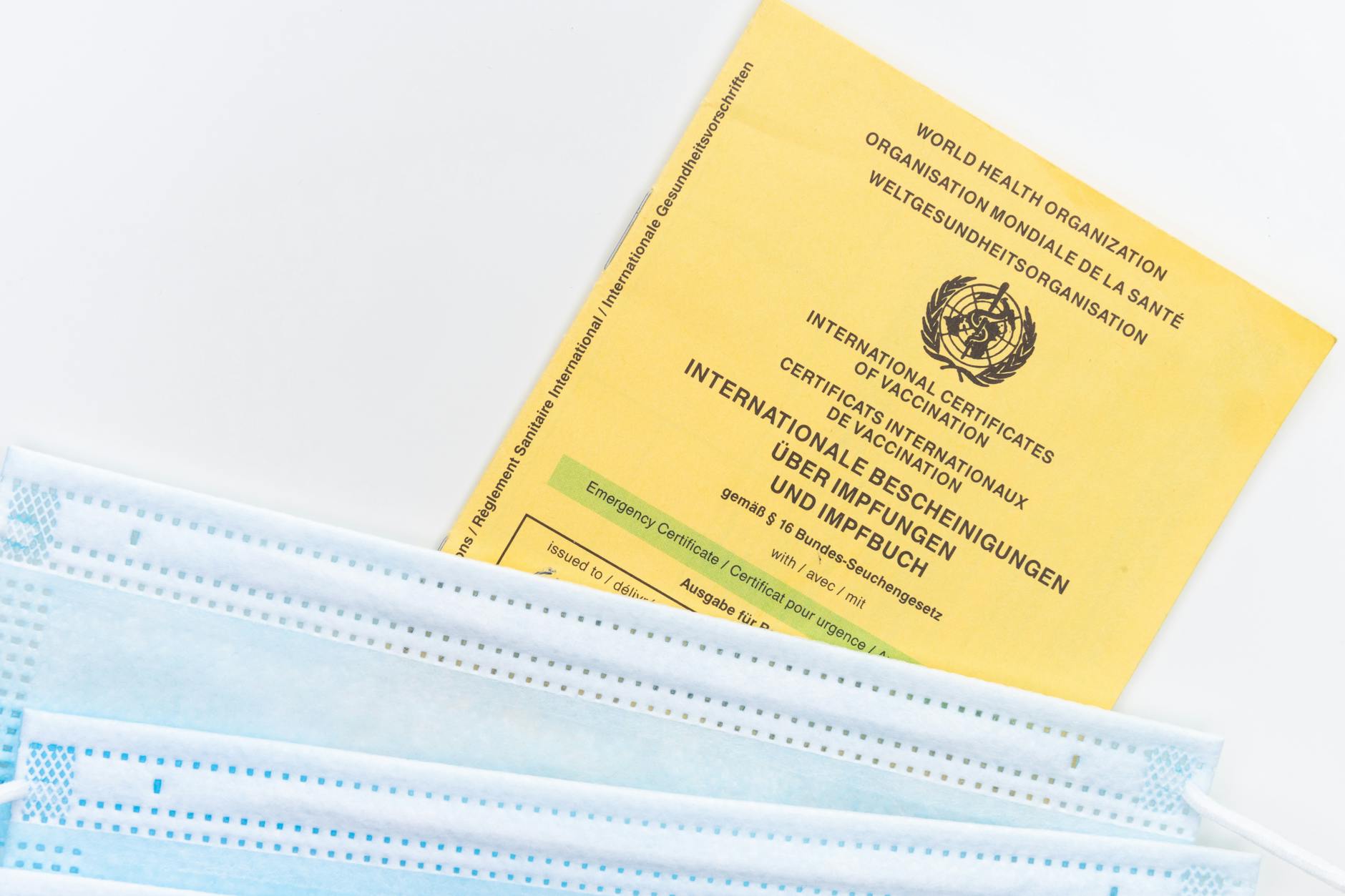
Physical vaccination cards, health screening results, and medical test documents photographed for travel or employment verification contain health status information that is both sensitive and, in some jurisdictions, legally protected. This category expanded significantly as vaccination documentation became a routine part of travel and venue access, leading millions of people to store card photographs in unprotected libraries. The information on a vaccination card can be used to construct fraudulent health documents, discriminate against an individual in employment contexts, or expose private health decisions. Some digital health wallet applications offer encrypted storage for vaccination records with appropriate access controls, representing a more secure alternative than a general library photograph. Retaining vaccination card photographs in an unprotected library after the documents are no longer operationally required creates ongoing exposure with no corresponding benefit.
Receipts With Card Details
Printed receipts from point-of-sale terminals sometimes display partial card numbers, merchant details, and transaction amounts that in combination can support targeted fraud or social engineering. People photograph receipts for expense tracking, returns, or warranty purposes without checking whether the document contains any payment card identifiers. Some older receipt formats print more card information than current standards require, making receipts from certain merchants or periods particularly sensitive. Receipt scanning applications designed specifically for expense management handle document data with more appropriate security controls than a general photo library. Any receipt photographs already stored in a library should be reviewed for visible card numbers, and those containing identifying payment information should be deleted or replaced with versions where that data has been obscured.
Smart Lock Codes
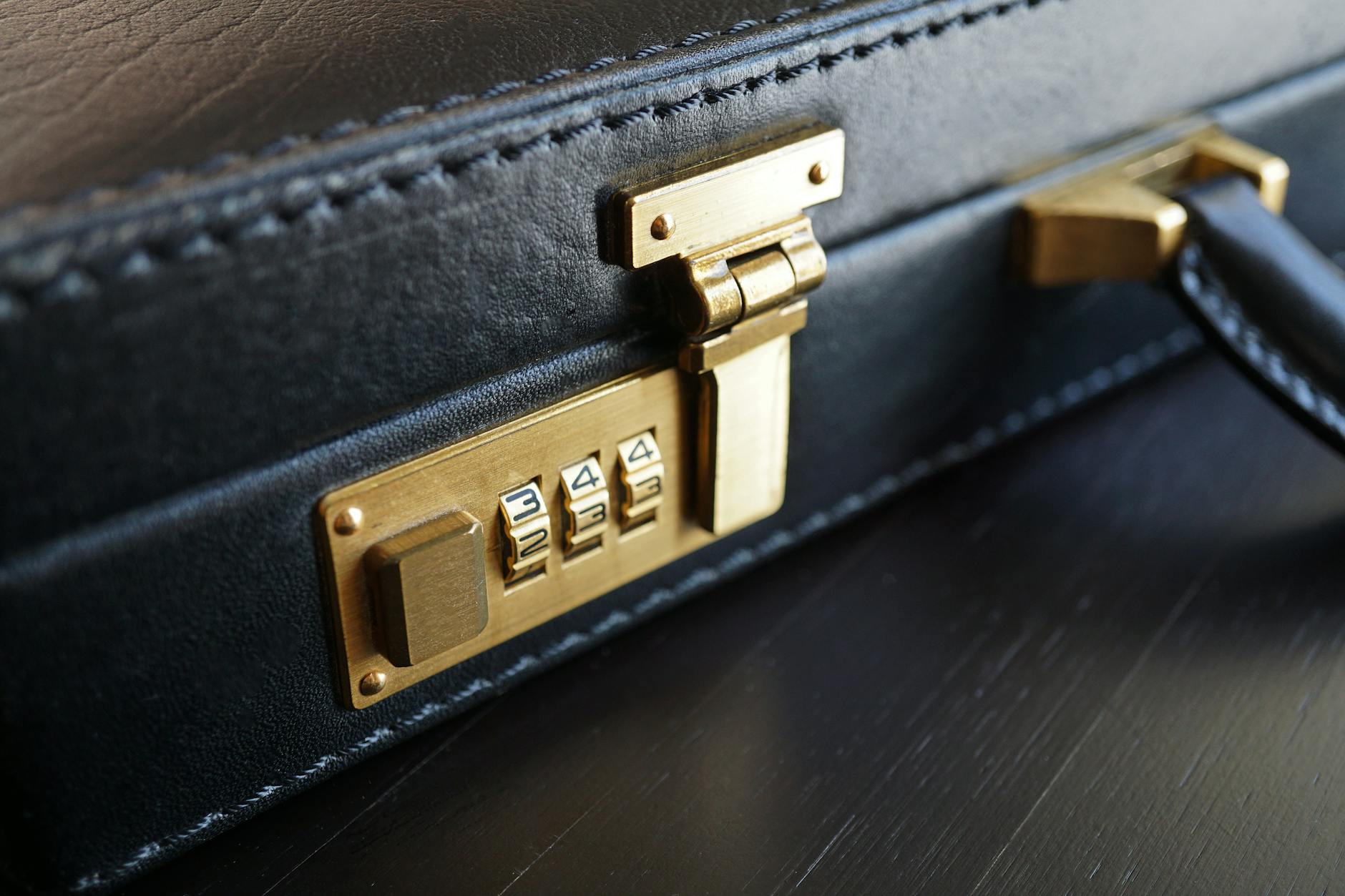
Screenshots of smart lock access codes, keypad combinations, or temporary access PINs shared for property access represent a significant physical security vulnerability when stored in an unprotected photo library. Smart home devices are often linked to specific addresses through associated apps, meaning that a screenshot taken within a smart home application may contain both the access code and the property address in the same image. Temporary access codes generated for contractors, cleaners, or guests should be communicated through secure channels and never stored as image files. A data breach or unauthorized device access that exposes this category of image has direct physical security consequences that go beyond digital harm. Access code management through dedicated smart home applications with end-to-end encryption is the appropriate storage method for any property access credential.
Children’s Identifying Photos

Photographs of children that include their full name, age, school, or precise location create a profile that child protection specialists describe as enabling grooming and targeting behaviors. This category extends beyond school images to any photo where a birthday banner displays a full name and age, where a sports uniform shows a team name and number, or where a geographical landmark makes a home neighborhood identifiable. Parents naturally photograph milestone moments without considering the cumulative identifying information present across a library of images. Platform terms of service offer no meaningful protection against the use of children’s images once a data breach or unauthorized account access has occurred. Child safety guidance from major protection organizations consistently recommends maintaining a separate, non-synced, password-protected library for any images of minors.
Legal Documents

Photographs of court documents, restraining orders, custody agreements, and legal correspondence contain case numbers, legal names, addresses, and sensitive personal disclosures that have significant implications if exposed. Legal documents photographed during proceedings or for reference purposes often remain in general libraries indefinitely, sitting in cloud storage that the individual may have forgotten about entirely. The information in legal documents can be used to harass involved parties, manipulate ongoing proceedings, or construct false narratives in professional or personal contexts. Law firms and legal aid organizations consistently advise clients to store digital copies of legal documents in access-controlled environments rather than general consumer cloud storage. A dedicated folder with device-level encryption and no cloud synchronization is the minimum appropriate standard for any legal document image.
Two-Factor Authentication Codes
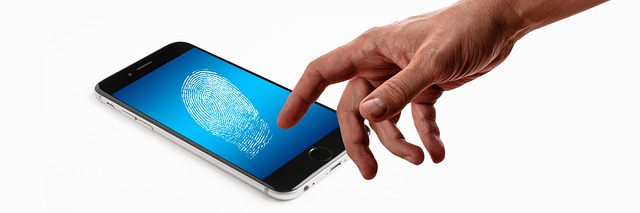
Screenshots of two-factor authentication backup codes, QR code setup images for authenticator applications, or SMS code screenshots represent a direct bypass of account security for whichever platform they belong to. Backup codes are generated specifically for account recovery in the absence of a primary authentication device, meaning they carry the same access value as a password. People screenshot these codes during account setup with the intention of keeping them safe and then store them in an unsynced photo library that is subsequently backed up to cloud storage automatically. An attacker with access to a photo library containing an authenticator QR code can add that account to their own authentication app and receive all future login codes. Backup codes should be printed and stored physically in a secure location, or stored in an encrypted password manager with no image format.
Intimate Personal Images

Intimate photographs, whether self-taken or received from a partner, represent a category of image with direct legal and personal safety implications if exposed without consent. Non-consensual sharing of intimate images is criminalized in a growing number of jurisdictions, but legal recourse after distribution is substantially less effective than prevention. Images stored in a cloud-synced library are subject to the same breach risks as any other content, and intimate photographs are specifically targeted in credential-stuffing attacks against consumer accounts. End-to-end encrypted storage applications designed for sensitive personal content exist and provide a meaningfully higher level of protection than standard cloud library synchronization. Removing this category of image from any general library and storing it only in a purpose-designed secure application is the privacy-protective baseline recommended by digital rights organizations.
Insurance Policies

Photographs of home, health, vehicle, or life insurance policy documents contain policy numbers, coverage details, named beneficiaries, and premium amounts that can be exploited in insurance fraud or used in social engineering attacks. An attacker with a policy number and the policyholder’s name can contact an insurance provider using publicly available contact information and attempt to make changes to coverage, beneficiaries, or payment details. People photograph insurance documents during the onboarding process or after receiving policy renewals, then retain the images in libraries that may be years old and forgotten. Insurance providers offer secure customer portals for accessing policy documents in digital format, making personal library copies both redundant and riskier than the official alternative. Any insurance document photographs stored outside a secure institutional portal should be reviewed and deleted.
Property Plans
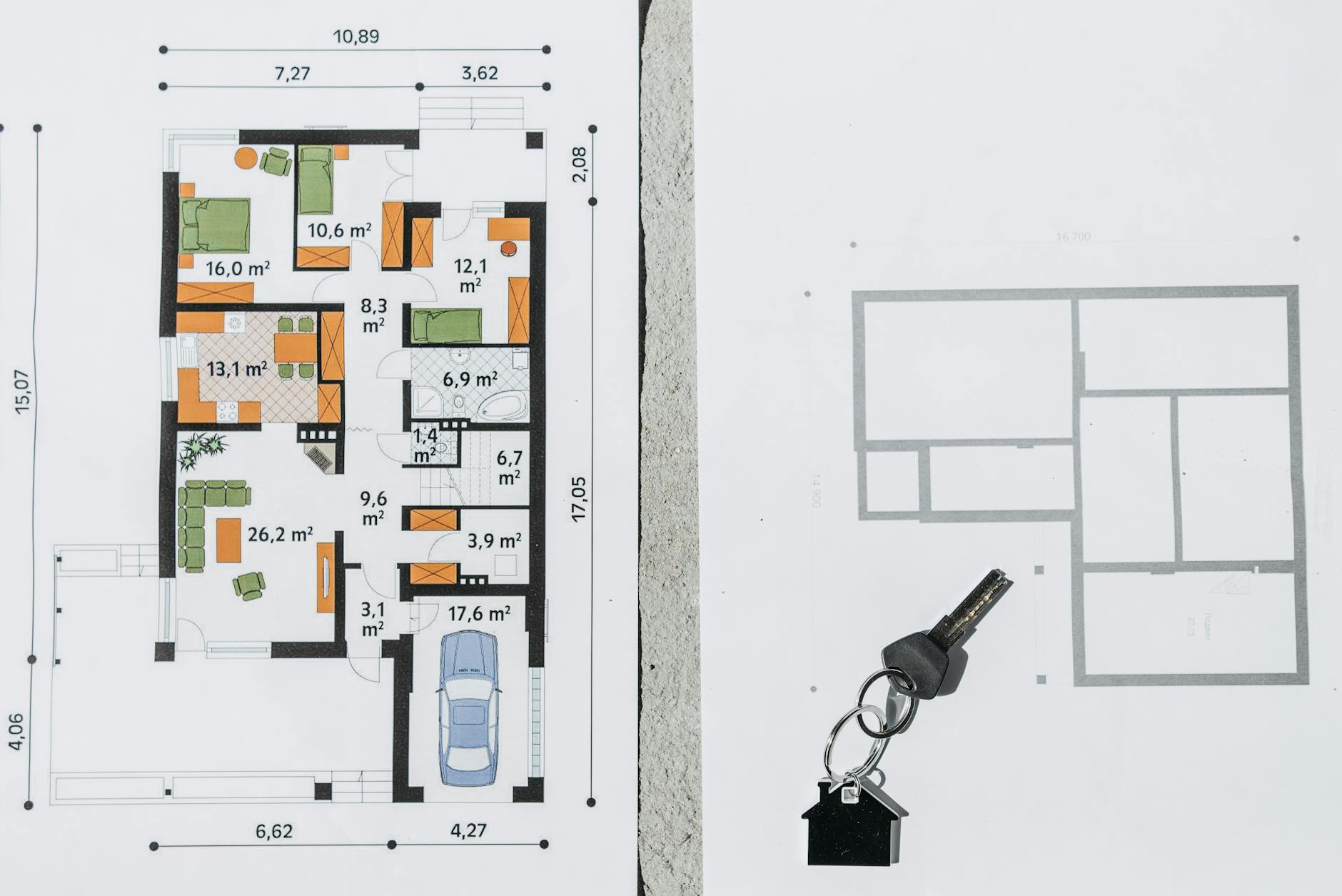
Architectural drawings, floor plans, and property survey documents photographed for renovation, insurance, or sale purposes reveal the physical layout of a home in a level of detail that enables targeted burglary planning. Entry points, window locations, room configurations, and security system positions are all readable from a standard floor plan, making this category of document genuinely sensitive from a physical security standpoint. Property plans are frequently photographed by homeowners after purchase and left in general libraries where they accumulate without being reviewed or deleted. Real estate transactions, insurance applications, and renovation projects all generate legitimate reasons to reference a floor plan, but not to retain a permanent unprotected digital copy. Storing property plans in an encrypted document application with no cloud synchronization is appropriate for anyone who requires ongoing access to the document.
Take a moment to review your own photo library today and share anything surprising you found lurking there in the comments.




