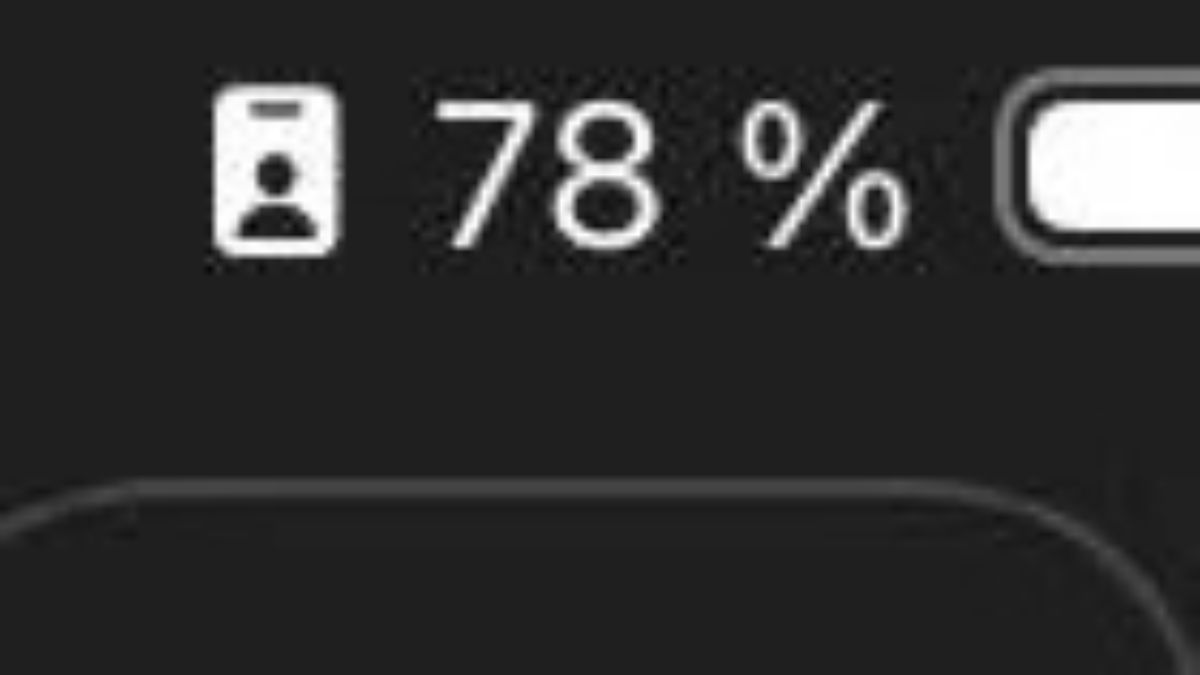
It started with a simple question posted on Reddit that ended up sparking a surprisingly entertaining conversation about one of the least-used features on iPhones. A user going by the name justvov shared a screenshot of his phone screen, confused by an odd icon sitting right next to his battery percentage indicator. The symbol appeared to be a vertical rectangle containing a small figure of a person, and he had absolutely no idea what it meant. His post quickly gained traction, pulling in over 950 upvotes from fellow users who were happy to help and even happier to poke fun.
The answer turned out to be straightforward: he had accidentally activated Work Focus mode, one of Apple’s built-in tools designed to help users manage notifications and minimize distractions. Commenters on the thread were quick to respond with both explanations and jokes. “Your Work Focus is active,” wrote one user, while another chimed in with a cheerful “Congratulations on working.” The lighthearted responses reflected just how unfamiliar many iPhone owners are with this particular feature, even though it has been part of iOS for years.
Not everyone found it laughable, though. One commenter expressed genuine puzzlement at the situation itself, writing “I don’t understand how people manage to turn on Focus mode, see the icon, and then wonder: What is this icon on the screen?!” However, another user offered a more forgiving take, suggesting the activation may not have been intentional at all. “After updating iOS, Work Focus suddenly and inexplicably turned on, even though I never set it up before,” the user wrote. “I use my Focus modes quite carefully, so I’m almost certain it’s a bug that probably happened to others too.” This explanation resonated with many who had experienced similar surprise activations after a software update.
What does this symbol mean? Next to the number.
by u/justvov in iphone
Work Focus is just one of several Focus modes Apple offers across iPhone, iPad, Mac, and Apple Watch. Do Not Disturb is the most basic option, silencing calls, alerts, and notifications when the device is locked, while still allowing calls from selected contacts or repeated calls for emergencies. Personal Focus is designed for leisure time and lets users decide which people and apps can reach them, for instance allowing family texts while blocking work apps in the evenings. Sleep Focus ties directly into the Health app and the user’s sleep schedule, dimming the lock screen and limiting notifications to only the most essential contacts before bedtime.
Driving Focus is particularly useful because it can activate automatically when the phone detects motion consistent with driving or when it connects to a car’s Bluetooth system. It silences notifications and can send automated replies to selected contacts letting them know the user is on the road. Fitness Focus and Mindfulness Focus serve active moments like workouts or meditation sessions, reducing interruptions while the user tracks their activities. Work Focus, the one that started all this confusion, is built specifically for separating professional and personal life, allowing notifications from work apps like email or Slack and from specific colleagues while silencing social media or entertainment apps. It can even be scheduled to turn on automatically during business hours or upon arrival at a particular location. All Focus modes sync seamlessly across Apple devices and can be further customized with filters, unique lock screens, and custom home screen layouts.
Apple introduced the Focus feature in iOS 15, released in 2021, as an expanded replacement for the older Do Not Disturb function. The system was designed in response to growing research on digital distraction, with the idea that users needed more granular control over when and how their devices interrupted them throughout the day. Studies have consistently shown that frequent notification interruptions reduce productivity and increase stress, making tools like Focus increasingly relevant in a world where smartphones are constant companions. Apple has continued refining the feature across subsequent iOS versions, adding automation options and deeper integration with third-party apps. Despite its usefulness, many users remain unaware of its full potential, and stories like this Reddit post suggest that even accidental discoveries can lead people to explore tools hiding in plain sight on their own devices.
If you’ve ever stumbled upon a mysterious icon on your iPhone or have your own experience with Focus mode, share your thoughts in the comments.