
Your smartphone carries more digital clutter than you probably realize, and much of it is quietly draining your battery, hogging storage, and fragmenting your attention throughout the day. Many apps that seemed useful at download have long since outlived their purpose, sitting idle while collecting data and slowing performance. A regular audit of your app library is one of the simplest and most effective ways to reclaim speed, privacy, and mental clarity. The following twenty apps are strong candidates for immediate removal from your device.

This platform is one of the heaviest battery and data consumers on any smartphone. The background activity runs almost constantly, tracking location and behavior even when the app is closed. Most of its features remain fully accessible through a mobile browser without the performance cost. Deleting it from your device can noticeably improve battery life and reduce passive scrolling time.
TikTok
The algorithm is engineered to maximize time spent on the platform through an endless stream of short videos. Research consistently links heavy use to reduced attention span and disrupted sleep patterns. The app requests an unusually broad range of device permissions compared to most social platforms. Removing it is one of the fastest ways to recover hours of productive time each week.
Snapchat

Snapchat runs persistent background processes that contribute to significant battery drain throughout the day. The app stores a surprising amount of cached data that accumulates quickly on your device. Its core communication features are largely replicated by default messaging apps already installed on your phone. Many users report feeling less digitally anxious after removing it from their home screen entirely.
Twitter / X

Frequent interface changes and algorithmic content have shifted the platform far from its original utility as a news tool. The app is notorious for consuming mobile data at a high rate even during passive browsing sessions. Screen time studies consistently place it among the most compulsively opened apps on any given device. A browser-based alternative delivers the same content with far fewer background resource demands.
BeReal
This app sends unpredictable push notifications that interrupt focus and demand immediate engagement at random moments. Its novelty has significantly faded since its peak popularity, and active user numbers have declined sharply. The storage footprint grows steadily with cached image data that is rarely reviewed after capture. Most users find they have not opened it in weeks long before they decide to delete it.

The mobile app version of LinkedIn is significantly more resource-intensive than accessing the platform through a browser. Notification defaults are aggressive and frequently promote content that is not directly relevant to the user. The feed has become increasingly saturated with motivational content rather than professional networking value. Managing connections and job searches works just as effectively through a desktop or mobile browser session.
Candy Crush

Casual mobile games like this one are specifically designed using reward mechanics that encourage compulsive reopening throughout the day. The app regularly requests permissions and sends push notifications to pull users back into short play sessions. Storage usage grows steadily as levels and seasonal updates are added automatically. The time spent on repetitive gameplay rarely translates into any lasting sense of enjoyment or accomplishment.
Shazam
This is a single-function app that is now fully integrated into the operating systems of both major smartphone platforms. iPhone users can access its core feature directly through the Control Center without any third-party app installed. Android users have equivalent functionality through Google Assistant and ambient music recognition features. Keeping a standalone version simply duplicates a feature your phone already handles natively.
QR Code Readers
Both iOS and Android cameras have included native QR code scanning functionality for several years now. Any third-party QR reader installed on your device serves no purpose that your default camera app does not already perform. These apps frequently request camera and location permissions that go well beyond what simple scanning requires. Removing them reduces your device permissions footprint without sacrificing any practical functionality.
Flashlight Apps

Every modern smartphone has had a built-in flashlight accessible from the lock screen or control panel for well over a decade. Standalone flashlight apps were among the first widely documented examples of apps requesting excessive permissions relative to their function. Many older versions of these apps were found to collect location and contact data with no legitimate justification. There is no practical scenario in which a dedicated flashlight app outperforms the native system tool.
Bloatware Games

Pre-installed games added by manufacturers or carriers take up storage space and offer no meaningful value to most users. These titles are typically added through commercial partnerships rather than any consideration of user preference. They run background processes and occasionally push promotional notifications without explicit user consent. Most devices allow them to be uninstalled or at minimum disabled through the app management settings.
Operator Apps
Carrier-branded apps from your mobile provider rarely deliver features that cannot be accessed through a standard web browser or customer service call. They are frequently updated in ways that increase their storage footprint without adding genuinely useful functionality. Background data collection by these apps is often broader in scope than users would expect from a billing or account management tool. Logging in through a browser when needed is a simpler and less intrusive alternative.
MyFitnessPal

Older versions of this app have been involved in notable data breaches that exposed the information of millions of users. The free tier has been progressively stripped of useful features in favor of pushing a premium subscription model. Many of its core calorie and nutrition tracking functions are now replicated within default health apps on both iOS and Android. Users seeking food tracking functionality have stronger privacy-focused alternatives available today.
Wish
This shopping platform has faced widespread criticism for significant discrepancies between product listings and the items actually delivered to customers. Delivery timelines are frequently measured in weeks or months, making it impractical for any time-sensitive purchase. The app uses aggressive notification tactics and personalized advertising that follows browsing behavior across sessions. Consumer protection agencies in multiple countries have investigated the platform over product quality and advertising accuracy concerns.
Temu

This app has been subject to serious scrutiny from cybersecurity researchers regarding the breadth of data it collects from user devices. Regulatory bodies in several countries have opened investigations into its data handling and storage practices. The business model relies heavily on addictive discount mechanics designed to encourage impulsive purchasing behavior. Users concerned about data privacy are strongly advised to remove it and review permissions granted during installation.
Outdated Banking Apps
Banks regularly retire older versions of their apps and migrate users to updated platforms, leaving legacy installs on devices non-functional or insecure. Running an outdated banking app creates a genuine security vulnerability, particularly if it is no longer receiving patches or updates. Checking the official app store listing for your bank confirms whether your current version is still supported and maintained. Removing an unsupported version and reinstalling the current release is a basic but important financial security step.
News Aggregators

Apps that compile headlines from multiple sources often do so through an advertising model that prioritizes engagement over journalistic accuracy. The notification volume from aggregators is among the highest of any app category and is strongly associated with elevated daily stress levels. Passive headline browsing has been linked in behavioral studies to increased anxiety without a corresponding increase in genuine news comprehension. Choosing one or two reputable direct news sources delivers better information quality with far less cognitive noise.
Old VPN Apps
Free VPN applications in particular have a well-documented history of selling user browsing data to third parties, directly undermining their stated purpose. Many older VPN apps have not been updated to address known security vulnerabilities identified in independent audits. If a VPN is necessary for your usage, a current and actively maintained paid service is the only category worth considering. Keeping an outdated or unverified VPN installed creates more risk than it eliminates.
Duplicate Browsers
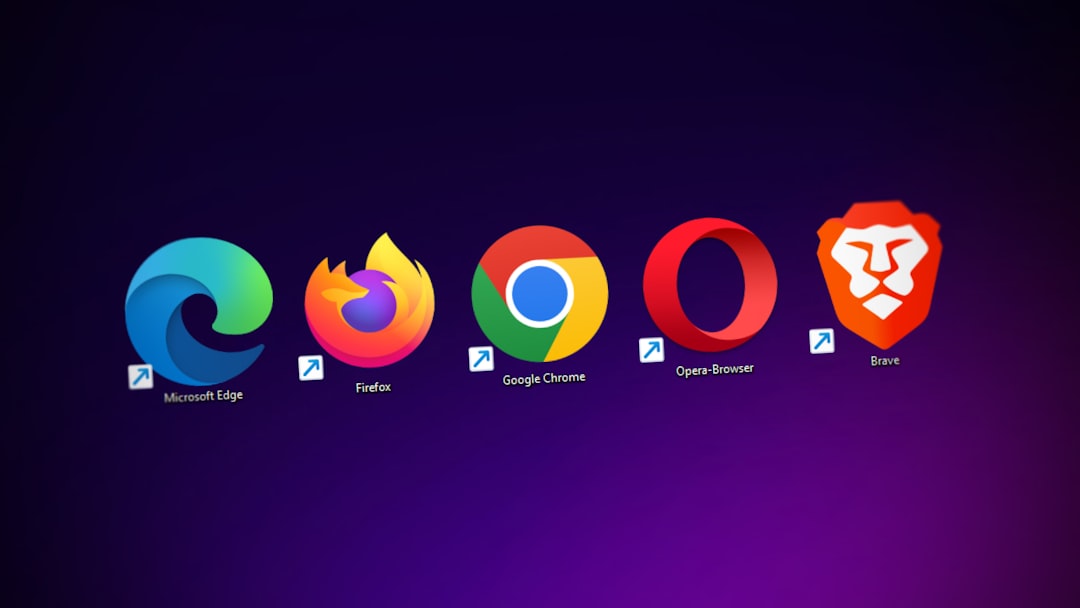
Having three or four browsers installed on a device contributes to storage bloat and creates fragmented browsing histories and saved credentials. Security updates do not always reach secondary browsers as promptly as they reach the primary system browser. Maintaining saved passwords and autofill data across multiple browser apps increases the surface area for potential data exposure. Choosing one well-maintained browser and removing the rest simplifies both your workflow and your security posture.
Pokémon Go
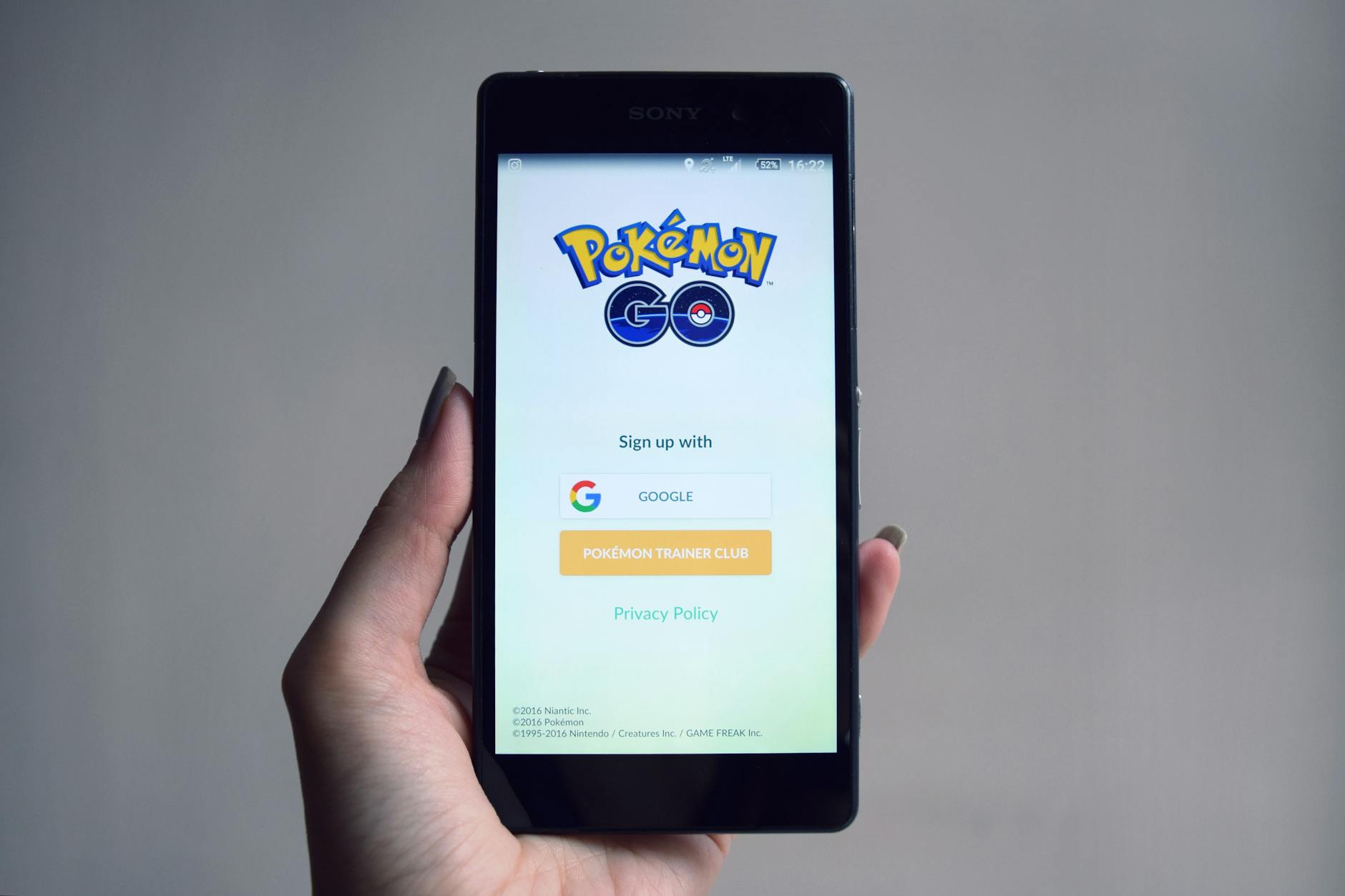
Location tracking for this app runs continuously and with considerable precision even during passive background operation. The game was one of the first mainstream examples of an app that normalized constant GPS access as a standard permission. Battery consumption during active play sessions is among the highest recorded for any entertainment app category. Players who no longer engage with the game actively are carrying a significant permission and resource burden with no corresponding benefit.
If any of these apps are sitting on your phone right now, share which ones you are finally ready to delete in the comments.