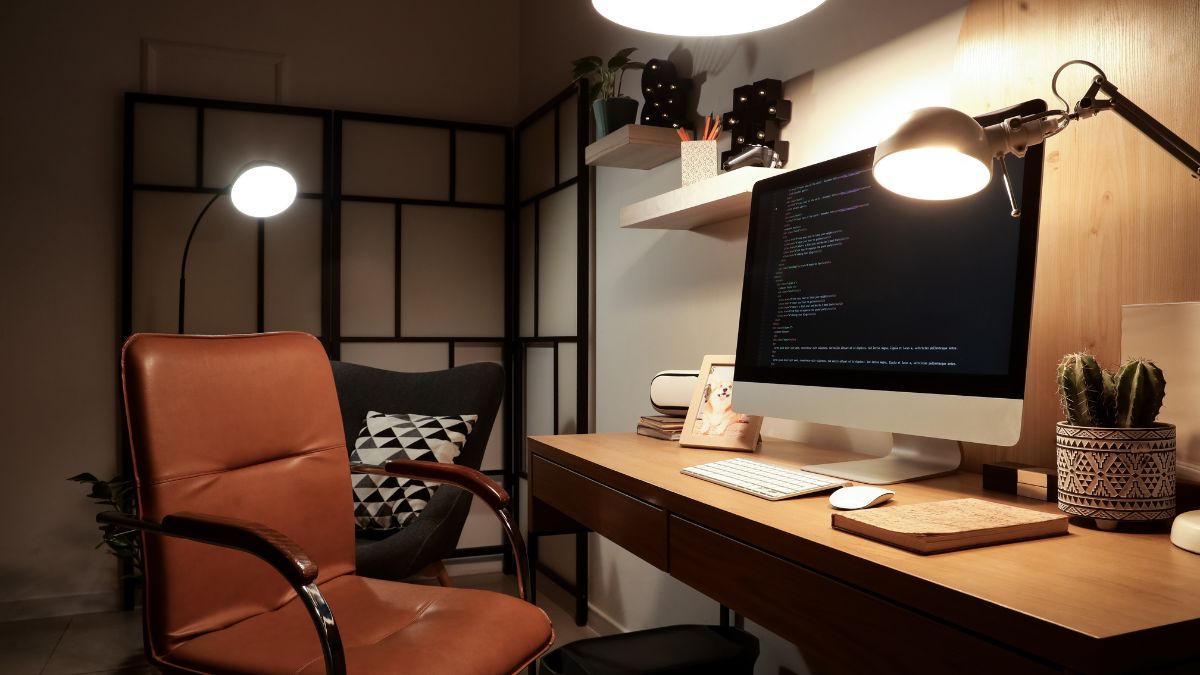
The relationship between a visually tidy workspace and genuine productivity is far less straightforward than interior design culture would have most people believe. A growing body of workplace research and practitioner experience suggests that some of the most output-focused individuals deliberately maintain environments that would horrify a professional organizer. The setups on this list prioritize cognitive function, workflow continuity, and creative momentum over aesthetics. The following items are ranked from the mildest visual offense to the most aggressively chaotic productive environments documented.
Cable Chaos
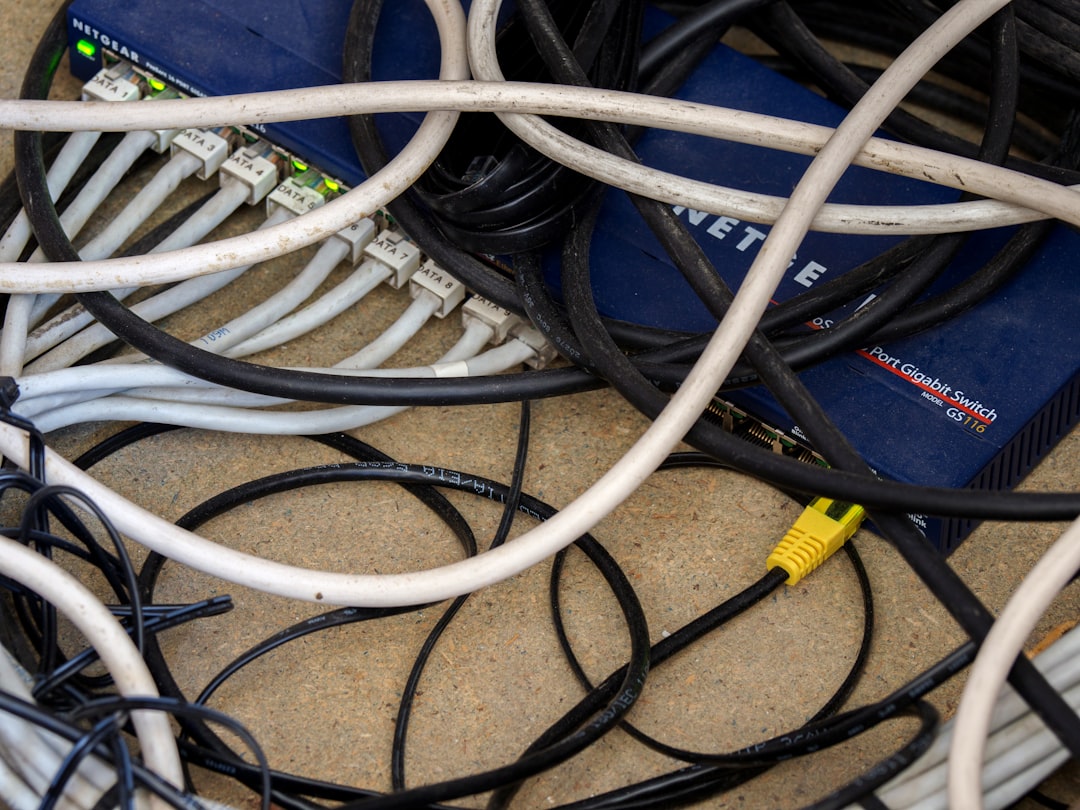
Running every peripheral directly and visibly rather than routing cables through management systems keeps everything immediately reconnectable and rearrangeable without tools or frustration. Power users who frequently swap monitors, external drives, and audio equipment find that hidden cable infrastructure creates friction every time a setup needs to change. The visual noise of exposed cabling is the trade-off for a genuinely modular and responsive workspace. Many professional editors, developers, and sound engineers deliberately leave their cable runs visible for fault diagnosis and quick substitution. The mess signals a working environment in active use rather than one maintained for appearances.
Reference Stacks

Tall physical piles of books, printed documents, and open notebooks arranged within arm’s reach create an externalized memory system that many high-output knowledge workers rely on. The piles look disorganized to a visitor but follow an internal logic based on frequency of reference, project relevance, and chronological layering that the user can navigate instantly. Research into physical document management has found that many people locate information faster in their own organized-seeming chaos than in formally filed systems. Flattening and filing these stacks typically destroys the relational logic that makes them functional. The height of the pile is often a direct indicator of the intensity of the project currently underway.
Sticky Note Walls
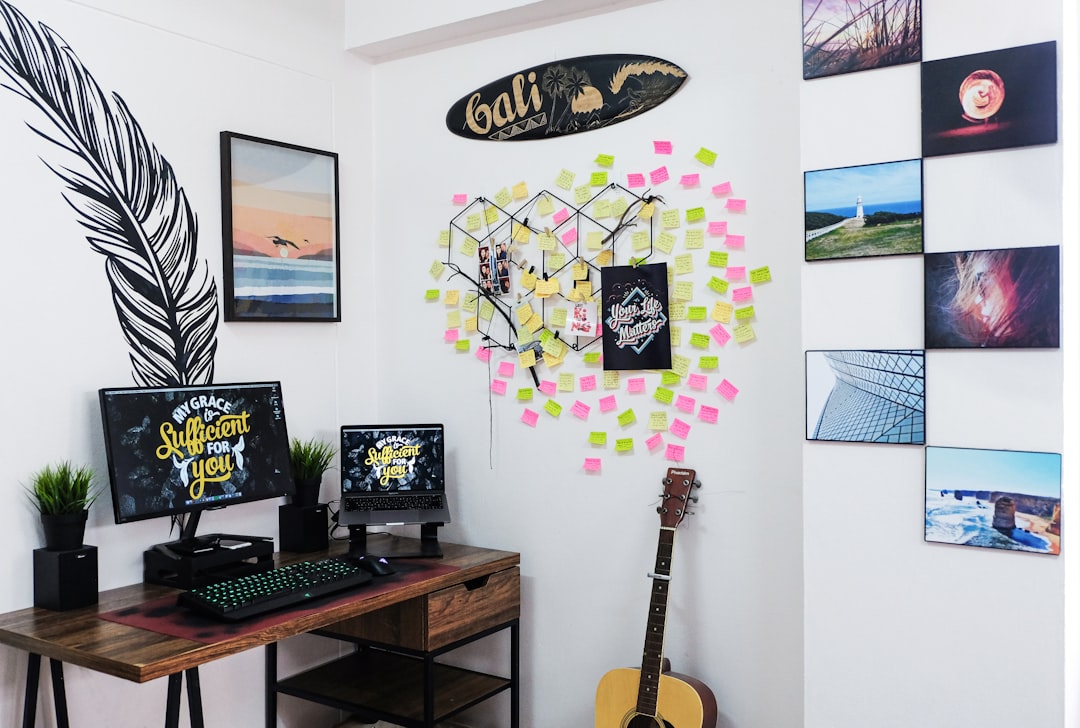
Covering an entire wall or monitor border with handwritten sticky notes creates a persistent ambient display of tasks, ideas, triggers, and reminders that functions as a low-tech second brain. Unlike digital task managers the physical presence of the notes creates a constant low-level awareness of outstanding items without requiring the user to open an application. Color coding, positional logic, and layering allow complex project states to be represented spatially in ways that linear lists cannot replicate. Visitors to these workspaces frequently describe them as overwhelming while their owners navigate them with confident precision. The system only appears chaotic to someone who did not build it.
Multiple Screens
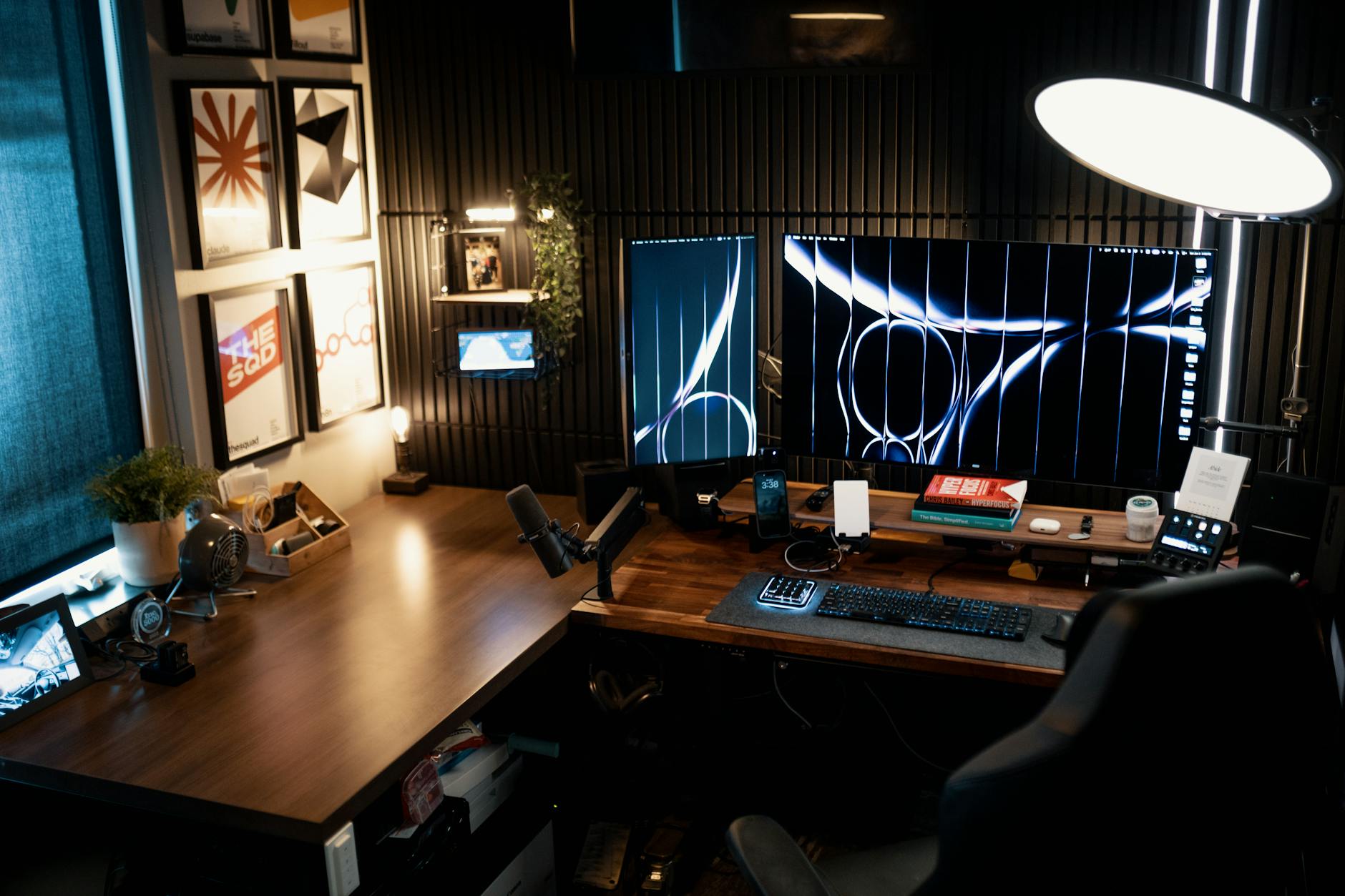
Arrays of three or more monitors arranged in unconventional configurations including portrait orientation mixed with landscape, stacked verticals, and wide-angle curves create a visually dominant and spatially aggressive workstation that dominates any room it occupies. The productivity case for expanded screen real estate is well documented across professions including financial analysis, software development, video production, and research. Each additional display reduces the cognitive cost of switching between information sources and allows more simultaneous context to remain visible. Partners and housemates frequently object to the physical footprint and visual intensity of large multi-monitor setups in shared living spaces. The aesthetic disruption is considered by most users to be entirely non-negotiable relative to the workflow benefit.
Open Container Systems
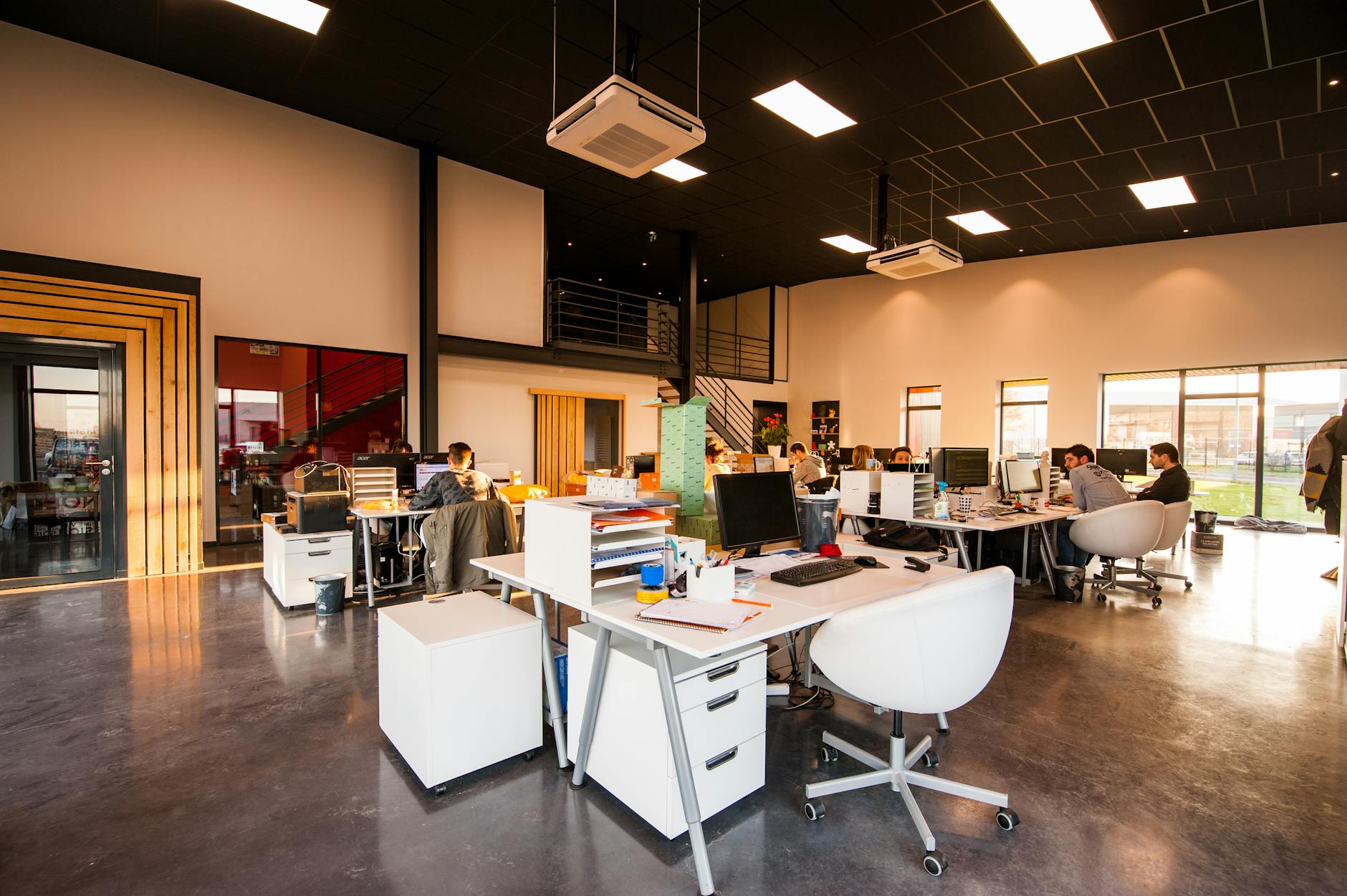
Replacing drawers and closed storage with open trays, bins, cups, and containers that leave all tools permanently visible creates a workspace that looks perpetually mid-project. Pens, cables, batteries, scissors, tape, and dozens of small items sit in full view rather than behind closed surfaces, trading visual calm for instant physical access. The system eliminates the retrieval friction that causes small tasks to be delayed or avoided and keeps the most frequently used tools within a single motion of reach. Professional photographers, architects, and hardware engineers are particularly likely to adopt this approach due to the volume and variety of small items their work requires. The visual complexity of an open storage system scales directly with the range of tasks being performed.
Dual Desk Layouts
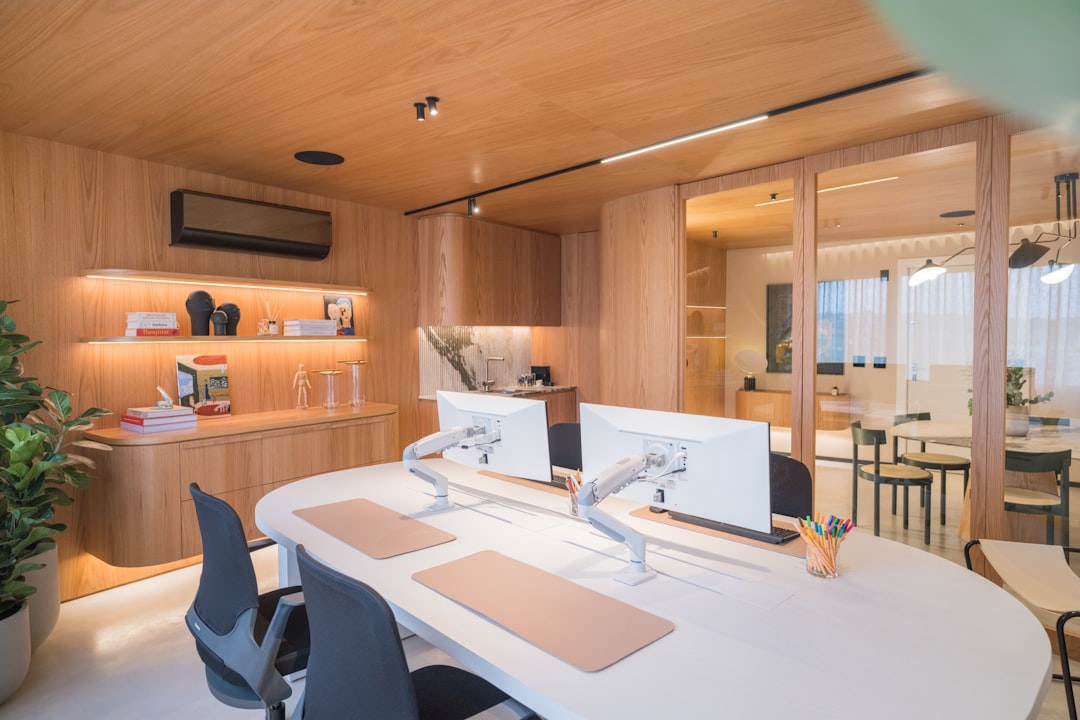
Using two separate desks positioned in an L-shape, parallel arrangement, or back-to-back configuration creates a workspace footprint that consumes a disproportionate amount of room square footage and looks overwhelming in any domestic setting. One surface is typically designated for deep focus work while the second functions as an active reference zone, hardware testing area, or administrative overflow. The physical separation of task types reduces context switching costs and allows one area to remain cluttered with an active project while the primary workspace stays clear enough to function. Interior designers consistently identify dual desk setups as one of the most space-inefficient and visually disruptive home office configurations possible. Users who adopt this layout almost universally report that returning to a single surface feels like an unacceptable cognitive downgrade.
Whiteboards Everywhere
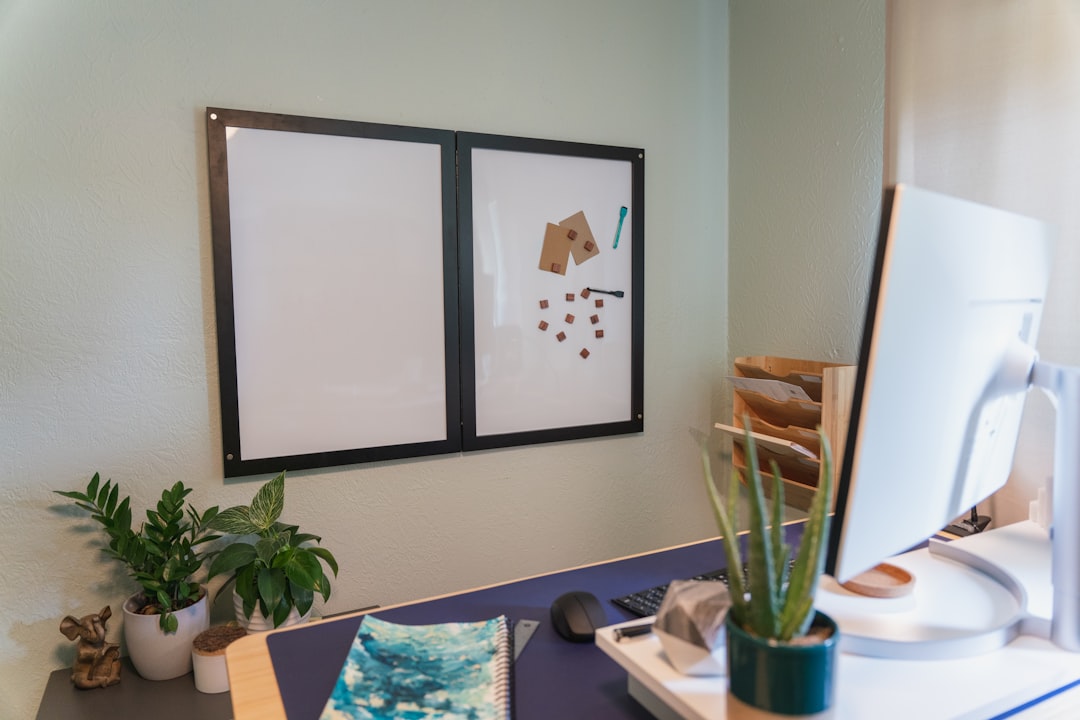
Installing multiple whiteboards or covering significant wall space with whiteboard paint creates a visual environment that looks like a crisis management room rather than a domestic workspace. The ability to think spatially at scale, map dependencies, draw system diagrams, and maintain rolling project timelines in a format that is instantly editable has no adequate digital equivalent for many users. Entrepreneurs, engineers, researchers, and writers who process ideas visually report that whiteboard-heavy environments accelerate their thinking in ways that screens cannot replicate. The permanent visual presence of unfinished diagrams, half-formed ideas, and project debris is a direct record of active cognitive work rather than evidence of disorganization. Guests frequently mistake these spaces for small business operations rather than private home offices.
Printed Reference Layers
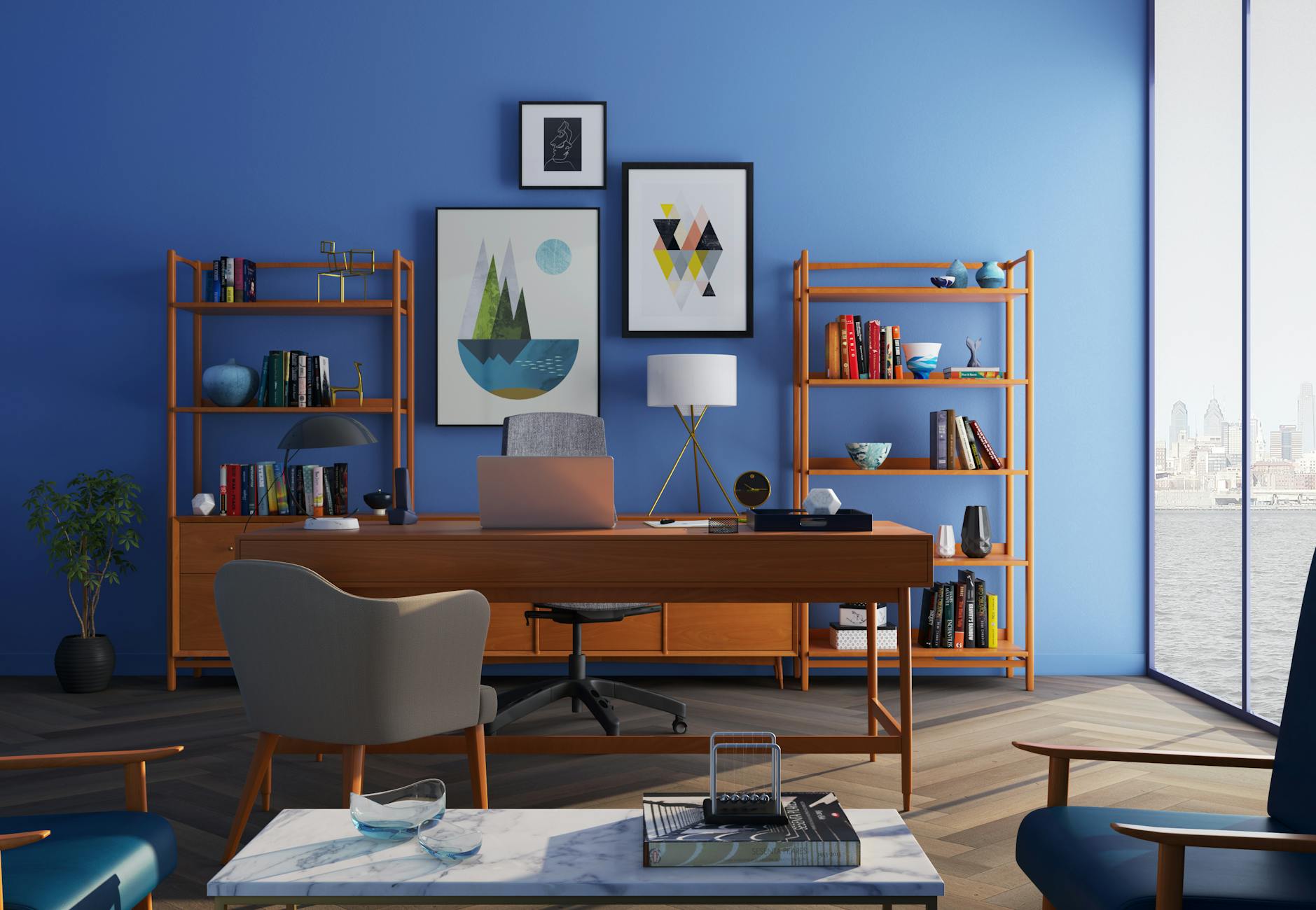
Keeping printed articles, research papers, annotated reports, and reference sheets spread across the desk surface in partially overlapping layers creates a visual environment that resembles an academic archive mid-audit. The physical arrangement mirrors the associative structure of the project rather than following any imposed filing logic, allowing related material to remain in proximity without formal categorization. Studies of knowledge worker behavior have found that the act of physically locating a document reinforces memory encoding in ways that digital retrieval does not. Colleagues and partners who encounter these arrangements frequently interpret them as evidence of disorganization rather than recognizing them as functional information landscapes. Clearing the desk at the end of a work session actively disrupts the spatial memory system and slows re-entry into complex work the following day.
Standing Desk Chaos
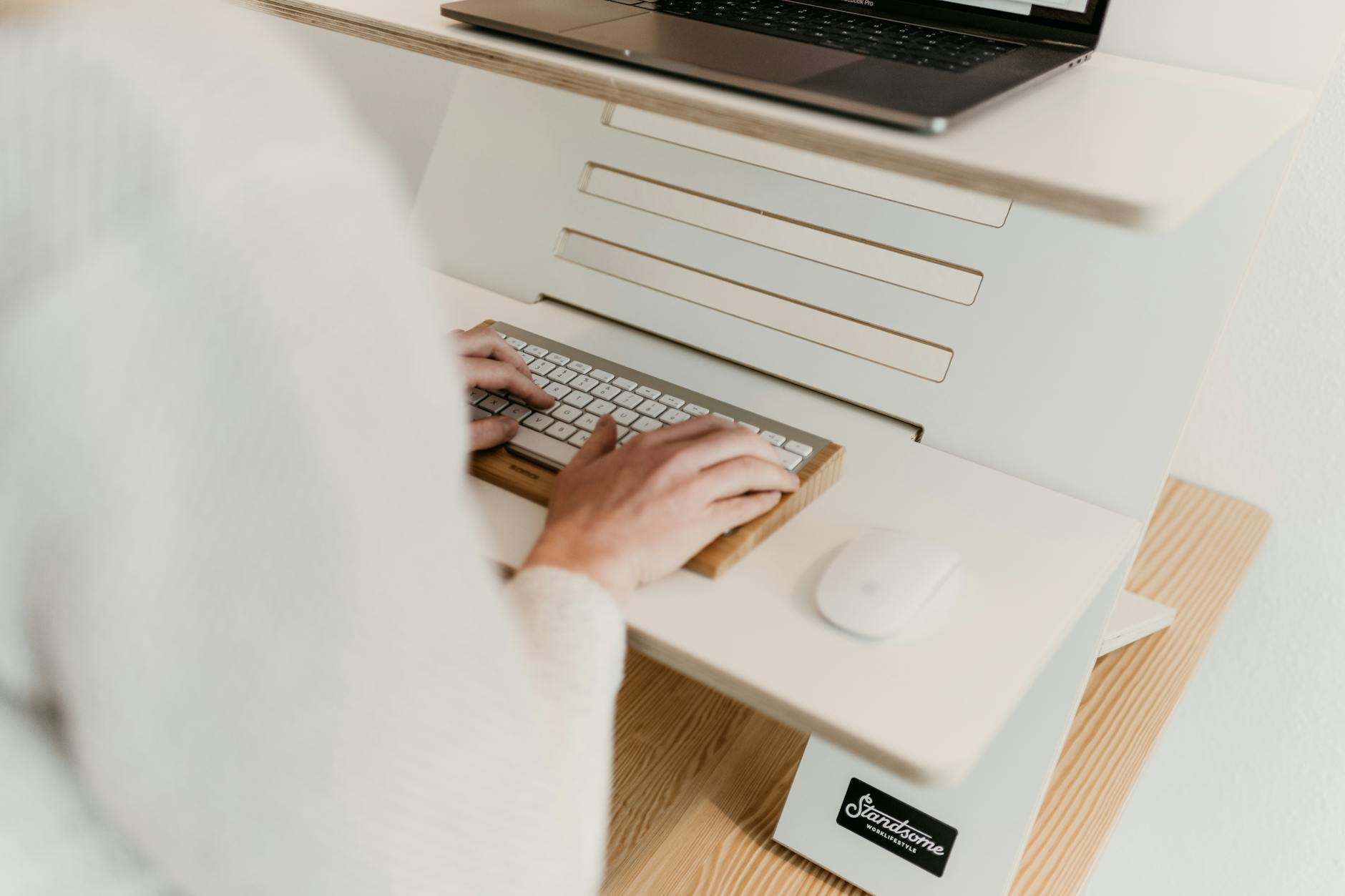
Height-adjustable desks that are raised and lowered multiple times throughout the day accumulate a dynamic arrangement of items that never fully settles into a coherent visual order. Cables stretch and compress, items migrate to different positions, and surface zones shift their function depending on whether the user is seated or standing. The health and focus benefits of regular postural variation are well documented and consistently outweigh the aesthetic cost for users who adopt this setup. The desk surface of an active sit-stand user tends to look perpetually transitional because it genuinely is in a state of continuous reconfiguration. Attempts to impose static organizational systems on a dynamic desk surface typically result in either abandoned organization or abandoned height adjustment.
Peripheral Overload

Keyboards, mice, drawing tablets, MIDI controllers, macro pads, trackballs, and specialty input devices accumulated across a single desk surface create an equipment density that looks excessive and chaotic to anyone not familiar with professional or creative workflows. Each device serves a specific function within a defined task type and represents a deliberate investment in reducing the cognitive and physical cost of that task. Power users across creative and technical disciplines consistently find that purpose-built input tools outperform general-purpose alternatives for their specific workflows. The cumulative visual impression of a peripheral-heavy desk is one of hoarding rather than optimization, despite the clear functional logic underlying each acquisition. Removing any single device from an established workflow tends to create a noticeable and immediately felt productivity deficit.
Paper Inbox Mountains

Maintaining a physical inbox that is allowed to grow into a substantial stack before processing creates a visual focal point that visitors consistently interpret as evidence of procrastination or overwhelm. For many practitioners the visible accumulation of unprocessed material serves as a motivational cue and a working record of incoming demand that disappears when items are prematurely filed. The stack functions as a tangible workload indicator that no digital system replicates with the same immediacy and physical presence. Processing the inbox completely and immediately is a productivity methodology that works well for some temperaments and actively disrupts the workflow of others. The height of the pile is, for many users, a meaningful and informative data point rather than a sign of dysfunction.
Green Screen Infrastructure

A permanently erected green screen behind the primary desk creates a striking visual intrusion into a domestic space that is difficult to reconcile with standard home interior aesthetics. Content creators, streamers, educators, and remote professionals who present video regularly find that a fixed installation eliminates the setup time that makes high-quality video production unsustainable as a daily practice. The background infrastructure including lighting rigs, acoustic panels, and mounting arms compounds the visual complexity and transforms a section of the home into what appears to be a small broadcast facility. Partners and family members sharing the space frequently find the permanent installation difficult to accept despite its clear professional utility. The investment in fixed infrastructure consistently pays dividends in output quality and production frequency for users who commit to it.
Task Lighting Sprawl
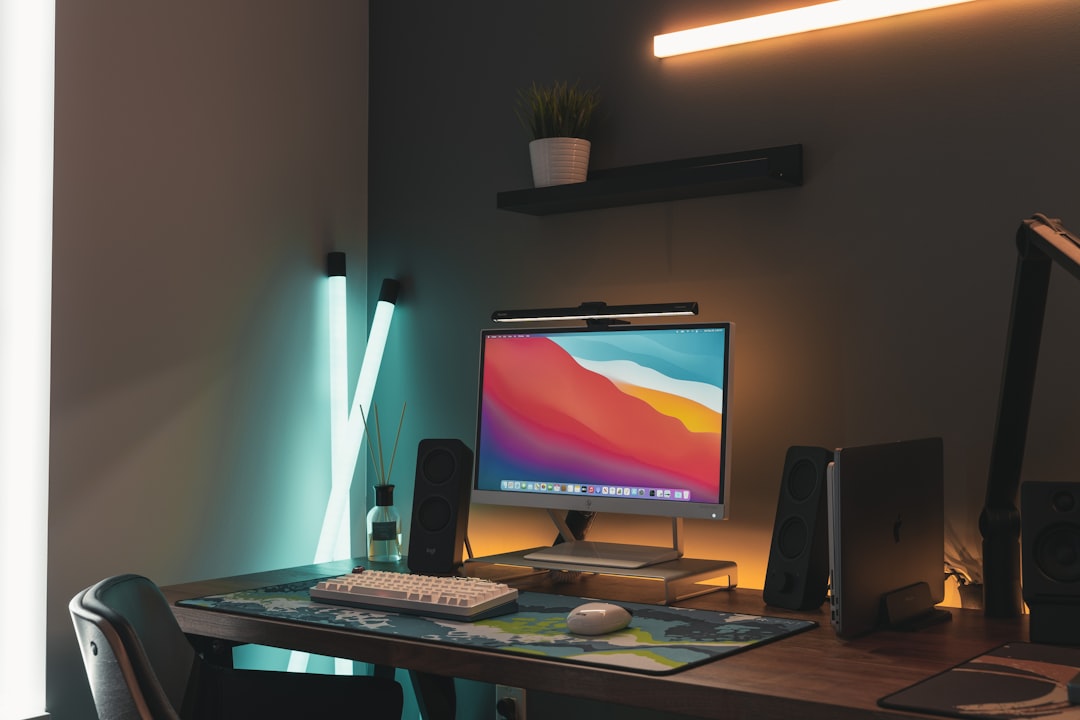
Multiple independent light sources positioned at different heights and angles around the workspace create a visually complex lighting environment that looks improvised and inconsistent compared to a unified room lighting scheme. Desk lamps, monitor bias lights, floor lamps, clip-on task lights, and ring lights serve distinct functions related to eye strain reduction, color accuracy, mood regulation, and video presentation quality. Each source is positioned to address a specific visual or cognitive need rather than to contribute to a coherent interior aesthetic. Lighting designers and interior stylists consistently identify multi-source workspace lighting as one of the most visually disruptive elements in a domestic environment. The functional case for precise and differentiated task lighting is strong enough that practitioners in visually demanding fields rarely make concessions to aesthetic simplicity in this area.
Floor Storage Systems
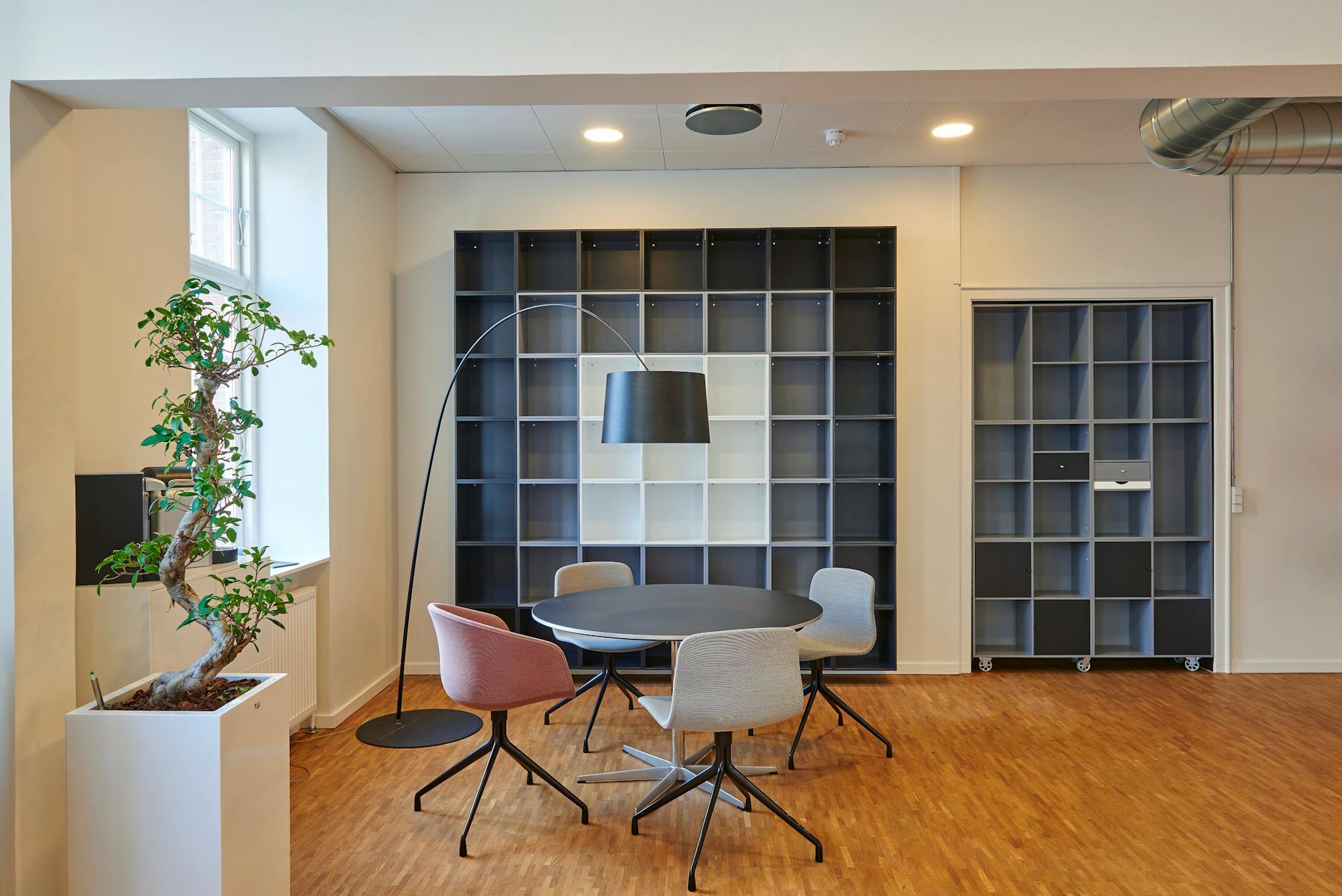
Using the floor space immediately surrounding the desk as an active storage and staging area for equipment cases, reference materials, backup hardware, and project supplies creates a workspace perimeter that looks obstructed and cluttered from every angle. For users managing large volumes of physical project materials the floor zone represents a significant and accessible storage layer that conventional desk and shelf infrastructure cannot absorb. Equipment photographers, hardware developers, and architects are among the professional groups most likely to maintain deliberate floor storage arrangements as a functional component of their workspace. Safety considerations aside, a well-maintained floor storage system follows the same organizational logic as any other layer in a high-density workspace. The visual impression of obstruction consistently conflicts with the operational reality of a system in active and intentional use.
Temperature Control Rigs
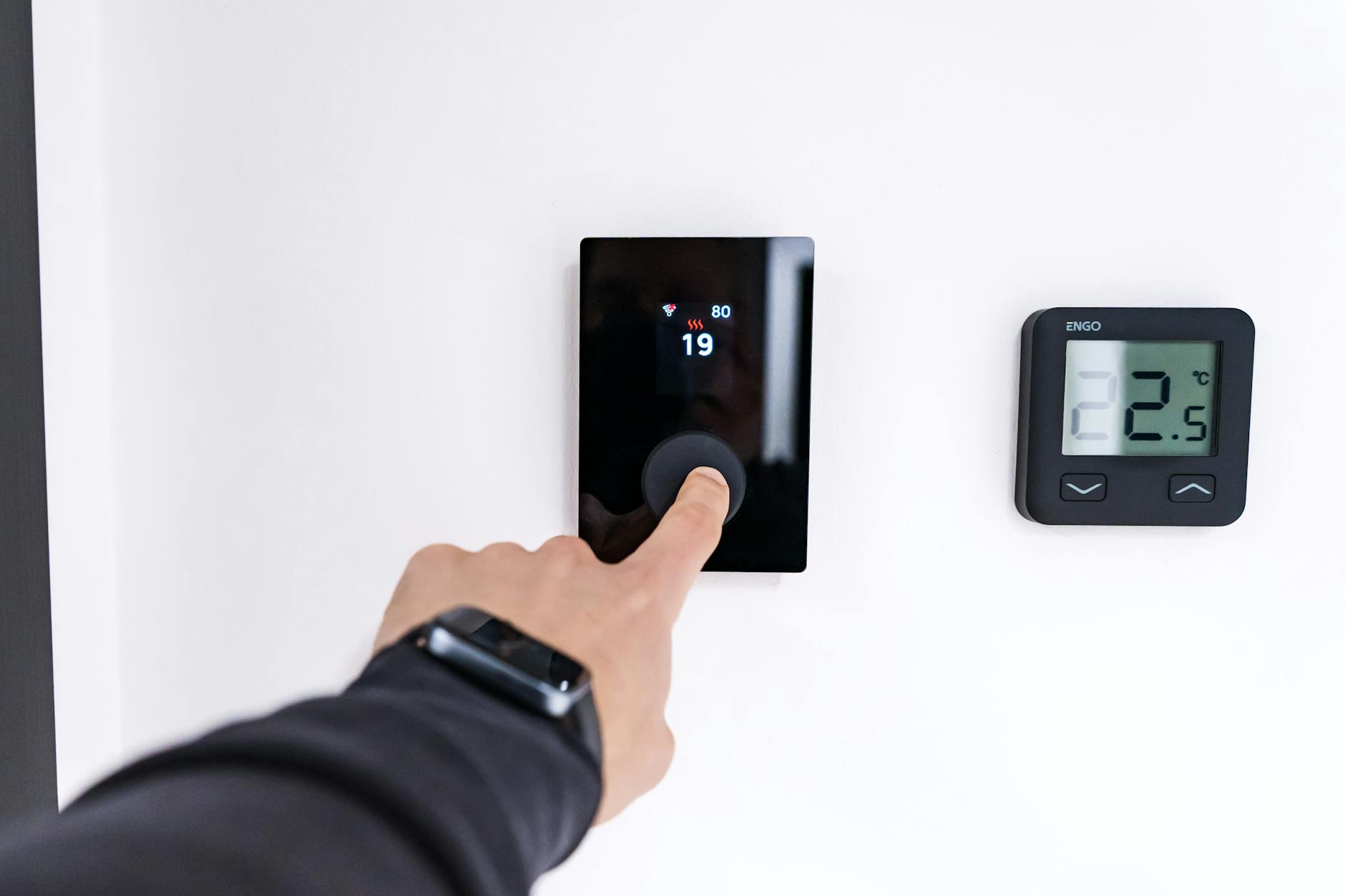
Personal fans, desktop heaters, heated seat cushions, and directional air circulation devices added to a workspace create a cluster of additional hardware that contributes significantly to the visual complexity of the environment. Thermal comfort has a well-established and measurable effect on sustained cognitive performance and the ability to maintain precise personal temperature regulation directly supports longer and more focused work sessions. Users who work in shared buildings, poorly insulated home offices, or climates with significant seasonal variation find that personal thermal management infrastructure is non-negotiable for maintaining consistent output. The additional devices add cable complexity, occupy desk or floor space, and create a workspace that looks provisionally assembled rather than intentionally designed. The productivity return on thermal comfort investment is consistently underestimated relative to more visible workspace upgrades such as monitors or chairs.
If you work in a setup that others find chaotic but you find indispensable, share your workspace philosophy in the comments.