The grocery store checkout line is one of the most socially charged environments in everyday life, a narrow corridor of public scrutiny where every fumble, hesitation, and misjudgment is witnessed by a queue of people whose patience is already being tested by the cumulative weight of their day. Cashiers process hundreds of transactions per shift and can read the behavioral signals of an unprepared customer from the moment they begin unloading their cart. The mistakes documented here are not rare edge cases but recurring patterns that checkout staff and fellow shoppers encounter daily, each one capable of adding minutes to a transaction that should take less than two. Recognizing these behaviors in advance is the first step toward becoming the kind of shopper that everyone behind you silently appreciates.
Coupon Chaos
Arriving at the checkout with a disorganized collection of paper coupons, printed offers, and app-based discounts that have not been reviewed for validity, expiry dates, or applicable products is one of the most reliably time-consuming behaviors in the checkout environment. Coupons that do not match the purchased product, that expired in a previous promotional period, or that require a minimum spend not met by the current transaction each require individual processing, cashier intervention, and sometimes a supervisor override before the transaction can proceed. Shoppers who sort and verify their coupons before approaching the checkout, confirming that each one applies to a specific item in the cart, eliminate the discovery process from the most public and time-pressured moment of the shopping trip. Digital coupons loaded to a loyalty account in advance require no physical handling at the checkout and process automatically against eligible items without any interaction. The shopper who produces a handful of unverified paper coupons at the moment of payment has essentially moved their preparation work into a space where it affects everyone else in the line.
Forgotten Reusable Bags
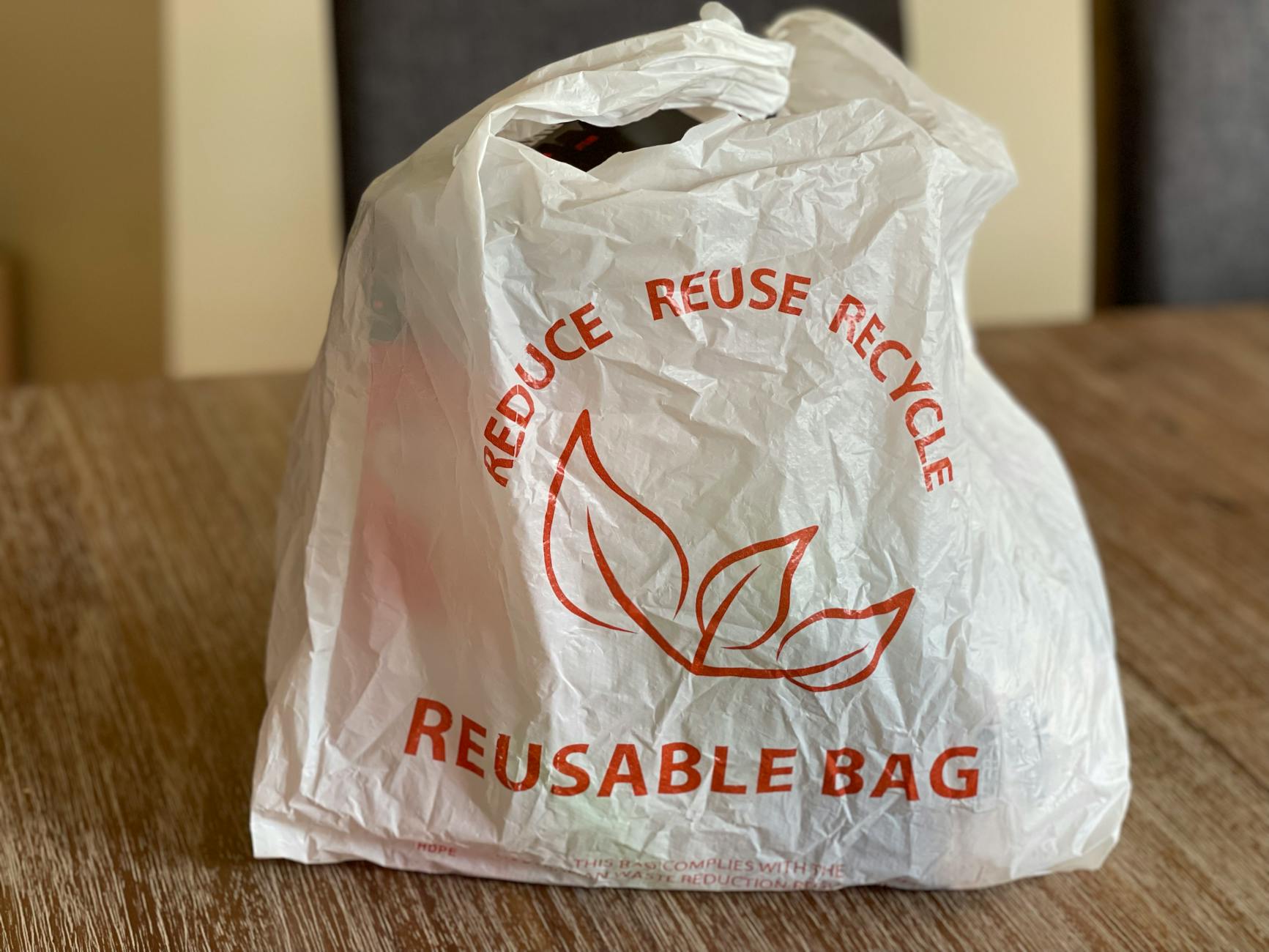
Remembering reusable bags only after the cashier has begun scanning items creates a decision point that interrupts the flow of the transaction and requires either a pause while the bags are retrieved from the car or a renegotiation of the bagging process mid-transaction. In markets where single-use plastic bags carry a per-bag charge, the discovery of forgotten reusable bags also introduces a financial recalculation that may affect the total and requires additional input from the cashier. Shoppers who keep their reusable bags in a fixed location, either permanently stored in the car or hung directly on the door handle used to leave the house, remove the memory requirement from the pre-shopping routine entirely. Having bags out and open on the belt or counter before scanning begins signals preparedness to the cashier and allows bagging to proceed simultaneously with scanning rather than waiting for payment to complete. The pause while a shopper runs to their car for bags affects not only their own transaction time but the momentum of every customer who arrived after them.
Wrong Lane Choice

Joining the express checkout lane with a cart that visibly exceeds the item limit is a decision that creates a social tension that affects every participant in the transaction, including the cashier who must either enforce the limit or process an overloaded order in a lane not designed for it. Express lanes exist specifically to create a faster pathway for small transactions and their efficiency depends entirely on the item limit being respected by the shoppers who choose them. The ambiguity shoppers feel about whether their twelve items qualify for a ten-item limit lane is resolved most simply by choosing the standard checkout when the count is close, because the time saved by the express lane on a borderline transaction is negligible compared to the friction caused by the overage. Self-checkout lanes have their own lane-matching logic, with multi-item carts processed more efficiently by staffed checkouts that can scan and bag simultaneously. The shopper who joins the wrong lane and then argues about their item count has created a social conflict that adds time and stress to a transaction that should be anonymous and efficient.
Payment Surprise
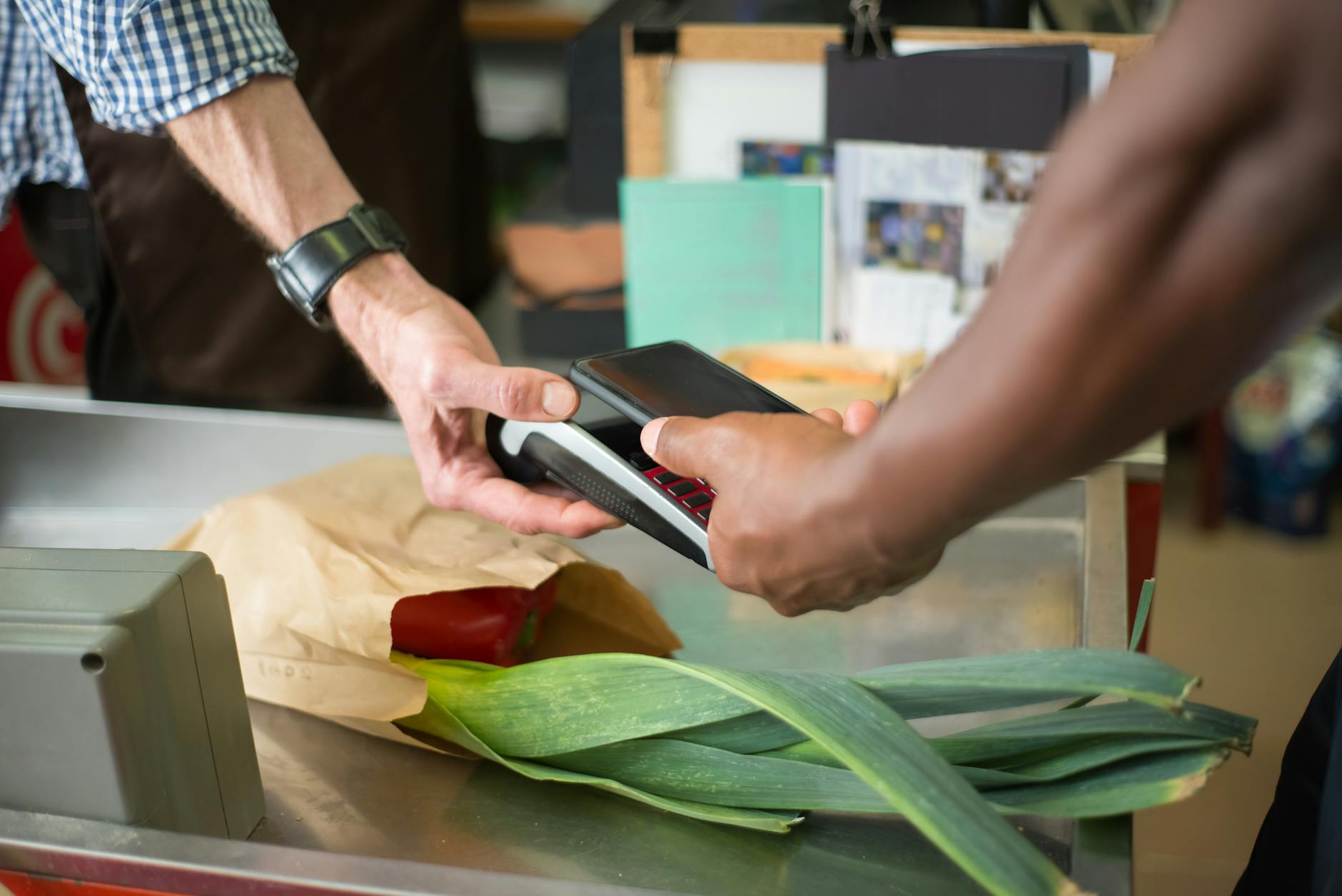
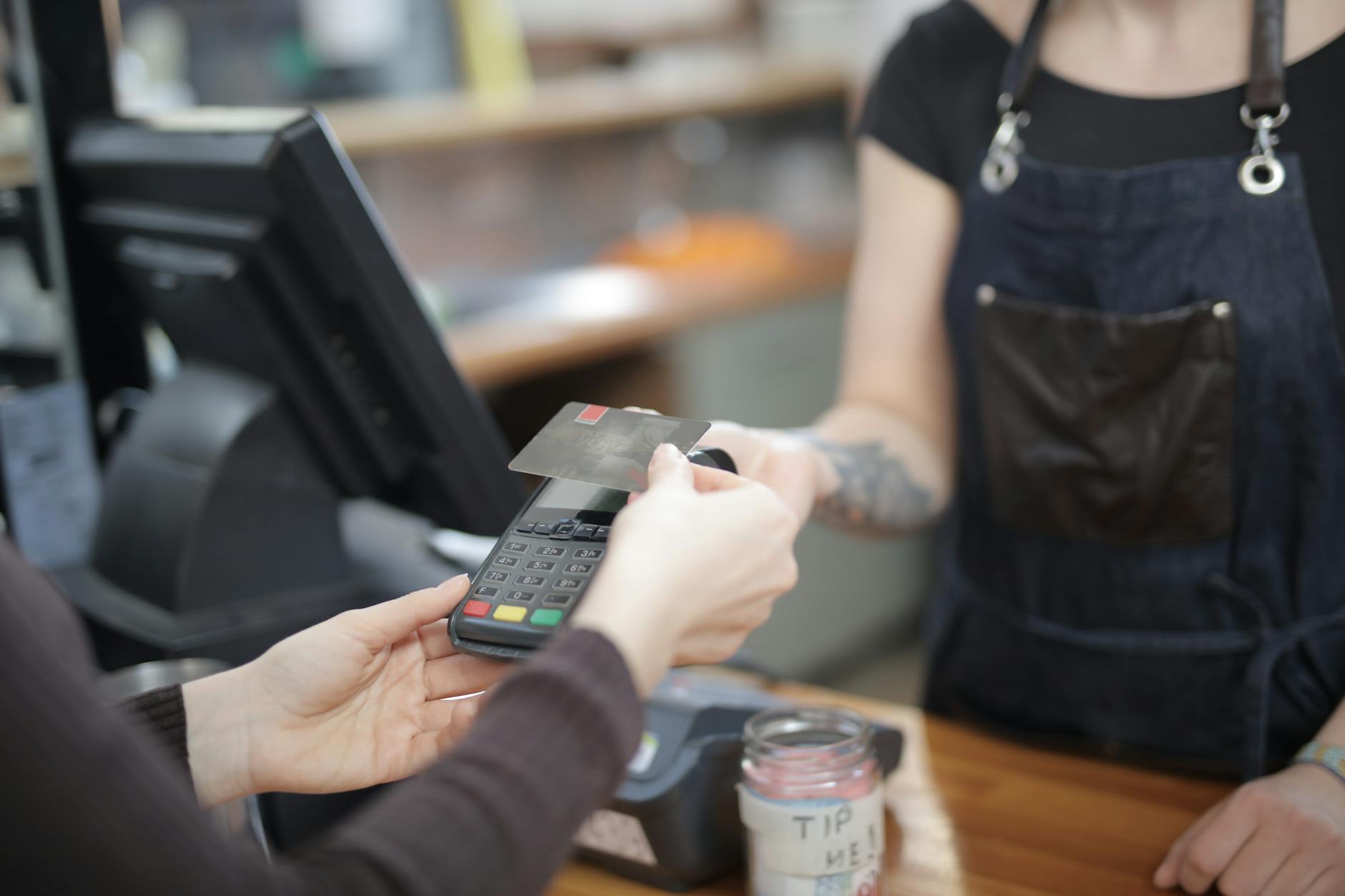
Reaching the end of a transaction without having made any preparation for payment, then spending time locating a wallet, selecting a card from several options, attempting a declined card, or discovering that the preferred payment method is unavailable at that terminal is a delay pattern that is entirely preventable with thirty seconds of preparation before approaching the checkout. The total is visible on the screen throughout the scanning process and the payment method decision can be made while items are still being processed rather than after the cashier has completed their work and is waiting. Contactless payment methods that are set up and tested in advance of the shopping trip eliminate the physical handling time associated with card insertion, PIN entry, and receipt collection in a way that compresses the payment phase to under five seconds. Shoppers who use cash and have not pre-estimated their total face the additional delay of counting out exact change or waiting for change to be returned, a process that slows the checkout during the highest traffic periods disproportionately. Knowing exactly how payment will be made and having that method physically ready before the last item is scanned is the preparation habit that makes the payment phase invisible to everyone waiting behind.
Price Dispute Timing
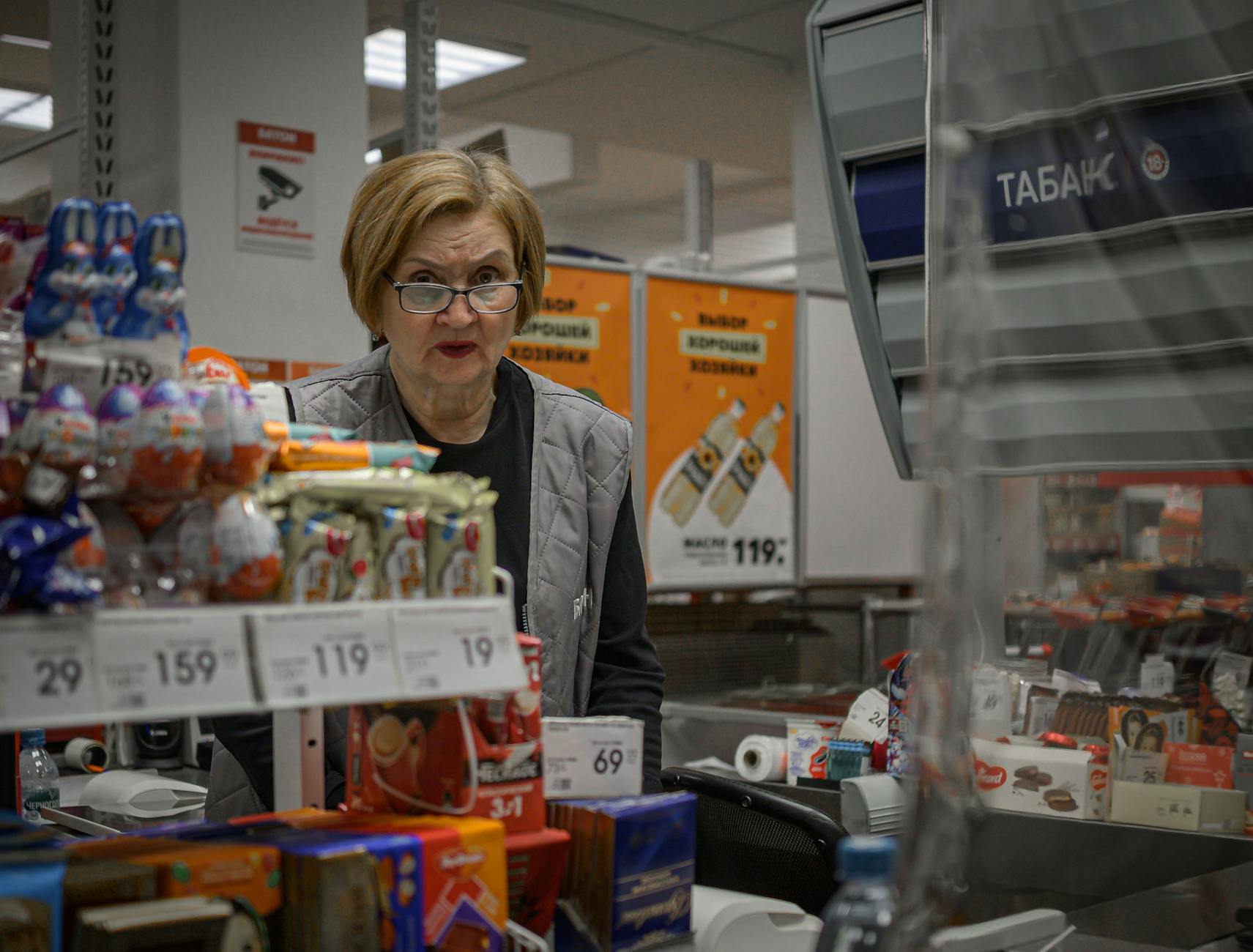
Raising a concern about a scanned price after the transaction has been completed, rather than flagging it at the moment the item is scanned, requires the cashier to void or adjust a closed transaction rather than making a simple correction within an active one. Price disputes that are identified during scanning are resolved quickly and cleanly, while disputes raised after payment require supervisor involvement, a voided transaction, or a separate customer service process that removes the customer from the checkout lane entirely. Shoppers who watch the screen as each item is scanned and raise any discrepancy immediately keep the resolution within the normal flow of the transaction without creating the additional delay of a post-transaction correction. Price checking apps and shelf photo references taken during shopping provide the documentation needed to raise a discrepancy confidently rather than tentatively. The ten seconds spent checking a price on the screen as it scans is a fraction of the time required to unwind a transaction that has already been closed and paid.
Produce Without Codes
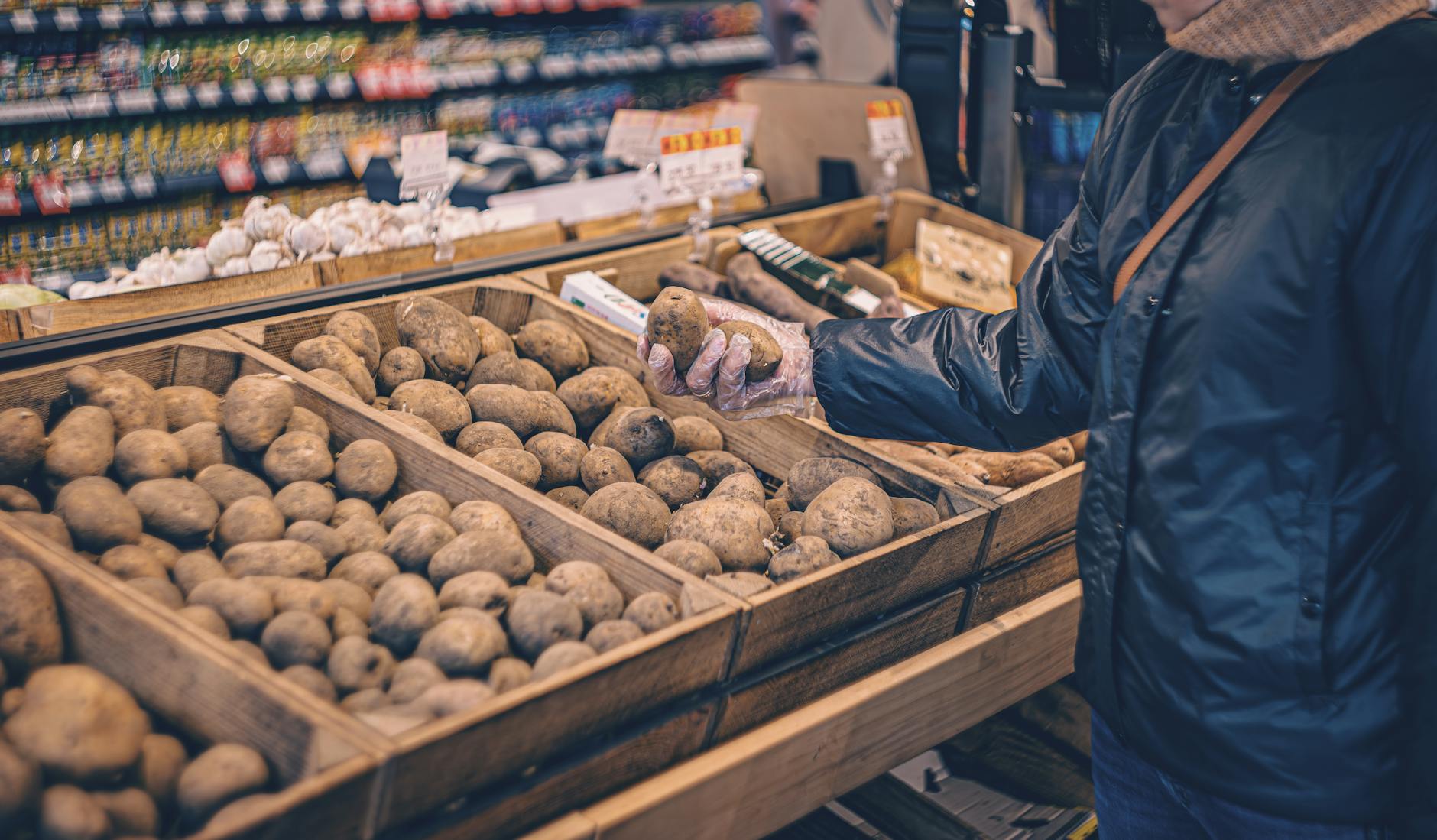
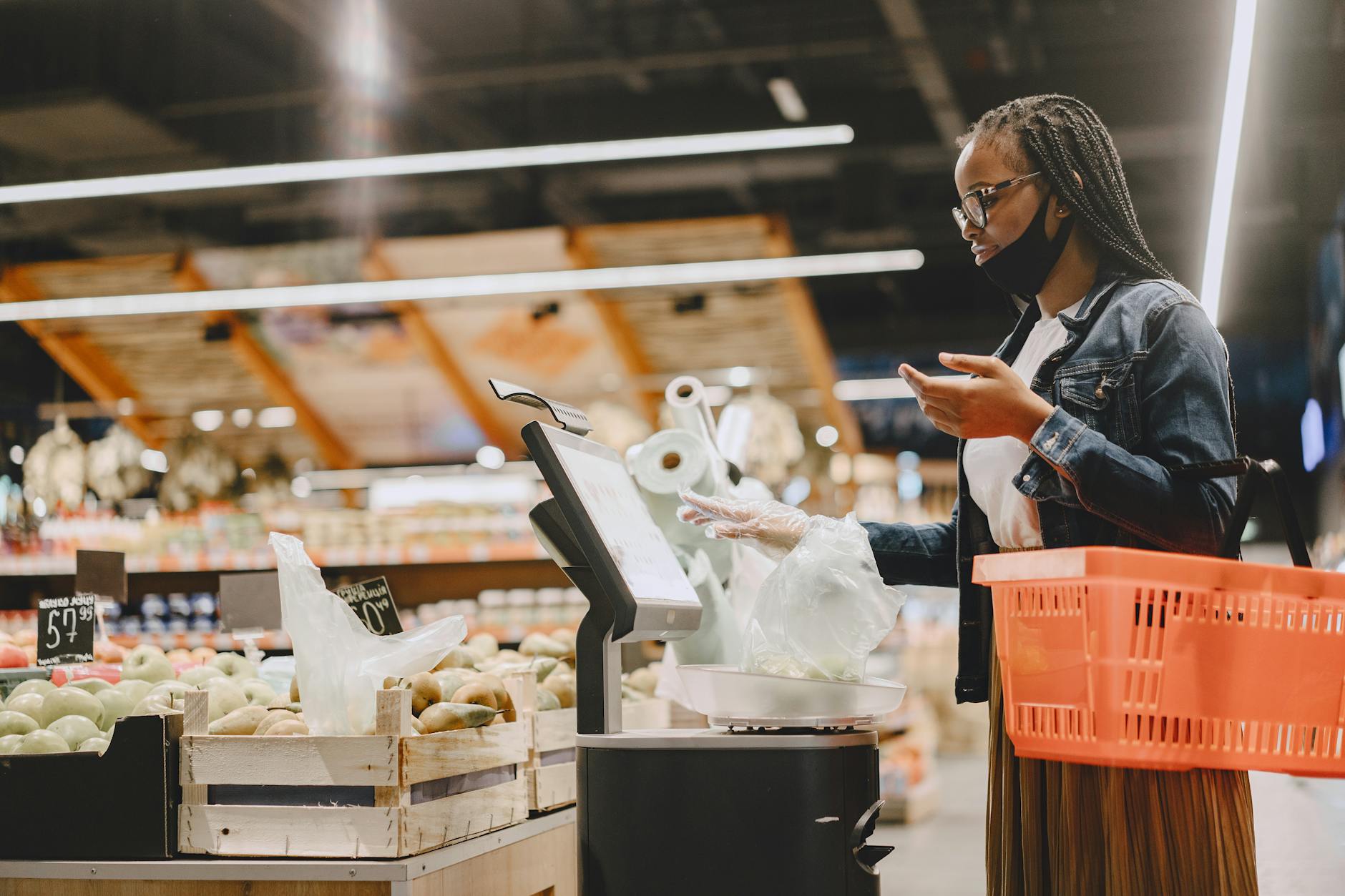
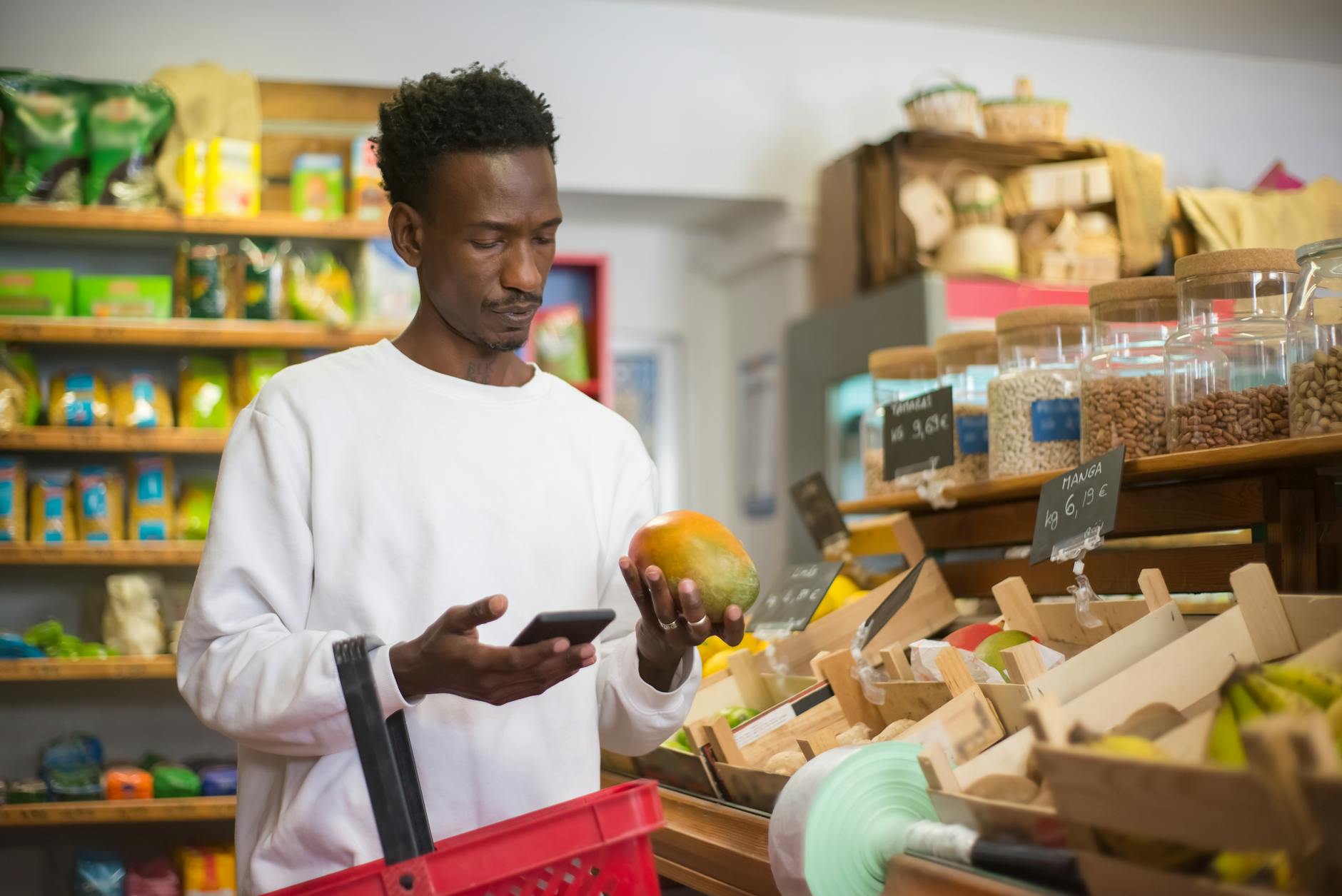
Arriving at the checkout with loose produce items that have no barcode sticker and no accompanying PLU code requires the cashier to either look up the item manually from a product list or call for assistance from a colleague who can identify the item and its code. A single unidentified piece of loose produce can add two to three minutes to a transaction while the cashier navigates a lookup screen or waits for a supervisor who knows the code for a specialty item. Shoppers who use the produce section’s scale and label printer to tag loose items before proceeding to the checkout eliminate this lookup step entirely and allow the cashier to process produce with the same efficiency as packaged goods. Organic and conventional versions of the same produce item carry different codes, and presenting the wrong version creates a pricing discrepancy that requires correction. The identification and labeling of loose produce is a task that takes seconds in the produce section and can take minutes at the checkout, and the location of that effort matters significantly to the people standing in line behind.
Unloading Chaos
Placing items on the conveyor belt in a random order that mixes frozen goods with ambient products, heavy items with fragile ones, and large items with small ones creates a bagging challenge that either slows the cashier or results in poorly packed bags that the shopper then has to reorganize. Efficient belt loading groups items by storage category, places heavy items first so they land at the bottom of bags naturally, and keeps similar-sized items together to allow efficient packing. A divider placed at the end of the order before the next customer’s items begin is a courtesy that costs nothing and prevents the scanning confusion that occurs when two transactions’ items become intermingled on the belt. Shoppers who load the belt thoughtfully allow the cashier to scan and bag simultaneously rather than scanning into a pile and bagging separately, which reduces the total transaction time for everyone. The organization that happens in the cart before unloading takes the same effort as the organization that happens on the belt, but its effect on checkout efficiency is dramatically different.
Loyalty Card Scramble

Remembering a loyalty card, store app, or rewards account only after the transaction has been scanned and totaled requires either a void and rescan, an after-the-fact points adjustment through customer service, or the loss of the applicable discount, none of which are outcomes that benefit the shopper or the queue behind them. Loyalty programs that are linked to a phone number or email address can be applied at any point during the transaction without a physical card, but shoppers who are unfamiliar with this option spend time searching for a card that could be replaced with a four-digit phone number entry. Most grocery loyalty apps can be opened and ready on a phone screen before the shopper reaches the checkout, requiring only a barcode scan that takes under two seconds during the payment phase. Stores that offer automatic loyalty pricing tied to an account do not require any action at the checkout, but shoppers who have not set up this linkage encounter a manual step each time. Preparing loyalty credentials with the same intentionality as payment method removes a recurring delay from a transaction that should require no preparation at all.
Unattended Conveyor Belt

Standing at the end of the checkout lane while a full cart remains unloaded, waiting for the cashier to finish scanning one item before placing the next, creates a bottleneck that prevents the cashier from working at their normal scanning pace and extends the transaction time for everyone in the queue. Cashiers are trained to scan and immediately move to the next item, and a belt that is empty ahead of them forces them to wait rather than work, which is the reverse of the intended workflow. Loading the belt continuously while the cashier scans, staying ahead of the scanner rather than behind it, allows the transaction to proceed at the cashier’s maximum comfortable pace rather than at the rate the shopper is unloading the cart. Shoppers who engage in conversations on their phone while a full cart sits unloaded create a particularly visible version of this problem because the cause of the delay is apparent to everyone in the line. The belt and the cart are both the shopper’s responsibility, and keeping the belt supplied is as much a part of the checkout process as payment.
Self-Checkout Overconfidence
Choosing the self-checkout lane for a large, complex order that includes weighted items, age-restricted products, items without barcodes, or produce requiring code lookup creates a transaction that triggers staff intervention multiple times and ultimately takes longer than a staffed lane would have. Self-checkout systems are designed for small, straightforward transactions where the efficiency gain of eliminating a cashier interaction offsets the slower scanning pace of an untrained operator. An order that requires a staff override for alcohol verification, a manual produce lookup, a price check, and a weighted item calibration has effectively replaced one cashier with four separate staff interventions spread across a longer transaction. Shoppers who accurately assess the complexity of their order against the capabilities of the self-checkout lane make a routing decision that benefits both themselves and the people waiting to use the machines for their intended purpose. The confidence that comes from having used self-checkout many times does not transfer to orders that fall outside the system’s design parameters.
Bagging Disagreements

Expressing strong preferences about bagging arrangement after the cashier has already begun packing, or repacking bags at the checkout counter while the cashier waits to process payment, introduces a pause into the transaction that could have been addressed through communication before bagging began. Cashiers who are told in advance about cold item grouping, weight preferences, or bag material choices can incorporate those preferences into their bagging process without stopping the transaction to accommodate a correction. Repacking at the counter is a particularly significant delay because it occupies the checkout space, prevents the next customer from approaching, and requires the cashier to either assist or wait while the shopper reorganizes the bags. Preferences about bagging are entirely legitimate and worth communicating, but the timing of that communication determines whether it causes a delay or prevents one. A brief instruction at the beginning of the unloading process takes five seconds and eliminates the need for any repacking afterward.
Mobile Payment Failures
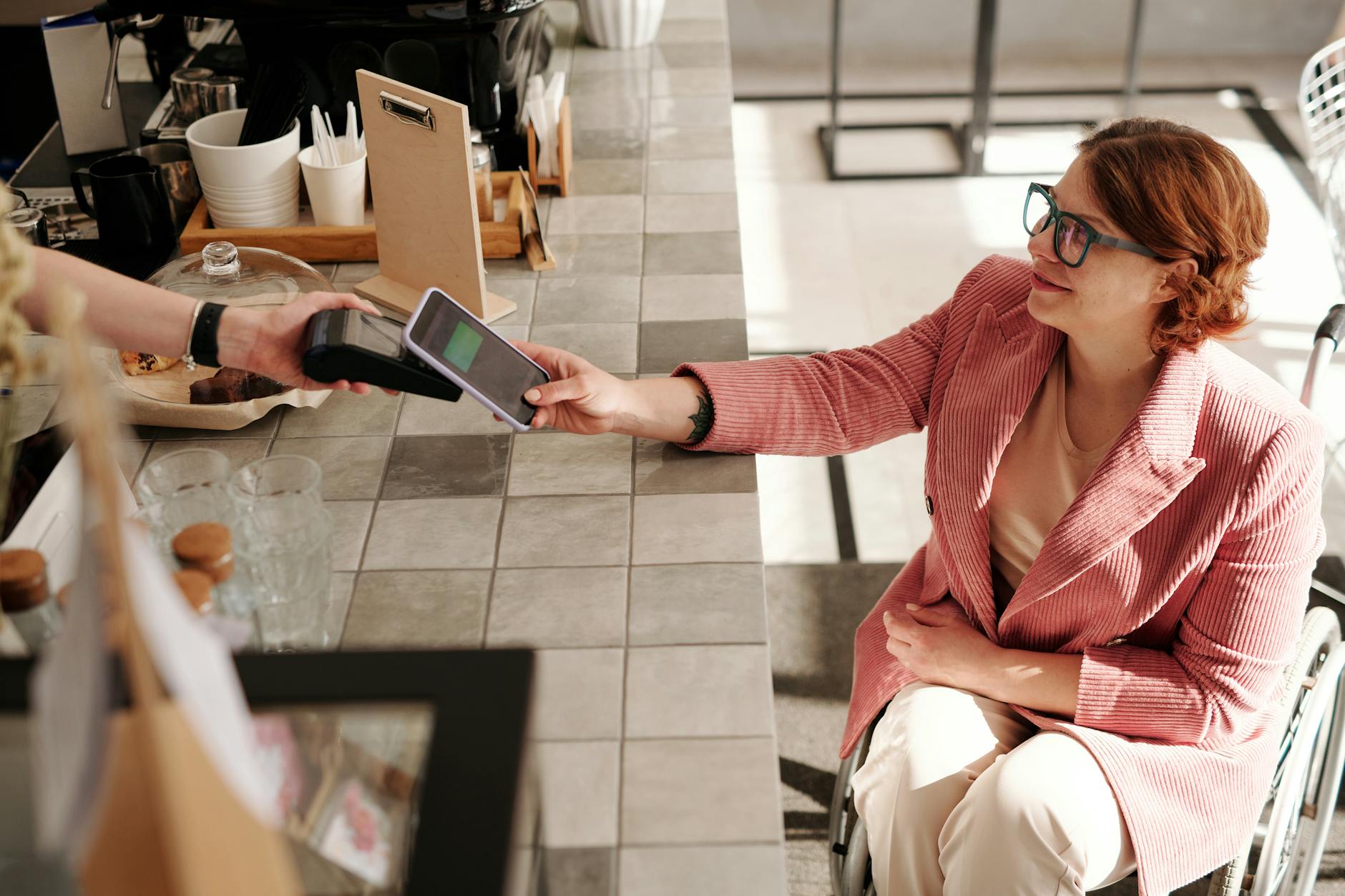
Attempting to use a digital wallet, tap-to-pay feature, or app-based payment system for the first time at a checkout terminal, without having tested the setup in advance, creates a troubleshooting scenario in a time-pressured public environment. Digital payment methods that are configured, tested, and confirmed to work before the shopping trip take under two seconds to execute at the terminal, while the first-time setup process can involve app downloads, card linking, verification steps, and terminal compatibility checks that take several minutes. Shoppers who encounter a payment failure and then cycle through backup options while the cashier and the queue wait are experiencing the consequences of a preparation gap that could have been addressed at home. Different terminals accept different digital wallet formats and not all contactless payment systems work on all hardware, which means even experienced digital payment users should have a physical backup method available when shopping at unfamiliar retailers. The speed advantage of tap-to-pay is only realized when the setup has been completed and the method has been confirmed to work on that specific terminal.
Item Left in Cart
Discovering an item at the bottom of the cart after the transaction has been completed and payment has been made requires either a separate transaction for the missed item or a voided payment and full rescan, both of which add significant time to what was presented as a completed checkout. Large items, items stored in reusable bags that were placed in the cart before shopping, and items stored in the child seat area of the cart are the most commonly missed categories. A systematic unloading habit that includes checking the cart bottom, the child seat, and any hooks or compartments before approaching the checkout makes the missed item discovery far more likely to happen at the belt than after payment. Cashiers in many stores will prompt shoppers to check their cart, but this is a courtesy rather than a guarantee and some checkout formats do not include this step. The missed item that surfaces after payment is, in most cases, a cart-checking habit that was skipped rather than a genuine oversight.
Check Writing
Paying for a grocery transaction by personal check in an era when electronic payment options are universal adds a minimum of two to three minutes to a checkout transaction through the physical process of writing, recording, and processing a paper instrument that requires manual handling and verification. Check acceptance policies at grocery stores often include identification requirements, authorization holds, and manager approval steps that further extend the processing time relative to card or digital payment. Shoppers who prefer to use checks for budgeting purposes have a legitimate reason for their payment method choice, but the delay it creates for the queue is a practical reality that is independent of the reason for the choice. Some grocery retailers have implemented check conversion technology that processes checks electronically and returns them to the shopper, which reduces the handling time significantly but still requires the physical writing process. The gap in transaction time between a check payment and a contactless card payment represents one of the largest single-cause delays available at a modern grocery checkout.
Price Matching Requests
Requesting a price match from a competitor’s advertisement at the checkout counter, rather than at a customer service desk before beginning the transaction, introduces a verification process into the checkout that typically requires supervisor involvement, competitor ad review, and system price override authorization. Price matching policies at grocery retailers are often limited to specific categories, require the item to be identical rather than similar, and have expiry and availability conditions that take time to verify. Shoppers who handle price match requests at the customer service desk before shopping can proceed through the checkout with the corrected price already applied to their loyalty account or with a price match voucher that processes in seconds at the register. Raising a price match request mid-transaction is not prohibited by most retailers but it is one of the more time-intensive interruptions that a checkout cashier can experience during a busy period. The time required to verify and apply a price match at the checkout often exceeds any saving achieved on the matched item for an individual shopper.
Confusion About Totals
Expressing surprise or disbelief at the transaction total and asking for an itemized review of the receipt while still occupying the checkout space prevents the cashier from serving the next customer and creates a secondary audit process in the highest-traffic area of the store. Genuine errors in scanning are best addressed at a customer service desk where the receipt can be reviewed without time pressure and where any refund or adjustment can be processed by staff with the appropriate system access. Shoppers who track their estimated total while shopping, using a running mental or written tally, arrive at the checkout with a reasonable expectation of the final amount and are less likely to be genuinely surprised by the total. Reviewing the screen as each item is scanned provides real-time visibility into the transaction total and allows errors to be caught and corrected individually rather than reviewed in aggregate after payment. The decision to audit a completed transaction at the checkout counter rather than at the customer service desk is a routing choice with significant time consequences for everyone in the queue.
Forgotten Items Mid-Transaction
Leaving the checkout mid-transaction to retrieve a forgotten item from the store floor, while a partially unloaded cart sits at the register and the cashier waits, creates a pause that can last several minutes and during which the lane is effectively blocked for other customers. The decision to retrieve a forgotten item is a judgment call that depends on the item’s value, the length of the queue behind, and how far into the scanning process the transaction has progressed, but in most cases the correct answer is to complete the current transaction and retrieve the item as part of a separate purchase or on the next visit. Cashiers who continue scanning while the shopper is absent create a completed transaction that the shopper must then pay for without having verified the contents, while cashiers who pause scanning leave the lane occupied but inactive. Shopping from a prepared list that is reviewed before reaching the checkout makes the mid-transaction retrieval a rare exception rather than a recurring event. The value of the forgotten item is rarely proportionate to the disruption its retrieval causes to the checkout lane.
Unresponsive to Prompts

Failing to respond to the checkout terminal’s prompts for loyalty card entry, payment method selection, or cashback preferences while the cashier waits and the queue watches creates a pause that is caused entirely by inattention to a process the shopper initiated. Terminal prompts during a grocery checkout follow a predictable sequence that experienced shoppers can anticipate and action before the cashier has finished scanning, compressing the interactive portion of the transaction to near zero. Shoppers who are engaged with their phone, speaking with a companion, or simply not watching the terminal create a waiting scenario in which the cashier cannot proceed without the shopper’s input. The social dynamic of a queue watching a shopper not notice a terminal prompt is one of the more acutely uncomfortable versions of the grocery checkout experience for all involved parties. Maintaining awareness of the terminal screen from the moment the first item is scanned eliminates all prompt-related delays from the transaction.
Splitting Payments Awkwardly
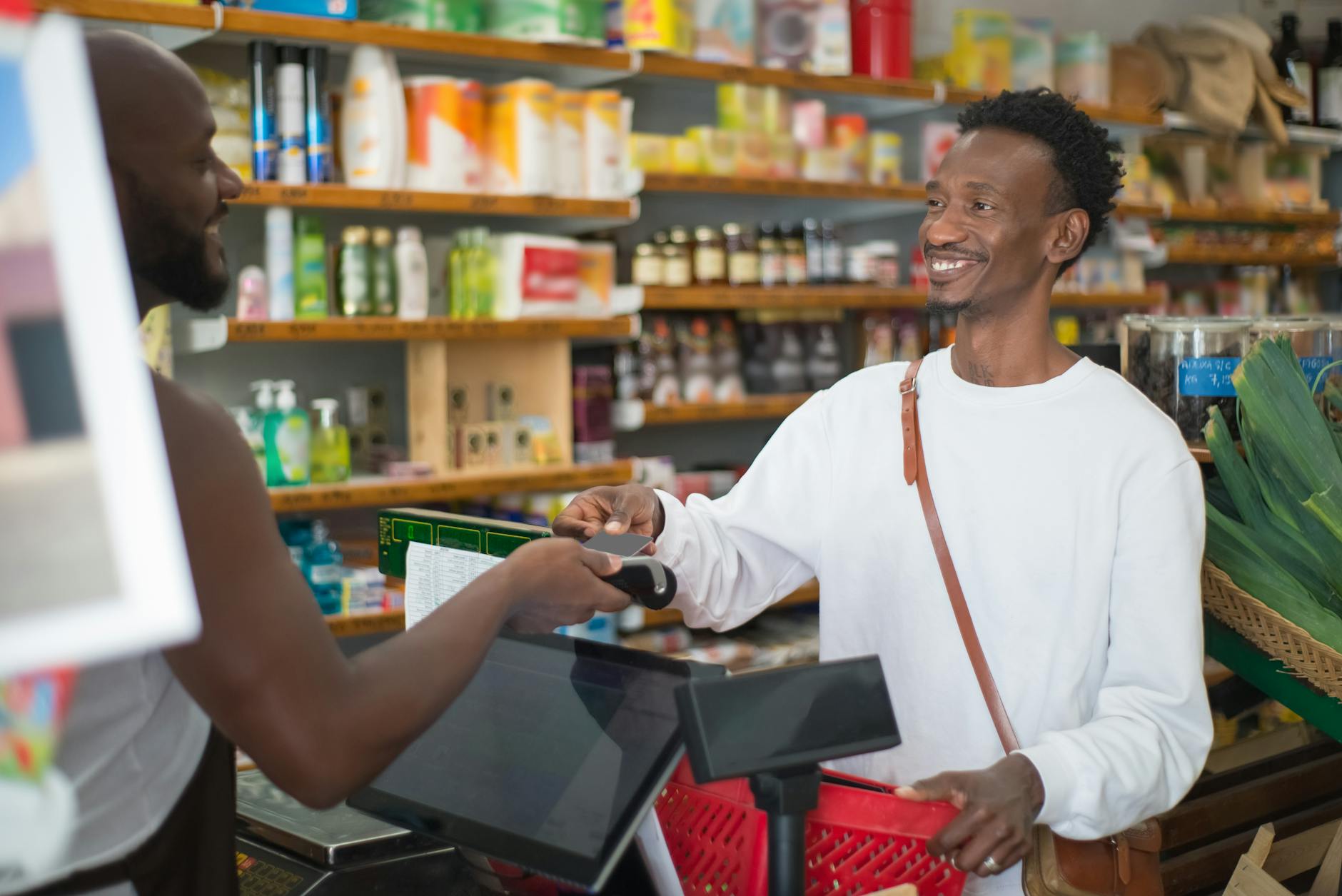
Requesting a split payment between two or more methods after the transaction has been totaled, without having communicated this requirement before scanning began, introduces a multi-step payment process that most checkout systems can accommodate but that takes significantly longer than a single-method payment. Split payment requests that involve a gift card of unknown remaining balance add a balance inquiry step before the split can be calculated, further extending the transaction. Knowing the remaining balance on any gift card before approaching the checkout, and communicating any split payment requirement to the cashier before the total is presented, allows the split to be set up in advance rather than calculated reactively. Some payment terminals handle split payments with a straightforward interface that takes minimal additional time, while others require cashier override and manual calculation that extends the transaction significantly. The preparation difference between knowing the gift card balance before checkout and discovering it at the terminal is the difference between a ten-second payment and a ninety-second one.
Trolley Blocking
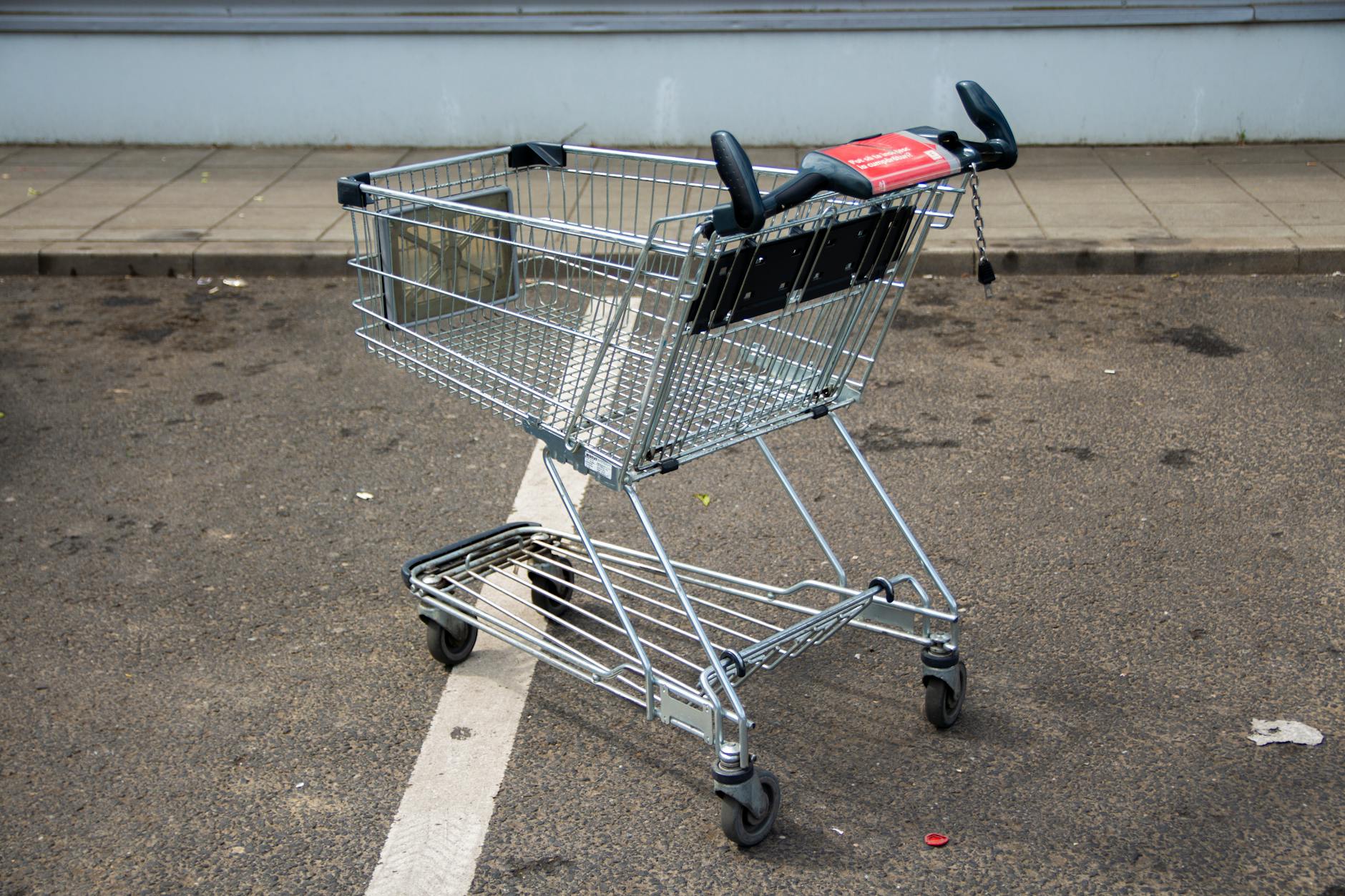
Positioning a full shopping trolley perpendicular to the checkout lane in a way that blocks the conveyor belt, obstructs the cashier’s workspace, or prevents the next customer from approaching the terminal is a spatial management error that creates friction beyond the individual transaction. Checkout lanes are designed with specific traffic flows in mind, and a trolley positioned outside the intended path disrupts both the current transaction and the physical access of subsequent customers to the lane. Moving the empty trolley to the designated trolley collection area or to a position that does not obstruct the checkout space is an action that takes ten seconds and affects the comfort of everyone in the immediate vicinity. Shoppers who leave a large trolley blocking the terminal exit while they organize their bags at the end of the lane create a bottleneck that prevents the cashier from beginning the next transaction. Spatial awareness in the checkout environment is a courtesy that costs nothing and that experienced shoppers exercise as an automatic part of the checkout routine.
Wrong Store Card
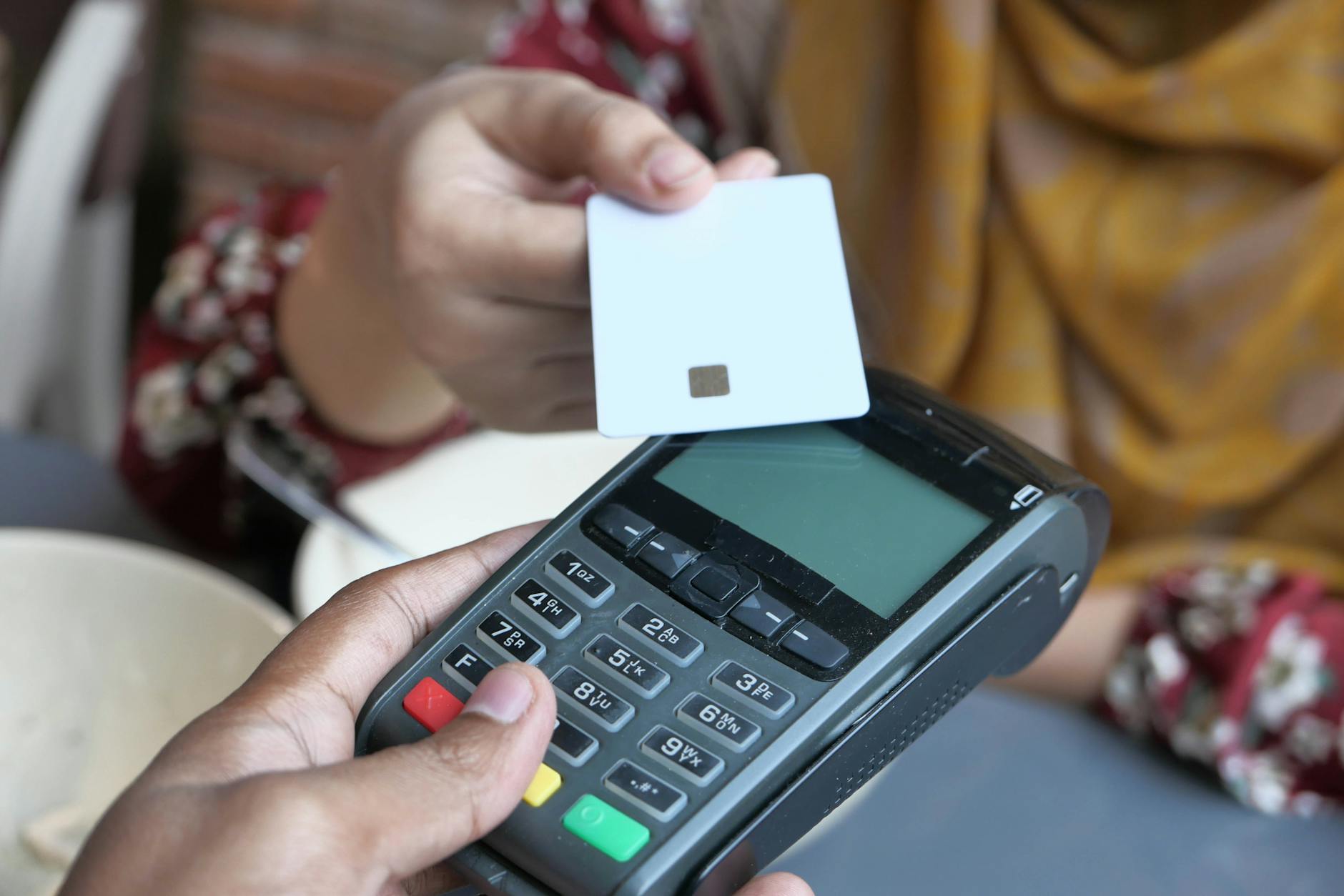
Presenting a loyalty card from a different retailer, a cashback credit card, or any non-applicable card in response to the loyalty card prompt wastes a scan attempt and requires the cashier to either redirect the shopper to the correct card or cancel the scan and proceed without the loyalty account applied. Shoppers who carry multiple cards in a wallet and do not organize them by retailer encounter this problem repeatedly, particularly when the physical cards share a similar color or format. Digital loyalty wallets that are organized by store and accessed through a retailer-specific app eliminate the physical card confusion entirely and produce a clean barcode scan that takes under two seconds. The wrong card presented at the loyalty stage of a transaction is a minor delay in isolation but, combined with other small inefficiencies in the same transaction, contributes to a checkout experience that runs consistently longer than it needs to. Knowing exactly which card or credential belongs to which retailer before approaching the checkout is a preparation step that is easy to complete once and that eliminates a recurring fumble from every subsequent visit.
Chatting Through Payment
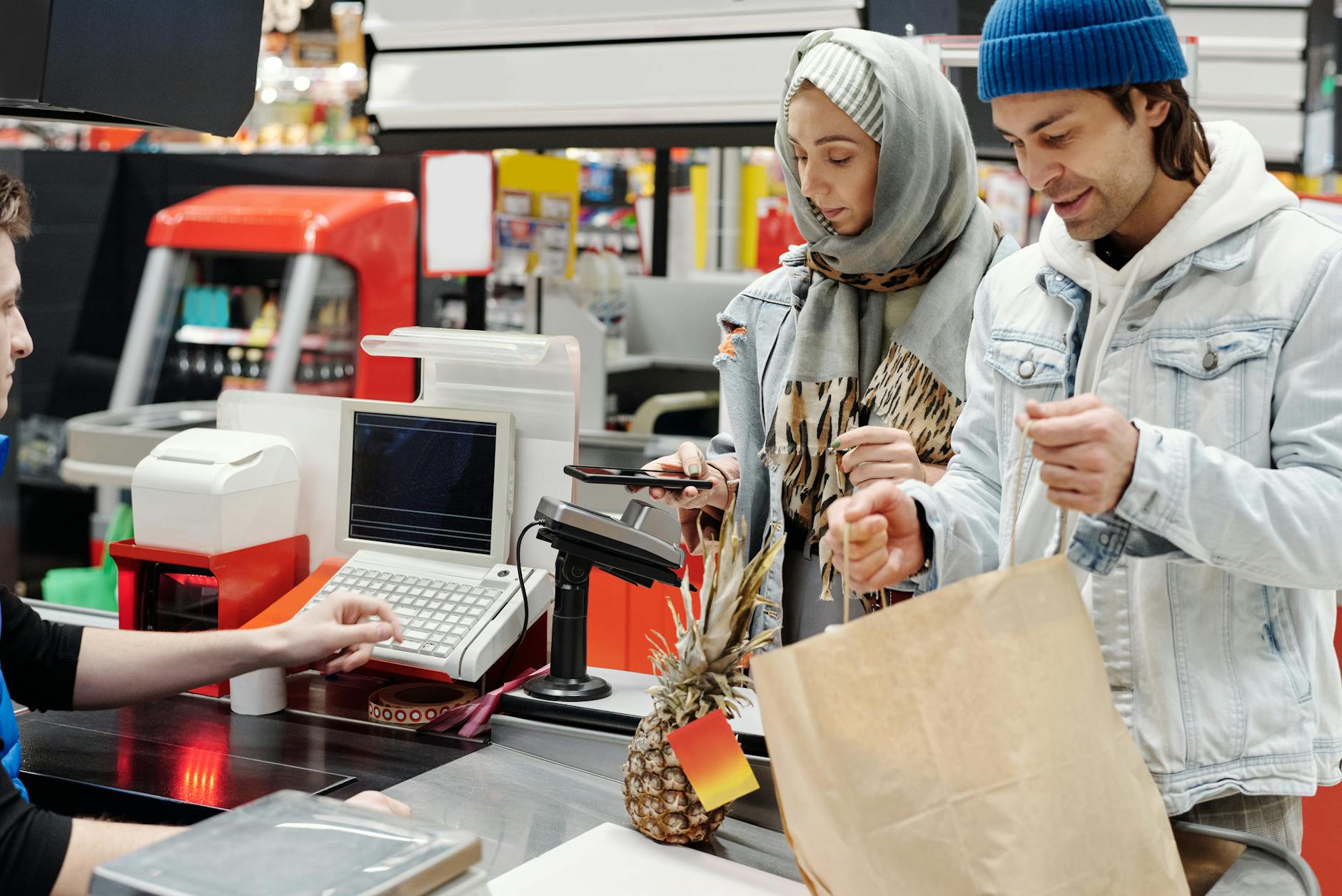
Engaging the cashier in extended conversation about unrelated topics during the payment and closing phase of a transaction, while the queue waits and the terminal sits idle, extends the checkout beyond its functional duration through a social dynamic that is difficult for the cashier to exit without appearing rude. Cashiers are trained to be friendly and most are genuinely so, but the professional courtesy they extend to talkative customers comes at the direct expense of the customers waiting behind. Brief exchanges about the weather, a product, or a mutual observation are a natural part of a human transaction and add negligible time, but a conversation that delays a terminal-idle checkout by several minutes is a different category of behavior entirely. Shoppers who want to have a meaningful conversation with checkout staff can return during a quiet period when the queue is short or absent and when the cashier has the freedom to engage without a line of waiting customers as an audience. The grocery checkout is a public transaction and the time it occupies belongs not just to the shopper completing it but to everyone waiting to begin theirs.
Next time you find yourself in the checkout line, share the delay that tested your patience the most in the comments.