
Most people assume hackers only go after corporations or high-profile targets, but the truth is that everyday digital behavior is what cybercriminals rely on most. The habits that feel harmless or simply convenient are often the exact vulnerabilities that open the door to data theft, identity fraud, and financial loss. Understanding where common routines go wrong is the first step toward protecting yourself in an increasingly connected world. These twenty tech habits are among the most exploited by hackers and are far more widespread than most users realize.
Weak Passwords
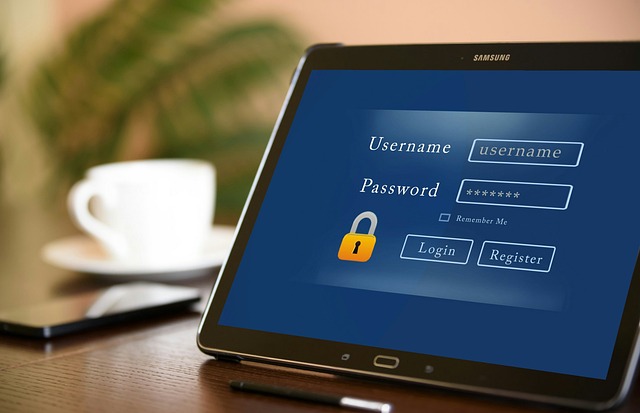
Using simple or short passwords remains one of the most common ways people expose themselves to unauthorized access. Hackers use automated tools that can cycle through millions of password combinations in seconds, making predictable choices dangerously ineffective. Passwords built around birthdays, names, or common words offer almost no real protection against modern cracking techniques. A strong password is long, random, and unique to each account without any personally identifiable information included in it. Switching to a password manager is one of the most effective ways to generate and store truly secure credentials.
Password Reuse

Using the same password across multiple platforms creates a chain reaction of vulnerability when even one account is compromised. Once hackers obtain login credentials from a data breach, they immediately test those details on banking, email, and shopping sites in a practice known as credential stuffing. This technique is highly automated and requires very little effort on the attacker’s part to access a wide range of personal accounts. The more accounts share the same password, the greater the potential damage from a single leaked login. Each account should have its own unique password to contain the fallout from any future breach.
Public Wi-Fi

Connecting to unsecured public networks at cafes, airports, or hotels exposes data to anyone monitoring that same connection. Hackers on shared networks can intercept unencrypted traffic and capture sensitive information such as login credentials and financial details. Many people browse banking apps or enter card information while connected to public Wi-Fi without any awareness of the risk involved. A technique called a man-in-the-middle attack allows cybercriminals to silently position themselves between a user and the website they are trying to reach. Using a reputable VPN when connecting to public networks significantly reduces exposure to these interception tactics.
Skipping Updates

Postponing or ignoring software and operating system updates leaves known security vulnerabilities open for hackers to exploit. Developers release patches specifically to address security flaws that researchers or attackers have already discovered and documented. Cybercriminals actively scan for systems running outdated software because those vulnerabilities are well understood and easy to exploit at scale. Every day a device remains unpatched after a security update is available represents an extended window of risk. Enabling automatic updates ensures that critical fixes are applied as soon as they become available without requiring manual action.
No Two-Factor Authentication

Relying on a password alone to protect accounts removes a critical layer of defense that makes unauthorized access far more difficult. Two-factor authentication requires a second form of verification such as a text code or authenticator app before granting account access. Even if a hacker obtains a correct password through phishing or a data breach, they cannot proceed without the second verification step. Many major platforms now offer this feature but leave it as an opt-in setting that most users never enable. Activating two-factor authentication on email, banking, and social media accounts dramatically reduces the likelihood of a successful takeover.
Phishing Emails

Clicking on links or downloading attachments from unfamiliar or suspicious emails is one of the most reliable entry points for malware and credential theft. Phishing emails are designed to mimic legitimate communications from banks, delivery services, or tech platforms to trick recipients into taking action. Modern phishing attempts are increasingly convincing and often include accurate logos, sender names, and urgent language that prompts hasty decisions. A single click can install keyloggers, ransomware, or remote access tools onto a device without any visible sign of compromise. Verifying the sender address and hovering over links before clicking them are basic habits that help identify fraudulent messages.
Oversharing Online
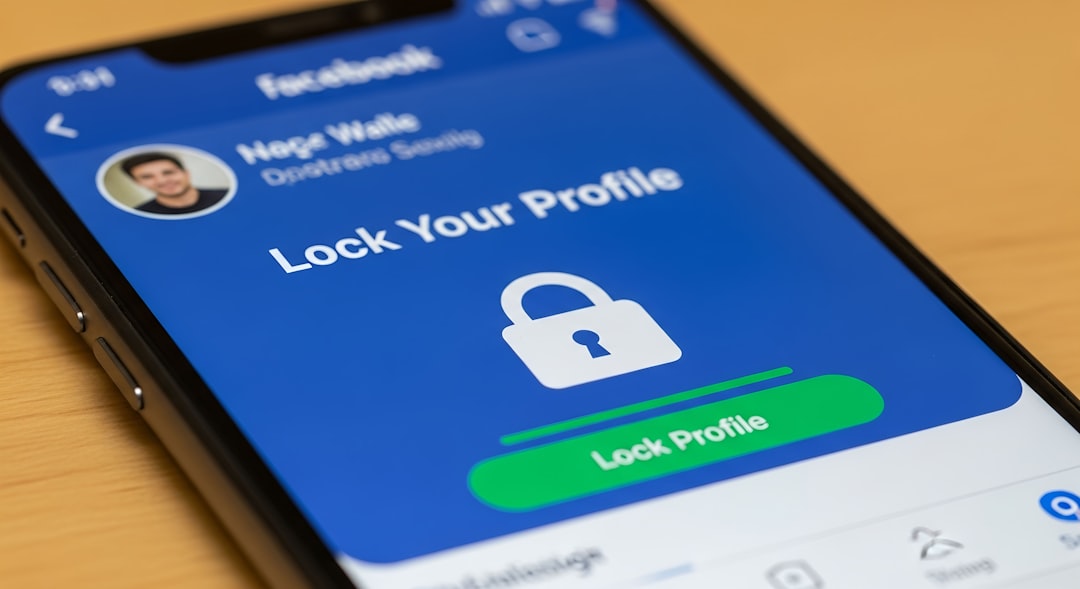
Posting personal details such as full birthdate, home address, employer, or travel plans on social media gives hackers valuable material for targeted attacks. This information is used to answer security questions, craft convincing phishing messages, or guess passwords built around personal details. Many people underestimate how much information a determined attacker can piece together from public profiles alone. Cybercriminals also use social media activity to time attacks around periods when users are distracted or away from home. Reviewing privacy settings and limiting the personal information visible to the public significantly reduces this risk.
Unverified Apps

Downloading applications from unofficial sources or granting excessive permissions to apps from unfamiliar developers introduces significant security risks. Malicious apps are frequently disguised as games, utilities, or productivity tools to encourage installation by unsuspecting users. Once installed, these apps can access contacts, messages, location data, and even banking credentials stored on a device. App stores on reputable platforms do offer some screening, but malicious software still finds its way through on a regular basis. Checking developer reviews, reading permission requests carefully, and sticking to well-known publishers helps reduce the chance of installing a harmful application.
Saved Browser Passwords
Allowing web browsers to store login credentials offers convenience but creates a significant vulnerability if the device is ever lost, stolen, or compromised. Browsers store saved passwords in a way that can often be accessed by malware or by anyone who gains physical access to an unlocked device. Certain types of information-stealing software specifically target browser credential storage as a primary goal. Many users save passwords for banking, email, and shopping sites without realizing how easily that data can be extracted. A dedicated password manager with strong encryption is a far safer way to store and access login information across accounts.
No Screen Lock

Leaving a phone, tablet, or laptop without a screen lock means anyone who picks up that device has immediate access to everything on it. Unprotected devices expose emails, banking apps, stored passwords, photos, and private messages without requiring any hacking skills whatsoever. This risk is especially relevant in shared spaces, public transport, or anywhere a device might be briefly set down or left unattended. Physical access to an unlocked device is one of the simplest ways for information to be stolen or misused. Setting a strong PIN, password, or biometric lock on every device ensures that access is always gated behind verification.
Ignoring Privacy Policies

Accepting terms of service and privacy policies without reading them often grants companies far broader data collection rights than most users realize. Some apps and services share or sell user data to third parties, including advertisers and data brokers, as a standard part of their business model. This collected data can include location history, browsing behavior, purchase records, and communication patterns that paint a detailed picture of daily life. In the wrong hands or following a breach, this aggregated personal data becomes a resource for targeted fraud and identity theft. Taking a few minutes to review what data an app collects before granting access is a worthwhile protective habit.
Old Unused Accounts
Forgotten accounts on old platforms or services represent live data points that can be accessed if credentials from a breach are ever tested against them. These dormant accounts often hold personal information, payment details, and even connected social logins that remain exploitable long after regular use has stopped. Because users no longer monitor these accounts, suspicious activity can go completely undetected for months or years. Many data breaches involve platforms that users joined years earlier and have since forgotten about entirely. Periodically searching for and deleting old accounts removes dormant attack surfaces that would otherwise persist indefinitely.
Bluetooth Left On

Keeping Bluetooth enabled at all times in public spaces opens a device to discovery and potential exploitation by nearby attackers. Certain attack methods allow hackers within range to pair with or probe a device running a vulnerable version of Bluetooth software. Even without a full compromise, an always-on Bluetooth signal broadcasts device information that can be used to track location or identify device types. Many users leave Bluetooth running simply because disabling it feels like an inconvenience rather than a meaningful security step. Turning Bluetooth off when it is not actively in use is a simple habit that eliminates an unnecessary point of exposure.
Unsecured Home Router

Using factory default router credentials or failing to update router firmware creates a vulnerability at the gateway through which all home internet traffic passes. Hackers who gain access to a router can monitor all network traffic, redirect users to malicious websites, or compromise connected devices throughout the home. Default admin usernames and passwords are publicly available for most router models, making them trivially easy for attackers to try. Smart home devices, security cameras, and personal computers all pass their data through the router, meaning a compromised router affects every connected device. Changing default credentials and keeping router firmware updated are foundational steps in securing a home network.
Suspicious Links

Clicking on links shared through text messages, social media, or messaging apps without verifying their destination is a habit hackers actively exploit through smishing and social engineering attacks. These links often lead to convincing fake login pages designed to harvest credentials or to sites that silently download malware onto the device. The shortened URLs commonly used in messages make it difficult to assess where a link actually leads before clicking it. Attackers frequently impersonate trusted contacts or recognizable brands to increase the likelihood that a recipient will click without hesitation. Previewing link destinations before clicking and treating unexpected links with suspicion significantly reduces this exposure.
Cloud Backup Neglect
Failing to secure cloud storage accounts with strong credentials and two-factor authentication leaves potentially vast amounts of personal data vulnerable to unauthorized access. Cloud accounts often contain document backups, photos, videos, and synced files that would be deeply damaging if exposed or stolen. Hackers who gain access to a cloud account do not just see current files but often have access to historical data stretching back years. Many users assume cloud storage is automatically secure without realizing that account-level protections remain their own responsibility to configure. Treating cloud accounts with the same level of care as banking accounts reflects how much sensitive data they actually contain.
Auto-Fill Everywhere

Enabling auto-fill across browsers and apps for addresses, card numbers, and personal details speeds up online transactions but creates risk if a device or browser session is ever compromised. Malicious websites and browser extensions can in some cases trigger hidden auto-fill inputs to silently harvest stored personal data without any visible interaction from the user. Auto-filled credit card and address details are especially valuable to hackers seeking to make fraudulent purchases or commit identity theft. Many users enable auto-fill without considering that this convenience setting effectively stores sensitive information in an easily accessible format. Reviewing what information is stored for auto-fill and removing payment or identity details reduces the potential damage if access is ever lost.
Old Software

Continuing to use software that has reached its end-of-life status means running programs that no longer receive security patches regardless of how many new vulnerabilities emerge. Operating systems and applications past their support date become increasingly unsafe over time as unpatched flaws accumulate and become widely known in hacking communities. Businesses and individuals running legacy software are disproportionately represented in major breach incidents precisely because their systems remain permanently exposed. The discomfort of upgrading or replacing old software is often cited as the reason users delay, but the security cost of delay is substantial. Transitioning to supported software versions is a critical step that cannot be substituted by any other security measure.
No Antivirus
Operating devices without active and updated antivirus or endpoint protection software removes a key line of defense against malware, ransomware, and spyware. Modern antivirus tools do far more than scan for known viruses and actively monitor behavior, block suspicious network connections, and detect threats in real time. Many users believe that careful browsing habits alone are sufficient protection, but sophisticated threats can arrive through legitimate sites, email attachments, or compromised software downloads. Mobile devices are equally in need of protection but are frequently overlooked in favor of focusing security attention only on desktop or laptop computers. Keeping security software active, updated, and regularly scanning is a baseline protection that no device should operate without.
Public Charging Stations

Plugging a device into a public USB charging port at airports, hotels, or shopping centers exposes it to a threat called juice jacking, where attackers modify charging infrastructure to transfer malware or extract data. A standard USB connection can simultaneously carry both power and data, which is the vulnerability that makes public charging ports a viable attack vector. Devices that automatically trust new connections when plugged in are particularly susceptible to this type of silent compromise. The risk is subtle precisely because charging feels like a passive and harmless action with no obvious security dimension. Carrying a personal charger and power bank or using a USB data blocker adapter eliminates this risk entirely when charging away from home.
If any of these habits sound familiar, share your thoughts and your own cybersecurity tips in the comments.