Selling an old phone is one of the smartest ways to offset the cost of an upgrade, but skipping the right steps can expose your personal data, cost you money, or leave the next owner with a frustrating experience. Whether you are listing your device online or trading it in at a store, a little preparation goes a long way toward a smooth and secure handoff. From protecting your accounts to maximizing resale value, the process is more involved than simply wiping the screen and boxing it up. These essential steps will help you sell with confidence and walk away knowing everything was handled properly.
iCloud or Google Account
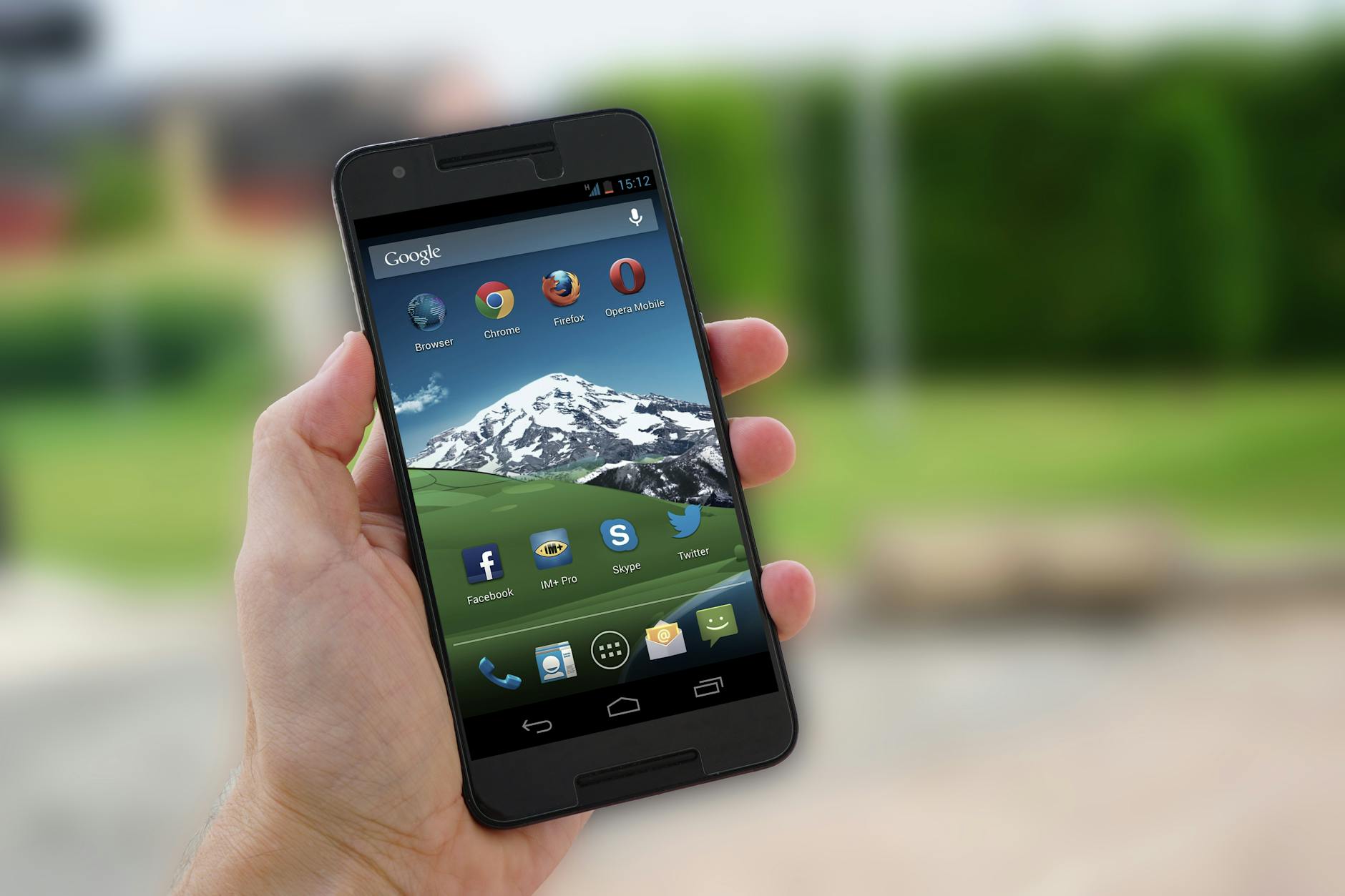
Signing out of your cloud account before selling is one of the most critical steps you can take. On iPhones this is known as disabling Activation Lock, and failing to do so will render the device nearly unusable for the next owner. Android users need to remove their Google account to prevent Factory Reset Protection from locking the new user out. This single step is often the reason sales fall through or buyers request refunds after the fact.
App Subscriptions

Many apps tie their premium features to the specific device or account on which they were first activated. Before selling, visit the subscription management section of your app store and deauthorize any active plans linked to the phone. Streaming services, cloud storage plans, and productivity tools all fall into this category and can cause billing complications if left active. Taking ten minutes to audit your subscriptions prevents unexpected charges and ensures a clean break from the device.
Two-Factor Authentication
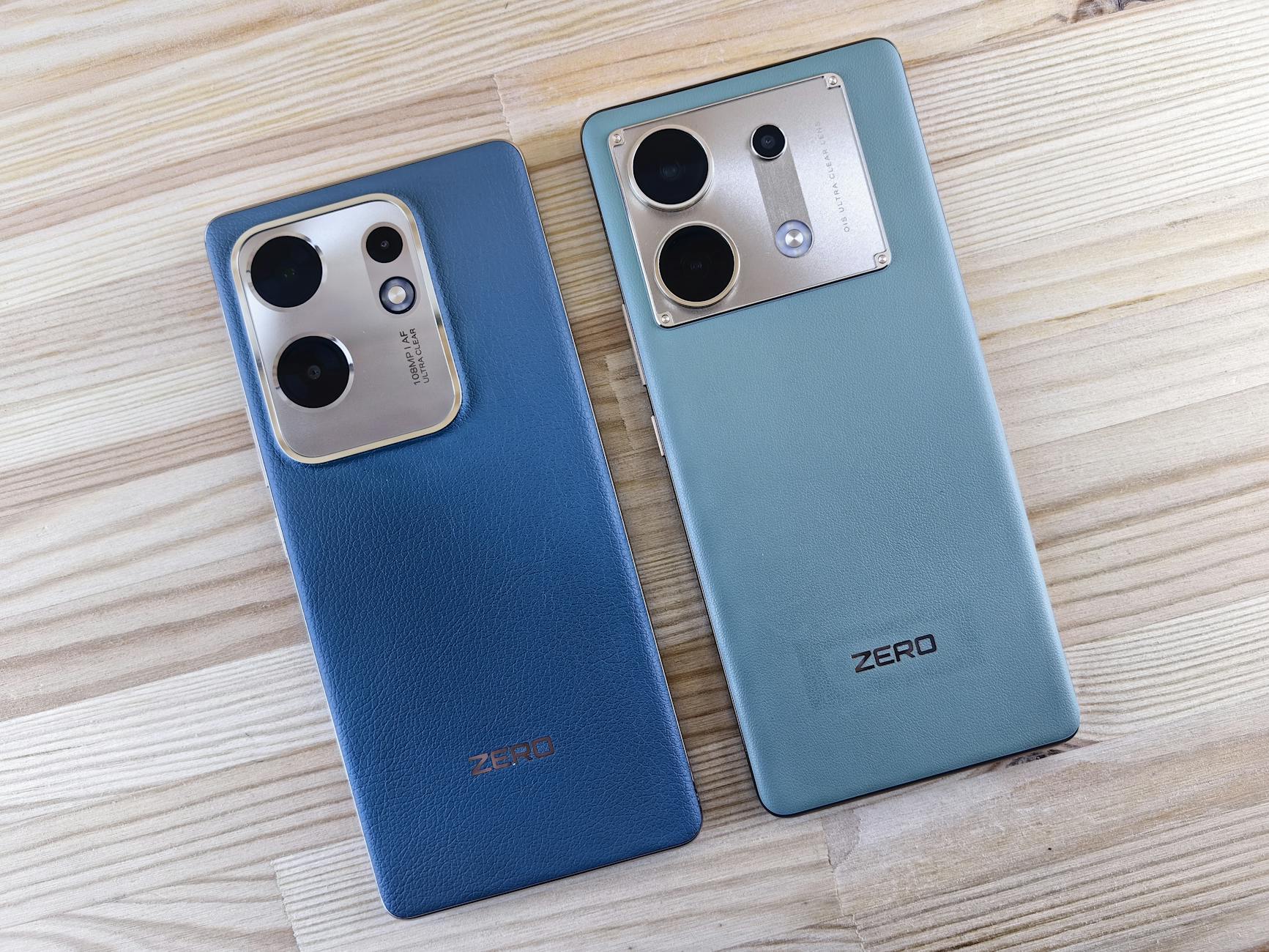
If your phone number is tied to two-factor authentication for banking, email, or social media accounts, switching it before the sale is essential. Losing access to that number after the transaction can lock you out of critical accounts permanently. Visit the security settings of each important service and update the verification method to a new number or an authenticator app. This step is easy to overlook but carries serious consequences if ignored.
SIM Card
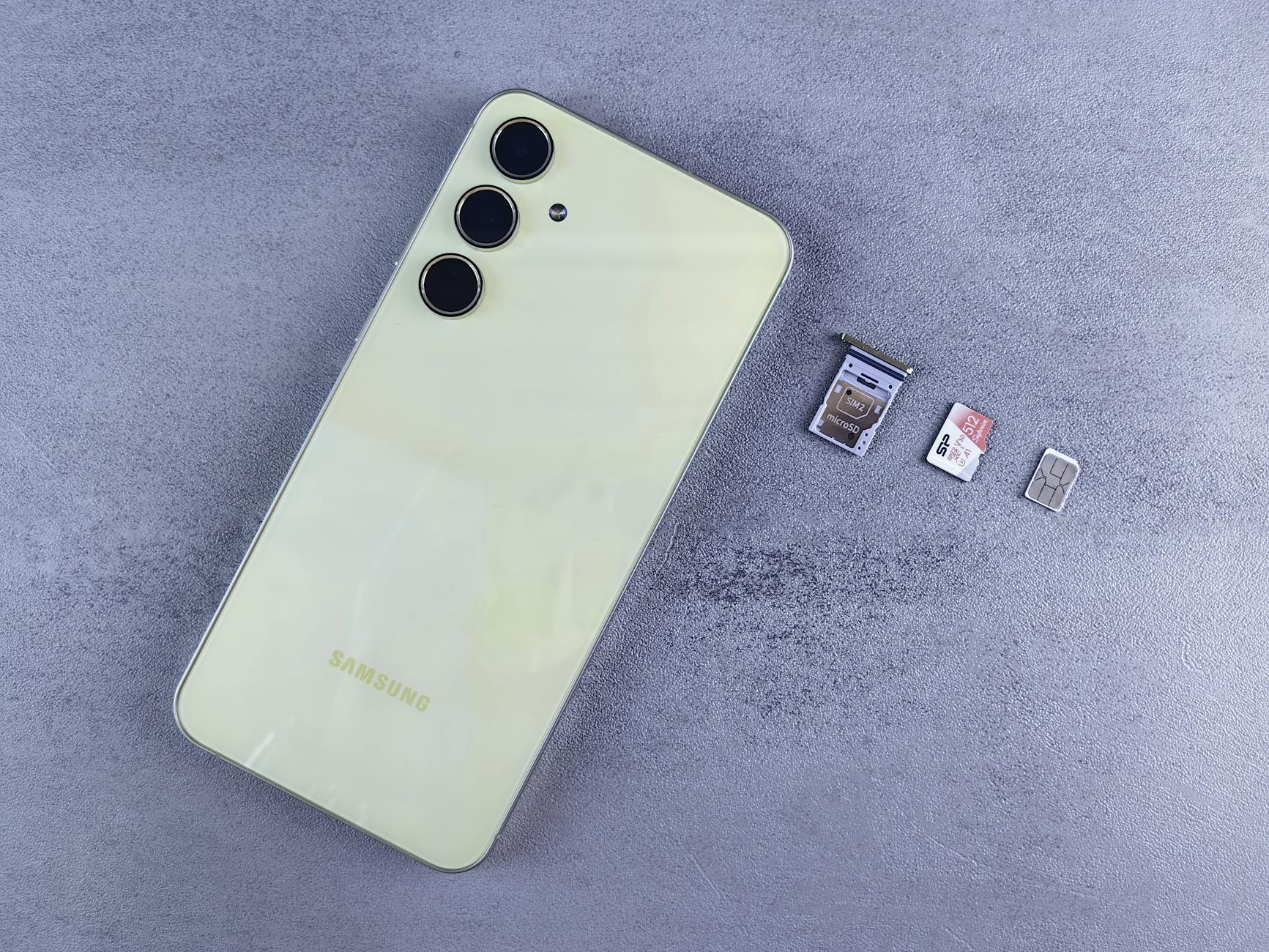
Your SIM card contains your phone number, carrier information, and in some cases saved contacts that you do not want passed along to a stranger. Remove it before handing the device over, regardless of whether you plan to move it to a new phone or get a replacement. Leaving a SIM inside is one of the most common and avoidable mistakes sellers make. Store it safely until you are ready to transfer it or return it to your carrier.
SD Card
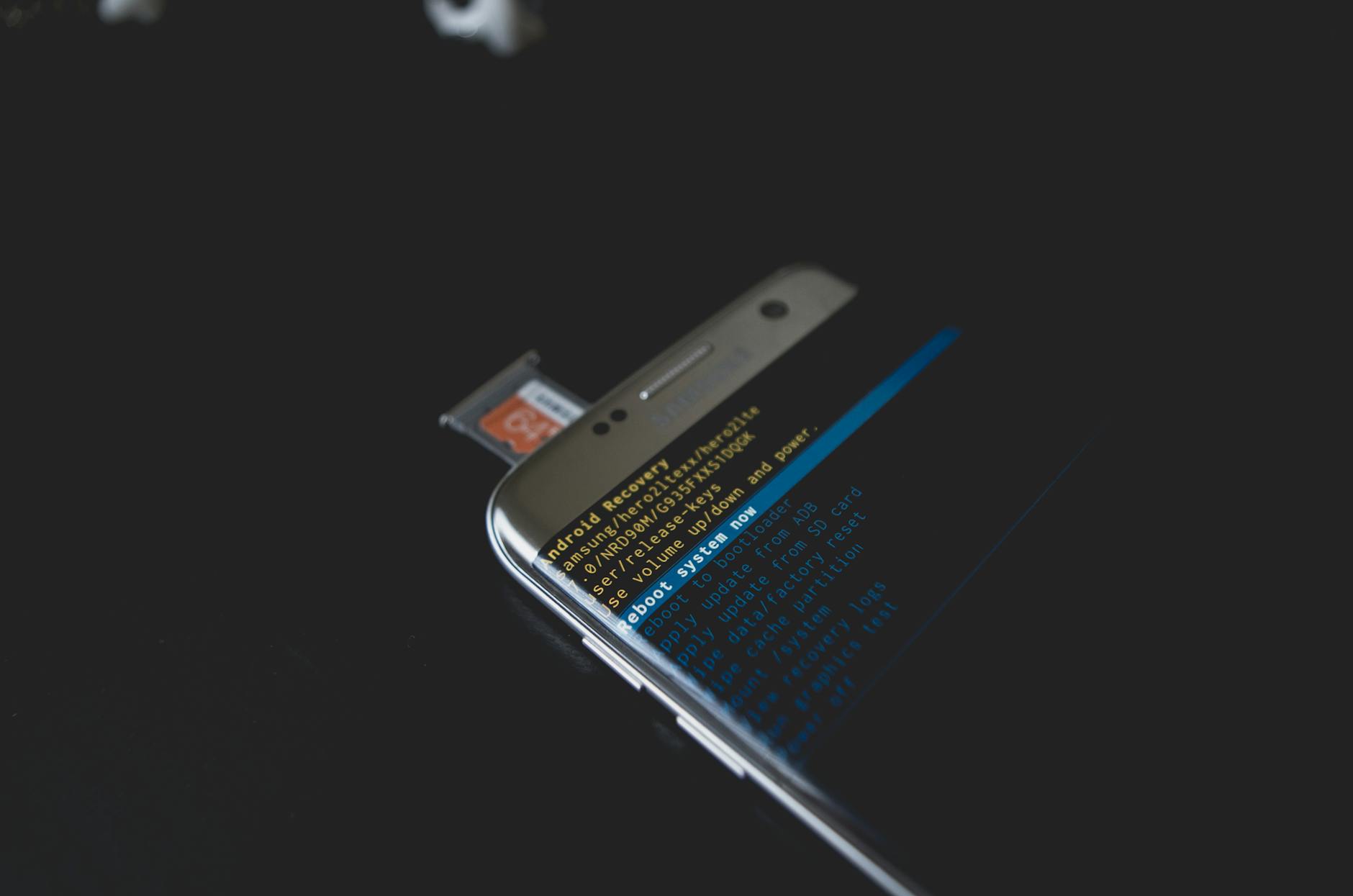
External storage cards are just as easy to forget as SIM cards and far more likely to contain personal files such as photos, documents, and downloaded media. Pop open the card tray and remove the SD card before the sale, even if you believe it is empty. A quick check on a computer to confirm the card is clear adds an extra layer of security. Keep the card for use in your next device or store it somewhere accessible for future needs.
Cloud Backup

Before erasing anything, create a fresh backup to your preferred cloud service so that every photo, contact, app, and setting is safely preserved. This ensures the transition to your new phone is seamless and that nothing is lost during the factory reset process. For iPhones, iCloud handles this automatically when connected to Wi-Fi and power, while Android users can back up through Google One or a manufacturer-specific service. Confirming the backup completed successfully before proceeding gives you peace of mind throughout the rest of the process.
Factory Reset
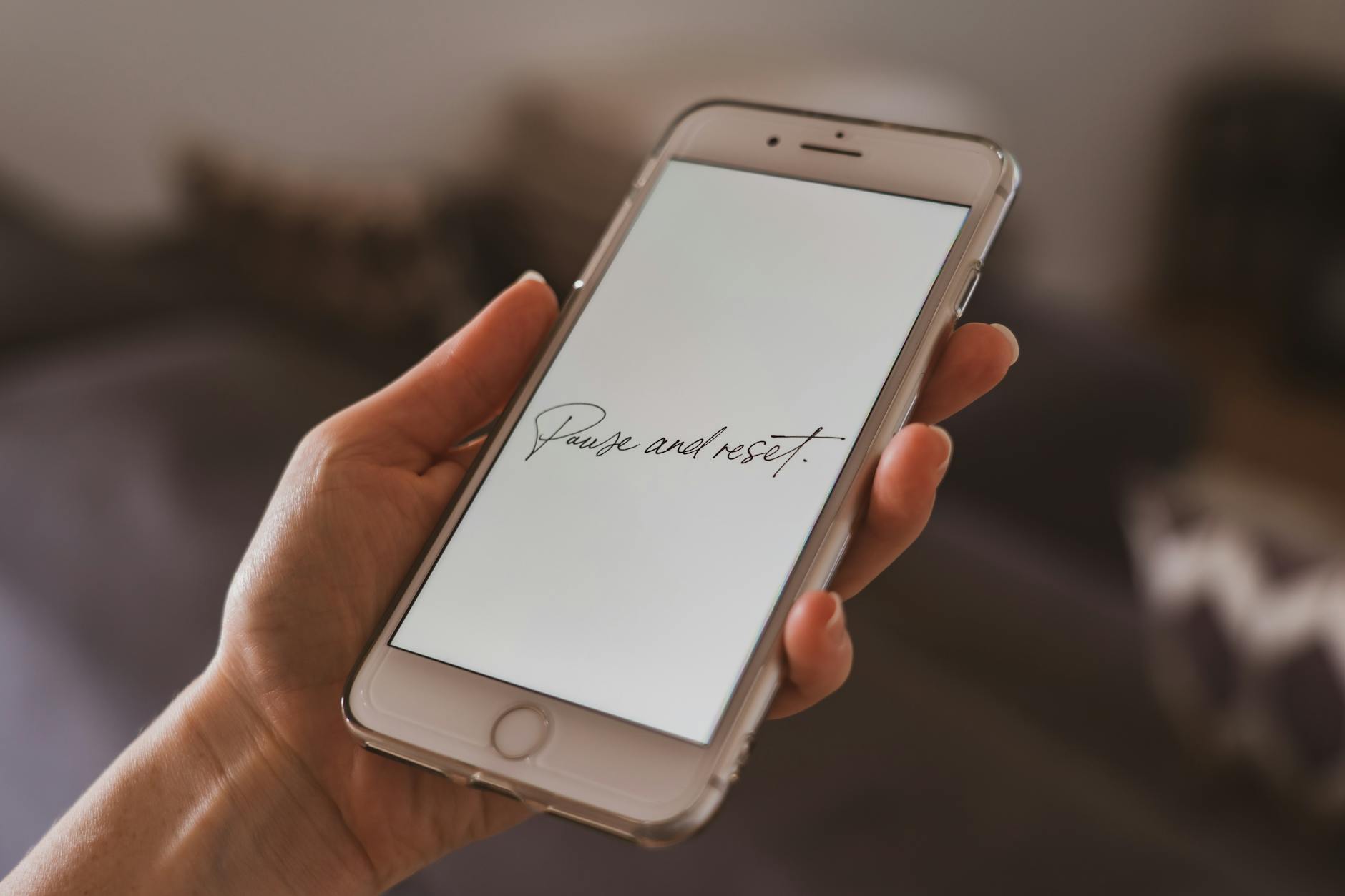
Performing a full factory reset is the only reliable way to remove your personal data from the device. A simple deletion of files or apps is not sufficient, as much of that data can be recovered using widely available software. Navigate to the general settings menu and select the option to erase all content and settings, following any on-screen prompts carefully. This returns the phone to its original out-of-the-box state and protects your privacy completely.
Screen and Body Inspection
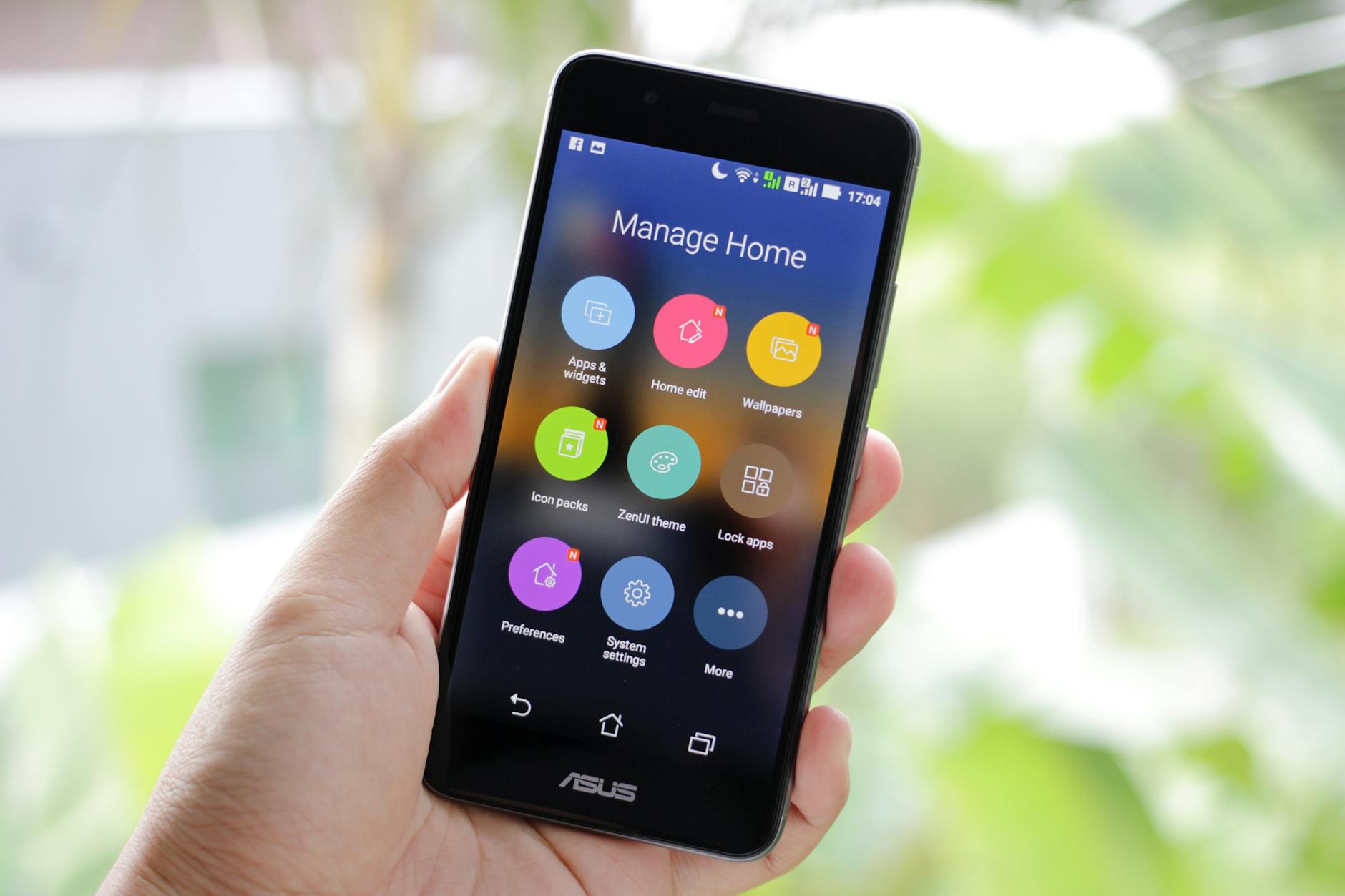
After the reset, take a thorough look at the physical condition of the phone from every angle. Note any scratches, dents, cracks, or discoloration on the screen and body, and be honest about what you find. Accurate descriptions in your listing build trust with buyers and reduce the likelihood of disputes after the sale. A clean and well-documented condition report can also support the price you are asking.
Cleaning
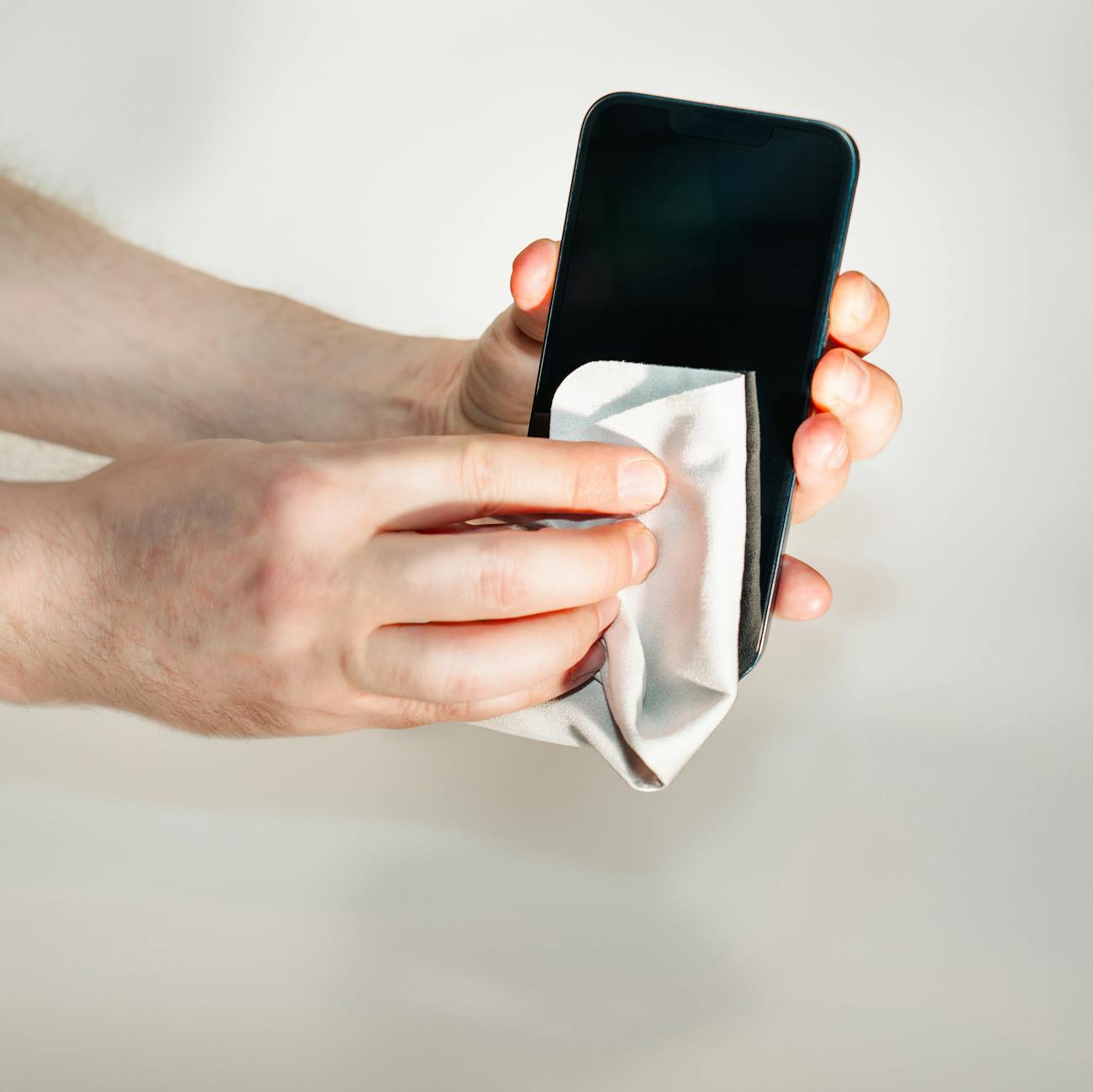
A freshly cleaned device is far more attractive to buyers and photographs significantly better for online listings. Use a microfiber cloth to wipe down the screen and remove fingerprints, smudges, and dust from all surfaces. A soft brush or compressed air works well for clearing debris from the charging port, speaker grilles, and headphone jack if present. Presenting a clean phone signals that it was well cared for and can directly influence how quickly and profitably it sells.
Original Accessories
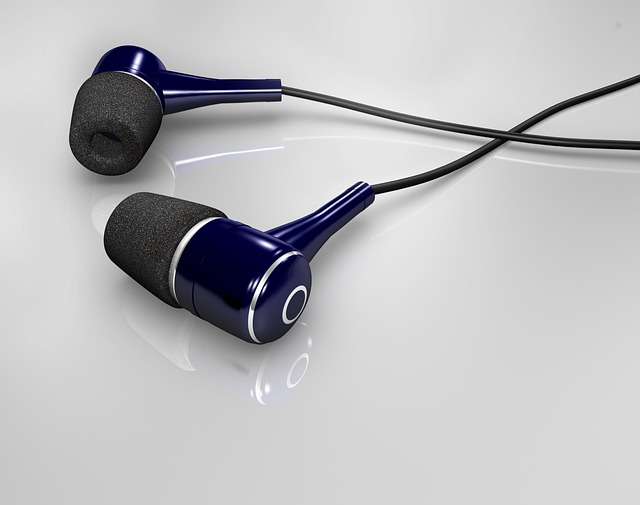
Buyers consistently pay more for phones that come with original charging cables, adapters, earphones, and documentation. Hunt through drawers and tech organizers for any accessories that came in the original box, including any unused screen protectors or cases from the manufacturer. Including these extras adds perceived value and sets your listing apart from others offering the same model. Even the original SIM ejector tool is worth tucking into the package.
Original Box
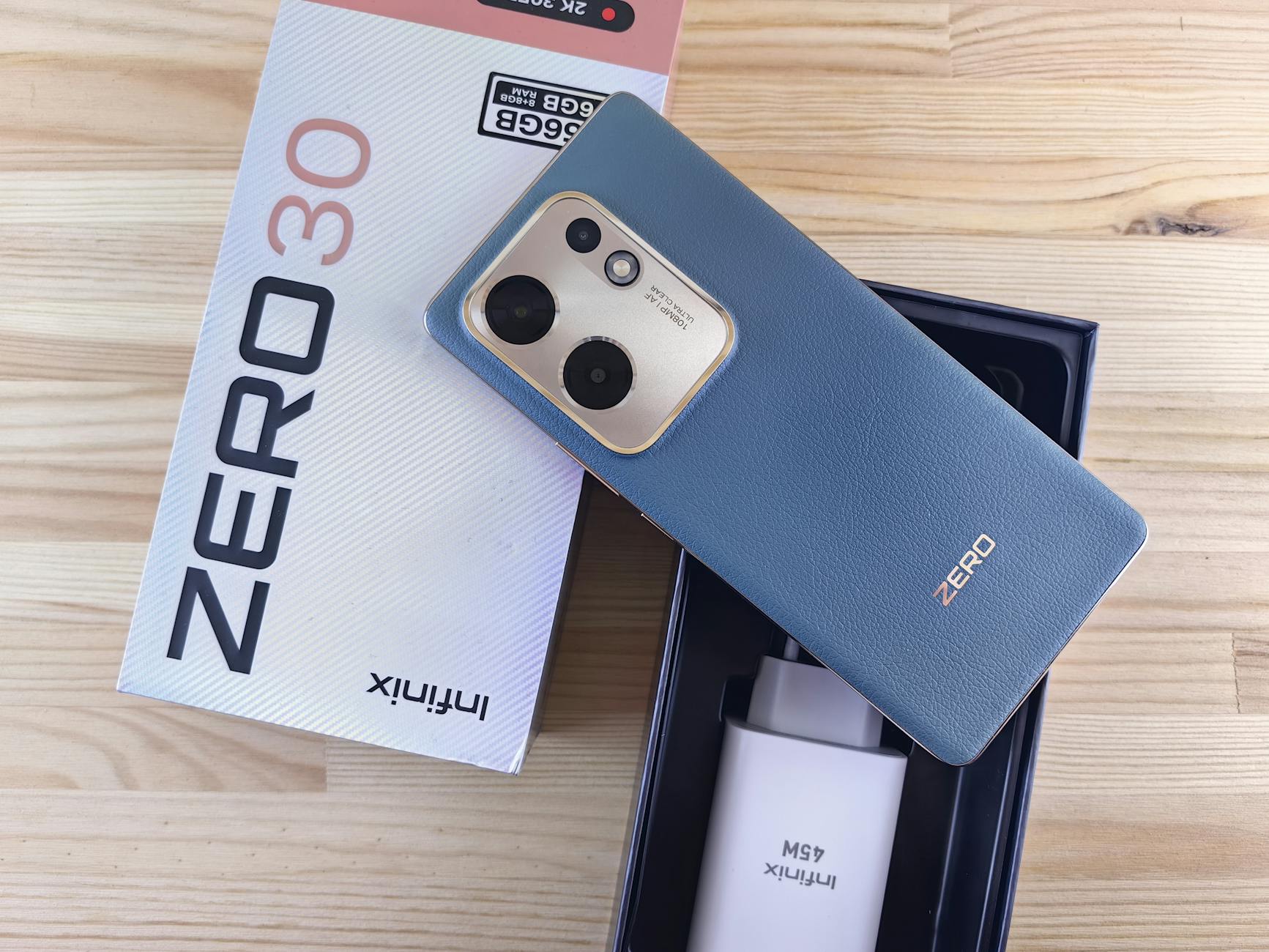
The original packaging does more than just protect the phone during shipping or handoff. It signals to buyers that the device was well maintained and that the seller took care of their belongings. Phones sold in original boxes consistently attract more interest and command higher prices in the secondhand market. If you no longer have the box, clean alternative packaging and proper bubble wrap still convey care and professionalism.
Carrier Unlock Check
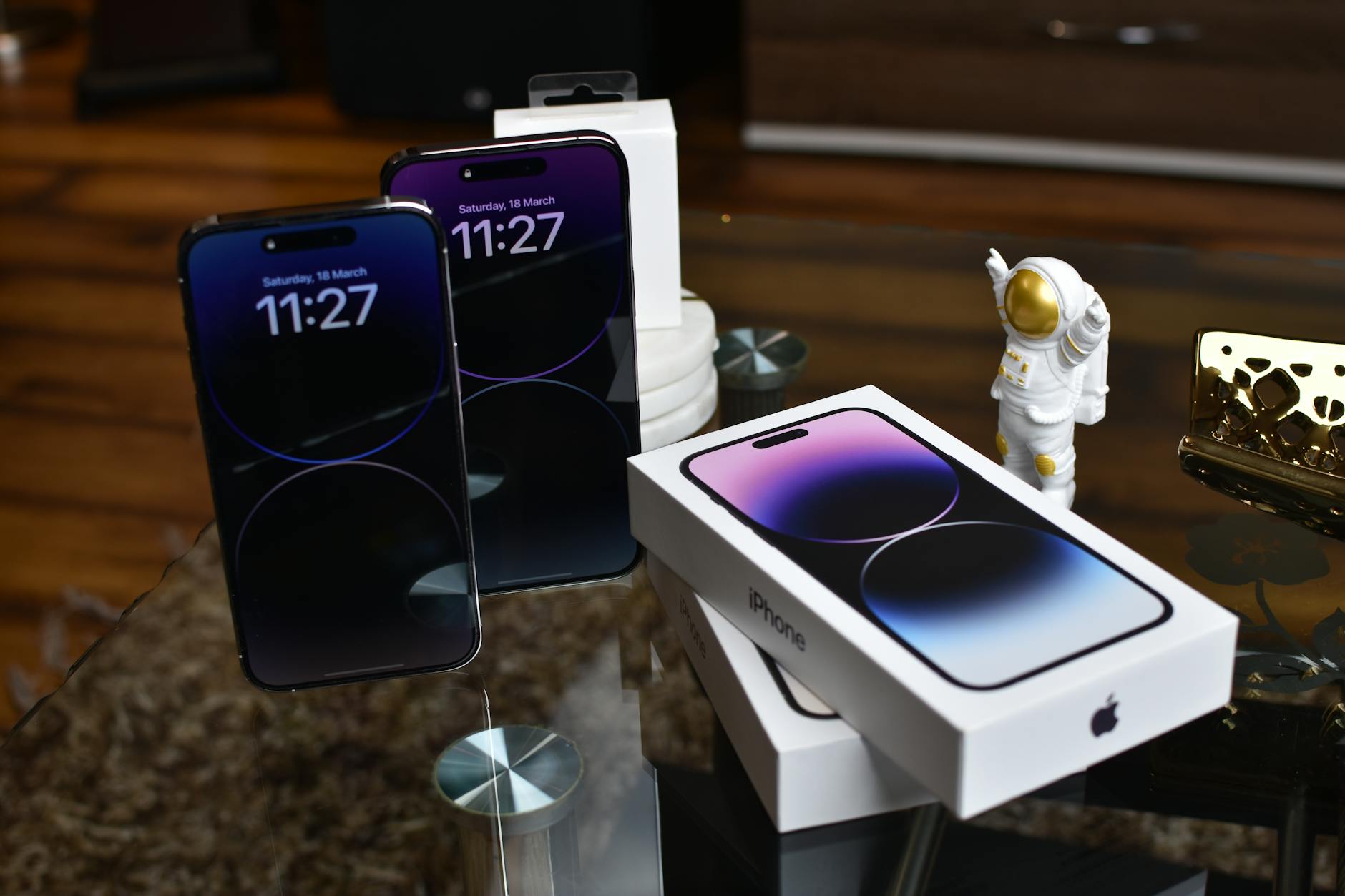
Confirm whether your phone is locked to a specific carrier before listing it for sale, as this significantly affects its value and buyer pool. A carrier-locked phone can only be used on one network, which eliminates a large portion of potential buyers immediately. Contact your carrier directly or check through their app to request an unlock if you meet the eligibility requirements. An unlocked phone is universally more desirable and typically sells for a noticeably higher price.
Price Research
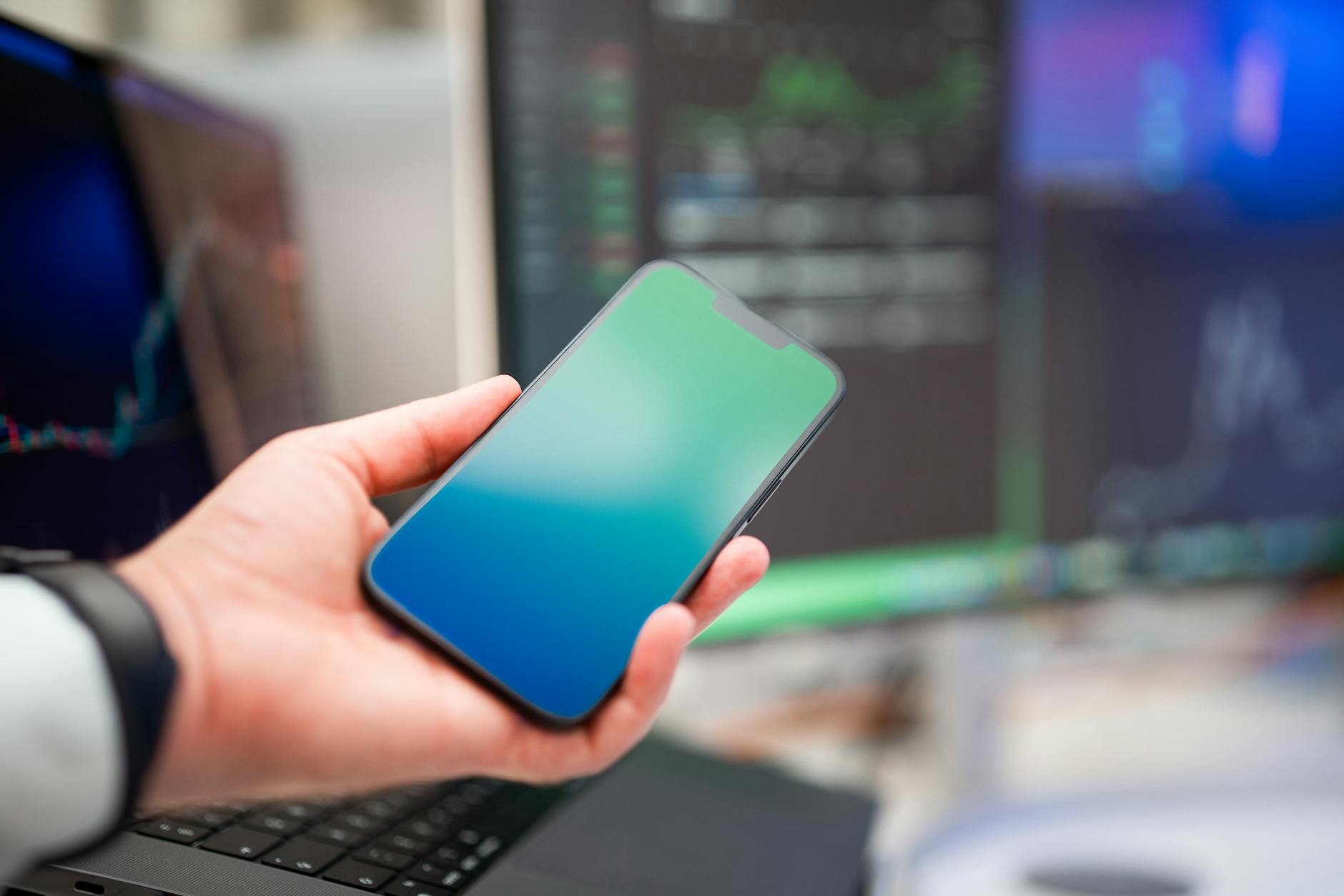
Spending time researching the current going rate for your specific model before setting a price is always worth the effort. Browse completed listings on resale platforms to see what identical or comparable phones have actually sold for rather than just what sellers are asking. Factors such as storage capacity, color, condition, and whether accessories are included all influence the final number. Pricing competitively from the start attracts more serious buyers and reduces the time the listing sits unsold.
Photos
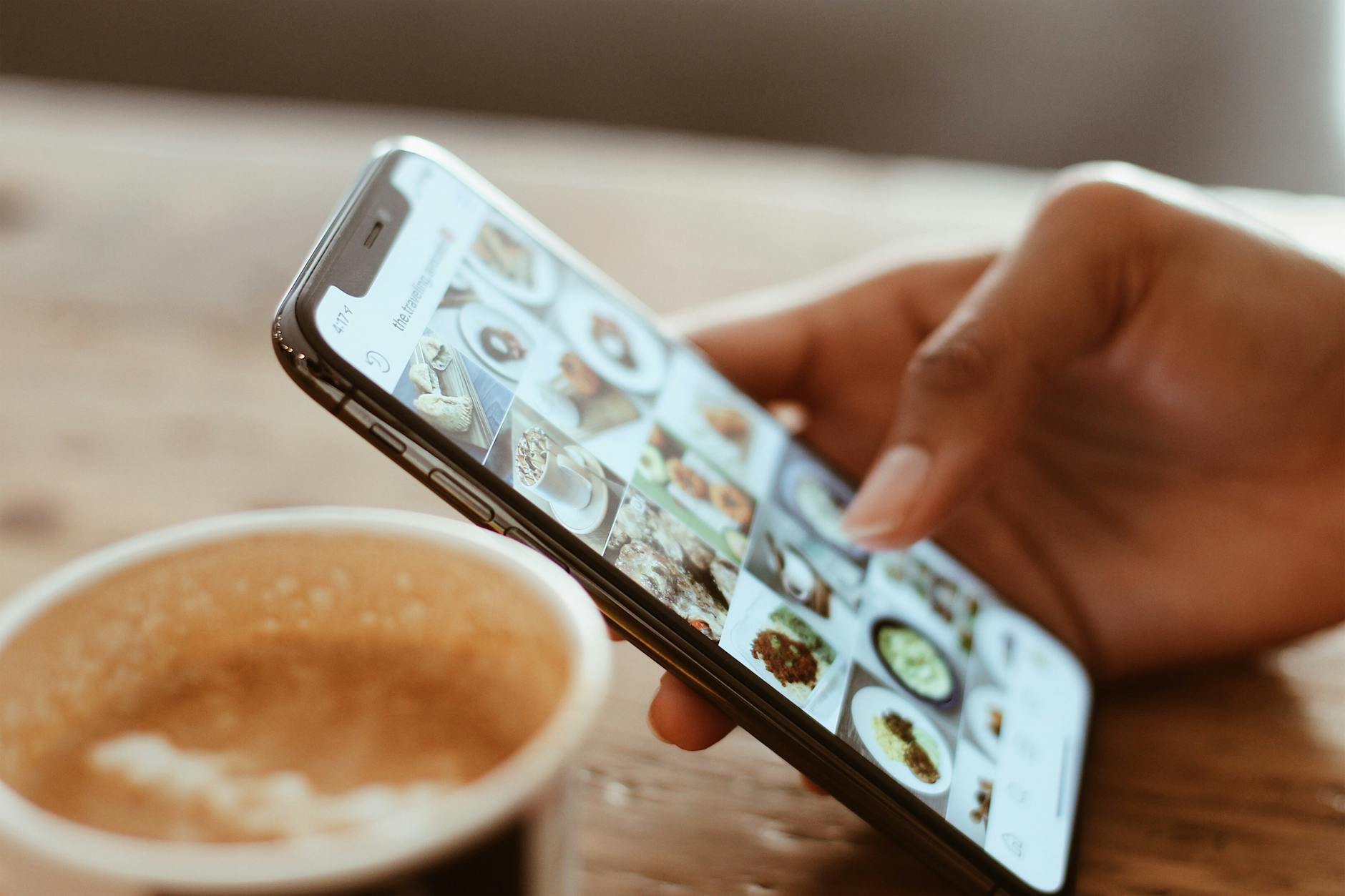
High-quality photos are the single most powerful tool for selling a phone quickly at a good price. Take images in natural daylight against a neutral background, capturing the front, back, sides, and ports of the device. Include close-up shots of any imperfections so buyers know exactly what they are purchasing. Clear and honest photography builds credibility, reduces back-and-forth questions, and makes your listing look professional compared to the competition.
Payment Method
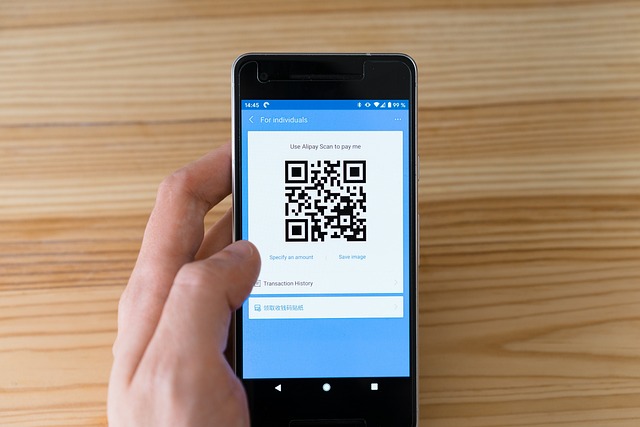
Deciding on a secure payment method before completing the sale protects you from fraud and ensures the transaction goes smoothly. Cash remains the safest option for in-person sales, while bank transfers or established peer-to-peer payment platforms offer reliable protection for remote transactions. Avoid accepting payment methods that allow chargebacks after the phone has been shipped, as these are commonly used in scams targeting private sellers. Confirming payment has fully cleared before releasing the device is a simple but essential final safeguard.
Have you recently sold an old phone and discovered a step you wish you had taken first? Share your experience and tips in the comments.