Digital clutter accumulates rapidly on modern smartphones and poses significant privacy risks if left unchecked. Personal data often sits unnoticed in forgotten files or unused applications that track user behavior. Regularly purging this content ensures that sensitive information remains secure and reduces the digital footprint available to third-party advertisers. A consistent cleaning routine optimizes device performance while protecting identity and personal correspondence. Taking control of what resides on your phone is the first step toward a more secure digital life.
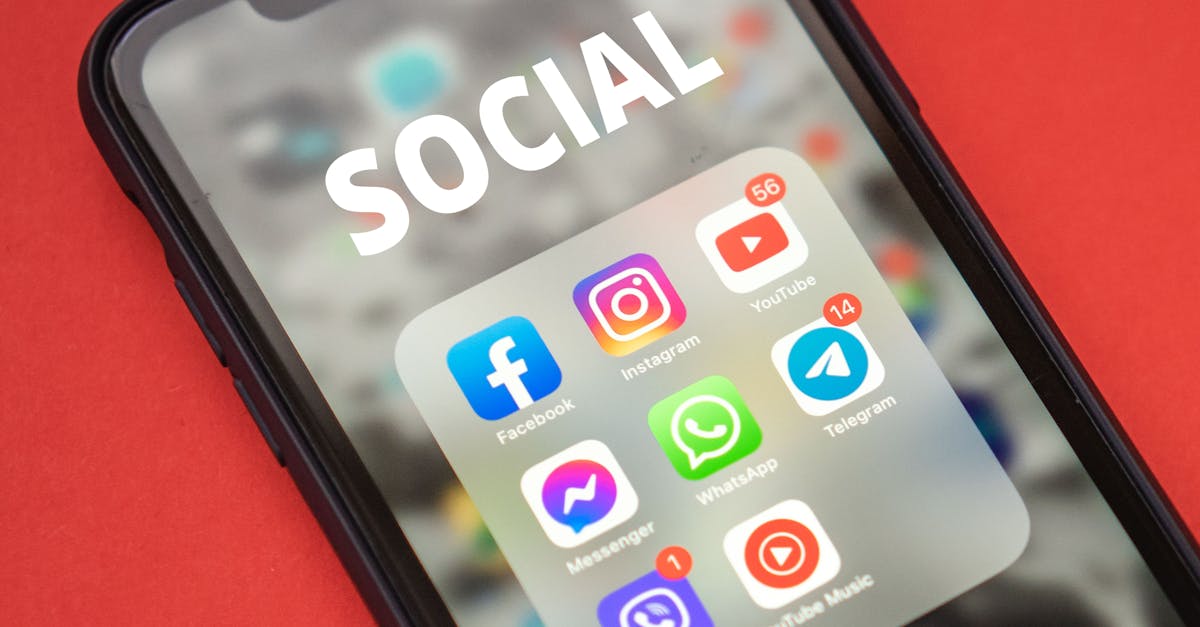
Unused Social Media Applications

These applications often continue to track your location and activity even when you do not actively use them. Dormant accounts can become security vulnerabilities if the service suffers a data breach. Deleting the app removes the immediate tracking capabilities on your device. You should also consider permanently closing the account associated with the app for maximum security.
Old Text Messages

Text messages frequently contain sensitive information such as verification codes or address details. Keeping years of conversation history creates a treasure trove for identity thieves if your phone is compromised. Many devices offer settings to automatically delete messages older than thirty days or one year. Manually reviewing and removing specific threads ensures that confidential discussions do not remain accessible forever.
Browser History Logs
Browsers store a detailed log of every page you visit to help you find them again later. This list provides a clear map of your interests and habits to anyone who gains access to your phone. Clearing this history prevents companies from building a profile based on your browsing behavior. It also keeps your digital movements private in case your device is lost or stolen.
Website Cookies and Cache

Cookies are small files that websites save to your device to track your activity and preferences. Over time these files accumulate and allow advertisers to follow you across the internet. Clearing your cache removes these tracking markers and frees up storage space on your phone. Regular deletion disrupts the continuity of data collection by third-party marketing firms.
Duplicate Photos

Multiple shots of the same scene often contain metadata that pinpoint your location and habits. Cloud backup services may upload all these versions and increase the exposure of your private moments. Reviewing your gallery helps you identify and remove redundant images that clutter your digital life. This practice reduces the volume of personal data stored on external servers.
Accumulated Screenshots

Screenshots often capture sensitive data like ticket numbers or private conversations that were meant to be temporary. These images sit in your gallery and are easily overlooked during routine cleanup. They may contain financial details or login information that should not be stored permanently. Deleting them immediately after they have served their purpose is a vital privacy habit.
Downloads Folder Content

The downloads folder is a common dumping ground for PDF statements and temporary files. Users frequently forget to delete these documents after they have been viewed or printed. This folder often contains menus or tickets and invoices with full names and addresses. Clearing this folder regularly ensures that sensitive personal documents do not linger on your storage drive.
Saved Wi-Fi Networks

Your phone remembers every Wi-Fi network you have ever connected to in the past. This list can reveal the places you frequent such as gyms or hotels and friends’ houses. Malicious actors can potentially spoof these networks to trick your phone into connecting automatically. Removing old or public networks prevents your device from broadcasting your location history through connection attempts.
Obsolete Bluetooth Pairings

Bluetooth connections can serve as a vector for hackers to gain access to your device. Old pairings with rental cars or speakers you no longer own leave a potential door open. Cleaning up this list minimizes the attack surface for potential digital intruders. It ensures that your phone only attempts to communicate with trusted and currently used devices.
Voice Assistant Recordings

Voice assistants often record snippets of audio to improve their recognition algorithms. These recordings may capture private background conversations without your explicit intent. You can access the privacy settings of your assistant to delete this history. Regularly wiping these audio files prevents corporate entities from analyzing your domestic environment.
Location History Data

Many smartphones maintain a detailed timeline of everywhere you have been with your device. This data is often used to serve targeted ads or traffic recommendations based on your routine. Turning off this feature and deleting the stored history stops tech giants from mapping your life. It ensures that your physical movements remain private and untracked.
Unnecessary Camera Permissions

Many apps request access to your camera even when it is not essential for their primary function. Granting this permission allows apps to potentially capture images or video without you noticing. Reviewing your privacy settings helps you identify and revoke access for suspicious applications. Restricting camera usage to essential apps only is a fundamental security step.
Unnecessary Microphone Permissions

Apps with microphone access can listen to your environment to gather data for advertising purposes. You might have granted this permission hastily when first installing a game or utility. Audit your app permissions to ensure only communication apps have access to the microphone. Revoking this access prevents unauthorized eavesdropping on your private conversations.
Flashlight Applications

Standalone flashlight apps were popular in the past but are now redundant due to built-in system features. These free utilities often request invasive permissions like location tracking and contact access. They monetize their free service by selling this user data to third-party brokers. Deleting them removes a significant and unnecessary privacy leak from your phone.
QR Code Scanners
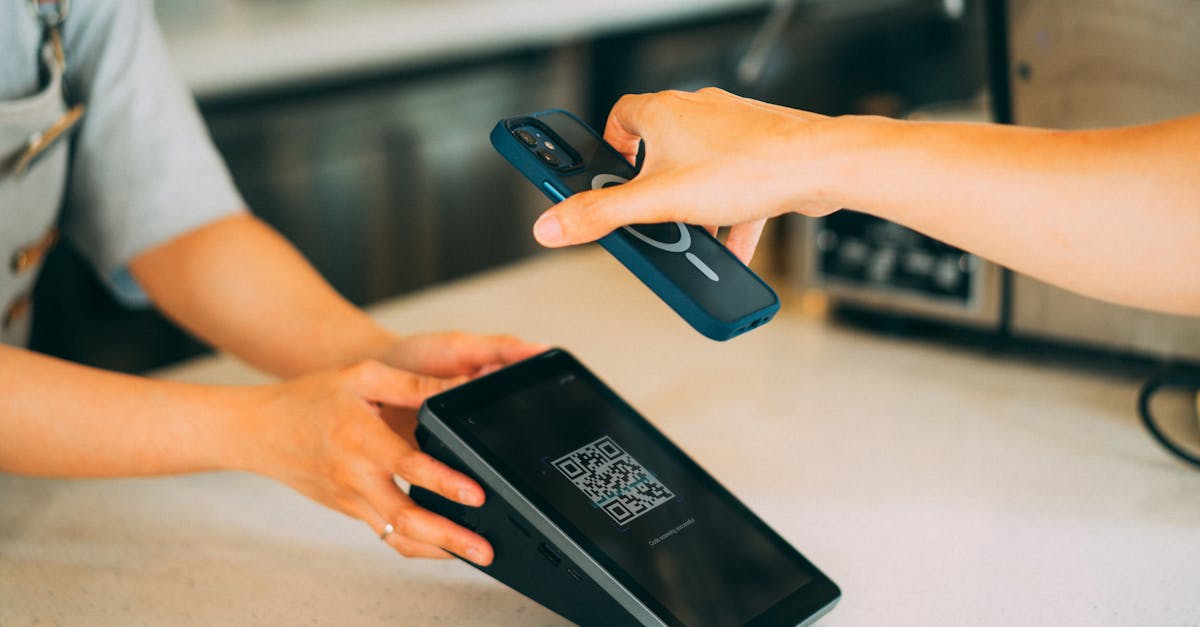
Most modern smartphone cameras have integrated QR code scanning capabilities directly in the lens software. Third-party scanner apps often serve as vehicles for malware or aggressive data tracking. They may log every code you scan and redirect you to unsafe websites. Removing these redundant apps streamlines your interface and protects your browsing habits.
Free VPN Applications

Virtual Private Networks are meant to protect privacy but free versions often do the opposite. Many free VPN providers fund their operations by harvesting and selling your traffic data. They may inject ads or malware into your browsing session to generate revenue. Deleting these insecure apps and opting for a reputable paid service is crucial for real protection.
Pre-installed Bloatware

Carriers often load phones with trial versions of games and useless utility apps. These applications run in the background and consume system resources while collecting usage statistics. You can often disable or delete these apps through the main settings menu. Removing bloatware reduces the number of entities that have access to your device identifiers.
Duplicate Contacts

Contact lists often contain outdated numbers or duplicate entries that clutter your address book. Some apps scrape your contact list to build social graphs and link you to other users. A lean and accurate contact list minimizes the data you inadvertently share with social platforms. Merging or deleting duplicates makes it harder for algorithms to map your real-world network.
Call Logs

Your call history provides a complete record of who you speak with and for how long. This metadata reveals your closest relationships and daily communication patterns. Anyone with physical access to your phone can view this sensitive timeline immediately. clearing your call log regularly protects the privacy of both you and the people you contact.
Old Voicemails

Voicemails can contain highly personal information regarding medical results or financial matters. These audio files often remain saved on your device or carrier server for years. If your security is breached these recordings provide intimate details about your life. listening to and permanently deleting old messages is a necessary step for audio hygiene.
Banking App Cache
Banking applications store temporary data to help the app load faster and verify your identity. This cached data can sometimes be exploited if a hacker gains root access to your phone. clearing the app cache or reinstalling the app periodically clears out these temporary files. It forces the app to re-authenticate and ensures a fresh secure session.
Saved Credit Card Details

Browsers and apps offer to save your credit card information for convenient checkout. This convenience creates a significant risk if your phone falls into the wrong hands. It allows anyone with access to your unlocked phone to make purchases on your behalf. removing stored payment methods forces you to enter details manually which is much safer.
Auto-Fill Form Data

Auto-fill settings store your addresses and names to speed up filling out online forms. This data is readily available to any website you visit that requests it. Malicious scripts can sometimes trigger auto-fill to harvest your personal details invisibly. Deleting this pre-saved information prevents accidental sharing of your physical address.
Inactive Email Accounts

Old email accounts synced to your phone may not be monitored for security alerts. These accounts can serve as a backdoor if they are compromised without your knowledge. removing the account from your device stops it from syncing emails and contacts. It isolates the potential damage if that specific email provider suffers a breach.
Clipboard History

The clipboard often holds the last thing you copied such as a password or a private address. Some apps can access your clipboard content without you explicitly pasting it. specific keyboard apps allow you to clear the clipboard history entirely. this prevents sensitive text snippets from being pasted into the wrong field or read by spyware.
Keyboard Dictionary

Smart keyboards learn your typing habits and save custom words to improve predictive text. This dictionary may eventually contain passwords or credit card numbers you typed frequently. clearing your personal dictionary resets the keyboard and removes these stored strings. it ensures that your phone does not suggest your social security number as a predictive option.
Photo Metadata

Every photo you take includes EXIF data that details the camera settings and exact GPS coordinates. Sharing these photos directly can reveal your home address or workplace to strangers. You can use privacy apps to strip this metadata before sharing images online. Deleting the location data from existing photos in your gallery adds a layer of physical safety.
Expired Subscriptions

Apps associated with expired subscriptions often remain installed and continue to gather data. The developers have no incentive to protect your privacy once you stop paying. Deleting these apps severs the connection between your device and their servers. It cleans up your home screen and stops background processes from running unnecessarily.
Dating Applications

Dating apps collect intimate data regarding your preferences and orientation and location. If you are no longer using them they represent a massive privacy liability. These platforms are frequent targets for data breaches due to the sensitive nature of the information. deleting your profile and the app protects your romantic history from public exposure.
Invasive Mobile Games

Many free mobile games require permissions that have nothing to do with gameplay. They may ask for access to your contacts or SMS messages to harvest data for marketing. These games often act as data mining tools disguised as entertainment. Deleting games that overreach on permissions prevents them from monetizing your private life.
Weather Apps Tracking Location
Weather apps need your location to function but many track you constantly in the background. They are among the biggest offenders for selling precise location data to advertisers. You can delete these apps and use the default system weather checking tools instead. If you must use one ensure it only accesses your location when the app is open.
Horoscope and Astrology Apps
These applications often ask for your exact birth time and location to generate charts. They build highly detailed psychological profiles based on your inputs and usage. This data is valuable to marketers who want to understand your personality type. removing these apps keeps your personal beliefs and birth details off commercial servers.
Coupon and Shopping Apps

Coupon apps track your purchasing habits and physical location to serve relevant deals. They create a comprehensive history of what you buy and where you shop. This data is aggregated and sold to consumer research firms to analyze market trends. Deleting these apps stops retailers from monitoring your financial behavior outside their stores.
Third-Party App Stores

Unofficial app stores often lack the rigorous security screening of major platforms. Apps downloaded from these sources are more likely to contain malicious code or spyware. They bypass the standard permissions checks that protect your operating system. sticking to the official app store and deleting third-party marketplaces reduces the risk of infection.
Shared Calendars

Old shared calendars may still give former colleagues or partners access to your schedule. They can see your appointments and know when you are away from home. removing yourself from these shared lists revokes their visibility into your daily life. It ensures that only your current circle has access to your time management data.
Notes with Passwords
Many people write down PINs and passwords in their default notes application for easy access. This is one of the first places a thief will look if they unlock your phone. These notes are rarely encrypted and display the text in plain sight. deleting these notes and using a dedicated password manager is a critical security upgrade.
PDF Documents

Your phone often accumulates PDF files from email attachments or web downloads. These can include bank statements or medical records and tax documents. Leaving them in your file manager exposes your most sensitive bureaucratic data. transferring them to a secure encrypted drive and deleting them from the phone is essential.
Old Boarding Passes

Digital boarding passes contain barcodes that hold more info than just your seat number. Anyone who scans the code can potentially access your frequent flyer account and future travel plans. Keeping them in your digital wallet after the flight serves no purpose and adds risk. deleting them immediately after your trip concludes protects your travel identity.
Expired Event Tickets

Like boarding passes event tickets often contain personal data embedded in QR codes. They provide a record of your leisure activities and financial spending on entertainment. Keeping a history of every concert or movie you attended creates a profile of your lifestyle. Removing expired passes keeps your digital wallet uncluttered and private.
Widget Data

Widgets on your home screen constantly refresh data to provide live updates. This requires continuous background connection and data syncing with various services. If a widget is connected to a sensitive app it displays that info on your lock screen or home screen. removing unused widgets reduces data usage and hides personal info from prying eyes.
Google Activity Controls

Android phones and Google apps maintain a centralized activity log of your digital life. This includes search history and YouTube views and voice commands. You can access these controls to delete the activity stored on your account. Regularly wiping this data prevents Google from holding a monopoly on your personal history.
Advertising ID

Your phone has a unique advertising ID that marketers use to track your usage across different apps. This ID allows them to build a cohesive profile of your interests without knowing your name. You can reset or delete this ID in your phone’s privacy settings. resetting it breaks the link to your past data and confuses the tracking algorithms.
Push Notification History

Some operating systems keep a log of all recent notifications you have received. This history can reveal message contents or app alerts even after you dismiss them. A person with access to your phone could scroll through this log to see your recent activity. clearing this history ensures that dismissed alerts are truly gone.
Health Data in Non-Health Apps

Some lifestyle apps request access to your step count or heart rate for gamification. This spreads your biometric data across multiple servers with varying security standards. You should check which apps have access to your health kit and revoke permissions for non-essential ones. deleting this data integration keeps your medical information centralized and secure.
Digital Wallet Expired Cards

Old loyalty cards and expired credit cards often linger in digital wallet applications. These cards may still contain personal identifiers linked to your shopping history. They clutter the interface and provide more data points for the app provider to analyze. removing them ensures your digital wallet only contains active and necessary payment methods.
Music App Cache
Streaming music apps cache songs to your device to reduce data usage during playback. This cache can grow to take up gigabytes of space and contains logs of your listening habits. Clearing the cache frees up significant storage and resets the app’s data collection. It is a quick way to reclaim space and refresh the application.
Podcast Downloads

Podcasts often download automatically and remain on your device long after you listen to them. These files consume storage and the app tracks exactly which episodes you complete. This listening data is used to recommend content and target audio advertisements. deleting played episodes keeps your library manageable and reduces behavioral tracking.
Offline Maps

Downloaded maps for offline navigation take up massive amounts of storage space. They also indicate exactly which cities or regions you planned to visit or travel through frequently. If you no longer need the map for a specific area you should remove it. This frees up memory and removes a record of your travel intentions.
SMS Verification Codes

Two-factor authentication codes are sent via SMS and often remain in your inbox indefinitely. These messages identify exactly which services you use and when you log in. They clutter your message history and can be used to reverse-engineer your digital footprint. deleting these codes immediately after use is a best practice for digital hygiene.
Scanned Documents

Many people use their camera to scan driver’s licenses or passports for applications. These high-resolution images of your ID are extremely dangerous if your phone is hacked. They provide everything a criminal needs to commit identity fraud in your name. You should transfer these images to a secure offline location and delete them from your phone immediately.
Share your thoughts on which of these items you found most surprising to find on your phone in the comments.