
Video conference calls have become a cornerstone of modern professional life, yet small missteps can seriously undermine your credibility and relationships with colleagues. The virtual meeting space carries its own set of unwritten rules that separate polished professionals from those who leave a poor impression. Whether you work remotely full time or occasionally dial in from home, mastering the etiquette of online meetings is a skill worth developing. These are the twenty things you should never do during a video conference call, ranked from the mildly damaging to the most career-defining mistakes of all.
Background Clutter

A messy or chaotic background sends an immediate message about your level of professionalism before you even speak. Visible laundry piles, unmade beds, or stacks of dishes create a powerful distraction that pulls attention away from the meeting content. Many platforms offer virtual background options that can solve the problem instantly when tidying up is not possible. Colleagues and clients will form a lasting impression based on what they see behind you during the call.
Phone Scrolling

Glancing down at your phone repeatedly during a meeting signals disengagement and disrespect toward the other participants. Even if the gesture feels subtle, camera angles and eye movement make it obvious to everyone on the call. Important discussions deserve your complete attention and active participation throughout their duration. Placing your phone face down or in another room entirely is the most effective way to eliminate the temptation.
Eating a Meal

Consuming a full meal during a video call is one of the most visually and audibly disruptive things a participant can do. The sounds of chewing, cutlery, and packaging carry clearly through most microphones and create an uncomfortable atmosphere for others. It conveys a lack of preparation, suggesting the participant did not plan their schedule around the meeting. A small sip of water or coffee is generally acceptable, but a full meal should always be saved for before or after the call.
Interrupting Others
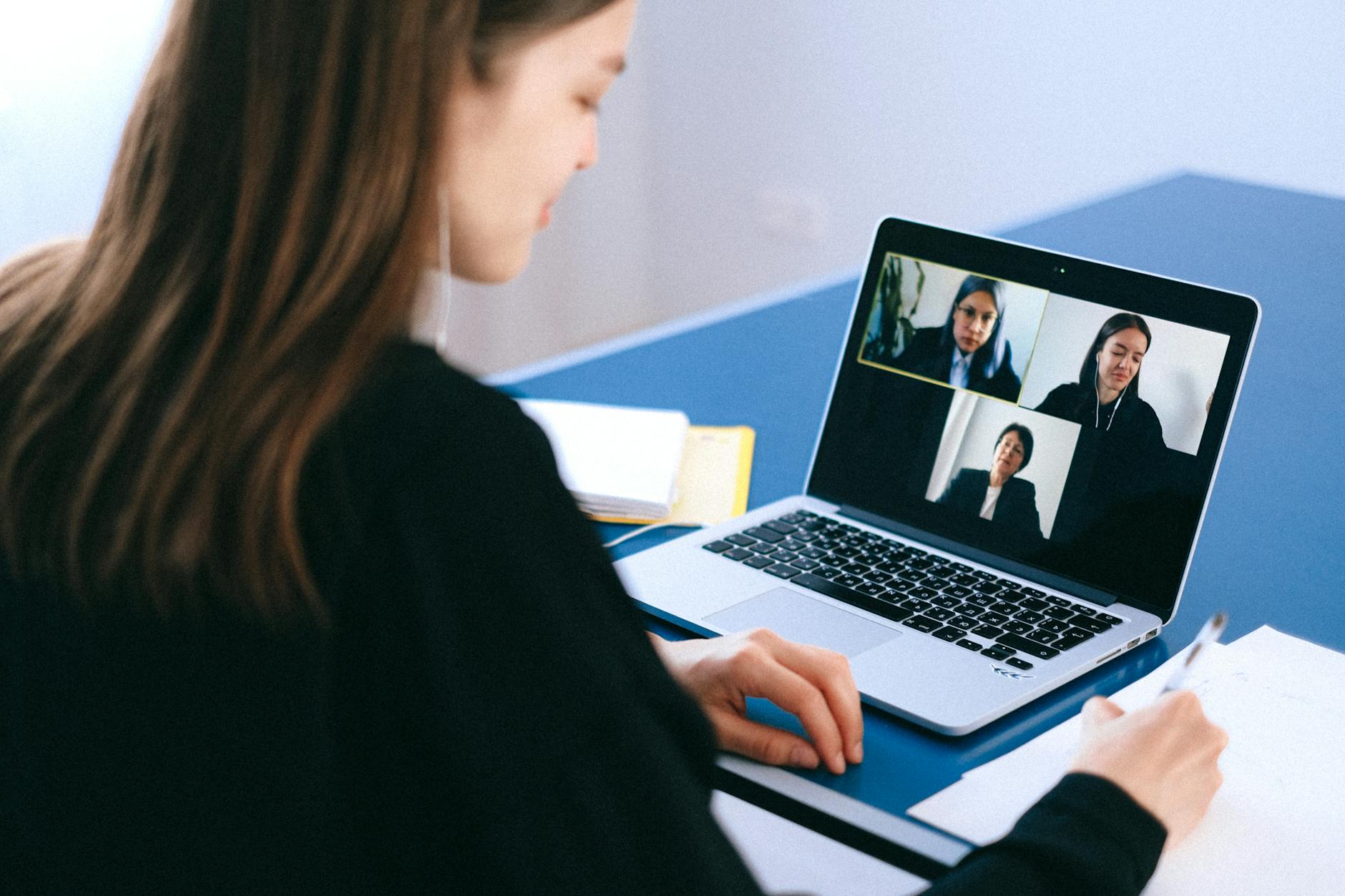
Cutting someone off mid-sentence disrupts the natural flow of conversation and can cause important points to be lost entirely. Video calls already introduce slight audio delays that make timing more difficult, which means patience is especially necessary in this format. Waiting for a clear pause before speaking ensures that everyone has a fair opportunity to contribute to the discussion. Using the hand raise feature or chat function available on most platforms is a respectful way to signal that you have something to add.
Forgetting to Mute
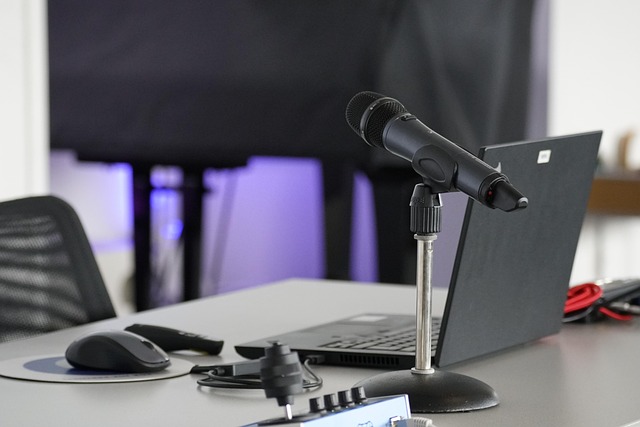
Leaving your microphone active when you are not speaking introduces background noise that interferes with everyone else on the call. Household sounds such as dogs barking, traffic, appliances running, or family members talking become shared problems for the entire group. Developing the habit of muting yourself immediately after finishing a point is considered standard professional etiquette. Most platforms allow a quick keyboard shortcut that makes muting and unmuting a seamless part of the meeting experience.
Poor Lighting

Sitting with a bright window directly behind you creates a silhouette effect that makes your face nearly impossible to see clearly. Dim or unflattering lighting makes it difficult for others to read your expressions and can make the call feel impersonal and disconnected. A simple ring light or a repositioned desk lamp placed in front of your face can transform the quality of your on-screen appearance dramatically. Natural light facing toward you rather than behind you remains the most flattering and accessible option for most home setups.
Multitasking Visibly

Typing loudly, shuffling papers, or visibly switching between windows on your screen suggests that your focus is divided. Other participants can often see your eyes darting to a second screen or hear the distinct sound of keyboard activity during moments of silence. This behavior reduces your ability to respond accurately and thoughtfully when questions are directed at you. Giving the meeting your undivided attention leads to better outcomes and a stronger professional reputation.
Being Late

Joining a video call after it has already started disrupts the flow and forces the host or other participants to pause and recap what was missed. Repeated lateness communicates a lack of respect for other people’s time and erodes trust within professional relationships. Logging in one to two minutes early ensures that technical issues can be resolved without causing delays for the entire group. Punctuality in virtual settings carries exactly the same professional weight as it does in physical meeting rooms.
Dressing Inappropriately

Appearing on camera in sleepwear or overly casual clothing creates an impression that conflicts with a professional environment. The visual element of video calls means that your appearance contributes directly to how your ideas and contributions are received. Dressing as you would for an in-person meeting demonstrates respect for the occasion and for the people present. Even a simple change of top can signal readiness and engagement to everyone watching.
Talking Over People
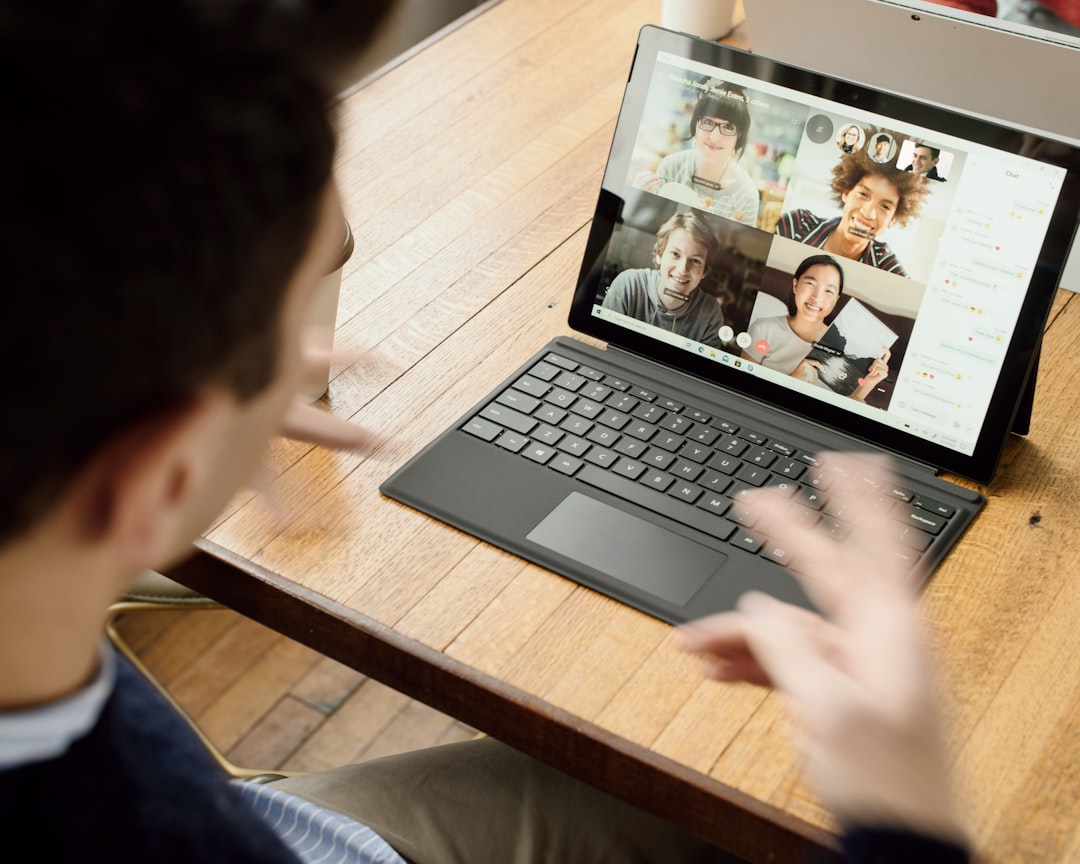
Speaking simultaneously with another participant creates confusion and often results in neither person being heard clearly. This is particularly common in video calls due to the slight audio lag introduced by internet connections across different locations. Taking a brief pause after someone finishes speaking ensures that their point has been fully delivered before a response begins. Cultivating this habit makes meetings more efficient and creates a more inclusive space for every voice in the room.
Camera Turned Off

Keeping your camera switched off throughout a meeting removes the visual connection that makes video calls more engaging than phone calls. Facial expressions and body language provide important context that supports clearer communication between participants. In many professional settings a visible presence on camera is considered a baseline expectation during active working hours. Turning the camera on signals presence, accountability and a willingness to be a fully engaged member of the group.
Noisy Environments

Joining a call from a loud coffee shop, a busy street, or a shared public space makes it difficult for others to hear you clearly. Unpredictable ambient noise can interrupt speakers mid-sentence and force the entire group to pause and wait for the sound to pass. Finding a quiet and reasonably controlled environment before a meeting begins is a basic professional responsibility in remote work culture. Noise-cancelling headphones offer a practical solution when a perfectly quiet space is simply not available.
Side Conversations
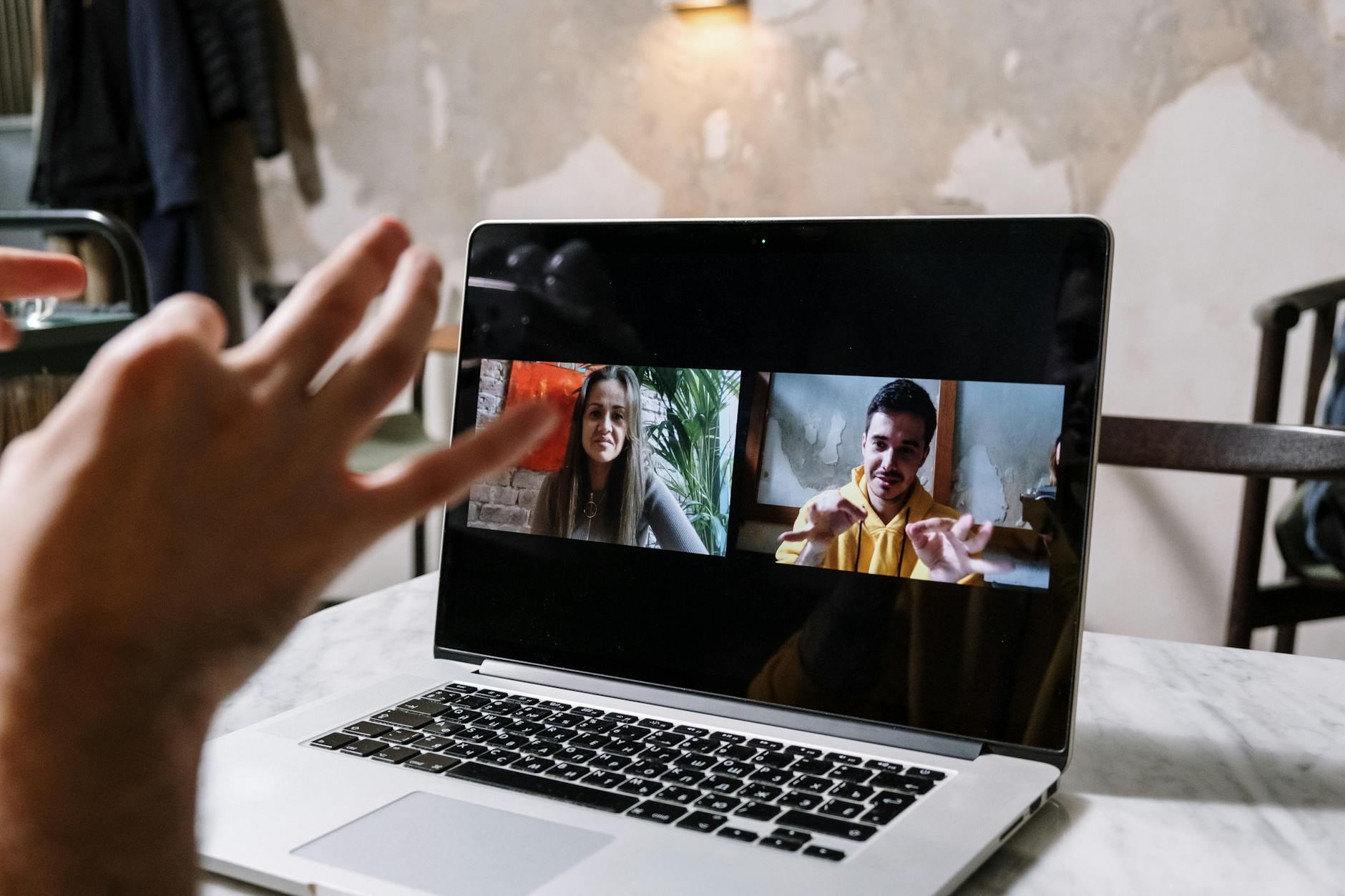
Turning to speak with someone else in the room while a meeting is in progress is disorienting and dismissive to those on screen. Even when muted this behavior is visible to other participants and communicates that something else is competing for your attention. Any necessary communication with people in the same physical space should be handled via text or postponed until the meeting concludes. Full presence during a group call is a form of professional respect that colleagues and clients notice and appreciate.
Overtalking
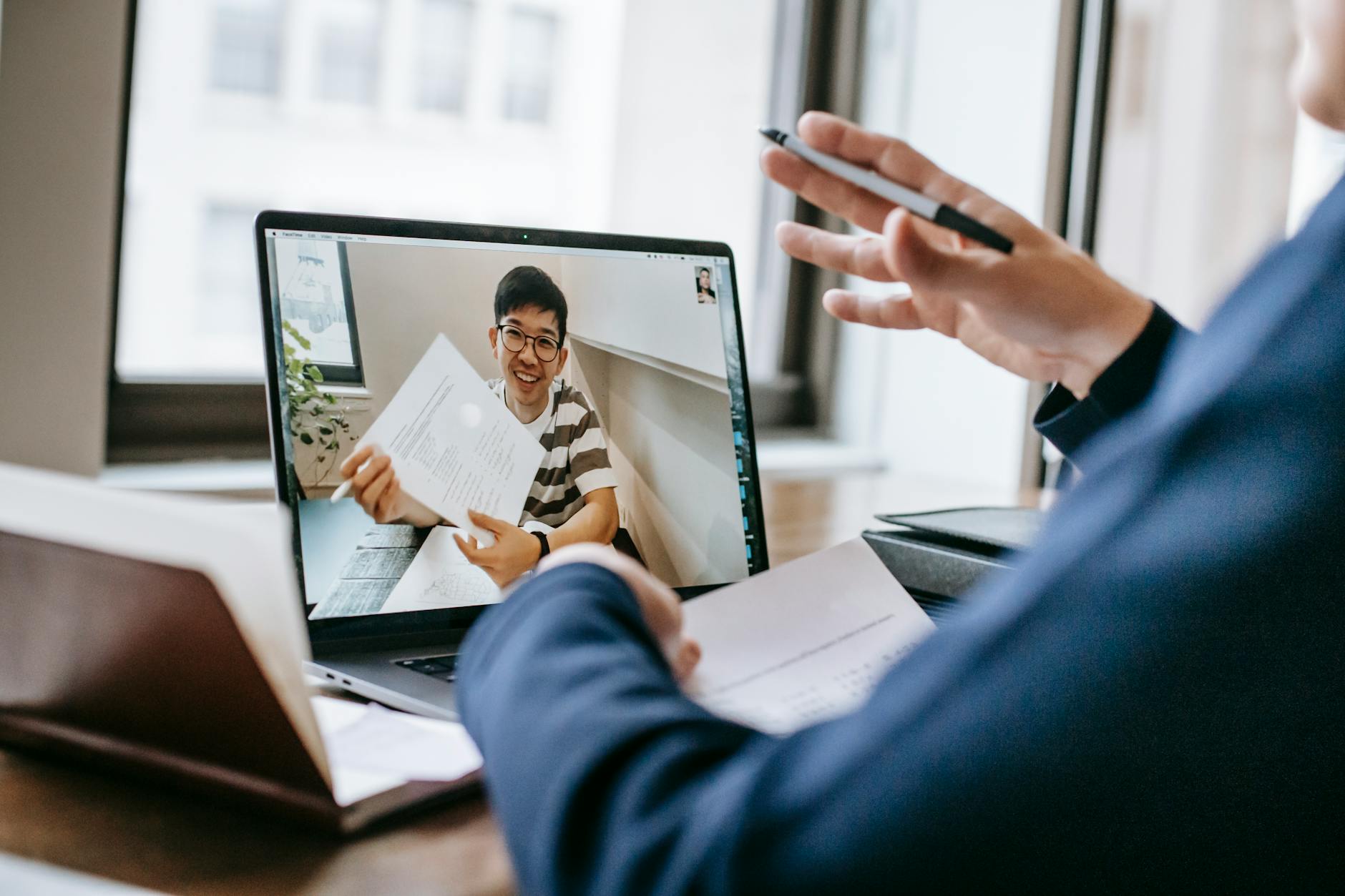
Dominating a meeting by speaking for extended periods without allowing others to contribute limits the usefulness of the conversation. Video calls benefit from a balanced exchange of perspectives and tend to produce better outcomes when multiple voices are heard. Keeping contributions concise and focused ensures that the meeting agenda can be covered within the time allocated. Inviting others to respond after sharing a point creates a more collaborative and productive virtual environment.
Forgetting to Unmute

Delivering a thoughtful comment or a response while still on mute is one of the most common and repeatedly frustrating occurrences in virtual meetings. It creates an awkward pause followed by the familiar phrase asking the speaker to unmute themselves before the point is lost entirely. Developing a consistent habit of checking your mute status before speaking saves time and prevents unnecessary interruptions. Keeping the mute button clearly visible on your screen reduces the chance of this error happening during a critical moment.
Wrong Screen Share
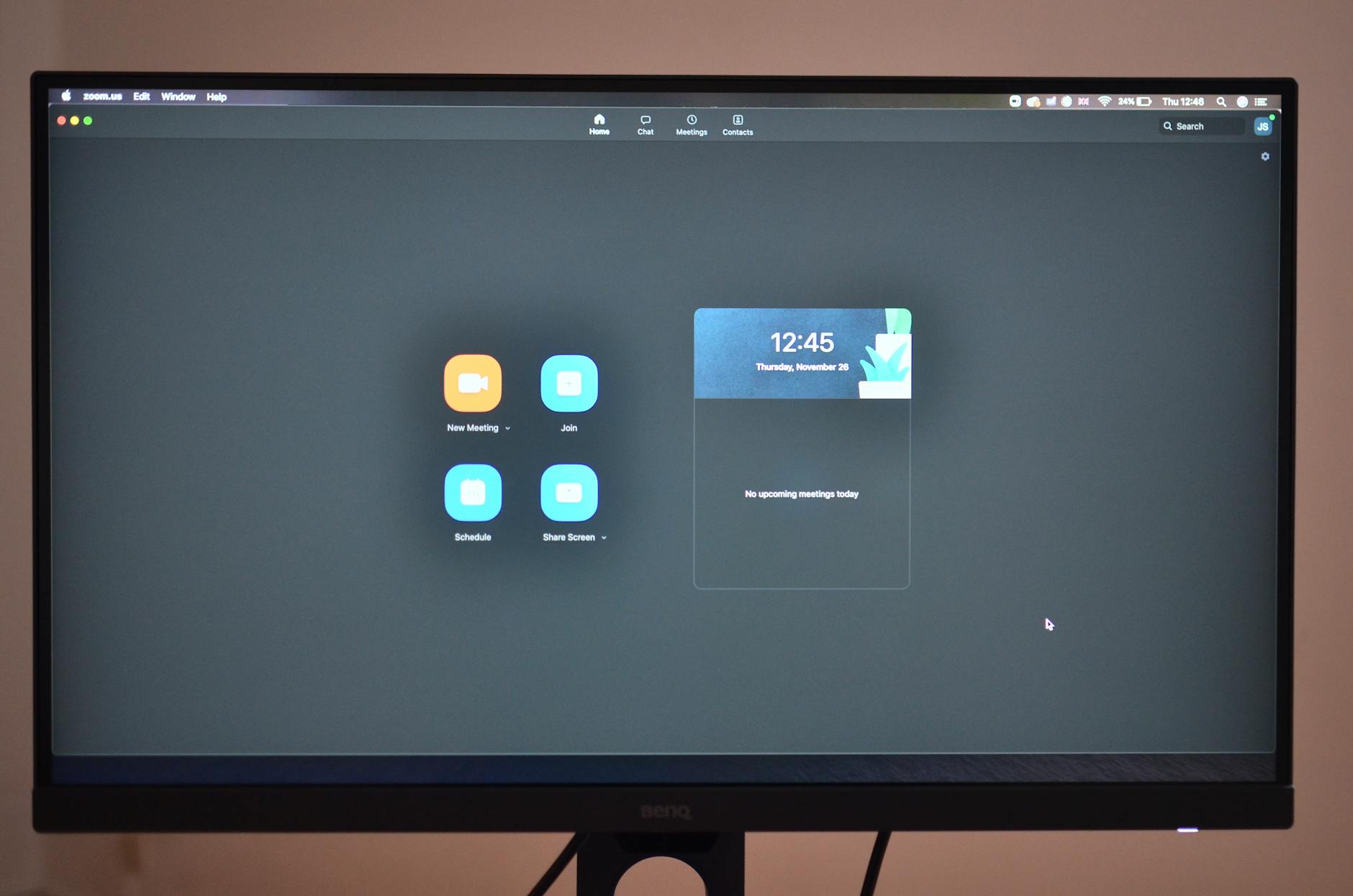
Accidentally sharing the wrong window exposes emails, personal files, unrelated browser tabs, or private conversations to the entire group. This type of mishap can cause serious professional embarrassment and in some cases may breach confidentiality or data privacy expectations. Always preparing the specific file or document for sharing before the meeting begins minimises the risk significantly. Closing unnecessary applications and browser tabs prior to the call is a simple habit that protects both your privacy and your professional image.
Low Battery
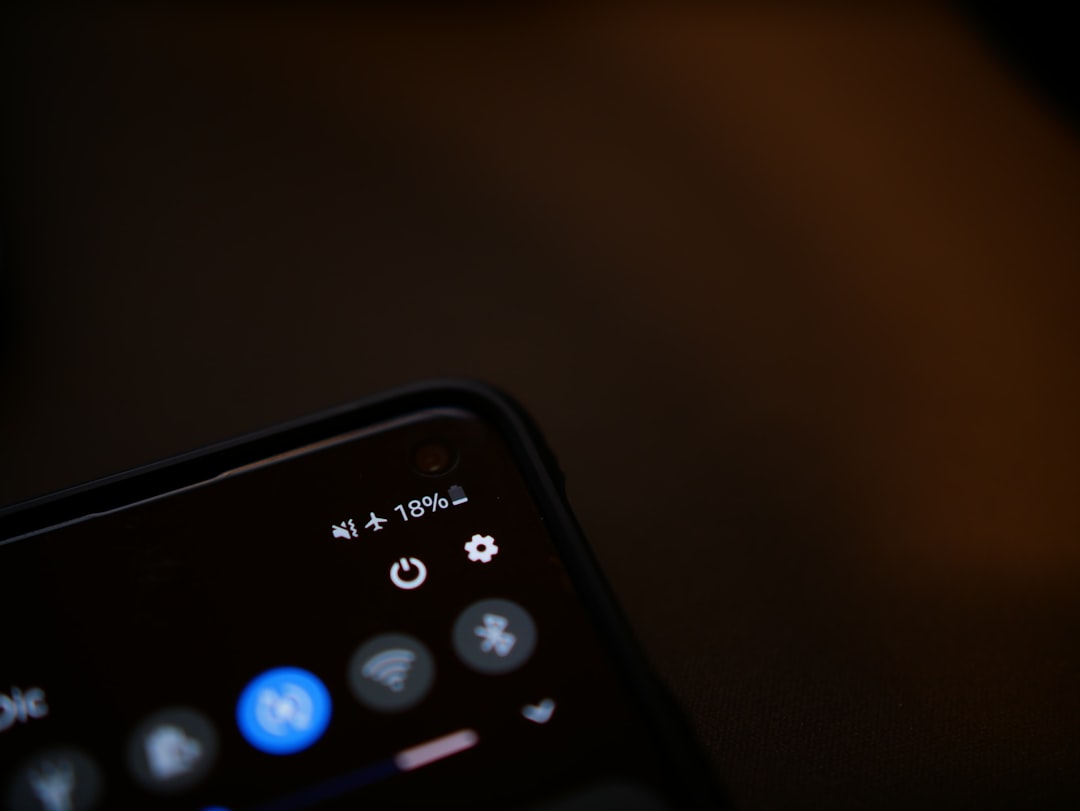
Beginning a video call with a nearly depleted laptop or device battery introduces an unnecessary risk of sudden disconnection at a critical point in the discussion. Power interruptions mid-meeting are disruptive for the entire group and can cause important decisions or contributions to be missed. Plugging in before every scheduled call eliminates this problem entirely and takes only seconds of preparation. Keeping a charger accessible at your usual workspace is a straightforward way to ensure technical reliability during every meeting.
Ignoring Chat
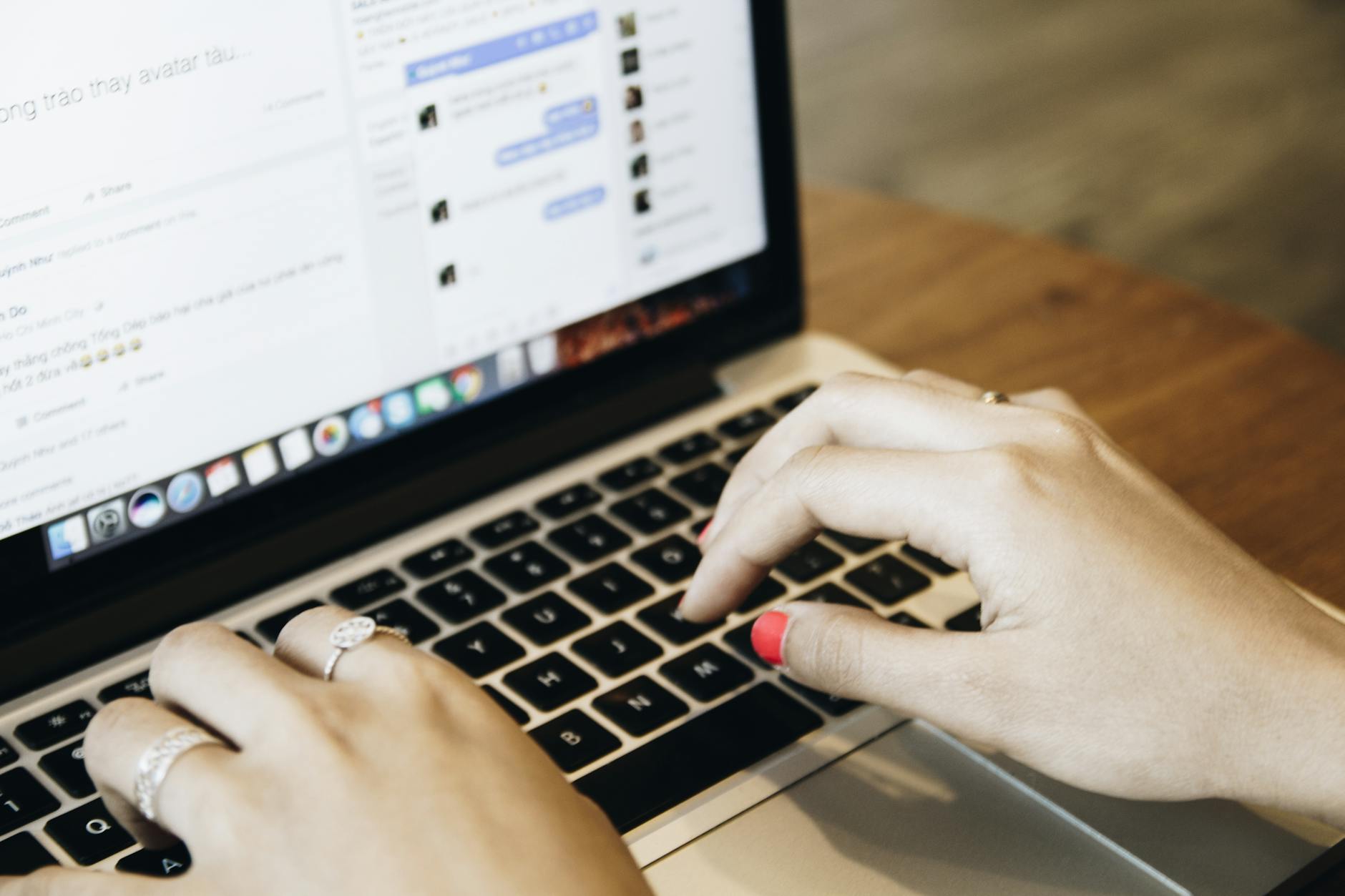
The meeting chat function serves as an active communication channel where participants share links, ask questions, and provide important updates in real time. Ignoring the chat entirely means missing context that can be directly relevant to the discussion happening on screen. Periodically glancing at the chat panel ensures that you remain fully informed without needing to interrupt the verbal flow of the conversation. A quick acknowledgement of a relevant message in the chat demonstrates attentiveness and respect for how others choose to contribute.
Bad Posture
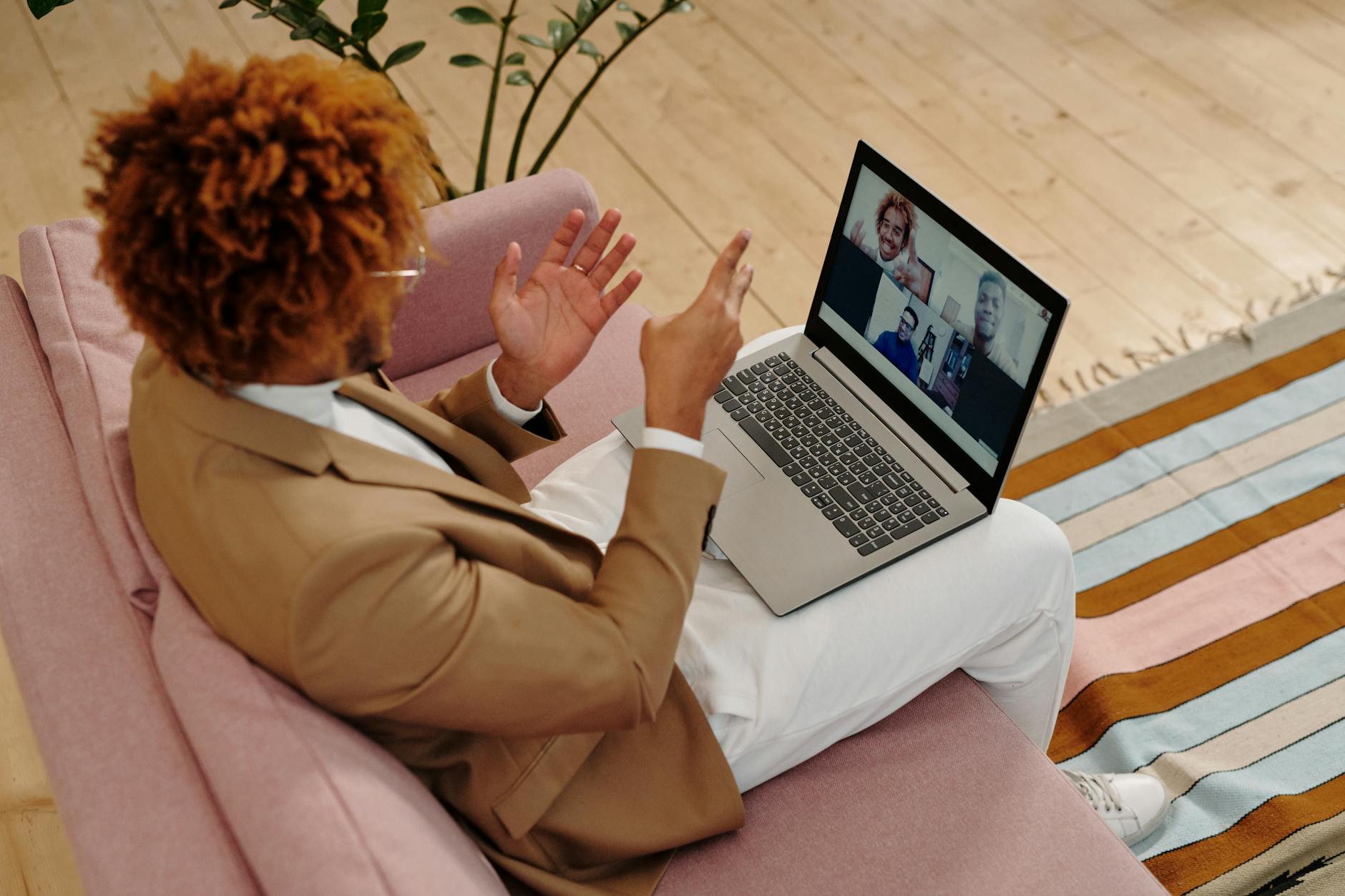
Slumping in your chair or positioning yourself too far from the camera creates a visual impression of disengagement and low energy. The camera tends to emphasise poor posture more than an in-person setting does because the framing draws direct attention to your body position throughout the call. Sitting upright with your camera positioned at eye level communicates confidence and attentiveness to everyone watching. A simple adjustment to your chair height or monitor angle can significantly improve how you appear and how your contributions are perceived.
No Agenda Preparation

Joining a meeting without having reviewed the agenda or relevant materials in advance places the burden of context on others during the call. Participants who arrive unprepared tend to ask questions that have already been addressed or contribute responses that slow the progress of the discussion. Taking five to ten minutes before any scheduled call to review shared documents or previous meeting notes leads to sharper and more valuable participation. Preparation is one of the most visible indicators of professionalism in any virtual meeting setting and is always noticed by those running the discussion.
Which of these virtual meeting habits are you working on improving? Share your thoughts in the comments.