Maintaining proper alignment during the workday is essential for long-term spinal health and overall physical well-being. Many professionals unknowingly adopt habits that lead to chronic pain or fatigue after sitting for extended periods. Small adjustments to your environment and body mechanics can drastically reduce the strain on your neck and lower back. Consistency is the key factor when trying to correct years of poor sitting patterns. The following guide provides actionable steps to optimize your desk setup and body positioning for a healthier workday.
Monitor Height

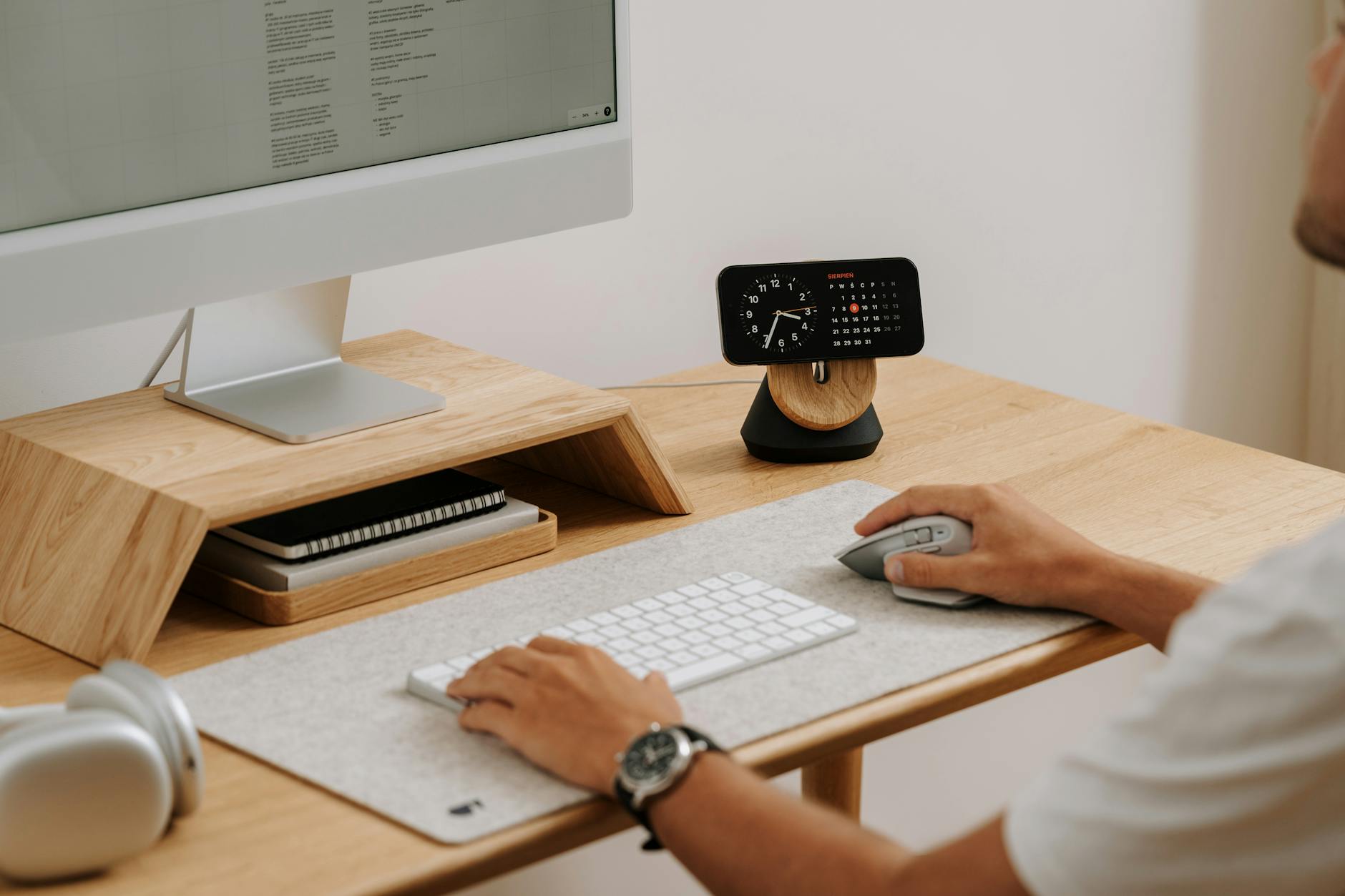
The top of your screen should sit at or slightly below eye level to prevent neck strain. Looking down for extended periods causes significant tension in the cervical spine. You can use a stack of books or a dedicated riser to achieve the perfect elevation. This simple adjustment keeps your head in a neutral position throughout the day. Your neck muscles remain relaxed when the eyes naturally gaze forward.
Feet Placement

Both feet need to rest flat on the floor to provide a stable base for your spine. Dangling legs pull on the lower back and disrupt natural circulation patterns. If your chair is too high you should utilize a footrest or a sturdy box. Keeping your feet grounded helps distribute body weight evenly across the hips. This foundation prevents slouching and encourages an upright seated posture.
Knee Angle

Your knees should be bent at a ninety-degree angle to maintain proper circulation and hip alignment. A seat that is too low forces the knees above the hips and creates pressure on the lower spine. Adjust your chair height until your thighs are parallel to the floor. This position reduces the load on the lumbar region significantly. Correct leg positioning prevents the urge to slide forward in the seat.
Hip Positioning

Push your hips as far back into the chair as possible to fully utilize the backrest. Sitting on the edge of the seat often leads to rounding of the lower back. Full contact with the chair ensures your spine receives the necessary support. This habit anchors your posture and discourages slumping over time. It creates a solid structure for the rest of your upper body to follow.
Lumbar Support

The natural curve of your lower back requires firm support to prevent collapsing. Many ergonomic chairs come with built-in adjustable lumbar mechanisms. You can also use a small rolled towel or cushion if your chair lacks this feature. Placing this support at the curve of your spine maintains the natural lordosis. This prevents the lower back from flattening out during long work sessions.
Keyboard Distance

Your keyboard should be positioned close enough that your elbows remain at your sides. Reaching forward for keys pulls the shoulders out of alignment and strains the upper back. The device belongs directly in front of you to avoid twisting the torso. Keeping the keyboard effectively close encourages an open chest and relaxed shoulders. This setup minimizes the leverage and load placed on the spinal muscles.
Mouse Position

Place your mouse directly next to the keyboard to keep your movements contained. Extending your arm to the side to reach the mouse creates tension in the shoulder and neck. You should move the mouse by pivoting from the elbow rather than just the wrist. Keeping input devices within the width of your shoulders maintains better symmetry. This reduces the risk of developing repetitive strain injuries in the rotator cuff.
Shoulder Relaxation

Consciously lower your shoulders away from your ears to release built-up tension. Stress often causes people to hike their shoulders up without realizing it. Perform a quick check every hour to ensure your upper trapezius muscles are soft. Letting the shoulders drop allows the chest to open up naturally. This relaxation is crucial for preventing tension headaches and neck stiffness.
Head Alignment

Your ears should be aligned vertically with your shoulders to avoid the forward head posture. Every inch your head moves forward adds significant weight and strain to the neck muscles. Imagine a string pulling the crown of your head toward the ceiling to lengthen the spine. Keeping the head centered balances the weight of the skull effortlessly. This alignment prevents the development of a hunch at the base of the neck.
Eye Level

Position your gaze at the top third of the monitor to keep the neck neutral. Staring at the bottom of the screen or a laptop on a desk forces the chin to drop. You should adjust your chair or monitor arm until the geometry is correct. This setup prevents the need to tilt the head up or down repeatedly. A steady gaze helps maintain a straight cervical spine throughout the day.
The 20-20-20 Rule

Every twenty minutes you should look at something twenty feet away for twenty seconds. This practice reduces digital eye strain and inadvertently helps reset your head position. Leaning in toward the screen often happens when eyes become fatigued. Breaking the visual focus allows you to reset your posture and breathe. Regular visual breaks prevent the gradual forward slump that occurs with tired eyes.
Standing Intervals
Alternating between sitting and standing engages different muscle groups and improves blood flow. You should aim to stand for at least fifteen minutes every hour if possible. A standing desk converter can make this transition seamless without disrupting work. Standing encourages full hip extension and prevents the flexors from tightening. This variety keeps the spine dynamic rather than static.
Chair Selection

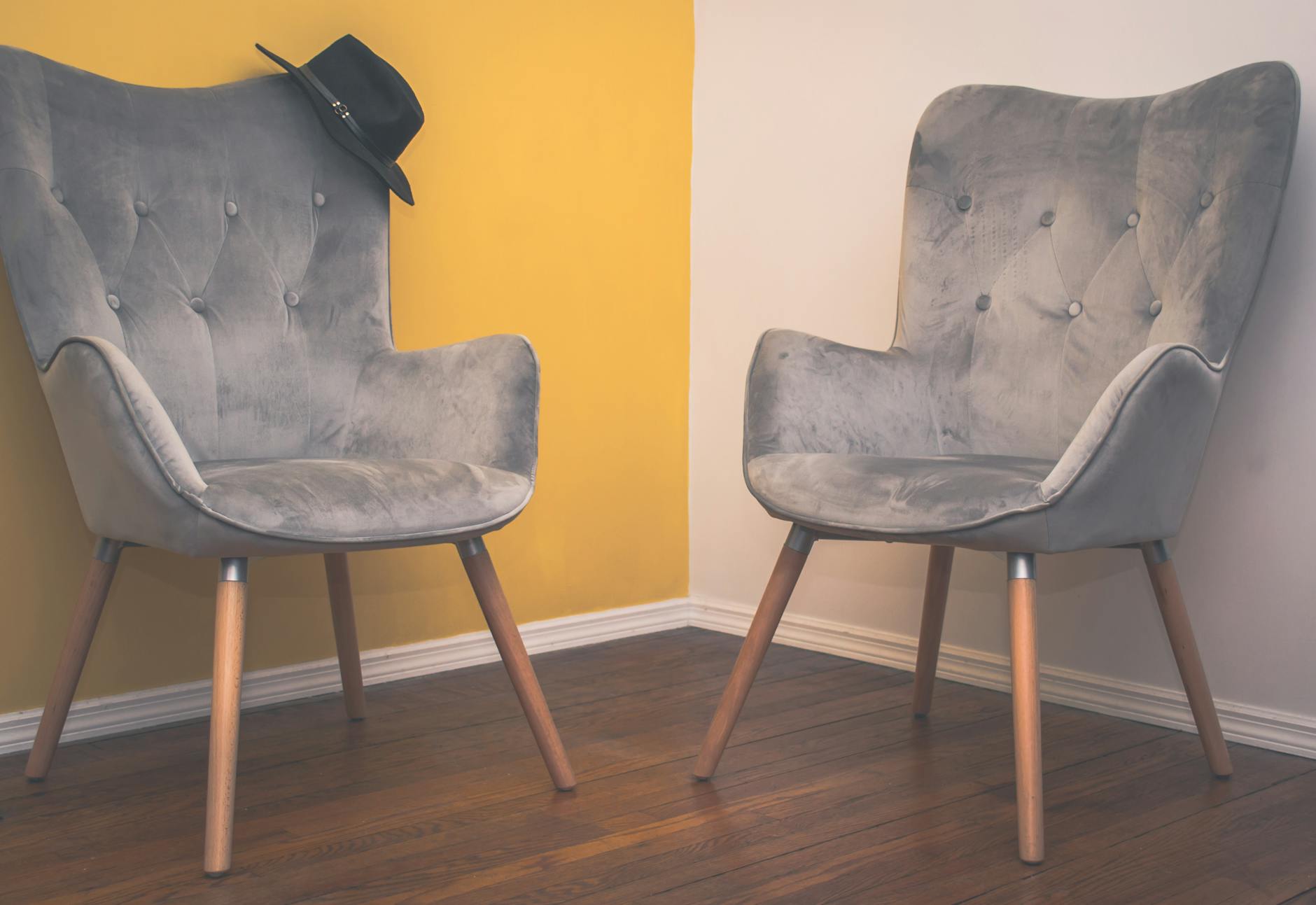
Investing in a high-quality ergonomic chair allows for necessary customization. The chair should offer adjustable seat depth and armrest height to fit your specific body dimensions. A proper seat supports the natural curves of the spine and promotes active sitting. Using a generic kitchen chair often leads to discomfort and poor form over time. The right equipment is foundational for maintaining good posture.
Footrest Usage

A footrest is essential if your desk height requires you to raise your chair significantly. It ensures your knees remain at the correct angle even when the chair is elevated. The accessory prevents your legs from hanging and cutting off circulation under the thighs. Pressing your feet into the rest can also help engage your core slightly. This simple tool bridges the gap between standard desk heights and individual leg lengths.
Glute Engagement

Squeezing your glutes periodically helps reset your pelvis to a neutral position. Prolonged sitting often causes the gluteal muscles to become inactive or weak. Engaging these muscles provides a stable base for the lower back. It prevents the pelvis from tilting backward and flattening the lumbar curve. Active glutes support the entire spinal column from the bottom up.
Core Activation

Gently pulling your belly button toward your spine stabilizes the lower back. You do not need to hold a rigid plank but a low level of engagement is beneficial. This support acts as a natural corset for the lumbar vertebrae. Engaging the abdominal muscles prevents the torso from collapsing forward. A strong core is the primary defense against back pain while sitting.
Armrest Adjustment

Armrests should be set at a height that barely touches your elbows when shoulders are relaxed. If they are too high they will push your shoulders up toward your ears. If they are too low you may lean to one side to find support. Correctly positioned armrests take the weight of the arms off the neck and shoulders. This support allows the upper back muscles to rest while you work.
Wrist Neutrality

Your wrists should remain straight and float above the keyboard while typing. Resting wrists on the sharp edge of a desk compresses nerves and tendons. You can use a soft wrist pad to maintain a neutral alignment during pauses. Bending the wrists up or down for long periods restricts blood flow. straight wrists prevent strain that can travel up to the elbows and shoulders.
Document Holders

Place physical documents on a holder next to your screen to keep them at eye level. Looking down at papers on the desk requires constant neck flexion and rotation. A holder keeps the reference material in the same visual plane as your monitor. This prevents repetitive head bobbing between the desk and the screen. Keeping your chin up preserves the natural curve of the cervical spine.
Headset Utilization

Using a headset prevents the dangerous habit of cradling a phone between the ear and shoulder. Pinching a phone excessively strains the neck muscles and misaligns the cervical vertebrae. A headset allows you to maintain neutral posture while speaking and typing. It frees up both hands for ergonomic keyboard use during calls. This tool is vital for anyone who spends significant time on the telephone.
Neck Stretches

Gently tilting your ear to your shoulder relieves tension in the lateral neck muscles. Perform this stretch slowly on both sides without forcing the movement. It counteracts the stiffness that builds up from holding the head still. Regular stretching keeps the cervical joints mobile and lubricated. This brief activity can interrupt the pain cycle associated with static posture.
Shoulder Shrugs

Lift your shoulders to your ears and then roll them back and down firmly. This motion resets the scapula and opens the chest cavity. It serves as a physical reminder to stop hunching forward. Performing these rolls releases tightness in the trapezius muscles. Regular shrugs promote better circulation to the upper back and neck.
Chest Opening
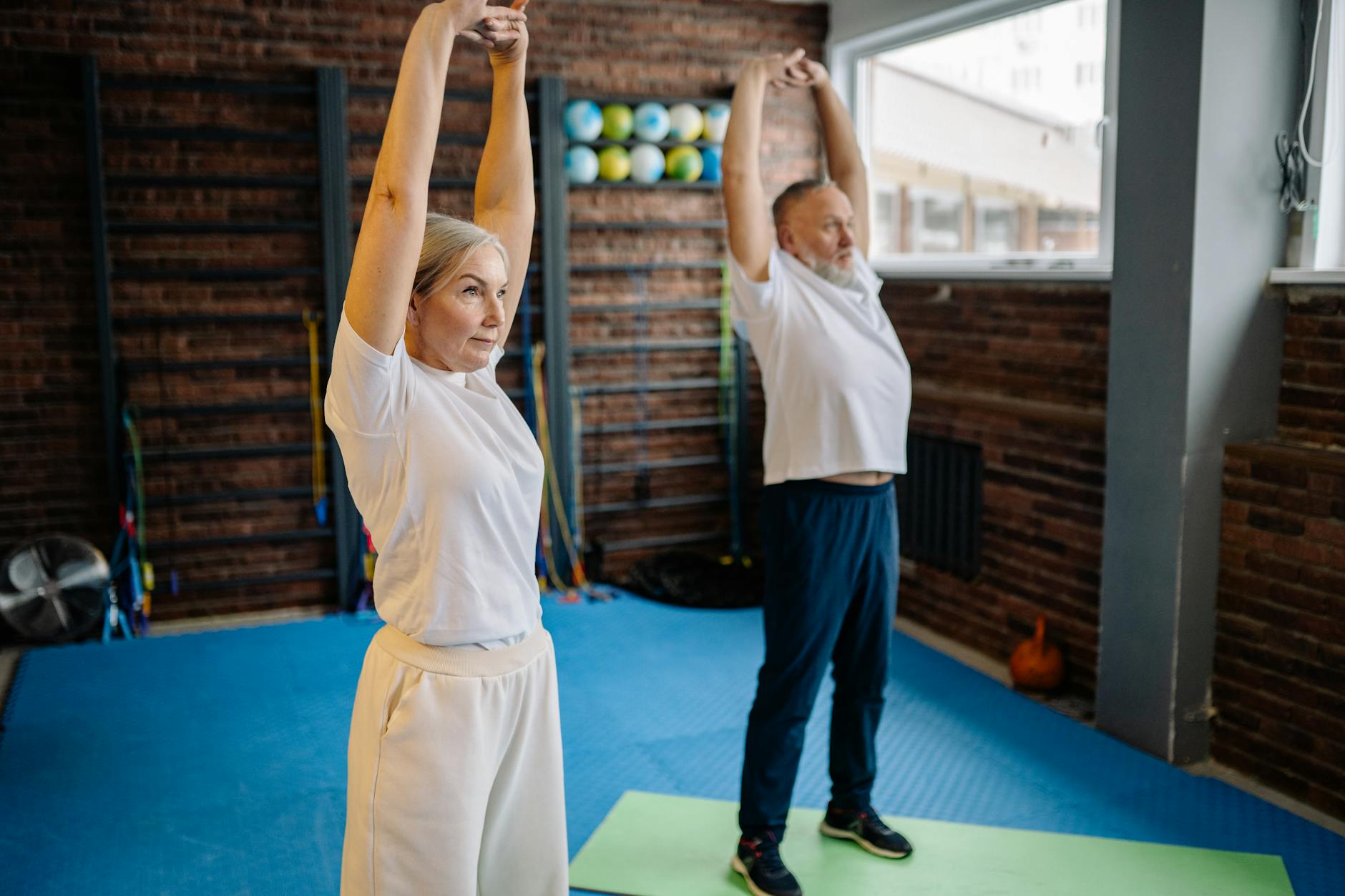
Clasp your hands behind your back and gently lift them to stretch the pectoral muscles. Tight chest muscles pull the shoulders forward and contribute to a rounded upper back. Opening the chest allows the shoulders to sit back in their natural sockets. This stretch counteracts the hunching position common in computer work. It also facilitates deeper and more efficient breathing.
Water Bottle Placement

Keep your water bottle slightly out of reach to force regular movement. Extending your arm or standing up to grab a drink breaks static muscle patterns. Hydration also keeps the intervertebral discs healthy and pliable. The act of drinking encourages a momentary pause and a shift in position. Frequent sips lead to more movement throughout the day.
Walking Breaks

Taking a short walk every hour resets the entire musculoskeletal system. Movement increases blood flow and oxygen to muscles that have been stationary. Even a two-minute lap around the office can alleviate spinal compression. Walking engages the glutes and stretches the hip flexors naturally. This habit clears the mind and resets physical alignment.
Stability Balls

Sitting on a stability ball for short periods engages the deep core muscles. The unstable surface forces your body to constantly micro-adjust to stay upright. This active sitting prevents slouching because balance is impossible in a slumped position. It should be used in intervals rather than for the entire day to avoid fatigue. The ball promotes dynamic pelvic alignment and alertness.
Kneeling Chairs

A kneeling chair opens the angle of the hips and shifts weight to the shins. This design encourages the spine to adopt its natural upright curvature effortlessly. It reduces pressure on the lower back and hamstrings significantly. Rotating between a standard chair and a kneeling chair provides postural variety. This option is excellent for those suffering from chronic lumbar pain.
Proper Lighting
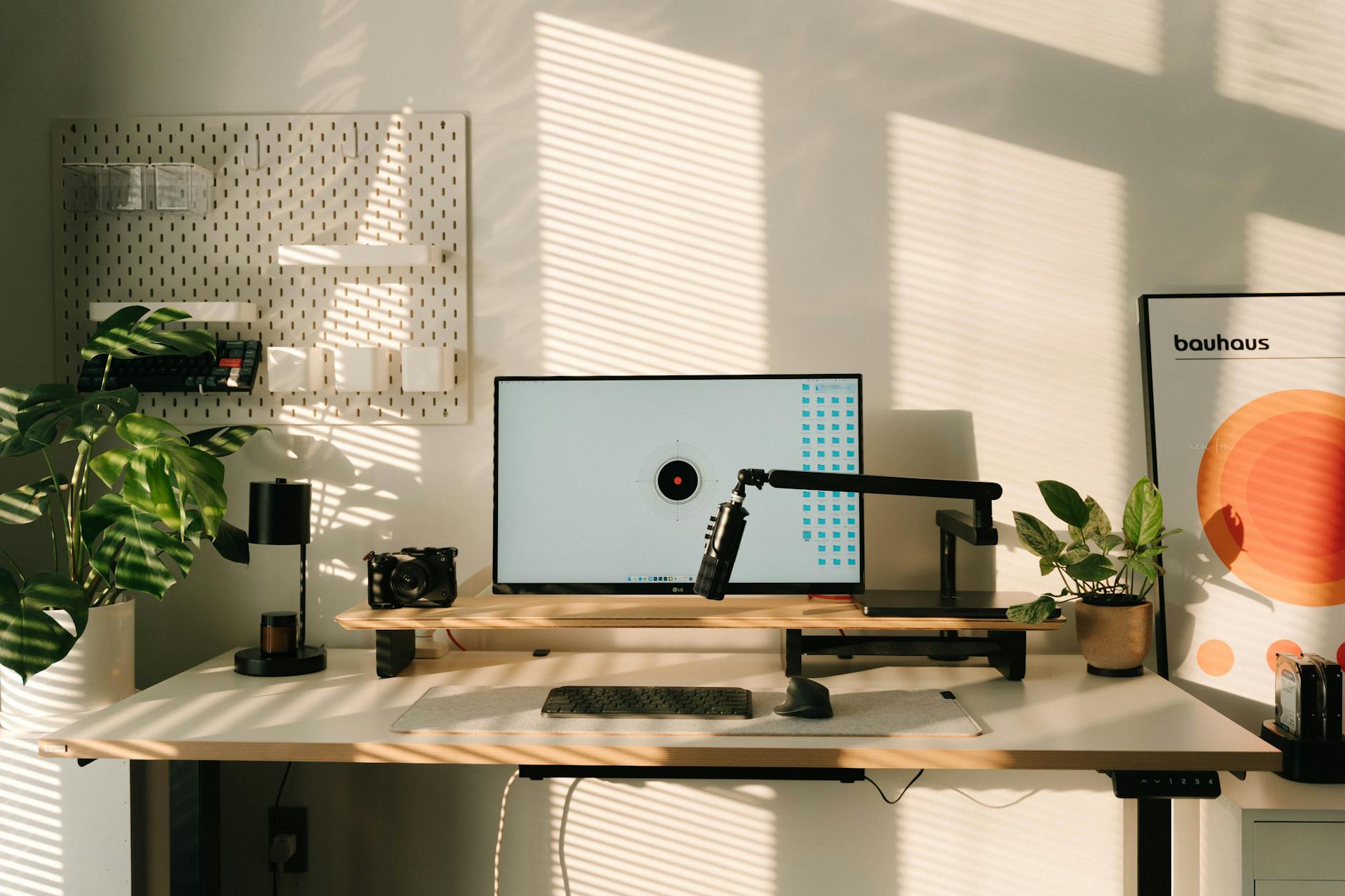
Ensure your workspace is well-lit to prevent leaning forward to see the screen. Dim lighting causes you to squint and crane your neck unconsciously. Natural light is best but adjustable desk lamps are also effective. Reducing glare on the monitor prevents visual struggle and associated poor posture. Good visibility allows you to sit back and relax while working.
Screen Distance

Your monitor should be approximately an arm’s length away from your face. If it is too far you will lean forward and compromise your back support. If it is too close your eyes will work harder to focus. This distance allows you to see clearly while keeping your back against the chair. Correct spacing is a simple variable that dictates upper body position.
Text Size Adjustment

Increase the font size on your screen if you find yourself squinting or leaning in. Straining to read small text is a common cause of the forward head posture. Larger text allows you to sit back comfortably while maintaining readability. This reduces the workload on your eyes and neck simultaneously. Configuring your display settings is a quick fix for better mechanics.
Blue Light Reduction

Use software or glasses that filter blue light to reduce eye fatigue. Tired eyes often lead to physical fatigue and a collapse in posture. By reducing visual stress you can maintain high energy levels for longer. Less strain means less physical tension in the face and neck. Protecting your eyes helps preserve your overall physical stamina.
Desk Surface Height

The desk surface should be at the same level as your elbows when seated. A desk that is too high forces your shoulders up and causes tension. A desk that is too low causes you to round your back to reach the keyboard. Adjustable desks or keyboard trays can help achieve this precise alignment. Proper height ensures the upper body remains relaxed and neutral.
Under-Desk Clearance

Clear all clutter from beneath your desk to give your legs ample room. Storing boxes or bins under the desk restricts leg movement and foot placement. You need space to stretch your legs and change positions freely. restricted legroom often forces the body into twisted or cramped postures. Freedom of movement for the lower body is crucial for comfort.
Comfortable Clothing

Wear non-restrictive clothing that allows for full range of motion. Tight waistbands or rigid fabrics can discourage deep breathing and proper pelvic positioning. Comfortable attire permits you to sit with hips back and knees apart. It also makes it easier to perform stretches throughout the day. Dressing for mobility supports your ergonomic goals.
Diaphragmatic Breathing

Focus on breathing deeply into your belly rather than shallowly into your chest. Chest breathing often accompanies stress and tense shoulders. Deep breaths expand the diaphragm and help stabilize the core from the inside. This technique promotes relaxation and reduces upper body rigidity. Conscious breathing anchors your awareness in your body and posture.
Pelvic Alignment

Be mindful of tilting your pelvis slightly forward to maintain the lumbar curve. Slouching tilts the pelvis backward and flattens the natural arch of the spine. You can imagine your pelvis is a bowl of water that you do not want to spill backward. This mental image helps maintain a neutral spine. Proper pelvic tilt is the foundation of the seated column.
Leg Symmetry

Avoid crossing your legs or ankles to maintain spinal alignment. Crossing one leg over the other tilts the pelvis and creates imbalance in the hips. This asymmetry travels up the spine and can cause curvature over time. Keep both feet flat and knees parallel for the best results. Symmetrical sitting distributes pressure evenly across the sit bones.
Pocket Clearance

Remove your wallet or phone from your back pocket before sitting. Sitting on a thick object creates an imbalance in the hips and twists the spine. This uneven foundation can lead to sciatica or chronic back pain. Place your personal items in a drawer or on the desk surface. A level seat is necessary for a straight and healthy back.
Active Sitting Discs
Place an inflatable disc on your chair seat to introduce instability. This tool works similarly to a yoga ball by engaging the core muscles. It allows you to rock the pelvis gently to prevent stiffness. The disc can be used on any standard office chair for an ergonomic upgrade. It turns passive sitting into a mild workout for the postural muscles.
Posture Timers

Set a vibrating alarm or notification to check your posture every fifteen minutes. We often lose awareness of our body position when deeply focused on work. A gentle reminder brings your attention back to your alignment. This cue prompts you to reset your shoulders and spine. consistent mindfulness builds better habits over the long term.
Thoracic Extensions

Place your hands behind your head and gently arch your upper back over the chair. This movement counters the forward flexion of typing and desk work. It mobilizes the thoracic spine which often becomes stiff and immobile. Perform this extension carefully to open the rib cage. It provides immediate relief to the muscles between the shoulder blades.
Chin Tucks

Draw your head straight back like you are making a double chin. This exercise strengthens the deep neck flexors and stretches the suboccipital muscles. It effectively reverses the forward head posture common in office workers. Holding this position for a few seconds realigns the cervical spine. It is a subtle movement that can be done at the desk.
Shoulder Rolls

Roll your shoulders in large circles moving forward and then backward. This dynamic movement lubricates the shoulder joints and releases tension. It encourages blood flow to the trapezius and rhomboid muscles. doing this frequently prevents the shoulders from freezing in a raised position. It serves as a quick reset button for upper body stress.
Hip Flexor Relief

Stand up and lunge forward slightly to stretch the front of the hips. Sitting causes the hip flexors to shorten and tighten significantly. Tight flexors pull the pelvis forward and strain the lower back when standing. routine stretching of this area prevents chronic lower back issues. Open hips are essential for a balanced musculoskeletal system.
External Peripherals

Connect an external keyboard and mouse when working on a laptop. Laptops promote poor posture because the screen and keyboard are connected. separating them allows you to raise the screen and keep the keyboard low. This setup mimics a desktop environment and saves your neck. It transforms a portable device into an ergonomic workstation.
Laptop Stands

Use a riser to elevate your laptop screen to eye level. Without a stand you are forced to look down continuously. Combining a stand with external peripherals creates a healthy geometry. These stands are portable and can be used in various settings. They are indispensable for maintaining neck health while mobile.
Mouse Sensitivity

Increase your mouse pointer speed to reduce the physical movement required. High sensitivity means you can navigate the screen with tiny wrist or elbow pivots. Large repetitive arm motions contribute to fatigue and strain. This software adjustment saves energy and reduces wear on the shoulder. Efficient cursor movement supports a quieter upper body.
Vertical Mice
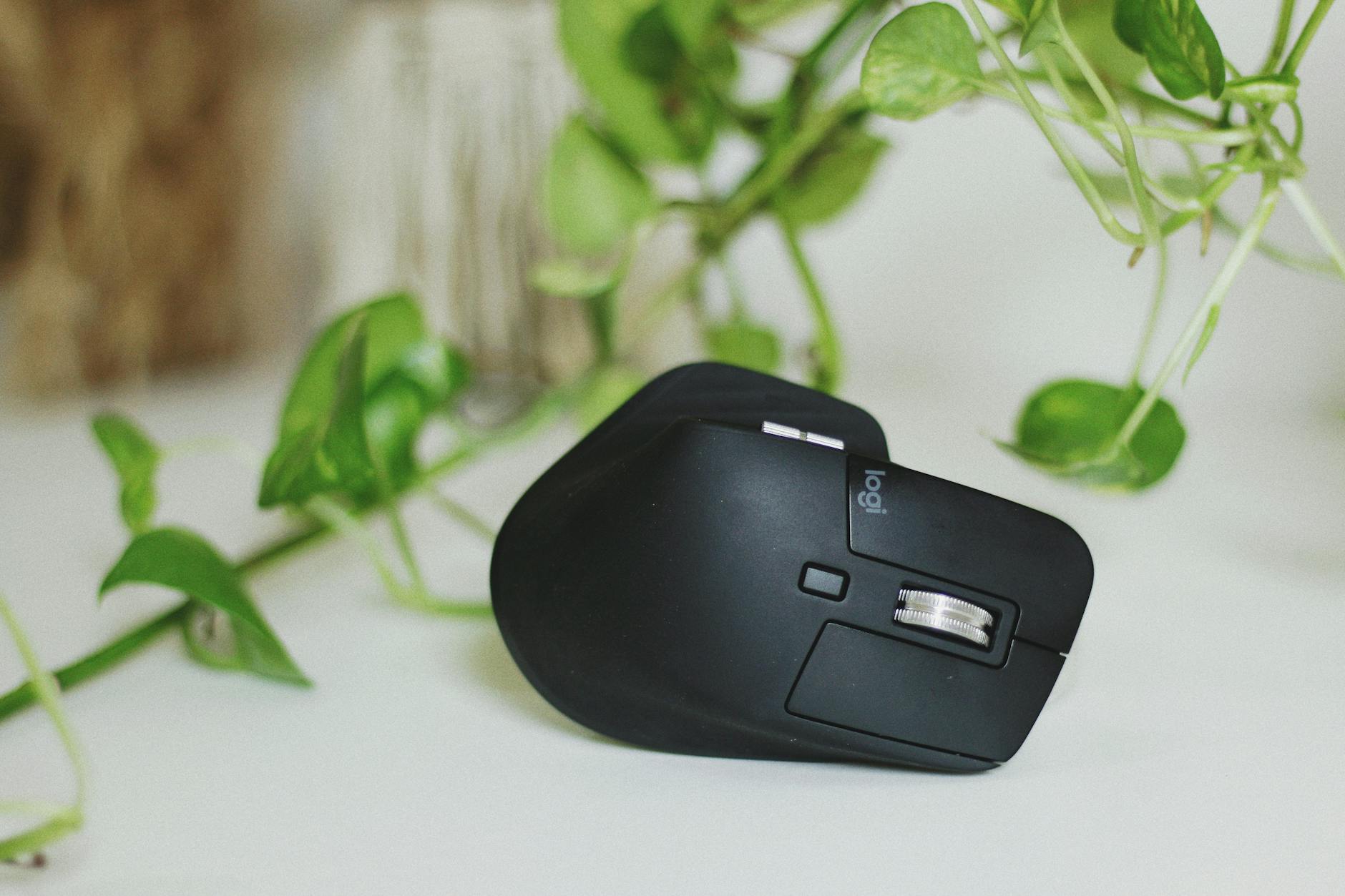
Consider using a vertical mouse to keep your forearm in a neutral handshake position. Traditional mice force the forearm to twist and compress the wrist bones. A vertical design reduces muscle tension in the arm and hand. It can prevent the onset of carpal tunnel syndrome. This ergonomic device promotes a more natural limb resting state.
Reach Zones

Keep frequently used items like your phone or stapler within easy reach. The primary work zone should be within the sweep of your forearms. Reaching beyond this zone repeatedly twists the torso and strains the shoulder. Organize your desk so that only rarely used items are far away. This strategy minimizes unnecessary physical stress during tasks.
Self-Audits

Take a moment at the start and end of each day to assess your body. Notice where you are holding tension or if you feel pain. This self-scan helps you identify patterns and correct them early. Awareness is the first step toward permanent postural improvement. Daily checks ensure you remain proactive about your spinal health.
Share your own experiences with desk ergonomics and any changes you have noticed in the comments.