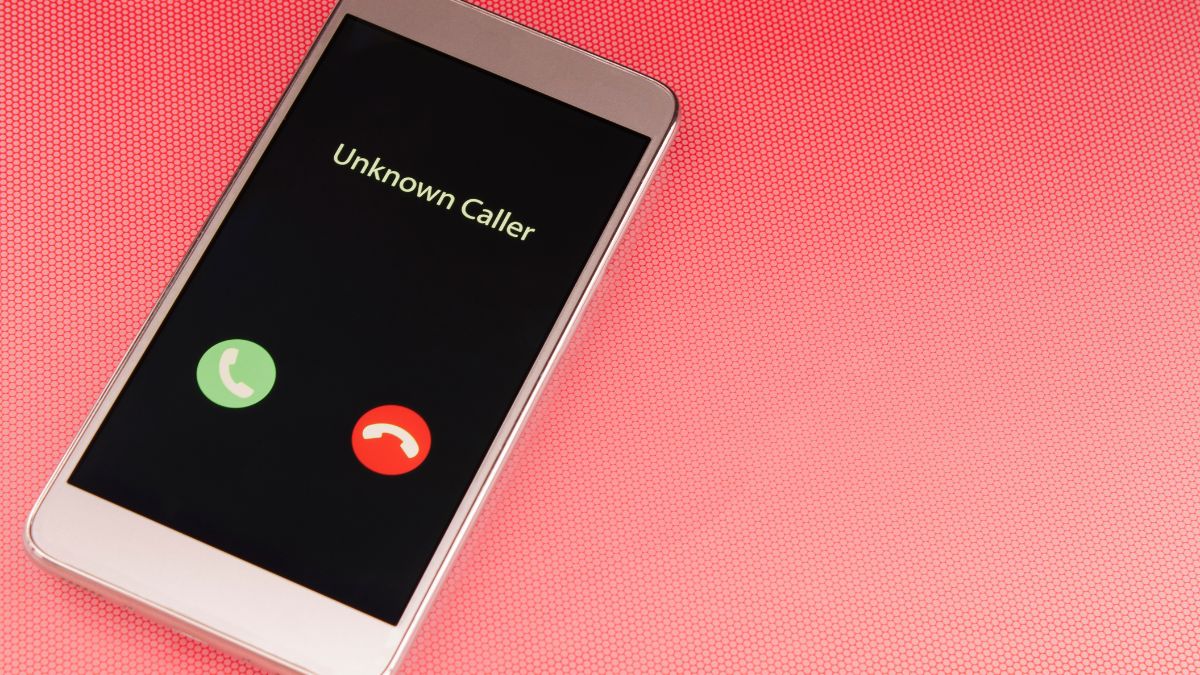
If you have ever grabbed your iPhone to answer a call and noticed that the familiar red decline button was nowhere to be found, you are not alone. Many iPhone owners have encountered this puzzling situation and assumed something was wrong with their device. In reality, the difference in how your phone displays incoming call options is completely intentional and tied to a very practical design logic built into iOS by Apple. Far from being a glitch, it is one of those quiet software decisions that most users never think about until it catches them off guard.
The key factor behind this behavior is whether your iPhone is locked or unlocked at the moment a call comes in. When your device is already unlocked and actively in use, you will see two clearly labeled buttons giving you the choice to either accept or decline the call. However, when the phone is locked and sitting untouched in your pocket or bag, the screen instead displays only a swipe-to-answer slider, with no visible option to reject the call outright. This distinction is not accidental but a deliberate choice made by Apple’s design team to minimize the chances of unwanted interactions happening through the fabric of your clothes.
The reasoning behind this approach is straightforward once you understand the context. A locked phone is far more likely to be tucked away somewhere out of your direct attention, and tapping a button is significantly easier to do accidentally than swiping across a screen with purpose. As one user explained on Reddit, “Apple has assumed that a locked phone is probably in your pocket or bag and that you’re not paying attention to it. If accept and decline buttons were available on the lock screen, it would be much easier to accidentally answer or hang up a call.” This kind of friction-by-design is a hallmark of Apple’s broader philosophy around preventing unintended user actions.
Even without a visible decline button on the lock screen, there is still a fast and easy way to reject an incoming call. A single press of the side button on your iPhone will silence the ringtone and vibration while letting the call continue ringing for the caller. If you press that same side button a second time, the call will be fully declined and the person on the other end will be sent directly to your voicemail. This two-press method works consistently across modern iPhone models and is worth remembering for those moments when you need to quietly and quickly dismiss a call without having to swipe or tap around the screen.
Understanding these subtle design choices can save a lot of confusion in everyday use. Apple tends to build these kinds of safeguards into iOS without drawing much attention to them, which means many users go years without realizing the system is working exactly as intended. The lock screen behavior around calls is one of the clearest examples of the company prioritizing accidental-tap prevention over surface-level convenience. Once you know how it works, the logic feels obvious, even if the lack of any explanation from Apple can make it feel mysterious at first.
From a broader perspective, Apple has long been known for making deliberate trade-offs between simplicity and control in its iPhone interface. The iOS operating system, which powers all iPhones, is designed with the idea that the device should adapt intelligently to the context in which it is being used. The lock screen in particular has gone through significant evolution since the original iPhone launched in 2007, gradually gaining more functionality while still maintaining protections against accidental input. Features like Face ID and Touch ID have further shaped how users interact with the lock screen, making the locked versus unlocked state a meaningful distinction across many aspects of the phone’s behavior, not just incoming calls.
The side button, sometimes called the sleep/wake button or power button depending on the iPhone model, has also taken on more roles over the years. On newer iPhone models, it is used for everything from activating Siri to initiating Emergency SOS, making it one of the most multifunctional physical controls on the device. Apple’s decision to route the call-decline action through a double-press of this button is consistent with how the company has layered multiple functions onto a small number of physical inputs. Understanding your iPhone’s buttons and how they behave in different states is genuinely useful knowledge that can make daily interactions with the device feel more intuitive and less frustrating.
Feel free to share your thoughts and experiences with iPhone’s call screen behavior in the comments.